AI Discord Banner Maker for Streamer Communities
Give your community a place that feels like yours. Generate an original 16:9 server banner, keep your character on the right and leave room for the server title. Start with 80 free daily credits.
Discord banner ideas in motion
Eight animated designs for streamers, gaming squads, and fan communities. Open a card to reuse its design prompt in APOB.
Discord server banner size, title space and eligibility
Start with the destination: this is a 16:9 server banner, not a profile header. Discord’s official guide recommends at least 960 × 540 pixels, a simple top 48-pixel strip and no baked-in text or logo. It also accepts 1920 × 1080 images.
Static banners require Server Boost Level 2; animated banners require Level 3. Discord Partner servers can access the banner perk without buying a Boost level. Check eligibility before spending time on final artwork.
For our composition, keep the fox on the right and leave the upper-left quiet. If planning at 1920 × 1080, a 96-pixel top strip is a proportional design guide derived from the 960 × 540 example—not a separately stated Discord requirement.
How to use a Discord banner maker?
1. Describe your community, then place the subject
Open Generate image and describe one community identity, one focal subject and a limited palette. For a virtual streamer’s astronomy club, request a white fox with a violet scarf on the right third of a moonlit observatory. Ask for a quiet upper-left area and no lettering. This gives the generator a composition to follow instead of an ambiguous request for a gaming banner.

2. Set 16:9 and generate one image
Choose 16:9 and 1 image before generating. The supplied test used Ultra 4K and displayed 36 credits for one image. For example, start with one indigo-and-cyan fox scene, inspect it, then change only the lighting if needed. Check the current estimate: selecting a different quality or quantity changes the cost.

3. Enlarge the preview and check the quiet area
Open the generated image in the enlarged preview. For the observatory example, check that the fox stays on the right, its ears have margin and bright stars do not crowd the title area. Also view the image small: a tiny mascot or detailed background may lose its shape. Regenerate with fewer background details if the composition competes with the server name.

4. Review Details, then download the approved image
Open Details to confirm the prompt and generation quality, then use Download to save the approved result. The supplied example downloaded as a 3840 × 2160 JPG. For an upload-ready copy, resize proportionally to 1920 × 1080 or 960 × 540 in an image editor and inspect it again. The APOB creation and download flow was tested; uploading this sample to Discord was not.

Why do people choose an AI Discord banner maker?
A scene specific to your community. Use the Discord banner generator to describe a mascot, environment and palette together: a fox observatory for an astronomy streamer, or an original pilot in a hangar for a racing squad. You are directing new artwork rather than only changing a template’s text.
Composition before decoration. Asking for a right-side character and a low-detail title area tackles the small display size from the first prompt. This is a prompt-based workflow; inspect every result because precise placement is not guaranteed.
A repeatable seasonal brief. Save the approved prompt and keep the subject, scarf color and camera angle when testing a winter version. Compare the new result with the original so the community identity survives the refresh.
Use cases of a Discord banner maker
VTuber debut community. A moon-and-fox streamer needs a recognizable welcome scene without copying the channel’s entire thumbnail. Put the original mascot on an observatory balcony and keep debut dates in channel announcements, where they remain editable.
Ranked gaming squad. A community manager wants a season-reset look. Use an invented pilot on the right of a cyan-lit hangar, with open dark space on the left. Leave ranks and tournament scores out of the image so it stays useful after the next match.
Cozy creator fan club. A book-and-gaming creator hosts a weekend reading room. Place an original owl beside a warm lamp on the right, with a calm navy wall above the shelves. Match the avatar’s accent color without repeating its square crop.
Volunteer moderator handoff. Keep the prompt, original JPG and resized upload copy together. A new moderator can create a seasonal variant and compare the composition before requesting an eligible administrator to upload it.
Expert prompts for a Discord banner maker
For a VTuber community — purpose: a recognizable mascot with room for the title. Prompt: “Horizontal 16:9 server banner, original white fox with violet scarf on the right third of a moonlit observatory, indigo sky, restrained cyan stars, generous headroom, upper-left dark and low-detail, no text or logos.” Expected direction: a quiet night scene with a clear right-side silhouette.
For a gaming squad — purpose: a fresh season identity without franchise art. Prompt: “Horizontal 16:9 community banner, invented adult racing pilot standing on the right in an original futuristic hangar, charcoal and cyan palette, large simple forms, soft amber rim light, left half uncluttered, top edge calm, no lettering, no brand marks.” Expected direction: a team-themed scene that remains readable when reduced.
For a cozy creator — purpose: a welcoming weekend hangout. Prompt: “16:9 illustrated community banner, original owl mascot and warm reading lamp in the right third, deep navy library wall on the left, restrained golden light, minimal book detail, clear top strip, no text, no logos.” Expected direction: a warm focal point with quiet space for Discord’s interface.
For a seasonal refresh — purpose: keep the existing community recognizable. Prompt: “16:9 server banner, original white fox with the same violet scarf on the right of a winter observatory balcony, faint snow below the top strip, indigo and cyan palette, dark uncluttered upper-left, no text or logos.” Expected direction: a winter variation; compare identity and framing with the approved original.
Pros and Cons
Original scene direction: describe a community mascot and environment instead of relying only on stock backgrounds.
Tested still-image path: prompt, 16:9 selection, enlarged preview, Details and JPG download are supported by the supplied example.
Small experiments: the daily free-credit allowance lets you start with a limited test before choosing paid capacity.
Placement needs review: AI may add bright details or move the subject into the title area.
Finishing remains separate: exact pixel resizing, editable layers and Discord upload were not established by this test.
Credits and access differ: generation costs vary by settings; APOB credits do not unlock Discord server features.
Legal and Ethical Considerations
Consent and likeness: use an original mascot or a person whose likeness you have permission to use. A public reference is not proof of permission for an endorsement or commercial campaign.
Copyright and commercial use: check the current APOB terms and licenses for every uploaded photo, game character and brand asset. AI output does not automatically clear third-party rights or guarantee copyright protection.
Disclosure and platform rules: identify synthetic characters when needed to prevent confusion. Do not present a fan community as an official game or creator server. Follow Discord’s Community Guidelines and keep moderation policies separate from decorative artwork.
Privacy: review generation visibility before uploading confidential references. The service’s privacy policy covers data processing; a private-looking preview is not evidence that the underlying content is private.
Sources and workflow evidence
Discord server banner requirements · APOB Terms of Service · Privacy Policy · Discord Community Guidelines
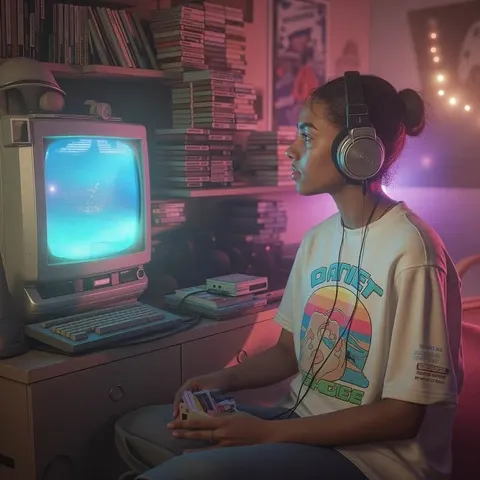
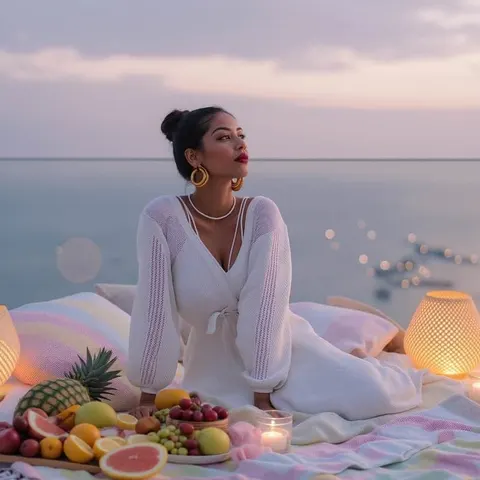
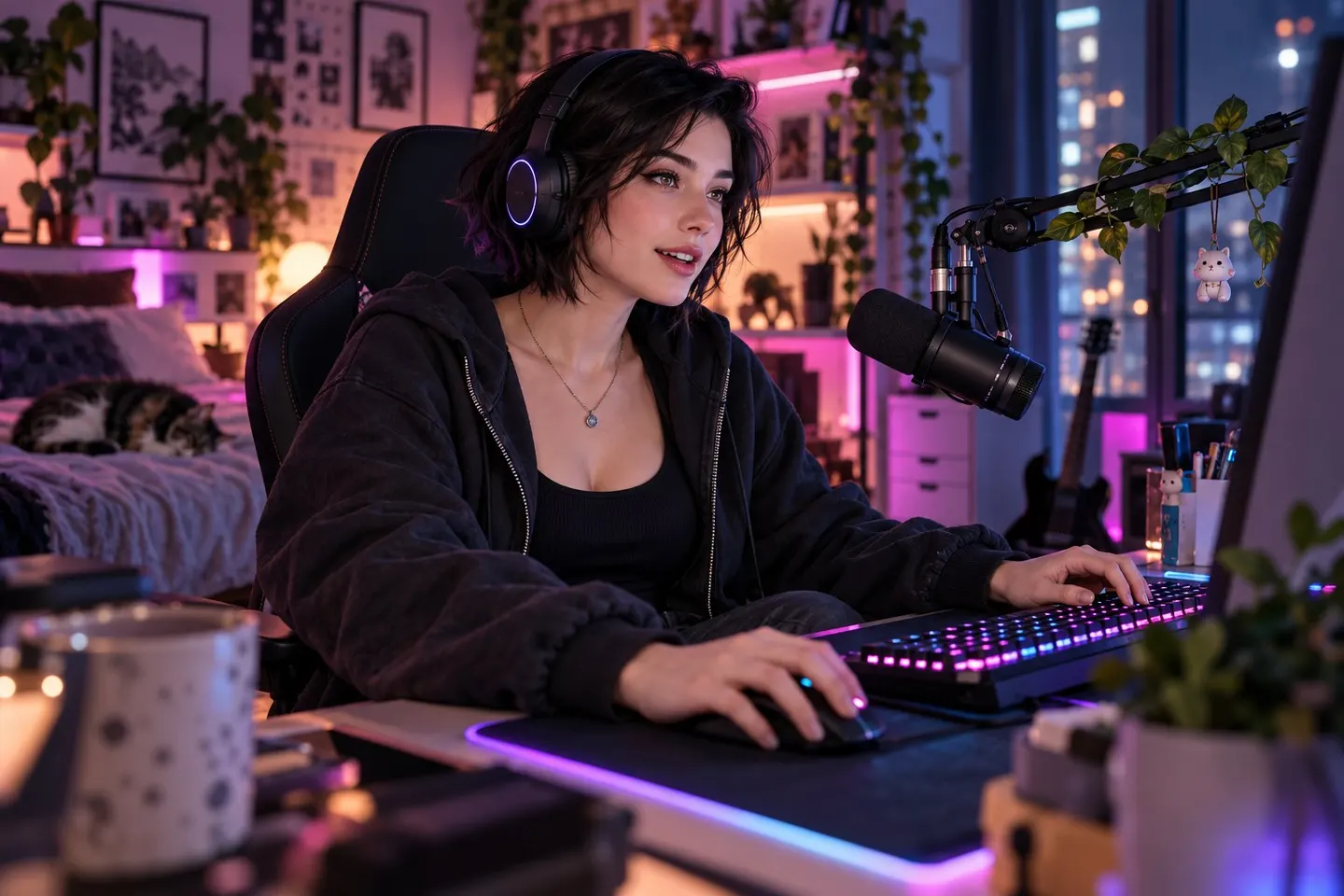
Build a consistent community identity


Discord Banner Maker FAQs
Is this Discord banner maker free?
APOB’s Nano plan currently provides 80 credits per day. The tested Ultra 4K image displayed a 36-credit estimate. Free credits are a limited allowance; check your account’s current costs and download conditions.
What size should a Discord server banner be?
Use 16:9 at a minimum of 960 × 540 pixels. Discord also accepts a 1920 × 1080 image and resizes it. Our original APOB sample is 3840 × 2160; prepare a smaller upload copy if needed.
Where should I leave space for the server title?
Keep the top of the artwork simple. Discord specifies the top 48 pixels in its banner guidance. Our practical composition puts the character on the right and leaves the upper-left dark; it is guidance for your artwork, not an APOB safe-zone overlay.
Do I need Nitro or Server Boosts?
For a server banner, Discord specifies Boost Level 2; animated server banners need Level 3. Partner servers have access to the banner perk without purchasing a Boost level. A personal Nitro subscription and server eligibility are different.
Is a server banner the same as a profile banner?
No. This page creates the 16:9 artwork behind a server’s channel-list header. A personal profile banner has its own dimensions and account requirements. Do not reuse a profile crop without checking the server framing.
Can I put my server name or logo in the image?
Discord recommends avoiding text and logos in server banner artwork. Let the interface display the server name and use an original mascot, scene or restrained colors to identify the community.
What file did the tested workflow download?
The verified sample is a JPG. It is a flattened image, not an editable design file. The test does not establish SVG export, layered templates or automatic Discord publishing.
Can APOB resize it to exactly 960 × 540?
The verified generation setting is 16:9. Exact 960 × 540 export was not tested; use an image editor to resize the downloaded JPG without stretching it.
Can I make an animated Discord server banner?
You can explore Image to Video separately, but its MP4 output is not a ready-to-upload Discord banner. Prepare a compatible GIF, check size and visual quality, and confirm the server’s Level 3 eligibility. This page’s still-image test did not verify GIF export or Discord upload.
Why does my banner look crowded or blurry?
Reduce small props, keep one clear subject and inspect the result at display size. Use the downloaded image rather than a screenshot. Avoid enlarging a low-resolution crop; return to the original generated file.
Can I use the artwork commercially?
Review APOB’s current terms, your plan and rights to every reference, likeness and character. Generating an image does not grant rights to a game franchise, a celebrity or another creator’s branding.
Are my references private?
Check content visibility and plan features before uploading. Private content and private models are plan-dependent; do not assume a public community model or generated asset is confidential. Read the privacy policy for data-processing details.
Can I use a real streamer’s face or a game character?
Use your own likeness with consent or references you are authorized to use. For a fan server, an original mascot can avoid implying an official partnership. Do not impersonate a creator or suggest an endorsement without permission.
How do I upload the finished banner?
An eligible server owner or a member with Manage Server or Administrator permission can use Server Settings → Overview → Server Banner Background, according to Discord’s guide. Check the current interface and final crop; this upload step was not tested with our sample.