


1. From "Random Faces" to Persistent Identities
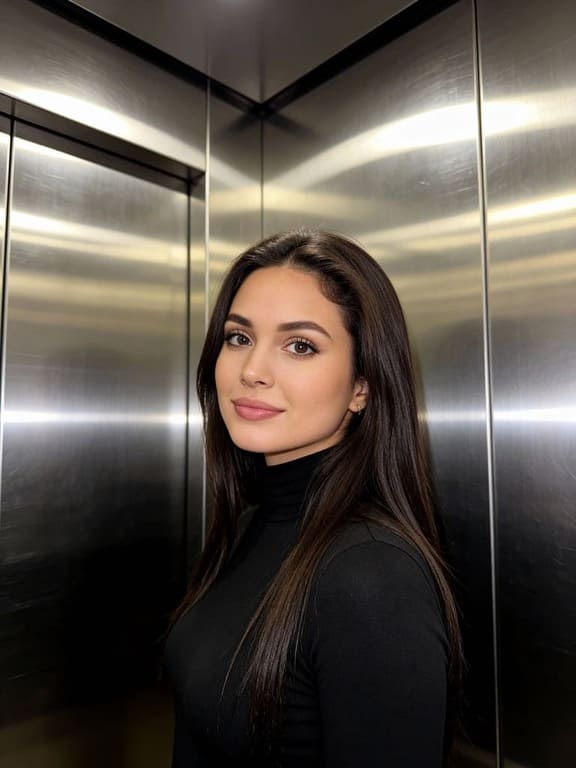
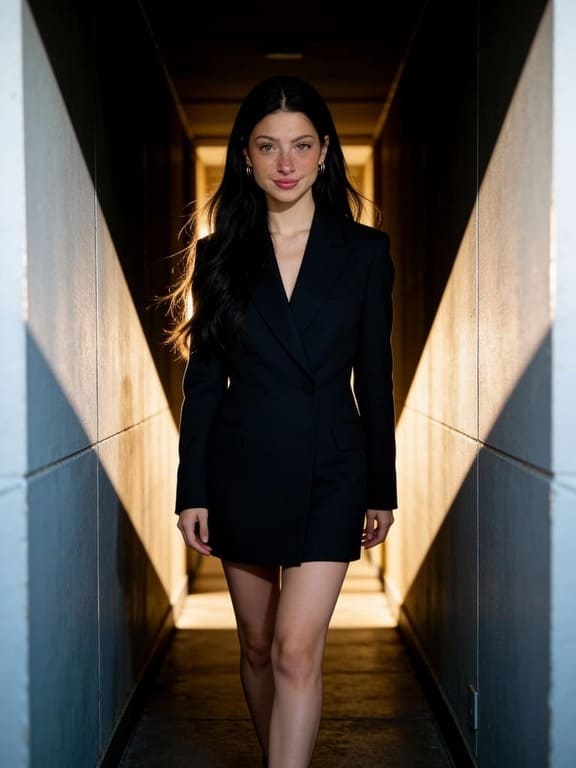
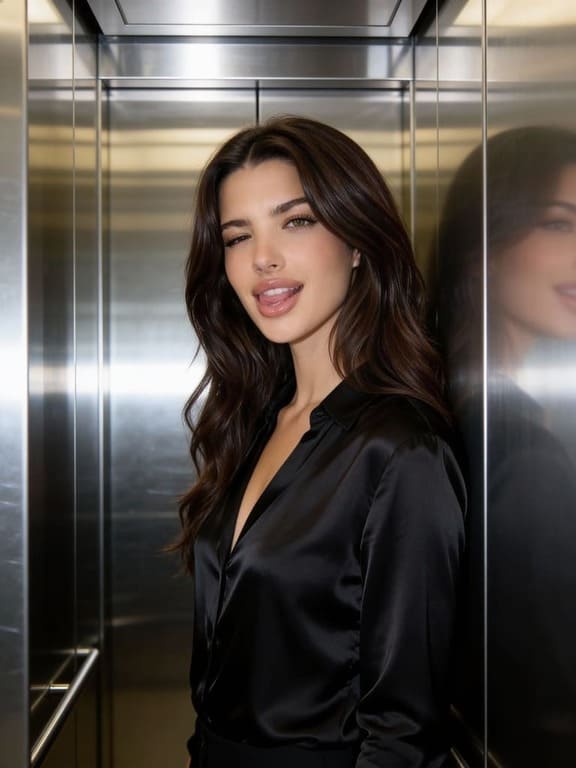
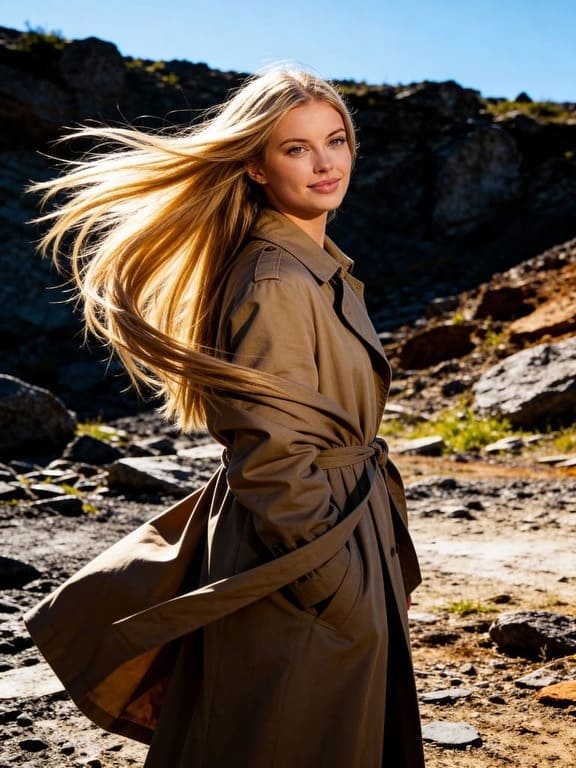
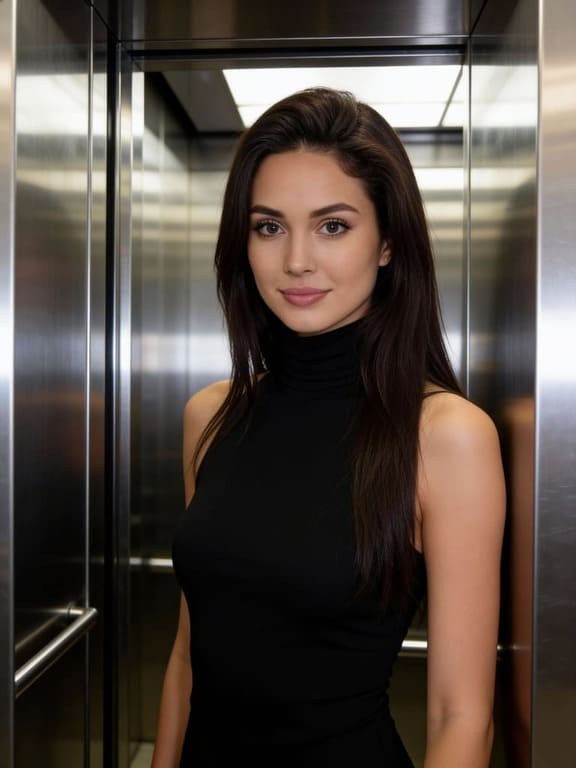
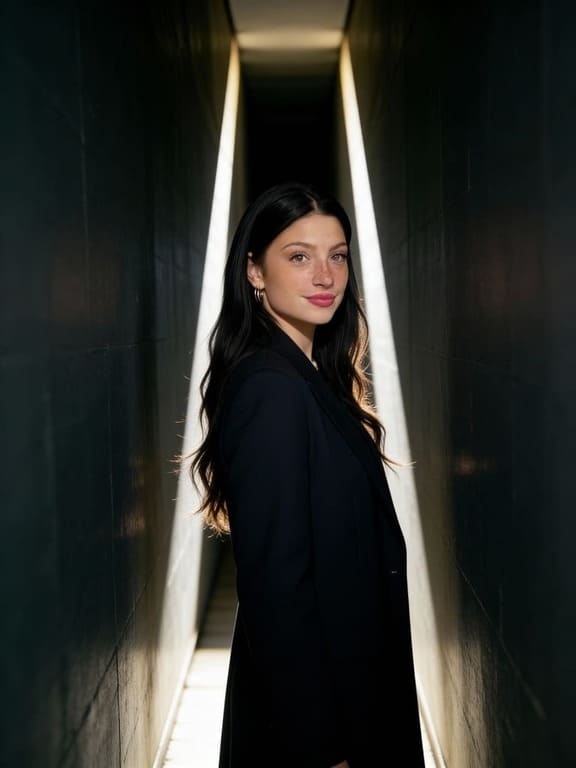
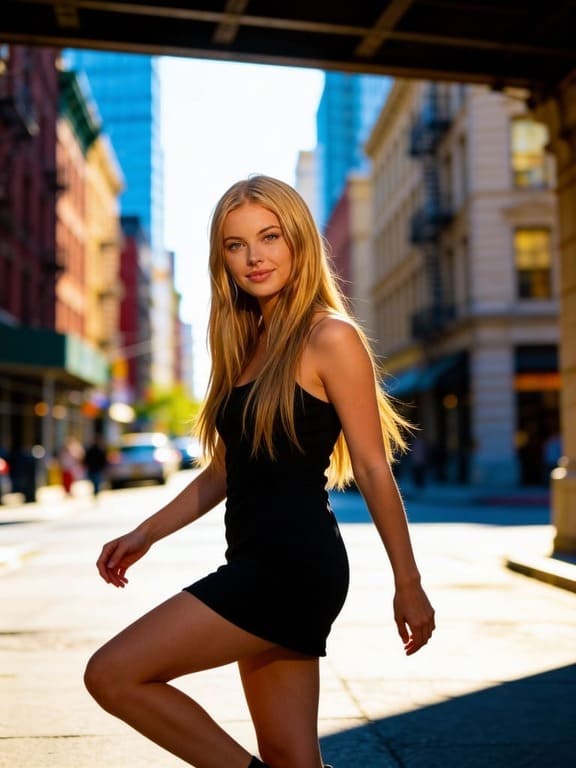
The biggest frustration with Nano Banana Pro is the lack of character consistency. Every time you hit generate, you're essentially playing "character roulette"—the face changes just enough to ruin your branding. We changes the game with its Identity Anchor. You define your character’s look once, and the AI locks it in. Whether you’re making one video or a hundred, your lead character always looks like the same person.
2. Surgical Editing vs. Total Re-rolls
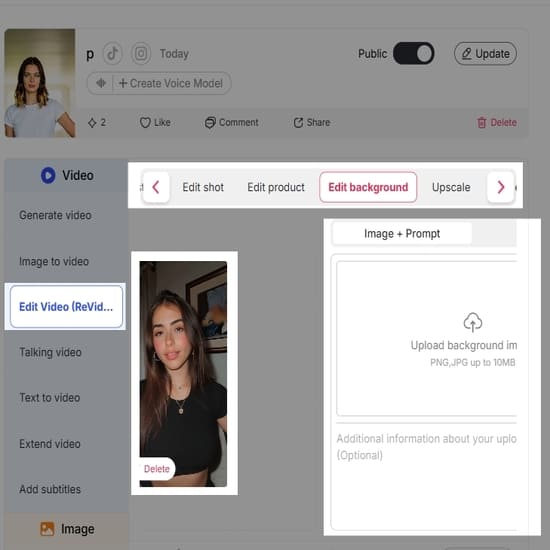
In Nano Banana Pro, if you don't like a detail in your uploaded photo, your only choice is to re-upload and pray for a better result. We introduce the Chat to Edit feature, which feels like having a professional retoucher on speed dial. Want to change a character's outfit or swap a city background for a mountain range? Just tell the AI what to fix. It modifies the specific details while keeping the rest of your image intact.
3. Integrated Voice: The Death of "Silent Films"
Nano Banana Pro is great at making things move, but it leaves them mute. Usually, this means you have to jump between three different apps just to add a voiceover that probably won't sync with the lips anyway. APOB AI handles the entire workflow in one tab. It features built-in Voice Generation and precise Lip-syncing, so your character doesn't just move—they actually speak with natural mouth movements, saving you hours of tedious post-production.
1. Building "Forever" Virtual Influencers
In Nano Banana Pro, your AI model might look different in every post, which kills your credibility. APOB AI lets you build a persona that stays exactly the same in every single ad. This consistency is how you actually land brand deals—as noted in Forbes' report on The Rise of Virtual Influencers, companies want a reliable face they can trust, not a "shapeshifter" that changes every time you hit generate. With the Identity Anchor, APOB AI becomes a true influencer factory rather than just a tool for memes.
2. E-commerce Videos That Actually Sell
If you’ve tried making product videos with Nano Banana Pro, you’ve probably seen clothing or accessories "melt" or flicker unnaturally. APOB AI uses realistic physics to animate outfits so they move like real fabric. According to Shopify's guide on Using AI for Product Video, high-converting social ads depend on quality and realism. APOB’s high-bitrate rendering ensures your products look premium and studio-shot, not like a glitchy AI experiment.
3. Creating Cinema-Grade B-Roll
Independent filmmakers are ditching the shaky, low-res output of basic tools for something that looks like it was shot on a professional ARRI Alexa camera. As discussed in Variety's analysis of AI in Independent Filmmaking, the demand for stable, high-fidelity background footage is skyrocketing. Whether you need a sweeping landscape or a subtle character moment, APOB AI’s Camera Movement tools give you that cinematic texture and stable lighting that holds up even on a 4K screen.
No Credit Card Required
Introduction
The release of Google's Gemini 3 Nano Banana Pro in late 2025 has been a major turning point in the field of AI-generated images. It has the ability to create 4K images based on reasoning and has the capacity for flawless text rendering (Artificial Analysis 2026). However, for the professional artist, "smart" images are not enough. The biggest challenges in the field in 2026 are character consistency and video monetization.
While the masses are searching for "Nano Banana Pro free" access via aggregators such as GlobalGPT, the professional artist is looking for alternatives. In this article, the best alternatives to Nano Banana Pro will be analyzed and why APOB AI is a better choice for building a digital brand.
Try Nano Banana alternative for free
I. What Makes Nano Banana Pro the "Gold Standard"?
Nano Banana Pro is the high-capacity version of Google's Gemini 3 vision model. It has the following capabilities:
4K Contextual Reasoning: It has the ability to understand the physics and spatial relationships between objects (e.g., a ball rebounding off a backboard) before rendering (Pinggy 2026).
Text & Diagram Logic: It has the capacity for well-labeled diagrams and infographics without any visual artifacts (Imagine.Art 2026).
Search Grounding: It has the ability to tap into the real world via Google's data for culturally and contextually accurate images.
II. Top 5 GlobalGPT Alternatives for Nano Banana Pro Access
If you're looking for the same high-quality output but with better creator tools, these are the top 5 alternatives in 2026:
APOB AI (The Consistency King): Our platform allows for 100% facial consistency. We offer a feature that allows you to "lock" a portrait model so your character looks identical in every 4K image/video.
Flux 2.1 Ultra: The "Anatomy King" has better human skin textures and cinematic lighting for ultra-realistic photography. (GlobalGPT 2026)
Ideogram V3: The absolute leader in typography. If your project requires a lot of text, such as posters or labels, this is the way to go.
Leonardo AI (The Game Dev Choice): Offers a full suite of creative tools, including 3D and Motion tools, with a 150 daily credit free plan.
Google AI Studio: The official developer route. Offers "cleanest" Nano Banana Pro access via API with generous free quotas for testing.
III. Step-by-Step Guide: How to Generate Your First 4K Persona on APOB AI
Unlike the standard Gemini app, APOB AI is a professional production suite. Follow these steps to build a consistent asset:
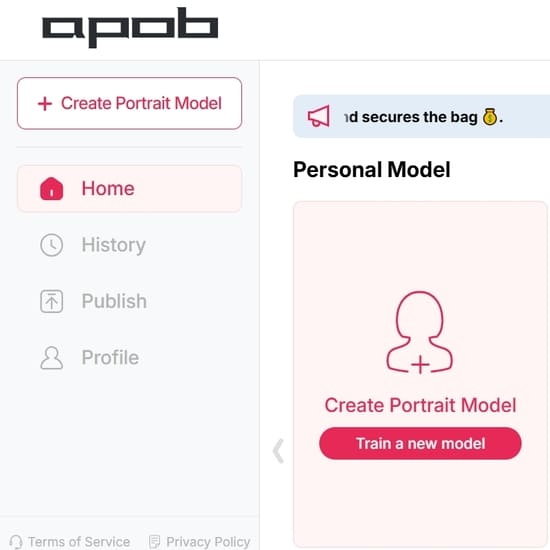
Step 1: Train Your Model: Go to "Create Portrait Model." Upload a reference photo or design your character's look from scratch (age, ethnicity, style). This "locks" the face for all future content (AI Journ 2026).
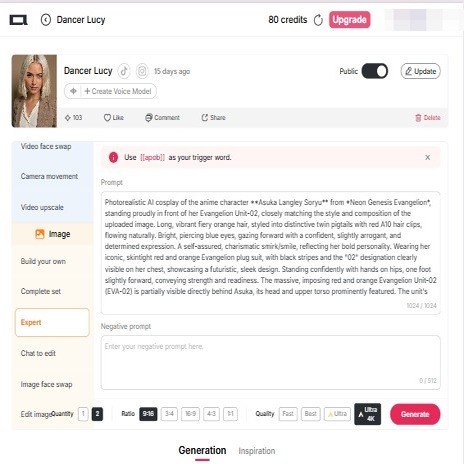
Step 2: Generate 4K Visuals: Switch to Expert Mode. Input your prompt and select "Ultra Mode" to match the 4K resolution and lighting quality of Nano Banana Pro.
Step 3: One-Click Animation: Select your generated image and click "Animate." Unlike Google, which requires external tools like Veo, APOB AI has built-in Lip-Sync and AI Dance to make your character move and speak instantly.
Step 4: Upscale and Export: Use the 2x Enlarge/Upscale tool to refine your image to 2048px+ for high-quality social media posting.
IV. FAQ: Navigating the 2026 AI Landscape
Q1: Is Nano Banana Pro really free?
A: You can access limited daily "boosts" via Google/Bing, but these often include watermarks. To get professional, watermark-free 4K results, APOB AI offers a Nano (Free) tier plan. Sign up with your google account and you will claim your free credits. (APOB.AI 2026).
Q2: How does APOB AI differ from Nano Banana Pro in video?
A: Nano Banana Pro is primarily a static image model. APOB AI is a video-first platform. It includes Face Swap and Talking Avatar modes, allowing you to turn a static character into a 200-second talking video—perfect for YouTube and TikTok monetization.
Q3: Can I use APOB AI images for commercial purposes?
A: Yes. APOB AI is intended for "marketing, advertising, and e-commerce product visualization." The professional tiers provide the commercial safety and high-res files needed for branding (APOB.AI TOS 2026).
V. References
AI Journ (2026). Creators Can Now Build AI Influencers in Minutes With APOB AI's New Avatar and Video Tools. [online] Available at: https://aijourn.com/creators-can-now-build-ai-influencers-in-minutes-with-apob-ais-new-avatar-and-video-tools/.
APOB.AI (2026). Subscription Benefits and Credit refill. [online] Available at: https://beta.apob.ai/subscription.
Artificial Analysis (2026). Gemini 3 Pro Preview - Intelligence & Performance Analysis. [online] Available at: https://artificialanalysis.ai/models/gemini-3-pro.
GlobalGPT (2026). 10 Best Midjourney and Nano Banana Alternatives in 2026. [online] Available at: https://www.glbgpt.com/hub/10-best-midjourney-alternatives-in-2026-expert-tested/.
Imagine.Art (2026). Nano Banana vs. Other AI Image Generation Models. [online] Available at: https://www.imagine.art/blogs/nano-banana-vs-other-ai-image-generation-models.
Pinggy (2026). Best Video Generation AI Models in 2026. [online] Available at: https://pinggy.io/blog/best_video_generation_ai_models/.
Read More
Introduction
As of early 2026, the field of AI has witnessed a major shift with the advent of Google’s Gemini 3 Nano Banana Pro. The model has achieved new benchmarks in "abstract visual reasoning" and multimodal understanding, making it the leader in major intelligence scores (Vellum AI 2026). Nevertheless, for digital creators looking to build their brand identity and monetize videos, intelligence is only half the battle won.
While Google’s model is the leader in logical accuracy, APOB AI is the go-to platform for all "all-in-one" media creation (Brain Project 2025). The article aims to discuss why APOB AI’s focus on Character Consistency and Video Integration makes it the best choice for building a digital empire.
Step-by-Step Guide: How to Generate Your First 4K Persona on APOB AI for free
Step 1: Sign up to get free membership and free credits.
Step 2: Train Your Identity: Go to the "Create Portrait Model" tab. Upload reference photos to lock in a specific facial geometry. This serves as your permanent digital asset.
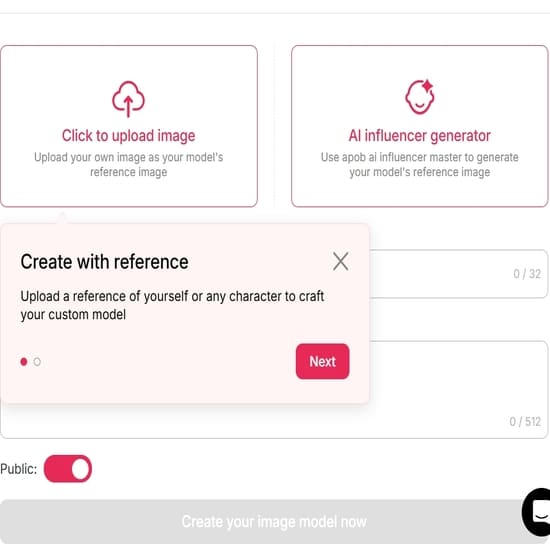
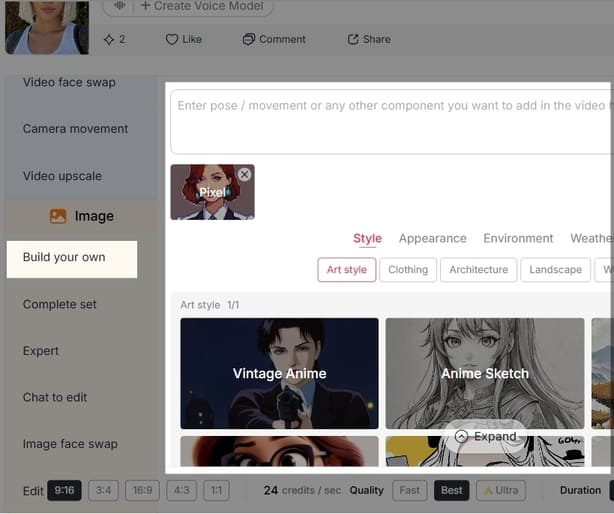
Step 3: Render in 4K: Use the 'Build Your own', 'complete set' or 'Expert Mode' to input your scene descriptions.
APOB AI’s rendering quality rivals the top-tier benchmarks of Gemini 3 Pro (VirtusLab 2026).
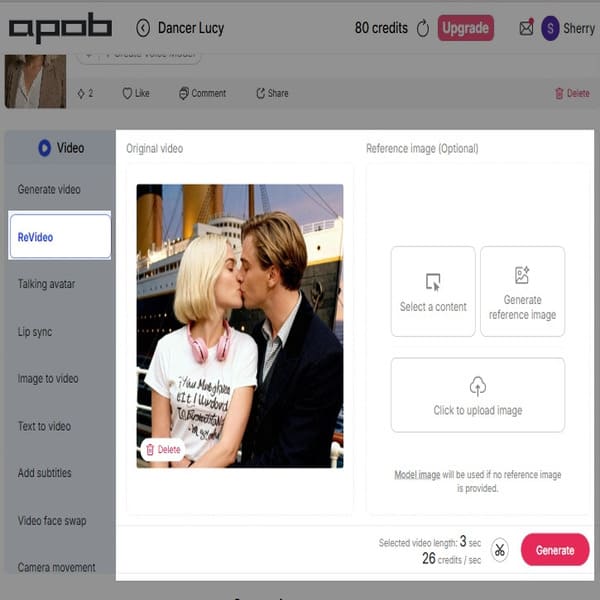
Step 4: More than image, APOB AI can help you generate videos. Animate for Social Media: Use the Image-to-Video or AI Dance tools to turn your stills into viral-ready content for TikTok and YouTube Shorts.
The Evolution: Why APOB AI is More Than an Image Generator
While Google’s Nano Banana Pro is the "multimodal powerhouse" of 2026, achieving new benchmarks in high-resolution text rendering and complex math-based visual reasoning (BitBiased 2026), the main struggle faced by digital creators remains that of character drift – the tendency of an AI character’s face to change over different generations of the same model.
APOB AI provides a solution to this struggle through its specialized "Portrait Model" engine. While Google’s model relies on advanced reasoning to make educated guesses regarding the character’s features, APOB AI allows users to "lock" their very own hyper-realistic digital persona.
Feature | Nano Banana Pro (Google) | APOB AI (Creator Focus) |
Primary Strength | Logic & Multilingual Q&A (91.8%) | Character Consistency & Realism |
Output Quality | 4K Reasoning-based Stills | 4K Cinematic Stills & Video |
Character Stability | High-effort prompting required | One-click "Portrait Locking" |
Video Capabilities | Requires external tools (e.g., Veo) | Built-in Lip-Sync & Animation |
Revenue Focus | Enterprise & Research | KOL & Video Monetization |
Use Case: From 4K Stills to High-CPM Video
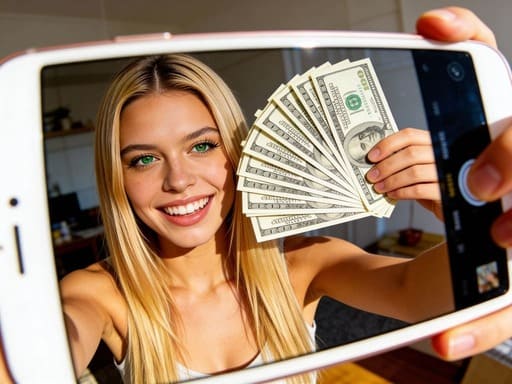
The biggest trend of 2026 is Global Content Arbitrage. Content creators are using AI to monetize their content with high CPM (Cost Per Mille) rates in premium markets. According to the latest data, the United States tops the list with a median CPM of $14.67. Finance and Digital Marketing niches can achieve even higher rates of $36.36 (Digital Information World, 2025; MilX, 2025).
APOB AI's AI-Generated Content for Global Revenue:
Create the Persona: Use APOB AI's Portrait Model to create a consistent AI model for all your videos in 4K.
Lip-Sync for Global Reach: Use APOB AI's integrated Lip-Sync feature to re-animate the lip movements of your character. Unlike basic video editing software, this AI technology ensures natural lip movement by analyzing the phonetics of the dialogue (The AI Journal, 2026).
Scale and Monetize: Create high-CPM video content without ever appearing on camera by using AI-generated content for the global audience.
FAQ: Everything You Need to Know
Q1: Is Gemini 3 Nano Banana Pro free?
A1: Access is usually granted through Google AI Studio or Gemini Advanced. While a free account is available, professional use of the 4K version comes at a cost of about $2.00 per 1M input tokens (Artificial Analysis 2026). Therefore, why not use APOB AI instead, just sign up, and you will get 80 free daily credits for you to generate enough videos.
Q2: What makes APOB AI better than Google for videos?
A2: APOB AI is a "video-first" AI. While Google provides the image logic, APOB AI also offers Face Swap, Lip-Sync, and Text-to-Video in one place, perfect for a Hollywood scene from a laptop computer (Brain Project 2025).
Q3: Are APOB AI images ready for commercial use?
A3: Yes. APOB AI is focused on the creator economy and provides high-resolution images without watermarks for professional subscribers.
Conclusion
If you need an AI for algorithmic problem-solving or thinking, Gemini 3 Nano Banana Pro is the world leader today (Vellum AI 2026). For the creator who wants a brand that lasts and wants to generate income from videos in 2026, APOB AI is the tool needed to succeed.
Read More
1. No More "One-Night Stand" Characters
The most frustrating part about Nano Banana Pro is that it’s "one and done." You might spend an hour getting a character to look perfect, but the second you try to make another video, that character is gone forever. You’re basically stuck starting from scratch every single time.
We treat your characters like actual assets. You save them as a Portrait Model in your library—it’s like having an actor on speed dial who actually shows up to every shoot looking exactly the same. For anyone trying to build a brand or a long-term following, this is a lifesaver because it stops the endless cycle of "re-rolling" just to get a consistent face.
2. You’re the Director, Not Just a Spectator
In Nano Banana, the motion usually feels like a "global wobble." It’s like looking at your image through a funhouse mirror where everything vibrates at once. It’s cool for a second, but it looks messy.
We actually gives you the steering wheel. Instead of random shaking, you get real Camera Movement controls. If you want a slow, dramatic zoom-in for a "hero reveal" or a professional-looking pan across a scene, you can just set it up. It turns what would be a 3-second clip of moving pixels into a deliberate, cinematic shot that actually tells a story.
3. A Straight Line to Actually Making Money
With Nano Banana, you’re mostly just making "clips"—short, silent bits of video that look neat but don't do much. APOB AI is built for people who want to turn content into a business.
Because it handles everything in one place—from generating the initial look and tweaking details with Chat to Edit, all the way to adding a Voiceover—you can finish a professional project in a fraction of the time. If you’re running a faceless YouTube channel or a TikTok shop, you know that speed is everything. APOB AI cuts out the "app-hopping" and lets you go from an idea to a finished, monetization-ready product while the trend is still hot.
1. Requires a More Strategic Approach
To get those high-end results, you actually have to think about things like Camera Movement and Technical Prompts.
2. Higher Demand for Clean Base Images
APOB AI’s engine is so sharp that it really highlights the quality of your starting image. If you upload a low-res, blurry photo, the animation won't be able to hide it as well as the "wobbly" effects in Nano Banana might.
Q1: Is Nano Banana Pro free to use?
A1: Most versions of Nano Banana Pro offer a limited free trial or a credit-based system, but if you want the professional features—like watermark-free exports—you’ll usually need to pull out your wallet for a paid subscription.
Q2: How does APOB AI compare to Nano Banana Pro?
A2: Think of it as moving from a hobbyist tool to a professional studio. APOB AI gives you much more control, better motion consistency (no more random wobbling), and higher resolution. If you feel like you’ve outgrown the basic "fun" features of Nano Banana Pro, APOB AI is the logical next step for your workflow.
Q3: Can I use Nano Banana Pro for commercial projects?
A3: You can try, but the quality often falls short of professional standards. Most creators prefer APOB AI for commercial work because the motion control is more precise and the image fidelity is significantly higher, meaning your final product actually looks like it was shot by a pro.
Q4: What is the best Nano Banana Pro alternative?
A4: APOB AI is widely considered the best alternative, especially if you’re focused on realistic human characters. It’s the go-to choice for users who need to move past "random AI movement" and into precise, controlled animation.
Q5: Can I maintain the same character across multiple video clips?
A5: Absolutely—and this is actually APOB AI’s biggest "secret weapon." By using the 'Portrait Model' or 'Influencer Generator,' you’re basically creating a digital DNA for your character. While Nano Banana Pro tends to generate a slightly different face every time you hit the button, APOB AI keeps your protagonist exactly the same, which is a must for storytelling or building a social media brand.
Q6: Is the video quality high enough for professional use?
A6: Yes, it really is. Nano Banana Pro often produces compressed, blurry clips that look like "AI memes." APOB AI, on the other hand, renders high-bitrate video files. This keeps your textures sharp and your motion fluid, making the output perfect for YouTube, TikTok, or even high-end commercial ads.
Q7: Do I need external software for voiceovers?
A7: Nope, you can put the other apps away. APOB AI has a built-in Voice Generation suite. You just type your script, pick a voice style, and the AI automatically syncs the character’s lip movements to the audio. It delivers a finished "talking head" video in one shot, saving you hours in post-production.
Q8: Is there a way to use APOB AI for free?
A8: You bet! Just sign up with your Google account and you’ll get some free credits to start playing around. This lets you test out the character consistency tools and the motion features yourself before you ever have to think about upgrading to a professional tier.


