Korean (South Korea)

FLUX 3 Alternative for AI Images and Videos

FLUX 3 Alternative for AI Images and Videos

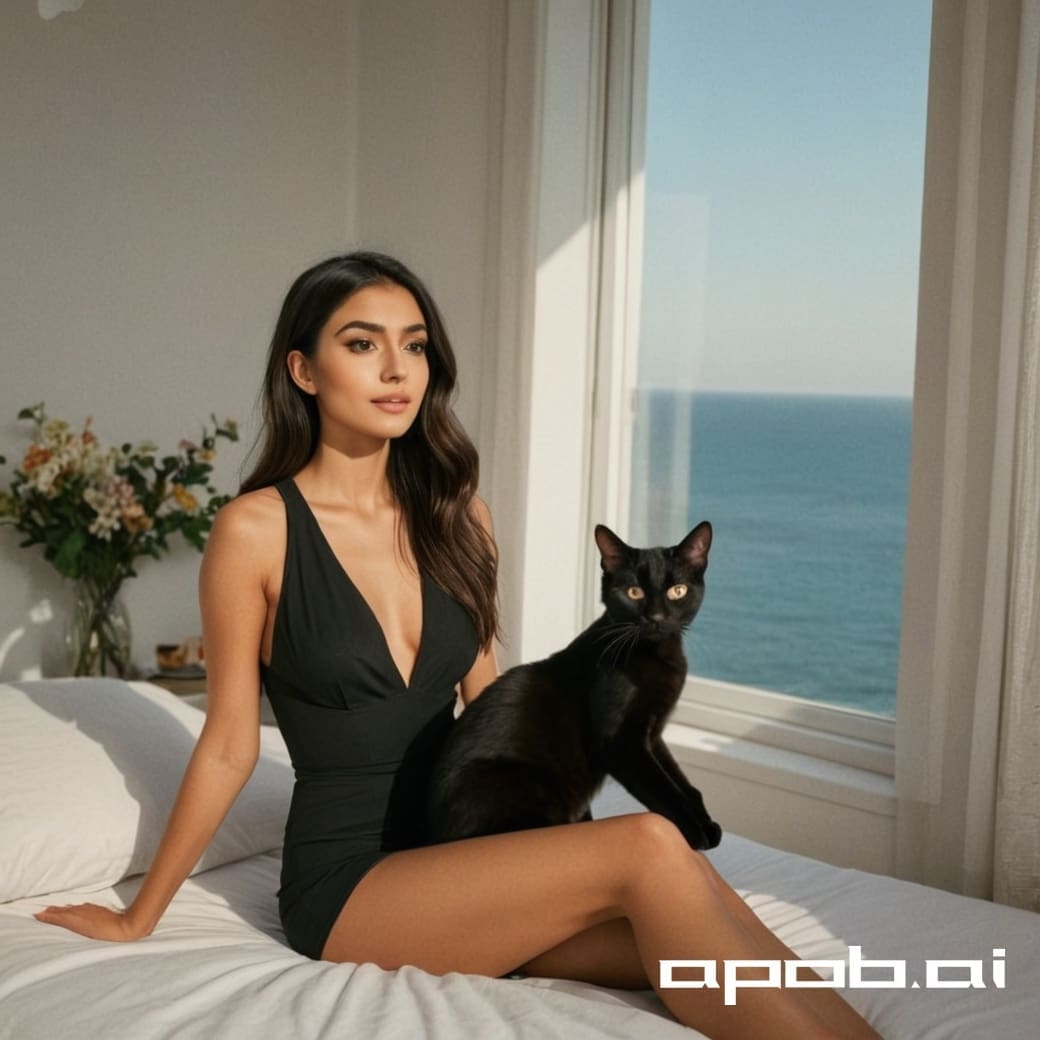
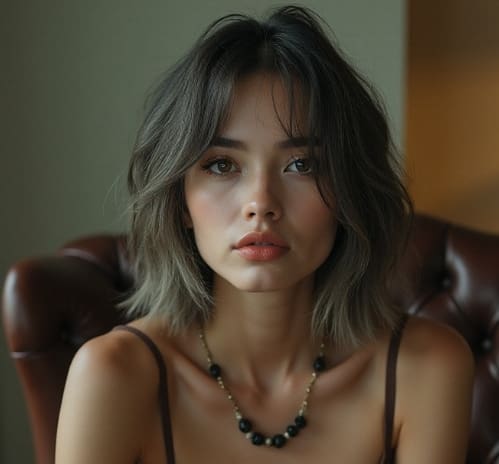
Create photorealistic images and cinematic videos with APOB AI—an independent FLUX 3 alternative built for creators. Pursue the same visual goals, and for AI people, beauty ads, product content, or rapid campaign iteration, produce images that may be an even better fit for your brief.

What Is FLUX 3?

What Is FLUX 3?

What Is FLUX 3?

FLUX 3 is Black Forest Labs’ early-access multimodal foundation model. It learns from images, video, audio, and language in one architecture, with announced capabilities spanning image synthesis and editing, text-to-video, image-to-video, video-to-video, keyframes, multilingual dialogue, and video with native audio.

APOB AI is an independent FLUX 3 alternative, not the official FLUX 3 model. It gives creators a browser-based workflow for AI images, consistent AI people, text-to-video, image-to-video, and campaign production without building an API pipeline. Capabilities and launch status follow the official Black Forest Labs announcement and may change.

Futuristic multimodal AI core connecting image, video, audio, and language for an introduction to FLUX 3.

FLUX 3 for Multimodal Image and Video Creation

FLUX 3 for Multimodal Image and Video Creation

FLUX 3 for Multimodal Image and Video Creation

Technology illustration of a prompt becoming an AI image, video sequence, and audio waveform in a connected creator workflow.

FLUX 3 is designed to move one creative concept across media: start from text or a reference image, generate a still, and extend the idea into motion and sound.

With APOB AI, creators can apply a similar production workflow to beauty campaigns, product visuals, social ads, and short-form video. Set the format and quality, refine the prompt, keep a consistent AI person, and turn the strongest image into video. For focused commercial briefs, the final result may fit the deliverable as well as—or better than—a general multimodal workflow. Results vary by prompt, reference, settings, and judgment.

When Should You Use a FLUX 3 Alternative?

When Should You Use a FLUX 3 Alternative?

When Should You Use a FLUX 3 Alternative?

Use a FLUX 3 alternative when you want to create AI-person, beauty, product, social, or video campaign assets in a guided browser workflow instead of evaluating an early-access model, API, or private-weight setup.

APOB AI is useful when the brief benefits from consistent AI people, prompt-led images, image-to-video, text-to-video, presets, and connected production tools in one workspace. It may be a better practical fit for focused creator or marketing deliverables, while teams researching FLUX 3 itself should use Black Forest Labs’ official access path. Results vary by prompt, reference, settings, and judgment.

Futuristic decision hub comparing a complex multimodal model path with a streamlined AI creator workflow.

How to use the FLUX 3 alternative on APOB AI

How to use the FLUX 3 alternative on APOB AI

How to use the FLUX 3 alternative on APOB AI

Step 1: Open the Text to Video Workspace

Sign in to APOB AI and choose Text to video from the video creation menu. The workspace keeps your prompt, presets, aspect ratio, duration, resolution, quality, and generated versions together. If you already have a strong image, you can start with Image to video instead.

APOB AI Text to Video workspace used as a FLUX 3 alternative, showing the creation menu, prompt panel, presets, aspect ratio, duration, resolution, and Generate button.
Close-up of the APOB AI prompt editor with a perfume commercial prompt and creative preset controls.

Step 2: Enter a Clear Perfume Commercial Prompt

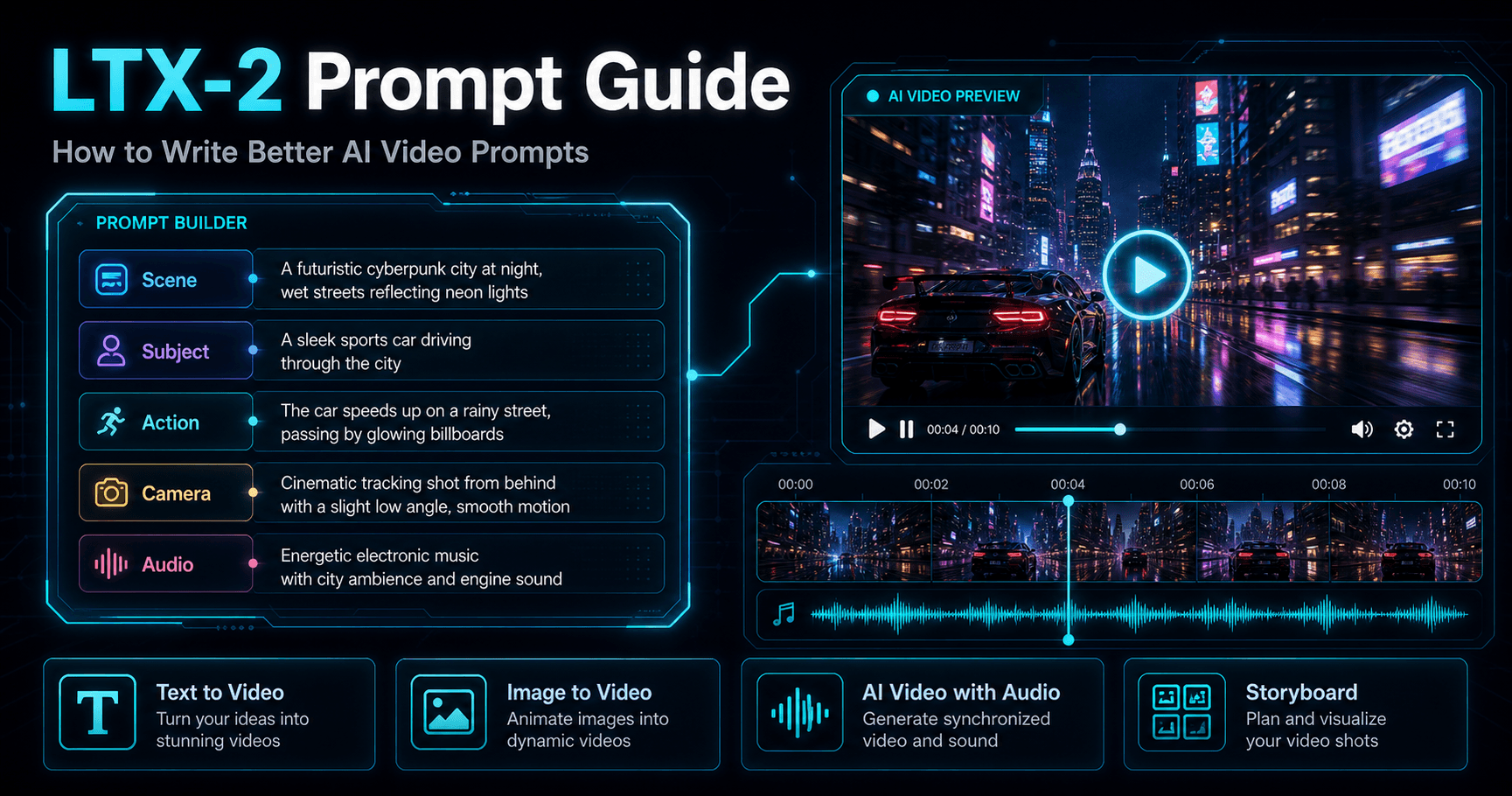
Describe one coherent scene, including the subject, visible action, location, lighting, camera behavior, and intended style. Add art-style or camera-movement presets only when they improve the brief.

Example prompt: A stylish young woman standing in front of a mirror in an elegant, softly lit bedroom. She gently picks up a luxury perfume bottle, sprays the perfume onto her neck and wrists, then closes her eyes with a subtle, confident smile. Fine perfume mist sparkles in the warm morning sunlight. Natural hand movements, realistic facial expressions, cinematic beauty commercial, soft golden lighting, shallow depth of field, smooth slow camera push-in, premium look.

Step 3: Choose Format, Duration, Resolution, and Quality

Match the settings to the destination. For this perfume example, choose a 9:16 aspect ratio, 10 seconds, FHD, and Ultra quality. The resolution menu may show 720p, FHD, QHD, and 4K depending on the active mode. Use a lighter setting for prompt tests and a stronger setting for final review.

APOB AI Text to Video resolution menu with 720p, FHD, QHD, and 4K options alongside vertical video settings.
Warm golden beauty campaign result made with APOB AI, showing a woman applying perfume in front of a mirror.

Step 4: Generate, Review, and Refine the Result

Click Generate and inspect the result as a complete sequence. Check the woman’s identity, hands, perfume bottle, mirror reflection, spray mist, lighting, and camera movement. The example produces a warm, photorealistic beauty campaign with a clear before-and-after action. If one detail is weak, change one instruction or setting at a time and generate a new version.

FLUX 3 vs APOB AI: Which Workflow Fits Your Project?

Area

FLUX 3

APOB AI Alternative

Positioning

Black Forest Labs’ early-access multimodal foundation model spanning image, video, audio, and research workflows.

An independent browser-based creator platform focused on practical image, AI-person, and video production.

Image workflow

Announced for image synthesis and editing across styles, aspect ratios, resolutions, complex prompts, and multilingual text.

Prompt-led images, consistent AI people, campaign concepts, beauty visuals, product scenes, and connected image-to-video creation.

Video workflow

Announced capabilities include text-to-video, image-to-video, video-to-video, continuation, keyframes, and video with native audio.

Text-to-video and image-to-video workflows with creator presets, camera direction, aspect ratio, duration, resolution, and quality controls that vary by mode.

Best fit

Teams evaluating a frontier multimodal model and its early-access capabilities.

Creators and marketers who want to turn a brief into campaign-ready images or videos and iterate in one workspace.

Result quality

Output reflects FLUX 3 model behavior and the available early-access workflow.

Can pursue comparable creative goals; for some AI-person, beauty, product, or campaign briefs, the final result may be a better fit. Results depend on prompts, references, settings, and judgment.

APOB AI is not affiliated with Black Forest Labs. FLUX 3 capabilities and launch status are based on the official Black Forest Labs announcement and may change.

Why creators choose APOB AI as a FLUX 3 alternative

Why creators choose APOB AI as a FLUX 3 alternative

Why creators choose APOB AI as a FLUX 3 alternative

Photorealistic images for creator campaigns

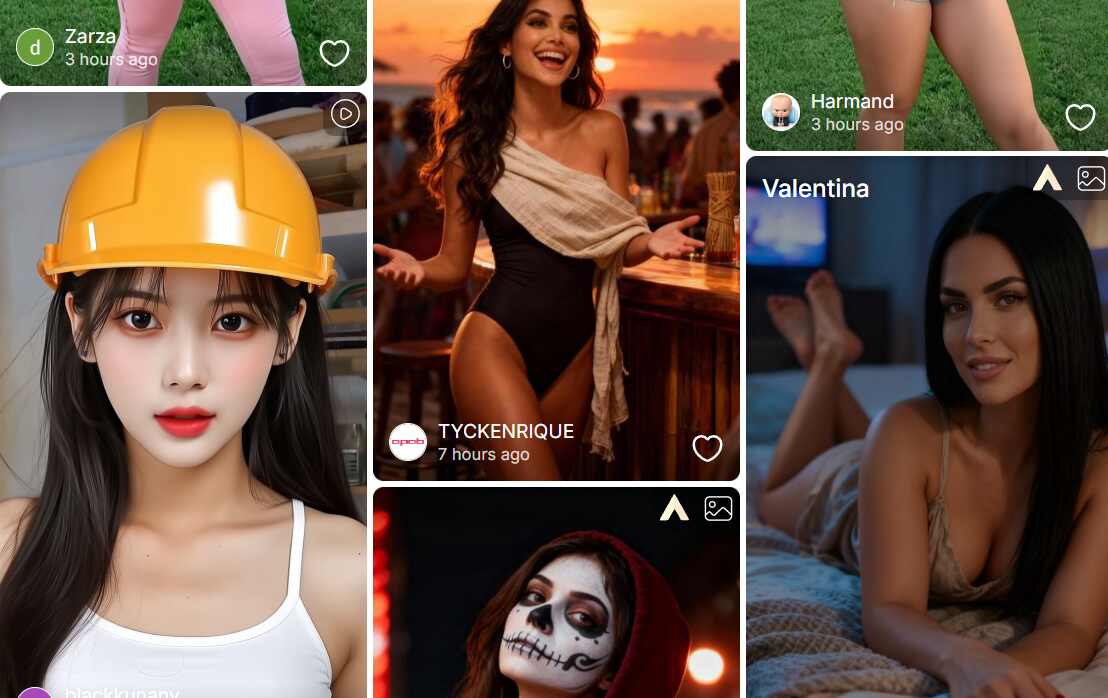
Generate people, beauty visuals, product concepts, editorial scenes, and social-ready compositions from a clear text brief. APOB AI is especially practical when the final asset depends on a recognizable AI person or creator-led campaign style.

One workflow for images and motion

Move from text-to-image into image-to-video or start directly from text-to-video. Keep prompts, formats, camera direction, quality choices, and adjacent creator tools in one workspace.

Fast, controlled iteration

Use presets and output controls to test creative directions quickly. For a specific product, beauty, AI influencer, or short-form brief, this connected workflow can produce an image that is more useful—or visually stronger—than a result created in a less specialized process.

Beauty, perfume, and skincare campaigns

Create warm editorial portraits, product-in-hand scenes, mirror compositions, application moments, spray mist, and vertical beauty ads. Generate multiple art directions before committing to a shoot or campaign.

AI influencers and social content

Build a recognizable AI person for lifestyle posts, creator-style advertisements, social hooks, and recurring short-form series. Reuse the same visual identity and adapt the format for TikTok, Reels, Shorts, or landscape placements.

Product concepts and ecommerce visuals

Explore premium lighting, environments, compositions, packaging moments, and story-led product demonstrations. Turn the strongest still into an image-to-video concept when motion adds value.

Storyboards and campaign variations

Prototype scenes, shot order, camera behavior, and mood before full production. Black Forest Labs describes FLUX 3 as a multimodal early-access model; APOB AI offers an independent route for pursuing many of the same creative intentions in a creator-focused workflow.

Pros and cons of using APOB AI as a FLUX 3 alternative

Pros and cons of using APOB AI as a FLUX 3 alternative

장점

장점

Creator-ready image and video workflow

Generate a still, move it into video, and continue refining the deliverable without rebuilding the brief across unrelated tools.

Strong fit for AI people and campaign content

APOB AI is practical for consistent AI characters, beauty imagery, product campaigns, UGC concepts, social formats, and high-volume creative iteration.

Useful controls without model-specific setup

Prompt, presets, camera direction, aspect ratio, duration, resolution, and quality controls help creators shape an output around its destination.

Comparable goals with room to outperform a brief

A result can achieve a similar visual effect and may be stronger for a specific campaign when the APOB workflow aligns more closely with the intended person, product, or channel.

단점

단점

It is not the official FLUX 3 model

APOB AI is an independent alternative. Model behavior, native features, pricing, output characteristics, and API availability differ from Black Forest Labs.

Not every announced FLUX 3 capability is replicated

FLUX 3’s announcement includes native audio, video-to-video, continuation, keyframes, and research capabilities. APOB AI should be chosen for the workflows visible in its current interface, not assumed feature parity.

Complex details can require several attempts

Hands, mirrors, product labels, object permanence, multi-action scenes, and exact continuity may need stronger references, simpler prompts, or multiple generations.

Higher-quality output can use more credits

Available modes, quality levels, resolution, speed, and credit use can vary. Review the live settings before generating a large production batch.

Explore more AI image and video tools

Explore more AI image and video tools

Explore more AI image and video tools

Enjoy more features

Try the FLUX 3 alternative on APOB AI

Try the FLUX 3 alternative on APOB AI

Try the FLUX 3 alternative on APOB AI

신용카드가 필요하지 않습니다

FAQs about the FLUX 3 alternative

FAQs about the FLUX 3 alternative

Answers about FLUX 3, APOB AI, image quality, text-to-image, text-to-video, prompts, settings, licensing, and creator workflows.

What is FLUX 3?

FLUX 3 is Black Forest Labs' early-access multimodal foundation model for image, video, audio, and related research workflows. Its announced capabilities include image synthesis and editing plus text-to-video, image-to-video, and video with native audio.

What is the APOB AI FLUX 3 alternative?

APOB AI is an independent creator platform for people seeking a practical FLUX 3 alternative. It brings AI image generation, text-to-video, image-to-video, AI people, presets, and adjacent production tools into one browser-based workflow.

Is APOB AI affiliated with Black Forest Labs or FLUX 3?

No. APOB AI is independent and is not affiliated with, endorsed by, or an official provider of Black Forest Labs or FLUX 3.

Can APOB AI create images with a FLUX 3-like visual impact?

Yes, APOB AI can pursue similar creative goals such as photorealistic people, editorial lighting, product advertising, stylized concepts, and prompt-led composition. Exact outputs differ because APOB AI is not the FLUX 3 model.

Can APOB AI generate better images than FLUX 3?

For a specific brief, an APOB AI result may look better or be more useful when its AI-person workflow, presets, campaign controls, or connected image-to-video tools fit the deliverable more closely. Image quality still depends on the prompt, references, settings, and creative judgment, so no result is guaranteed.

Does this FLUX 3 alternative support text-to-image creation?

Yes. Describe the subject, setting, composition, lighting, lens language, color palette, and intended use. Clear priorities usually produce stronger and easier-to-refine images.

Can I turn a generated image into a video?

Yes. Use an image as the visual anchor, then describe the subject motion, camera movement, timing, and environmental changes in the Image to Video workflow.

Does APOB AI support text-to-video?

Yes. Open Text to video and describe one coherent shot in chronological order. Include the subject, visible action, environment, camera movement, lighting, pacing, and visual style.

Can I keep the same AI woman or character across images and videos?

APOB AI is designed for creator workflows involving consistent AI people. Reuse a strong reference, stable character description, and consistent styling, and avoid changing too many identity traits at once.

Is APOB AI useful for beauty and perfume advertising?

Yes. It can support beauty close-ups, perfume demonstrations, mirror scenes, product-in-hand images, ecommerce visuals, creator-style ads, and vertical social campaigns.

What makes a good FLUX 3 alternative image prompt?

State the subject and action first, then add environment, composition, camera or lens language, lighting, color, material details, and the final channel. Remove conflicting instructions and prioritize the details that must remain visible.

What makes a good text-to-video prompt?

Write one shot in chronological order. Specify who or what is visible, what happens, how the camera moves, how fast the action unfolds, and how the light or atmosphere changes.

Which aspect ratio should I use?

Use 9:16 for TikTok, Reels, and Shorts, 16:9 for landscape campaigns and cinematic concepts, and the other available formats when they better match a platform or layout.

Which resolution and quality should I choose?

Choose based on the destination and iteration stage. A faster or lower-cost setting can help with prompt testing, while higher-resolution or higher-quality options are better suited to final review when the selected mode supports them.

Can I use camera movement and art-style presets?

The APOB AI video workspace includes creative presets such as camera movement and art style, with additional categories available depending on the workflow. Use presets only when they strengthen the brief.

Can beginners use APOB AI as a FLUX 3 alternative?

Yes. Start with a simple prompt, choose a format, generate one version, and change one instruction or setting at a time. This makes it easier to learn which choice improves the result.

Can I try APOB AI for free?

APOB AI may provide trial or account credits depending on the current offer and plan. Sign in and review the live credit indicator and pricing before generating a production batch.

How long does generation take?

Processing time varies with the selected model or mode, duration, quality, resolution, queue load, and prompt complexity. Short drafts are generally faster than high-quality final generations.

Can I use APOB AI outputs commercially?

Commercial use depends on the current APOB AI terms, your plan, and your rights to every prompt, upload, person, brand, product, music track, and reference. Check the latest terms before publishing paid work.

How can I improve an image or video that looks wrong?

Simplify the brief, remove contradictory directions, strengthen the reference, describe actions in order, and change one variable at a time. Hands, reflections, product labels, complex physics, and long action chains may need several iterations.

링크

기능

도구

연락처 정보

support@apob.ai

저작권 2024 ATOMSTOBITS LABS INC. 모든 권리 보유.