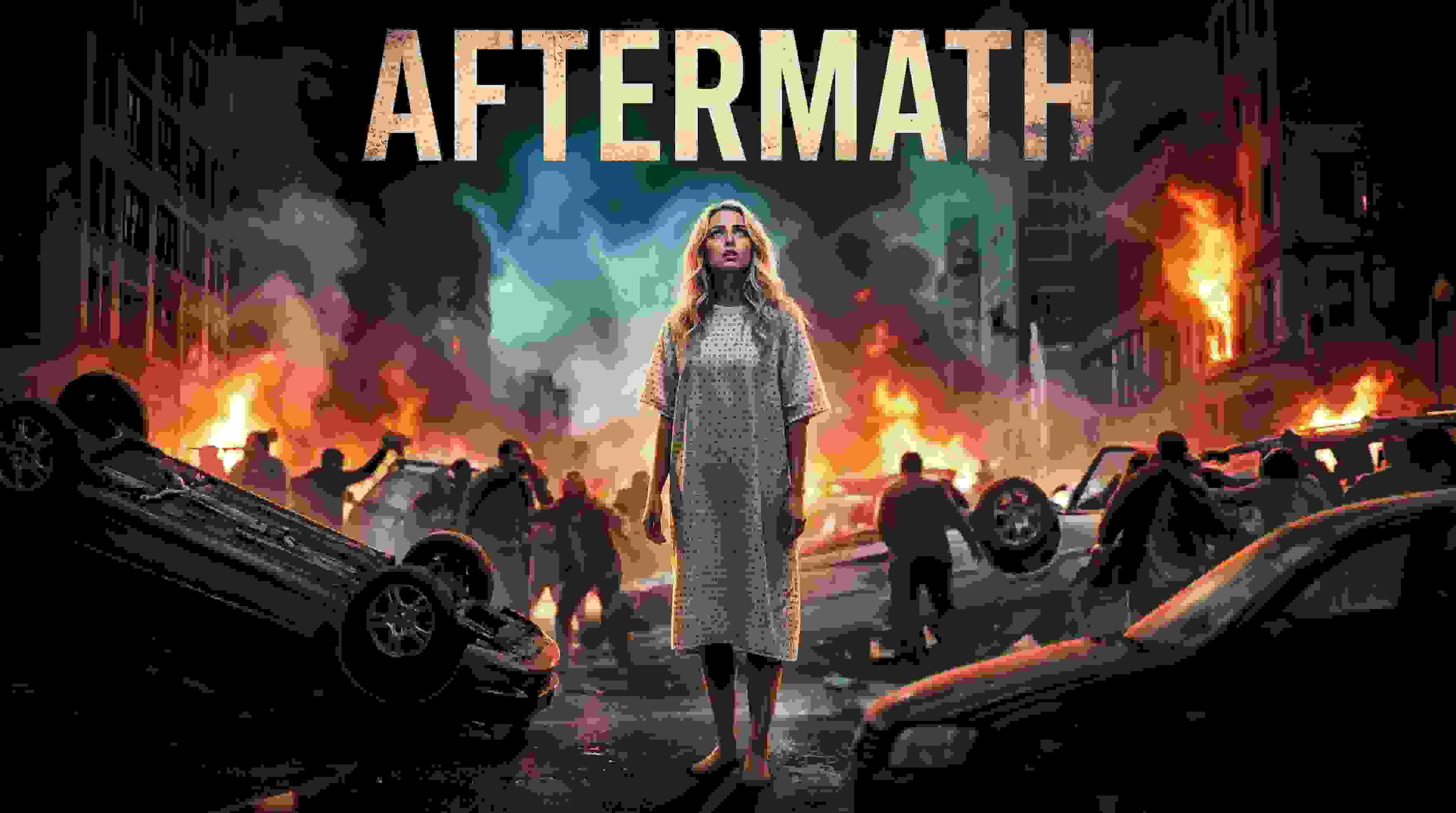
Have you ever wondered what it’s like to create a Hollywood movie scene sitting at your very own desk? Thanks to the rise of video solutions using AI technology, it’s now a reality sooner than you ever dreamed. Particularly, the Kling video AI generator has proven to be a game-changer, making developers question whether this could finally be what they need.
Chances are, if you're a tech trends follower, you're no stranger to the hype surrounding Kling AI. A giant in the industry, this is revolutionizing the way we look at video creation. But, at times, using its advanced features, such as Kling 2.6, can be a challenge. Here’s a look at how Apob AI incorporates this technology to make the creation of visuals a breeze for you.
What is the Kling AI Video Generator?
Kling AI is a highly advanced video generation model developed by Kuaishou Technology that quickly made it a rival to OpenAI’s Sora. It is designed to create high-definition videos in a realistic manner out of just a text description or an image. This model also does not possess the same limitations which the earlier models had. It can create a video of a maximum of 2 minutes at a resolution of 1080p at the speed of 30 frames every second.
In addition, with the launch of its next version, “Kling 2.6,” it has greatly improved its capabilities for replicating real-world physics. This means that it is setting a precedent for artificial intelligence in terms of video consistency.
How Does Apob AI Bring Kling 2.6 to You?
Although Kling AI has impressive power, sometimes obtaining the best models can be a bit challenging or limited. That’s where Apob AI comes in. At Apob AI, we have integrated the best features of the Kling 2.6 version’s power directly into our platform. That way, you can take advantage of its power without needing technical knowhow or wasting time in long queues.
Using Apob AI, you have the benefit of both worlds. You can leverage our intuitive interface to tap into the world’s best video generation models. Particularly, our ReVideo uses the sophisticated motion algorithms in Kling 2.6 to assure smooth, natural, and highly engaging video edits.
Guide: mastering the Kling AI Video Generator on Apob AI
Ready to start creating? Our process couldn’t be simpler. The ReVideo dashboard is where all of your content transformations take place. Read on to learn how to unleash the full power of the Kling AI video generator.
Step 1: Getting Started and Choosing Inputs
To start off, you will want to register for a free account on the Apob AI website. We want you to see the magic of Apob risk-free, and that means you get 80 free credits as soon as you sign up.
Once you have logged in, you need to open the page by clicking on the "ReVideo" tab. On the ReVideo page, you are given two options for where to find the content:
Click to upload video: Use this if you already have video footage, for example if you are recording a product video or a video of yourself.
Select a content: This is great for content creators who wish to maintain anonymity. You can choose a virtual model from our collection or one you may have created before. Apob AI will produce a video with your virtual model, which basically gives you the opportunity to create quality content without needing to switch on your camera.
Step 2: Choosing Your "Re" Mode with Kling AI 2.6
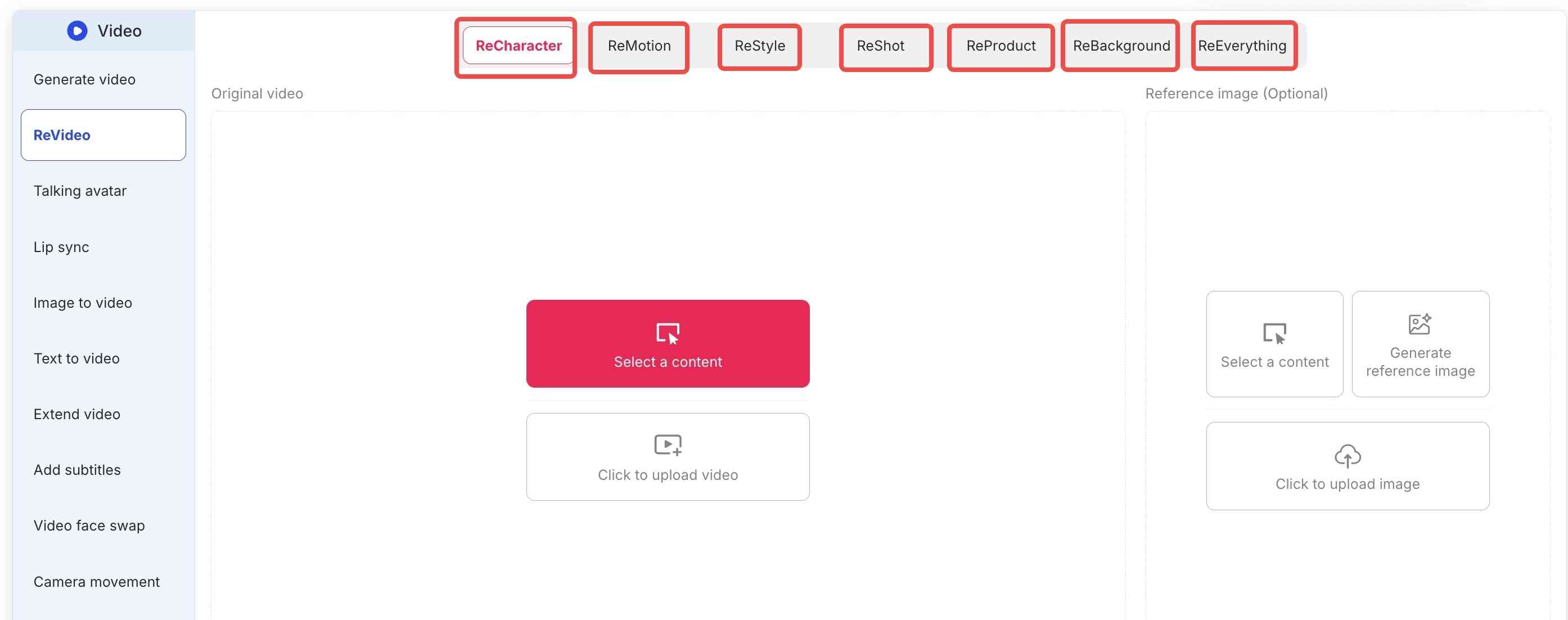
Apob AI’s true strength is the flexibility that the ReVideo toolbar brings. Depending on what you really need, you select either the following tabs:
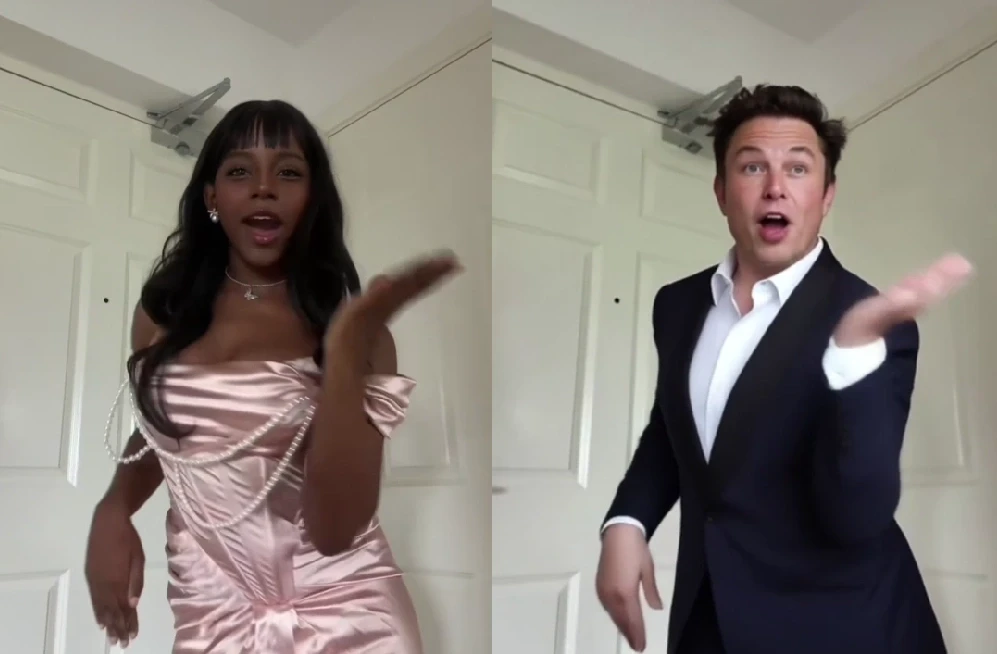
ReCharacter: Do you want to change the actor appearing in your video? Upload a reference image, and the AI will replace the person while preserving all movements.
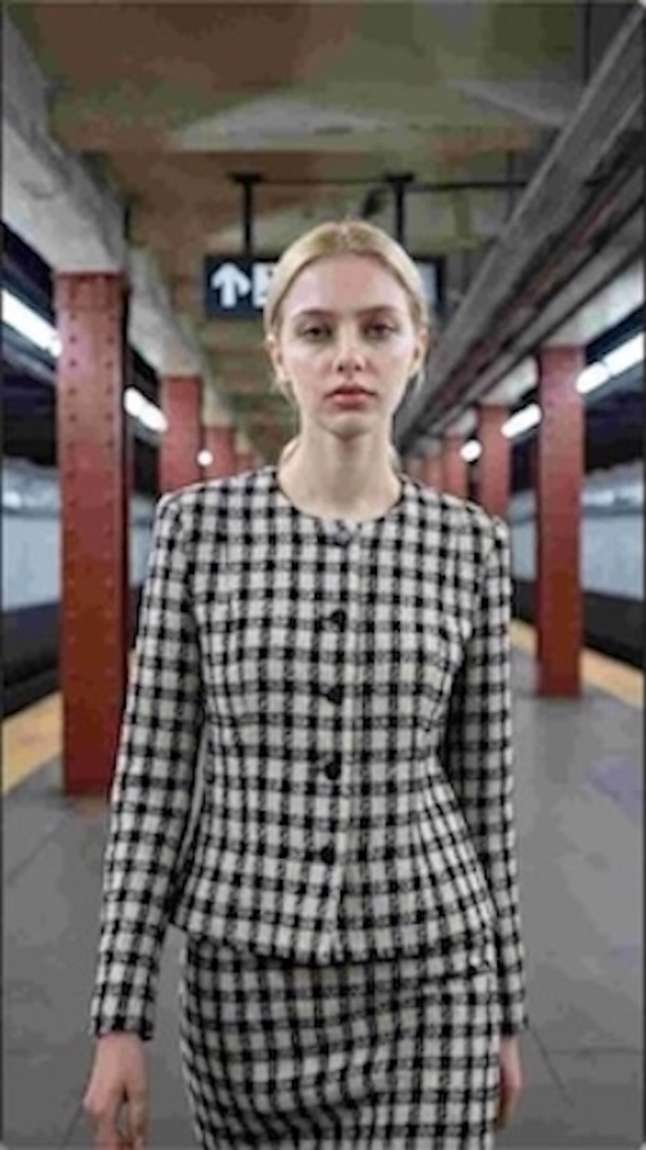
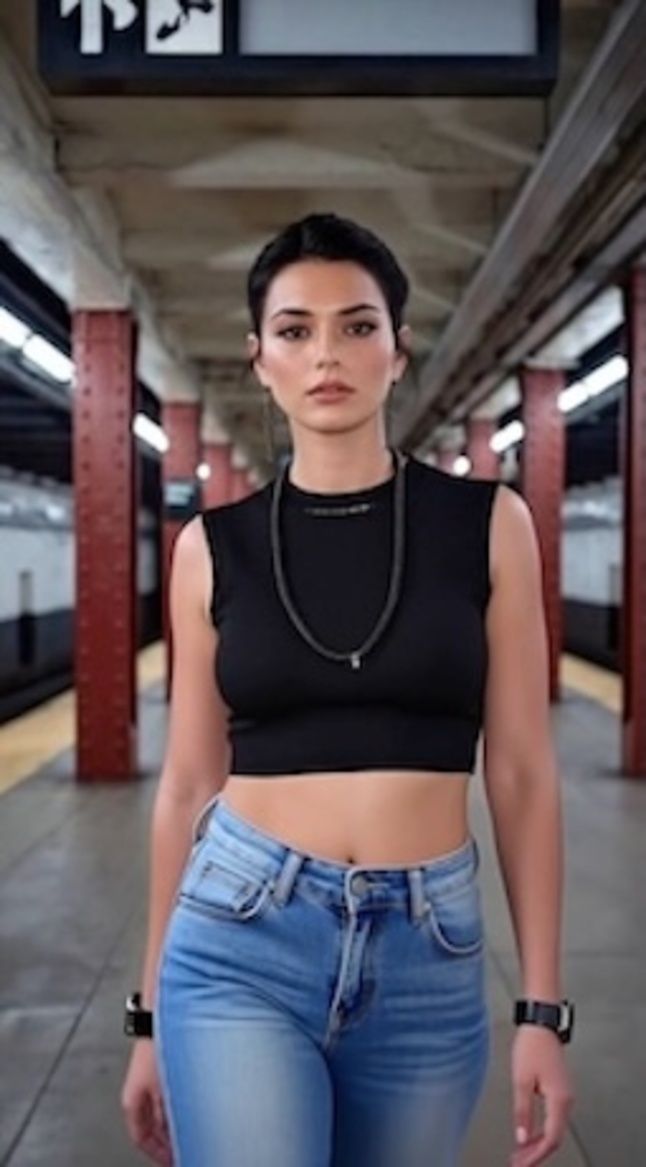
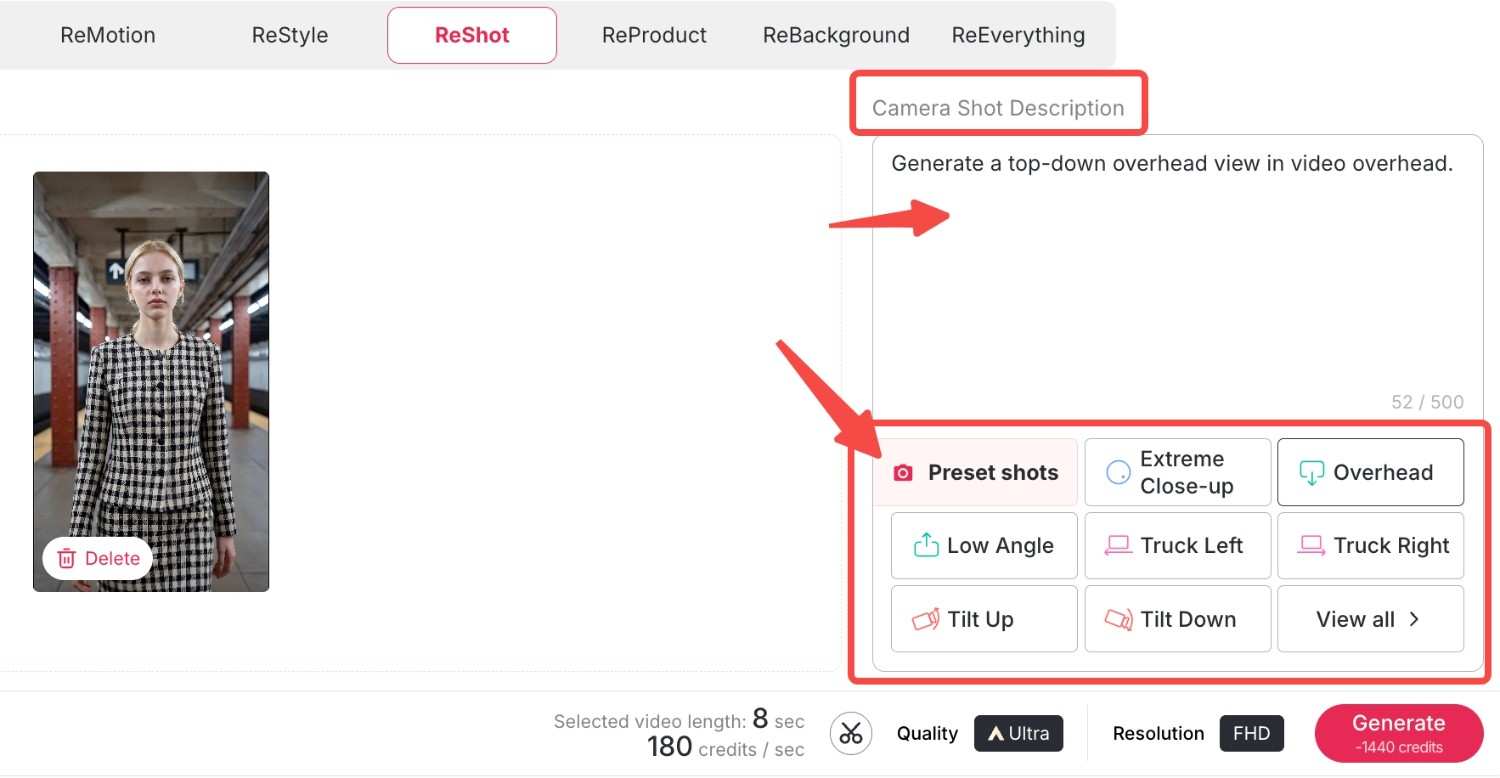
ReMotion: With support for Kling 2.6 software, you can control the camera direction. Now you can add complex zooms, pans, or tilts to your static videos.
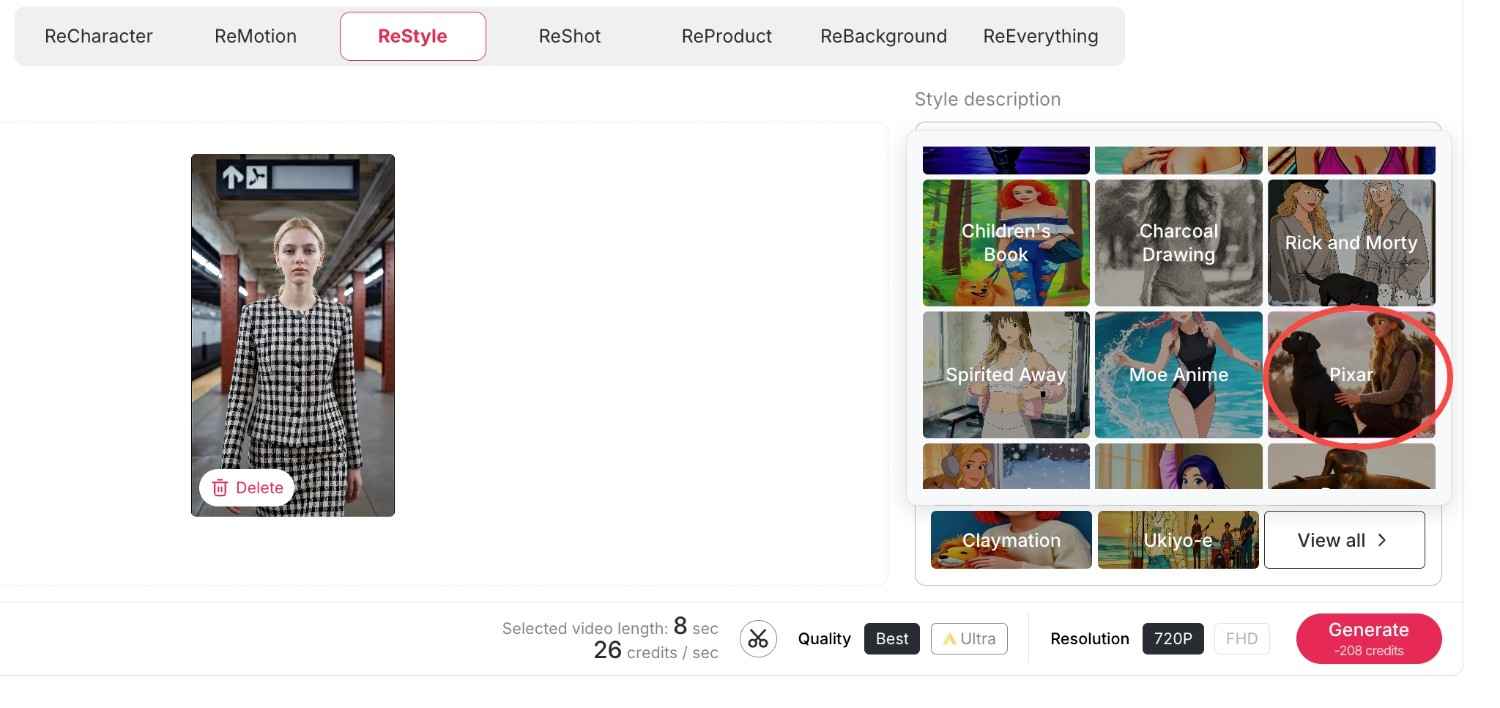
ReStyle: Change the whole artistic ambience. For example, we have a variety of styles from classic movies and TV series, bringing you right into the movie. Let's choose "Pixar style"and "Rick and Morty style" here and see what happens.
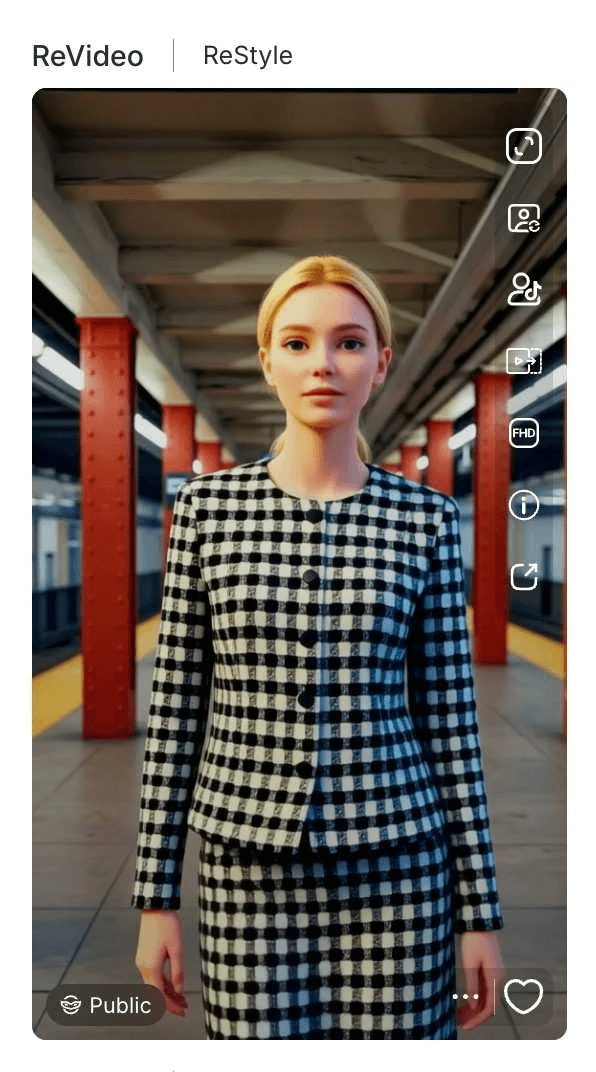
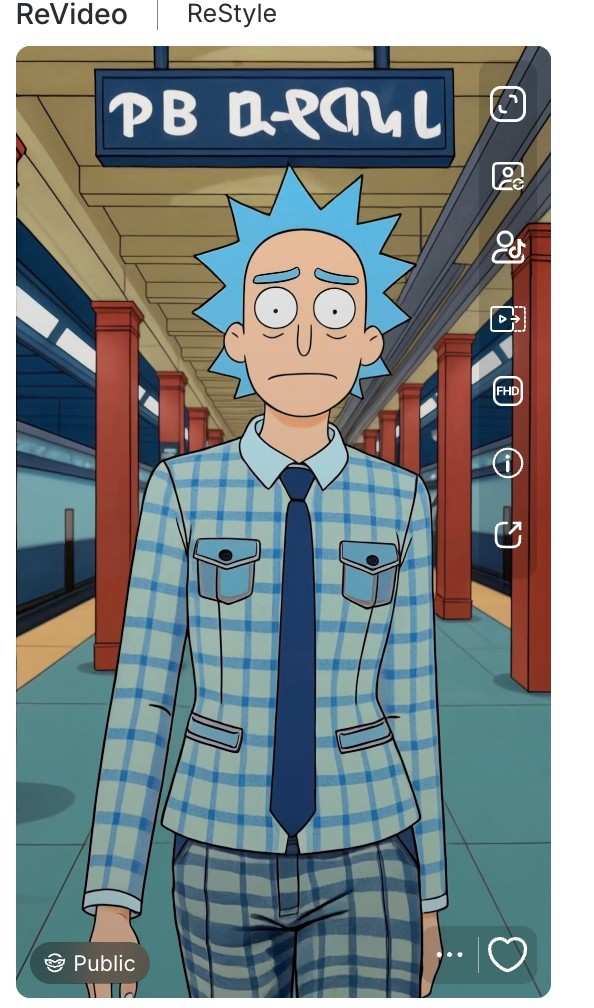
Now we have obtained two exquisite videos in the same style that perfectly match the original film or television series, and the videos also preserve your original movements and backgrounds.
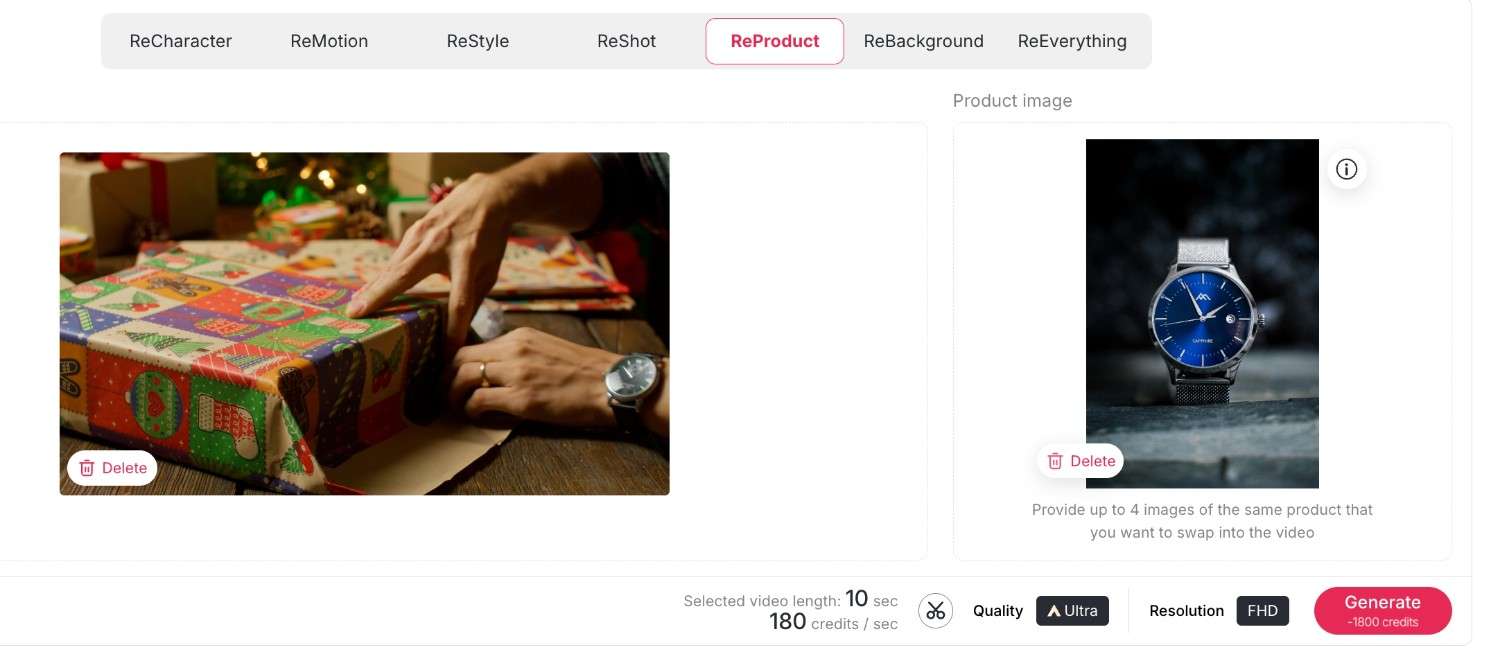
ReProduct: It's a completely new experience for e-commerce. All you have to do is use ReProduct to change the product in a video (for example, from a soda bottle to a cup of coffee) instead of setting up a new video crew. Upload your original video and the new product's photo, you can also enter a prompt to describe and modify the details of your new product, then click generate. A new video will be generated shortly, where the new product replaces the old one while everything else remains unchanged.
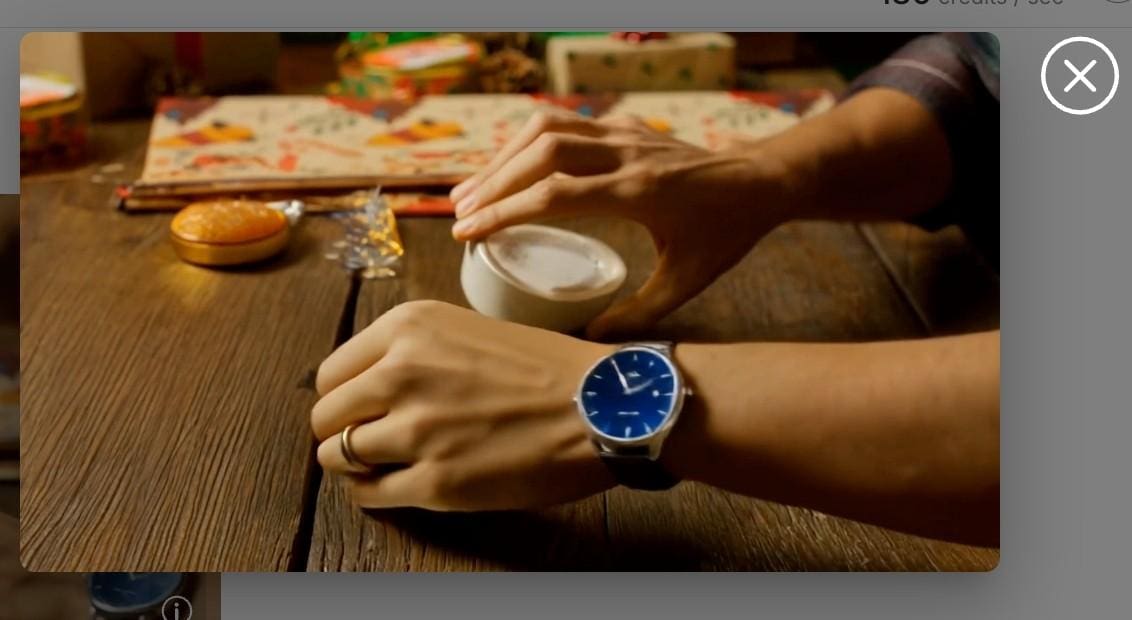
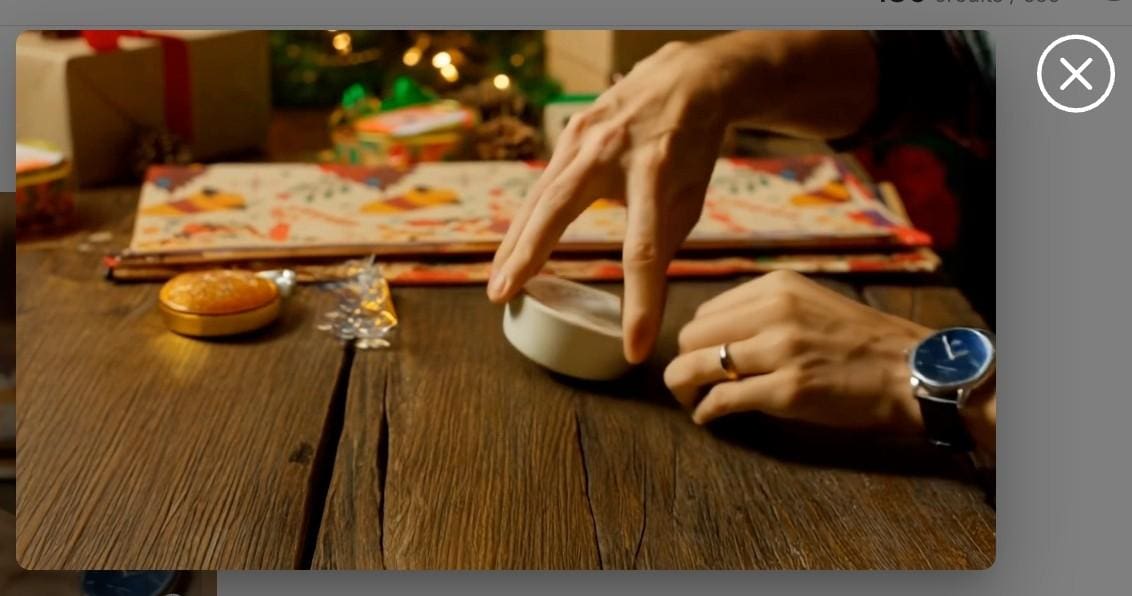
Here, we load a video of an unboxing of a Christmas present by a man who is wearing a grey watch. Now, we load this video along with an image of the new product: it is a deep blue watch. You can also enter your own descriptions of the new watch by making use of some prompts. Then, we have a new video of an unboxing by the man who is wearing the deep blue watch—everything remains the same, only the product has changed.
ReBackground: With this function, you are free to transport your subject anywhere, or swap a dull bedroom background for a posh beach resort without needing a green screen.
First upload your original video, then upload your desired background image; here, you can also enter some descriptions to further approach the effect you want.
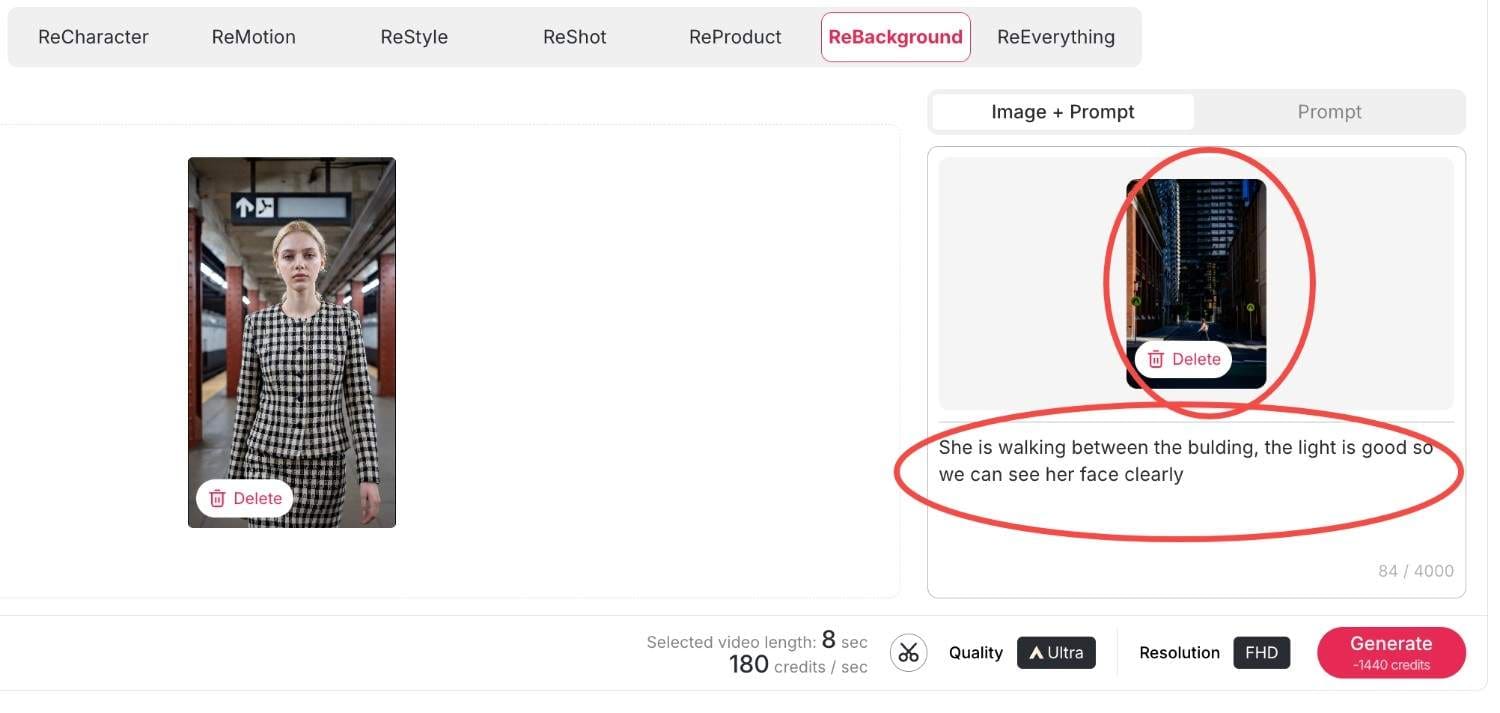
Then click generate, within seconds your new video will be produced.
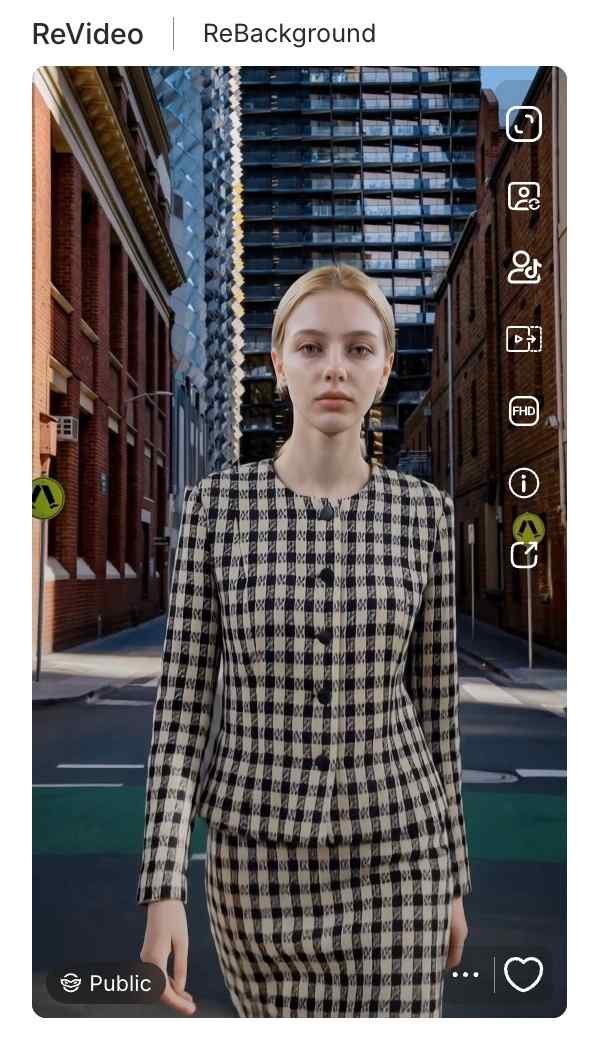
Reeverything: If you want to change the background or the style, the camera movement all at once, you can use reeverything so you can process them all with your prompts.
Step 3: Finalizing Quality and Resolution
Ensure that you have the right settings in place before you generate. There is also the choice to switch between quality settings, whether it is Best or Ultra. Additionally, you are given the choice of Resolution, whether it’s 720P for posting on social media or when creating videos to upload to YouTube in Full HD. Lastly, click on the 'generate' button, and the Kling AI Video Generator delivers your creation.
Methods for Monetizing AI-Generated Content through APOB AI
Creating video using a Kling AI video generator is not just a fun hobby but a potent business application. The capability to create high-quality video effortlessly gives rise to many money-making opportunities. Here’s how various individuals are profiting from it.
Influencer & Creator Marketing Opportunities
Social media influencers can greatly increase their engagement using these tools.
Traffic Generation: With ReStyle, you can ride on viral trends on TikTok and Instagram Reels. High-quality visuals make you pause and scroll no more; therefore, this results in increased views and earnings for Creator Fund.
Faceless Channels: Moreover, you may use the "Select a content" feature and operate YouTube channels without the presence of your face. Develop storytelling content or motivation niches with virtual avatars.
Solutions For e-commerce and Marketers
Among entrepreneurs, there is a unique benefit of the video generator by Kling AI offered on the platform Apob AI.
Cost-Effective Ads: Instead of sending products to influencers, use ReProduct. Record one video of a generic model holding a product, then replace the product with what’s in stock.
Service Offerings: Market your “AI Video Restyling” service on Fiverr/Upwork. You will be charging your consumers for enhancing their video footage to Hollywood-style ads using the ReMotion.
And if you have no clue, our rich and creative community content will provide you with infinite creative inspiration.
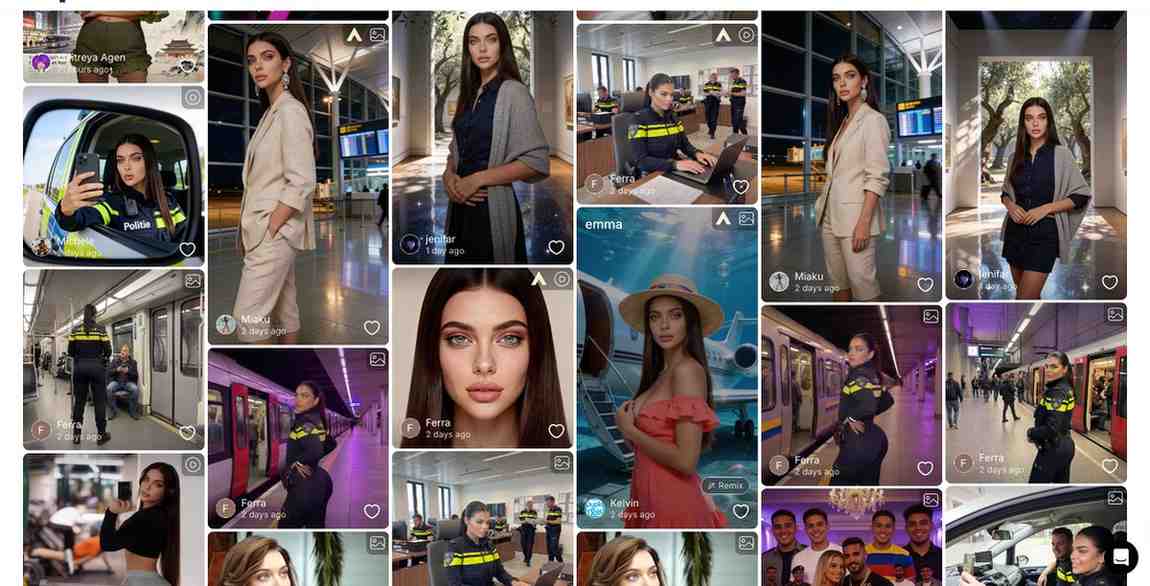
Comparison of Apob AI to other AI-powered video generation tools
Runway Gen-3: Although it is powerful at handling text-to-video prompts, many beginners find its interface difficult to navigate and the learning curve quite steep.
Luma Dream Machine: Known for its speed, Luma unfortunately lacks the essential "ReProduct" and specialized character consistency tools required for a professional production environment.
APOB AI (The Winner): Powered by the latest Kling 2.6 engine, APOB AI specializes in high-fidelity human portraits and cinematic video generation. Unlike competitors, we offer 80 free credits every single day and a dedicated suite for fashion and product placement.
Overall, the Apob AI combines the most effective models, such as the Kling AI model, but also incorporates them in a workflow.
Frequently Asked Questions(FAQ)
In what way is the video generator by the Kling AI company distinctive?
It relies on physics simulation to produce videos that strictly follow instructions, including realistic motion that goes above and beyond older models.
How do I utilize the ReProduct feature?
You simply upload your video, go to ReProduct, and add your reference image or description of what you want your new product to look like in the video.
Is there a free trial for Kling 2.6?
Yes, APOB AI offers you 80 free credits everyday, allowing you to test functionality enabled by our advanced integrations, such as Kling 2.6 everyday for free.
Can I make an anonymous faceless channel for YouTube with Apob AI?
Yes. Using "Select a content" functionality and virtual models, you can produce unique video content without having to record yourself.
What is the maximum resolution for exports?
The Apob AI system also offers high-definition export capabilities, such as FHD (1080p), to make sure that your videos remain crisp on any device.
Does ReMotion work on static images?
Yes, ReMotion’s Kling AI can make a static image and add effects of camera movements such as pans and zooms to make a video clip.
Can I use these videos for commercial advertisements?
Yes, the users with the paid plan have the commercial rights to the videos they make, so they are ideal for use on ads on platforms like Facebook or TikTok.
Is the interface difficult for beginners?
No. The Apob AI is created in a "click-and-create" model. There is no need to learn programming or be familiar with intricate video editing software.
How frequently new features are added?
Our platform is updated continuously. As soon as new updates for such models as Kling AI (version 2.6) appear, we start adding them to tools such as ReVideo.
References
Apob AI. (2025). AI Video Editing and Generation Tools. Retrieved from https://www.apob.ai.
Forbes. (2025). The Business of AI: How Creators Are Monetizing Video Gen. Retrieved from https://www.forbes.com/ai-video-monetization.
Kling AI. (2024). Kling 2.6 Technical Report and Features. Retrieved from https://klingai.com/research.

Be the first to like this.




Kling AI 3.0: Release Date, Features Preview & The Best Alternative to Try Now
How APOB Edit Video Delivers Smarter AI Character Replacement Than Scail Remotion
Kling 2.6 Motion Control: Try It Free on APOB AI

Kling AI Video Generator: How to Use?

Kling AI 1.6 vs Kling 2.0: What’s New and Which Version Is Better?
Kling AI Image to Video Prompt Guide – Create Videos for Free
The best alternative of seedance 1.5 for free: apob AI
Instant AI Dance Videos with Wan2.2 Animate: No Prompt Needed – APOB AI

Create Your Ideal Hero for Free with the AI Superhero Generator

No credit card needed


