Introduction
In the digital age, where first impressions often happen online, having a strong visual presence on LinkedIn is more important than ever. LinkedIn, the world's largest professional networking site, allows users to showcase their professional skills, experiences, and achievements. One of the key aspects of creating an impactful LinkedIn profile is the use of high-quality photos. With advancements in technology, Artificial Intelligence (AI) has emerged as a powerful tool to enhance LinkedIn photos. In this article, we will explore how AI can help you craft the perfect LinkedIn background photo, cover photo, and profile picture.
The Importance of Visuals on LinkedIn
Why Visuals Matter
Visuals play a critical role in creating a professional LinkedIn profile. A well-chosen profile picture, cover photo, and background photo can significantly impact how others perceive you. These images serve as your first introduction to potential employers, clients, and professional connections. High-quality visuals can convey professionalism, competence, and personality, helping you stand out in a crowded digital space.
First Impressions
Your LinkedIn profile picture is often the first thing people notice when they visit your profile. Research has shown that profiles with professional-looking photos are more likely to receive connection requests and profile views. A good profile picture can create a positive first impression, making you appear approachable, confident, and credible.
Engagement
In addition to the profile picture, the LinkedIn cover photo and background photo play a significant role in engaging your audience. These images provide an opportunity to showcase your brand, highlight your achievements, and add a personal touch to your profile. Effective use of cover and background photos can increase profile views and engagement, leading to more professional opportunities.
What is AI and How Does It Enhance LinkedIn Photos?
Definition of AI
Artificial Intelligence (AI) refers to the simulation of human intelligence in machines that are programmed to think and learn like humans. AI technologies encompass machine learning, natural language processing, computer vision, and other advanced algorithms that enable machines to perform tasks that typically require human intelligence.
AI in Photography
AI has revolutionized the field of photography by automating various aspects of photo enhancement. AI algorithms can analyze images, detect imperfections, and make adjustments to improve overall quality. These enhancements include optimizing lighting, adjusting colors, enhancing facial features, and removing background distractions. AI can also generate unique and personalized images based on user preferences.
AI Tools
Several AI tools are available to help users enhance their LinkedIn photos. These tools use advanced algorithms to analyze and improve images, making it easier for users to create professional-looking photos without needing advanced photography skills. Popular AI tools for photo enhancement include Apob AI, DeepArt, and Prisma.
Crafting the Perfect LinkedIn Profile Picture with AI
Profile Picture Basics
An effective LinkedIn profile picture should be professional, clear, and representative of your personal brand. It should focus on your face, with a simple background that does not distract from your features. Professional attire, good lighting, and a friendly expression are essential elements of a good profile picture.
AI Enhancements
AI can optimize various aspects of your profile picture to ensure it looks professional and appealing. AI tools can adjust lighting, enhance facial features, and remove blemishes or distractions. By using AI, you can create a profile picture that highlights your best features and presents you in the best possible light.
Step-by-Step Guide
Choose a High-Quality Photo: Start with a high-resolution photo that has good lighting and a simple background.
Upload to AI Tool: Upload your photo to an AI enhancement tool like Apob AI.
Apply Enhancements: Use the tool's features to adjust lighting, enhance facial features, and remove any imperfections.
Save and Upload: Save the enhanced photo and upload it to your LinkedIn profile.
Designing an Eye-Catching LinkedIn Cover Photo
Cover Photo Role
The LinkedIn cover photo is a valuable piece of real estate on your profile. It provides an opportunity to showcase your personal brand, highlight your achievements, and create a visually appealing backdrop for your profile. An effective cover photo can reinforce your professional identity and make your profile more engaging.
AI Customization
AI can help you design a unique and relevant cover photo that aligns with your personal brand. AI tools can generate custom images based on your preferences, such as industry-specific themes, color schemes, and visual elements. This customization ensures that your cover photo is not only visually appealing but also representative of your professional identity.
Best Practices
Align with Your Brand: Choose a cover photo that reflects your professional brand and industry.
Keep It Simple: Avoid cluttered images and opt for a clean, simple design.
Use High-Quality Images: Ensure the image is high resolution to avoid pixelation.
Incorporate Text: If appropriate, add text to highlight your name, title, or a professional tagline.
Creating a Professional LinkedIn Background Photo
Background Photo Purpose
The LinkedIn background photo serves as an extension of your personal brand. It can enhance the visual appeal of your profile and provide additional context about your professional interests and achievements. A well-chosen background photo can make your profile more memorable and engaging.
AI Features
AI can generate high-quality background photos tailored to your preferences. These tools can create custom images based on industry-specific themes, color schemes, and visual elements. By leveraging AI, you can ensure that your background photo is both visually appealing and professionally relevant.
Examples and Inspiration
Industry-Specific Themes: Choose a background photo that reflects your industry, such as technology, finance, or healthcare.
Professional Achievements: Highlight your achievements with images that showcase awards, certificates, or key projects.
Personal Interests: Incorporate images related to your personal interests or hobbies, as long as they are professionally appropriate.
Practical Tips for Using AI Tools for LinkedIn Photos
Choosing the Right AI Tool
When selecting an AI tool for enhancing your LinkedIn photos, consider factors such as ease of use, available features, and user reviews. Popular tools like Apob AI offer advanced photo enhancement features and user-friendly interfaces, making them suitable for both beginners and professionals.
Step-by-Step Instructions
Upload Your Photo: Start by uploading your chosen photo to the AI tool.
Select Enhancements: Choose from available enhancement options, such as lighting adjustments, facial feature enhancements, and background removal.
Preview Changes: Use the tool's preview feature to see how the enhancements will look on your photo.
Apply Enhancements: Once satisfied with the changes, apply the enhancements to your photo.
Save and Use: Save the enhanced photo and upload it to your LinkedIn profile.
Dos and Don'ts
Do choose high-resolution photos to start with.
Do use AI tools to enhance natural features and improve lighting.
Don't overdo enhancements to the point where the photo looks unnatural.
Don't use overly distracting or unprofessional backgrounds.
Real-Life Success Stories
Case Studies
Several professionals have successfully used AI tools to enhance their LinkedIn profiles. For example, a marketing executive used Apob AI to improve her profile picture and cover photo, resulting in a 30% increase in profile views and more connection requests from industry peers.
Before and After
Visual comparisons can effectively showcase the impact of AI on LinkedIn photos. Before and after images highlight improvements in lighting, clarity, and overall professionalism, demonstrating the value of using AI tools for photo enhancement.
Conclusion
Recap
Using AI for LinkedIn photos offers numerous benefits, from improving the quality of your profile picture to creating engaging cover and background photos. These enhancements can significantly impact how others perceive you and increase your chances of making valuable professional connections.
Call to Action
If you haven't already, it's time to leverage AI tools to enhance your LinkedIn photos. Experiment with different tools and see how they can help you create a more professional and engaging profile.
Final Thoughts
The future of professional networking is increasingly digital, and AI tools provide a powerful way to enhance your online presence. By investing in high-quality LinkedIn photos, you can create a strong first impression and open doors to new opportunities.
Additional Resources
Further Reading: Optimizing Your LinkedIn Profile, AI in Photography
Contact Information: For personalized advice on LinkedIn photos, contact us at email@example.com.
FAQs
Q1: What is an AI LinkedIn photo?
An AI LinkedIn photo refers to a profile picture, cover photo, or background photo that has been enhanced or created using artificial intelligence tools.
Q2: How can AI improve my LinkedIn profile picture?
AI can optimize lighting, enhance facial features, remove blemishes, and adjust the background to create a professional and appealing profile picture.
Q3: Are AI tools for LinkedIn photos free to use?
Some AI tools offer free versions with basic features, while others require a subscription or a one-time payment for advanced features.
Q4: Can AI tools help with LinkedIn cover and background photos?
Yes, AI tools can generate custom cover and background photos based on user preferences, ensuring that these images are high quality and professionally relevant.
Q5: What are some popular AI tools for LinkedIn photos?
Popular AI tools for LinkedIn photos include Apob AI, DeepArt, and Prisma.
Q6: Is it safe to use AI tools for enhancing LinkedIn photos?
Using AI tools for enhancing LinkedIn photos is generally safe when you choose reputable and well-reviewed applications. These tools are designed to enhance images by adjusting lighting, colors, and other elements to improve visual appeal. However, it's essential to use these tools responsibly and avoid over-editing your photos to the point where they appear unnatural or misleading. Always review the terms of service and privacy policies of AI tools to understand how your data is handled and ensure your personal information remains secure.
Recommendations
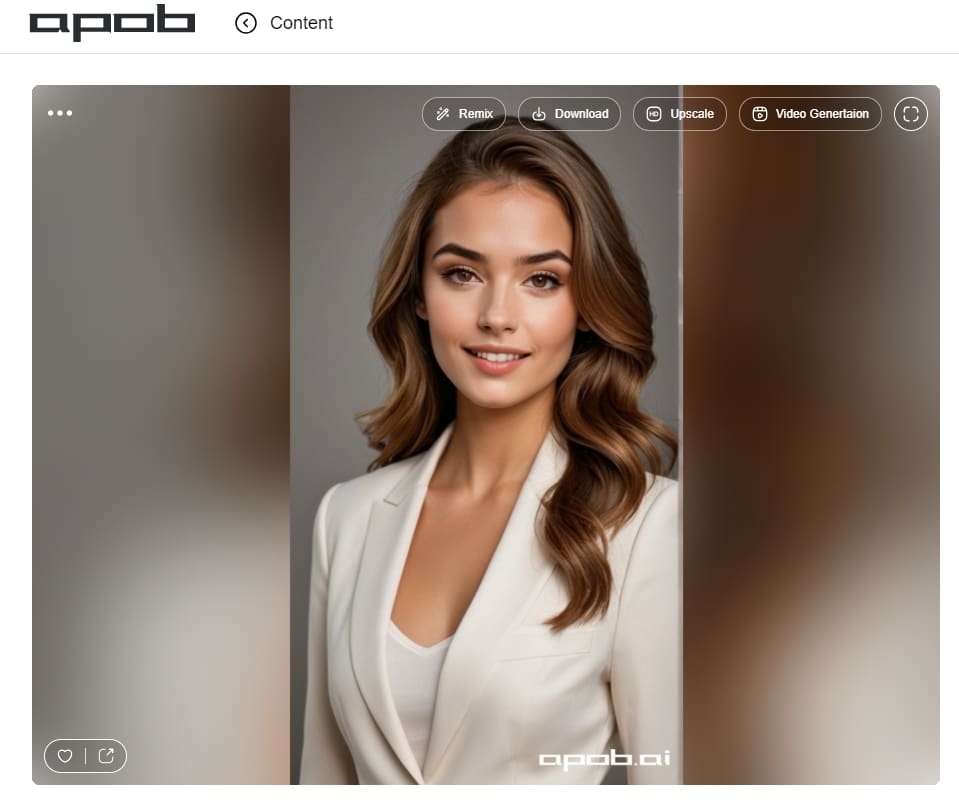
For those looking to enhance their LinkedIn photos with AI, Apob AI stands out as an effective AI portrait producer. Known for its natural enhancements and user-friendly interface, Apob AI offers a seamless experience for creating professional LinkedIn profile pictures, cover photos, and background images. Consider giving it a try to elevate your LinkedIn presence with high-quality visuals.

Be the first to like this.





No credit card needed


