
AI Rap Video Generator: Give Your Character the Mic
Turn your own rap audio into an original character performance. Start with a portrait or a video, test the lip-sync workflow, and build a short entrance verse, birthday rap or story punchline. Try APOB with 80 free daily credits; generation costs vary.
Play an original character rap performance
One performer, three settings: a recording booth, a rain-lit alley and a rooftop stage. This 10-second example uses APOB Image to Video with first and last frames, a 16-panel reference Element and native audio. Press Play, then unmute the player to hear the performance.
This FHD UltraS video generation was quoted at 4,000 credits, with reference images charged separately. The 80 daily free credits do not cover this example in one day.
TESTED RAP VIDEO EXAMPLES
One character. Four rap stories.
Preview the performances, inspect each generation prompt, or reuse a setup. Gallery previews are muted.
How to use an AI Rap Video Generator
1. Give one original rapper a recognizable identity
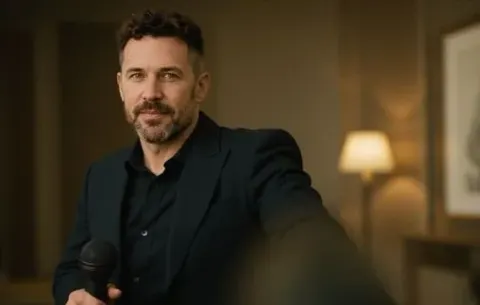
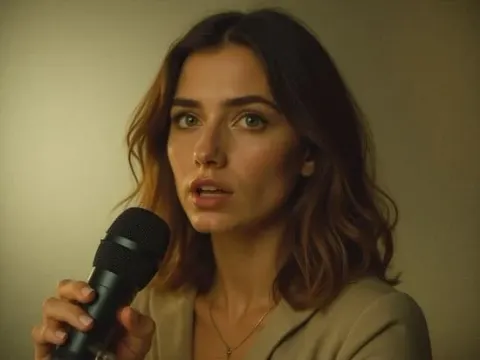
Start with an original character or a portrait you have permission to animate. Keep the face well lit and the mouth unobstructed. Reuse the approved portrait, hairstyle and wardrobe across shots. Example: a fictional night-shift baker in a teal apron introduces each episode with two bars. A microphone covering the lips makes synchronization harder to assess; place it beside the face.

2. Prepare the verse as audio before animating
Write a short verse, record it yourself or obtain a recording you are licensed to use. Listen for clipped consonants and a beat that buries the vocal. Example: a birthday message ends with “Maya takes the cake” on the final beat. Trim the passage you need and keep a clean copy. APOB accepts audio in its Talking Video workflow; a visual prompt or ordinary text-to-speech does not establish that rap vocals and a beat will be composed for you.

3. Choose Talking Avatar or Lip Sync
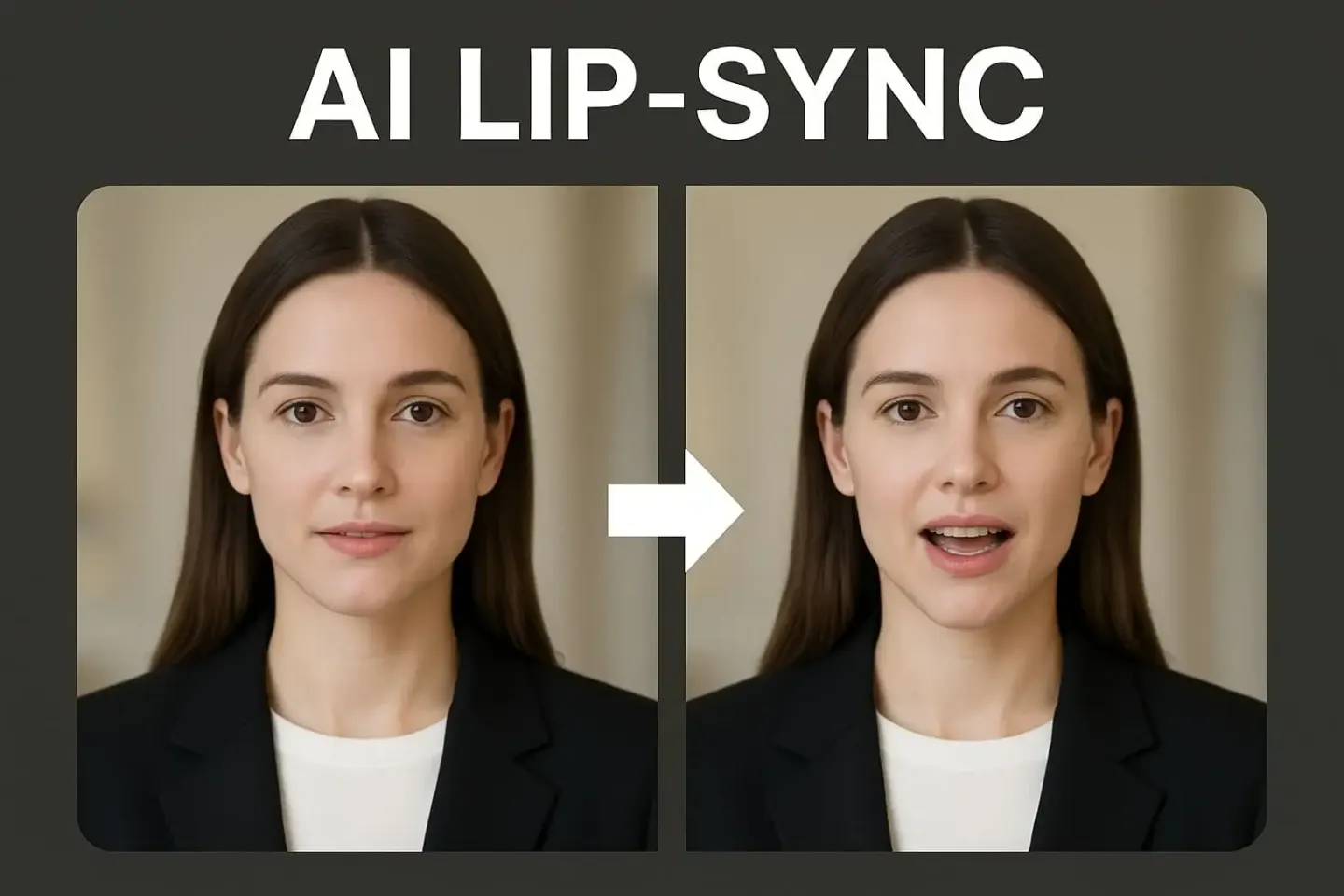
In the Create workstation, open Talking Video. Choose Talking Avatar for a still portrait plus audio, or Lip Sync for an existing character video plus audio. For supporting shots, use Text to Video to describe the scene and camera movement. Example: animate the baker portrait for the verse, then create a separate oven-door reveal. A supporting visual clip is not automatically synchronized to the song.

4. Check the quote and generate a short test
Upload the face source and audio, choose the available quality or resolution, and review the cost beside Generate. It depends on mode, settings and audio length. Example: test the opening couplet before committing to a whole birthday verse. If Generate is disabled, check both uploads and the mode’s duration limit. The free Nano plan provides 80 credits daily; that is a credit allowance, not a promise of one completed rap video per day.

5. Listen, inspect the mouth, then download
Play the entire result with sound. Check the first syllable, a middle rhyme and the final word against mouth movement; also inspect face, hands and any drift in timing. Example: if the punchline lands after the character stops moving, shorten or simplify the test and compare again. Open the result’s Details view and use its available download control. Play the saved file locally to check audio, dimensions, duration and format before adding captions or cutting to the beat in an editor.

Why choose APOB AI for character rap videos?
A performer you can reuse
An original character can become the host of a recurring series. Keep one reference portrait and change the episode’s verse, props or setting. Review each result for facial changes instead of relying on a promise of perfect consistency.
A route for the assets you already have
A portrait can start a Talking Avatar test; existing footage can start a Lip Sync test. You can develop supporting scenes in the same creative workspace without re-recording a physical performer.
A small experiment before a larger edit
A short hook makes it easier to judge whether the voice, framing and mouth movement work together before spending credits on a longer sequence. Review the displayed quote for each attempt.
Use cases for an AI Rap Video Generator
TikTok: a fictional character’s entrance verse
Introduce a detective who raps two clues, then reveals that the missing cake was in their own fridge. Keep the first shot close enough to read the mouth and reserve the reveal for a separate cut. This is an original story beat rather than a remake of a celebrity performance.
YouTube Shorts: let the quiet side character win
A spaceship mechanic answers the captain’s boast with a short repair-themed verse. End on the engine restarting, using an editor to place that cut on the beat. YouTube reported that Shorts averaged 200 billion daily views in its 2026 CEO letter; this describes the format’s scale, not expected views for your clip.
Instagram Reels: a personal birthday rap
An original roller-skating astronaut delivers a birthday verse about a friend’s gardening hobby. Record the name clearly and keep private details out of public captions. Ask permission before using the recipient’s real face or voice.
A small business mascot with a useful punchline
A fictional bicycle-shop host raps a reminder to check tire pressure before a weekend ride. Show the actual product separately and keep claims factual. Clear the audio for advertising use before running the clip as a paid Reel.
Expert prompts for AI rap video scenes
These are visual direction prompts, not instructions that guarantee lyrics, a rap voice or a beat. Pair the selected shot with your own approved audio through the appropriate workflow.
Story creator: the unassuming mechanic
Purpose: establish a character before the reply verse. Prompt: “Use my original mechanic reference. Medium close-up in a worn spaceship workshop, copper jacket and short curls unchanged. One small nod, then point toward the repaired engine. Camera stays steady; face and mouth remain visible, no microphone across the lips, no logos or text. Vertical composition.” Expected output: a restrained character shot to test with the recorded verse.
Birthday creator: the gardening astronaut
Purpose: give a personalized verse a distinct setting. Prompt: “Original astronaut host beside a tiny greenhouse on a space station, violet flight suit, holding a seedling at waist level. Front-facing medium shot with relaxed shoulders, subtle expression, clear mouth, soft daylight. Preserve the reference face and outfit. No written words.” Expected output: a clean portrait scene for a birthday audio test.
Brand creator: the bicycle-shop host
Purpose: make the mascot recognizable without fabricating product details. Prompt: “My original shop mascot in a lime work jacket, beside an unbranded bicycle repair stand. Chest-up framing, one measured hand gesture, clear lips and stable facial features, warm practical lighting, fixed camera. Keep tools away from the face. No slogans or product claims.” Expected output: a controlled performance visual; insert real product footage during editing.
Series creator: the midnight baker
Purpose: repeat a visual identity across episodes. Prompt: “Reuse my fictional baker reference, teal apron, silver hair clip and round glasses unchanged. Midnight bakery with amber oven light. Face the camera, give one confident nod, then hold the pose. Mouth unobstructed, hands below shoulder height, no rapid turns, no on-screen lyrics.” Expected output: a consistent-looking starting shot to compare with earlier episodes.
Pros and Cons
Pro: recognizable series host
A reusable reference gives the audience a familiar performer across episode ideas. Keep a reference sheet and reject identity drift.
Pro: work from a portrait or footage
The two Talking Video paths let you begin with the face source you already own instead of staging a shoot.
Pro: test a single punchline
Short passages make timing problems easier to spot and keep each experiment focused.
Con: audio preparation is part of the job
Prepare or license the rap recording and beat separately. This page does not establish an integrated lyrics-to-rap-song feature.
Con: fast delivery needs extra review
Rapid syllables, overlapping vocals and face obstructions can make mouth movement difficult to judge. A convincing test is more useful than a blanket accuracy claim.
Con: finishing may require an editor
Exact beat cuts, lyric captions and a multi-shot sequence can require separate editing. Generation attempts consume credits; privacy and watermark options depend on plan.
Legal and Ethical Considerations
Use an original persona or get permission for each real person’s face and voice. Do not imply that an artist performed, endorsed or approved a verse they did not create. Avoid celebrity impersonation and targeted harassment disguised as a roast.
Check rights to the lyrics, vocal recording, beat, samples, reference images and any branded assets. Permission to use a song on one social platform may not cover an advertisement or uploads elsewhere. A generated visual does not clear the music’s rights. Check APOB’s current terms and your asset licenses before commercial use; ownership and copyright protection depend on the material and jurisdiction.
Disclose synthetic content when the destination requires it. TikTok requires labeling realistic AI-generated images, audio and video. YouTube requires disclosure for relevant realistic synthetic content and lists AI-generated music among its examples. Review Instagram’s current AI labeling, music and advertising rules when uploading there.
Workflow references
Learn the character lip-sync workflow


AI Rap Video Generator FAQs
Is the AI rap video generator free to try?
APOB’s Nano plan includes 80 daily credits. Video costs vary; check the quote before generating. This allowance does not guarantee a complete rap video at every setting.
Can I enter my own rap lyrics?
You can write your own lyrics and record them as audio for the performance workflow. The in-app speech option can read a script, but ordinary text-to-speech is not a verified substitute for a rhythmic rap recording.
Does APOB generate a rap voice and a beat together?
UltraS Image to Video produced native vocals and accompaniment for the 10-second example on this page. Put short original lyrics in the prompt and review the result; exact delivery is not guaranteed. For a specific existing recording, use Talking Avatar or Lip Sync.
Which mode should I use for an AI rap generator video?
Choose Talking Avatar for a still image plus audio. Choose Lip Sync for an existing video plus new audio. Use Text to Video for supporting scenes.
Can I make an AI rap generator freestyle performance?
Record a short original freestyle and use that audio for a character performance test. Automatic freestyle writing and musical delivery are not promised by this workflow.
How do I use an AI rap generator with beat?
Prepare a recording with rights-cleared vocals and accompaniment. Keep the words audible, test a short passage and make precise beat cuts in an editor when needed.
Can an AI rap generator voice sound like a famous rapper?
Use your own voice or a licensed voice you have permission to use. Do not impersonate a performer or suggest an endorsement without authorization.
Will every fast rap syllable match the lips?
No exact accuracy is guaranteed. Review a short passage with sound, especially dense consonants and the final rhyme. Simplify the shot or try a clearer vocal recording if the match is weak.
How do I keep the same rapper across clips?
Reuse an approved original character reference and repeat its hairstyle, wardrobe and framing constraints. Check the face in every output and replace shots that drift.
How long can the performance be?
The Talking Video help guide lists input limits of three minutes for Talking Avatar and fifteen minutes for Lip Sync. These are mode limits, not a guarantee of usable rap performance at that length. Start with a short excerpt and check the current interface.
Which ratios, resolutions and download formats are available?
Available settings depend on the selected workflow. Frame vertical supporting scenes for TikTok, Reels or Shorts where supported. Check the actual download’s format, dimensions and audio locally; this page does not promise one universal export specification.
Can I use the result commercially?
Check APOB’s current terms and the licenses for every input, including the beat, samples, vocals and likeness. A generated character video does not grant rights to someone else’s music or identity.
Are uploaded portraits and audio private?
Do not assume a free creation is private. Check visibility before uploading sensitive material; private creation is a paid-plan feature in the help guide. Only upload assets you are authorized to use.
Can I post to TikTok, Reels and YouTube Shorts?
Download and review the result, then upload it through the destination platform. Check its current file requirements, music permissions, AI disclosure and advertising rules. Direct publishing is not promised here.
What should I check before downloading?
Listen to the complete clip, compare mouth movement with the words, inspect identity and hands, and confirm the ending. After download, play the local file to verify sound, timing and dimensions.
Give your next character a verse worth hearing
Bring your own audio and test a short performance first.