
Free AI Boy Generator
Create lifelike or stylized boy characters for stories, games, or videos using the AI Boy Generator!
How to Create AI Boy Images: Adult rooftop portrait
Step 1: Start AI Boy Images with a Free Account
Create a clearly adult male character for an avatar or a fictional story. Create a free APOB account; the Nano plan includes 80 daily credits. Open Generate image → Chat to generate directly from the workspace. You can start from a description without first creating a Portrait Model.
Step 2: Describe the Adult rooftop portrait
In the description field, enter the prompt demonstrated in the ai boy images clip: “A handsome 23-year-old Mediterranean male character with dark curly hair, warm brown eyes and a friendly confident smile, wearing a cream linen shirt and navy jacket on a sunlit city rooftop. Photorealistic premium creator-avatar portrait, clean anatomy, one clearly adult man, head and shoulders visible, centered square composition, no text, no logo, no watermark.”
The clip highlights the page-specific prompt in APOB’s interface. The result clip shows a selected example; your own generation may interpret some details differently.
Step 3: Choose 1:1 and Review the Generation Settings
Open Aspect ratio and select 1:1 for the square adult rooftop portrait shown here. The shared clip locates the quality, ratio and quantity controls; its displayed 9:16 value is a control example, not the setting for this square result.
Add an optional Character or Element only when a recurring face, product or another visual reference is useful. A portrait model is not a required first step for text-based generation. Review the available quality and quantity, then read the current credit quote before selecting Generate.
Step 4: Generate, Check and Download Your Boy Images
Confirm the prompt, references and displayed credit quote, then click Generate. Open the completed result at full size. Check the adult character’s curly hair, cream shirt, navy jacket and rooftop setting. Inspect eye alignment, teeth and jacket edges before reusing the portrait.
Use Download after the result meets your brief. Change one instruction at a time if an important detail is missing, and check the new credit quote before generating again. The example clips do not represent actual processing time.
Create Trending AI Boy Videos Fast
Good-looking creators often attract huge attention on short-video platforms like TikTok. However, when trying to replicate viral videos, relying only on images or prompts doesn’t always deliver perfect results. That’s where APOB’s Edit Video feature comes in.
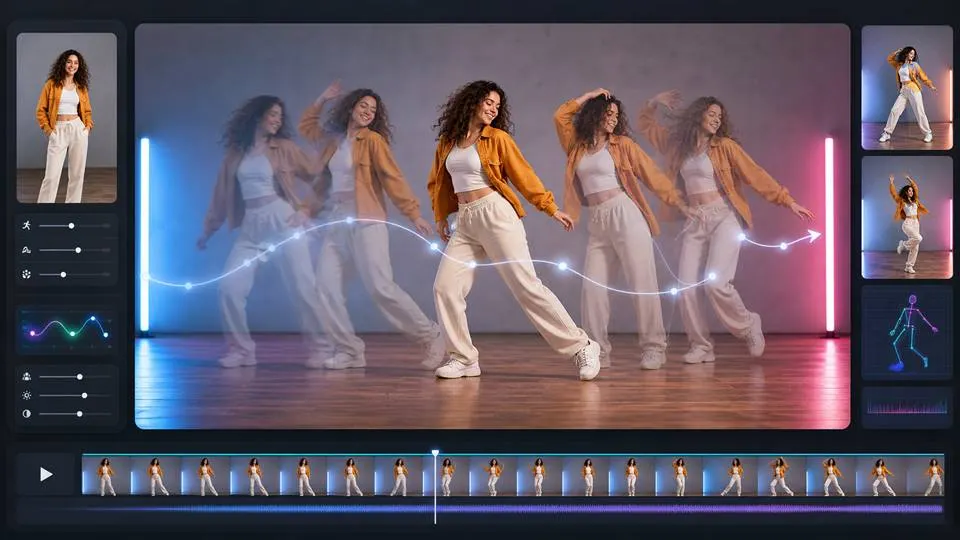
Simply upload an Original Video (please use a video under 30 seconds—APOB will support videos up to 5 minutes in the future) and a Reference Image (an AI Boy generated by the AI Influencer Generator will be used if no reference image is provided), then click Generate. The Reference Image will replace the person in the Original Video while keeping the original movements and facial expressions unchanged, creating a brand-new video.
This feature is especially perfect for dance videos. We believe your handsome AI boy can also gain plenty of followers—honestly, many rising influencers today are actually AI-powered behind the scenes.

Why You Should Choose AI Boy Generator?
Total Creative Freedom
With prompt-based or click-based customization, you can design AI boys that perfectly match your vision—whether it’s for anime, realism, or fantasy.
Built for All Skill Levels
No design experience? No problem. APOB AI is beginner-friendly, with intuitive tools and templates to help anyone generate amazing characters in minutes.
Versatile Use Cases
From creating social media avatars to video game NPCs, virtual influencers, or emotional support companions, your AI man can serve endless purposes.
Use Case of AI Boy Generator
What can you do with an AI Boy Generator?
For Game Development
Game developers and artists utilize an AI boy maker to speed up the character brainstorming and design process. A designer can use APOB AI to create different distinctive characters in keeping with a particular look or story in minutes [1]. AI Boy maker can be utilized to create NPCs for video games, build characters for cartoons, or as a basis for digital art. AI Boy Generator such as APOB AI assists artists in breaking through creative barriers by providing them with an endless supply of inspiration material for upcoming appearances, body shapes, and styles [2].
For Fashion Brand
Companies can make multiple virtual models using AI Boy Generator to model their apparel lines, without having to shell out money for costly and time-consuming photo shoots [3]. Brands can just dress a virtual AI Boy model in fresh designs at breakneck speed with technology, producing scalable product images for websites, social media, and online lookbooks. This allows companies to react to trends within the market faster and show products on different body shapes and ethnicities, supporting diversity and allowing for a better shopping experience by the customer through a more identifiable representation [4].
For Virtual Reality
In augmented reality (AR) and virtual reality (VR), AI boy generators can provide realistic, customized characters and avatars for immersive applications. They are needed to construct interactive worlds for gaming, training, and learning [5]. For instance, a medical training program may employ an artificially designed male character to build up a patient to practice on for surgeons, or a study app may employ an artificially designed character to teach a student about a reenactment of history. This can enable a vast array of dynamic characters to be created which can dynamically respond to user input in real time, giving the user a more interactive and personalized experience [6].
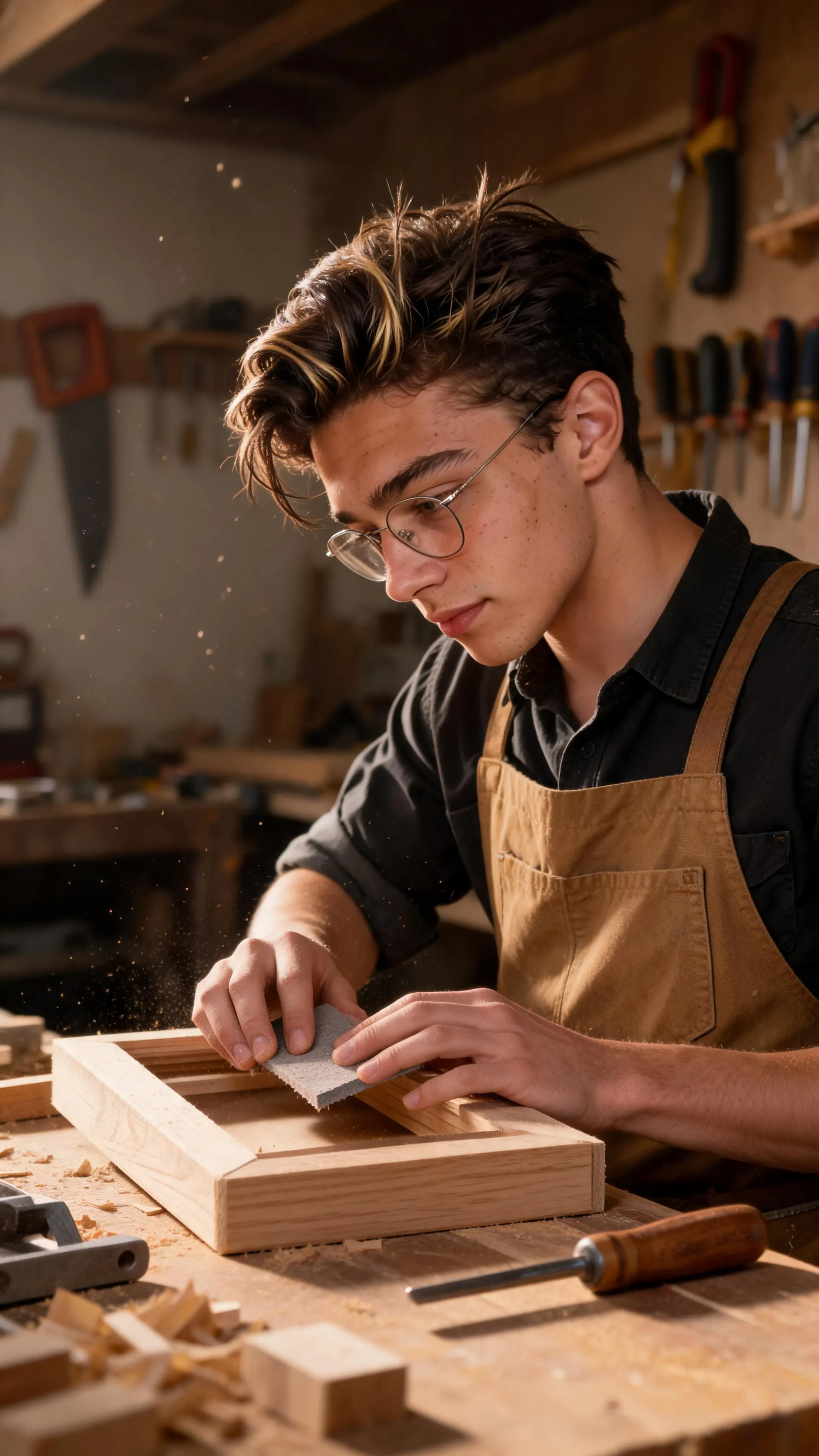
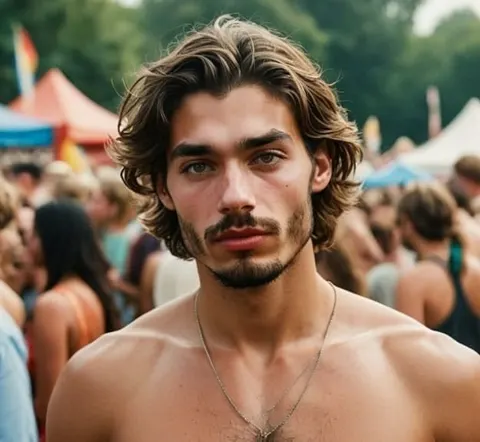
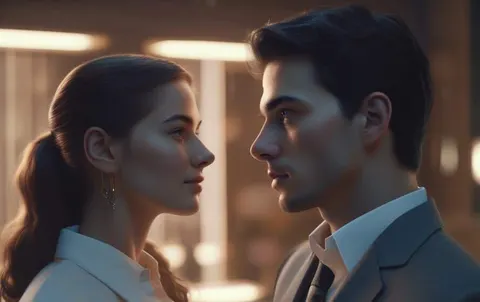
AI Boy Image Gallery


Reviews on our AI boy generator

The AI boy generator gave me a consistent teen character for a game concept sheet. I could change the hoodie and background while keeping the same personality.

I used it to visualize the main boy in a story draft. Seeing facial expressions and outfits helped me write scenes with more detail.
APOB AI made it easy to create a boy character and test a few short video moments. The results were clean enough for social mockups.

I needed several NPC directions fast. The generator helped me explore sporty, shy, and adventurous looks before picking one.
The anime-style boy portraits were my favorite. I got a few profile images that looked expressive without needing complicated prompts.

For a youth campaign moodboard, APOB AI helped us compare friendly character styles quickly. It made the visual direction easier to explain.

A simple portrait turned into a short moving clip better than I expected. The trick was keeping the action small and natural.

I used it to build a fictional boy character for a content idea, then swapped settings to see what fit. It saved a lot of reference hunting.

The generator helped me create clean character thumbnails with clear expressions. Those tiny expression differences mattered a lot.


Pros and cons
Pros
Free Credits for New Users
Get started risk-free with 80 free credits, enough to test every feature before committing.
High-Quality Output in Seconds
Each generation produces 4 professional-grade images with just one click—saving hours of manual work.
Video and Voice Integration
Turn your static AI boy into a talking, moving character complete with voice, expression, and dynamic camera angles.
Cons
Credit-Based Limitations
Each generation and feature uses credits, so frequent use may require top-ups after your free quota is used up.
Requires Stable Internet Connection
Because it’s a web-based platform, optimal performance needs a strong and stable internet connection.
Customize Your AI Boy with AI
No Credit Card Required
Discover more blogs about Free AI Boy Generator



FAQs about AI Boy Generator
Answers about male styles, customization, prompts, credits, privacy, and commercial rights.
How to make an AI boy with APOB AI?
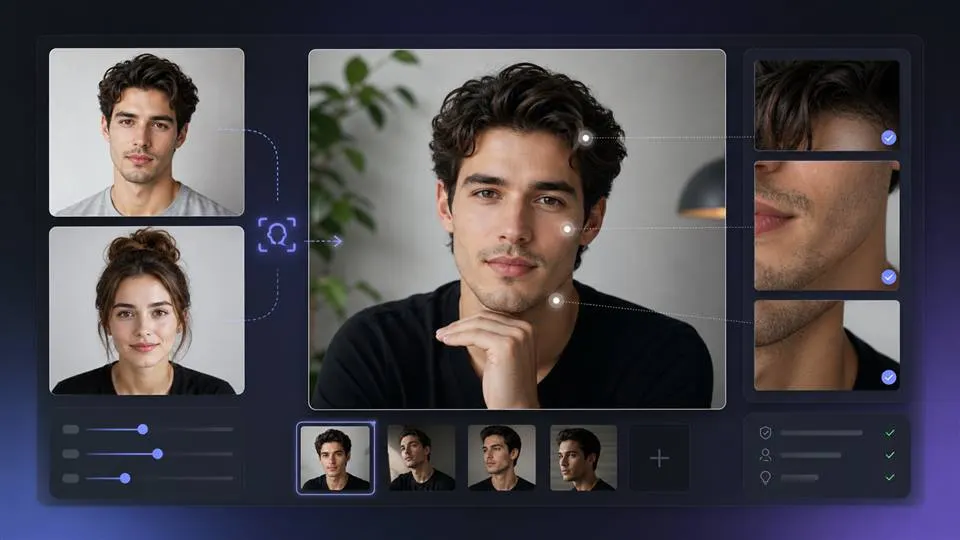
Log in to APOB AI, click “Create Portrait Model’. You may create your AI boy in 2 ways: If you already have a reference photo, you can upload a photo. If not, click ‘Influencer Generator’ to get one! You could select traits like age, face shape, and hairstyle for your AI Boy. Then click on ‘Generate’ to generate your custom AI boy!
Can I generate images for free with APOB AI?
Yes! This is why you should choose APOB AI! By signing up as a new user, you can get free membership and receive 80 free credits daily, which you can use to generate AI boy images and videos!
How do I generate AI boy images from text?
APOB AI’s “Expert” tab will help you! You could type your descriptive prompt (e.g., “Tanned boy in a white hoodie on a beach”), and let the AI generate images based on your input.
What’s the best AI boy generator online?
APOB is one of the best AI boy generators available online. It lets you create highly realistic and customizable AI boys with just a few clicks. It’s beginner-friendly, fast, and designed for both creative content and social media growth.
What did Character AI do to a 14-year-old boy?
When generating an AI boy with APOB, the minimum selectable age is currently 18 by default. However, if you want to create a 14-year-old boy, that’s also possible. You can first generate an image, then use Chat to Edit and enter a prompt to change the AI boy’s age to 14. After that, you can use the newly generated image of the 14-year-old boy as your AI model for further creation.
Where can I use the AI-generated images?
You can use them for social media, blogs, storytelling, YouTube thumbnails, profile pictures, and even in digital games or ads.
Can I use images I created or I found on your platform for commercial purposes?
Yes. Images you generate can be used for personal or commercial use, but redistribution of unaltered platform assets may have restrictions.