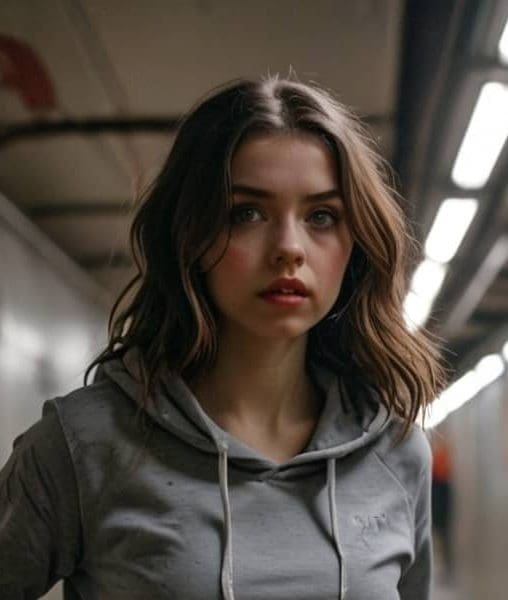
Best AI Image Generators: A Practical List for Photos, Characters, Products, and Social Content
A useful list of AI image generators should not read like a random directory. Readers want to know which tool fits their job: realistic photos, anime characters, product images, quick social graphics, branded visuals, or experimental art.
This guide compares tools by practical use case: realistic photos, AI characters, product images, quick social graphics, branded visuals, and experimental art.
How to judge an AI image generator
Criteria | Why it matters |
|---|---|
Prompt control | Better control means fewer wasted generations. |
Realism | Important for ads, headshots, product visuals, and creator content. |
Style range | Useful when switching between anime, photo, fashion, product, and illustration. |
Commercial-use clarity | Brands need to know what can be published. |
Workflow | Fast editing, video conversion, or character consistency can matter more than raw image quality. |
Tools worth comparing
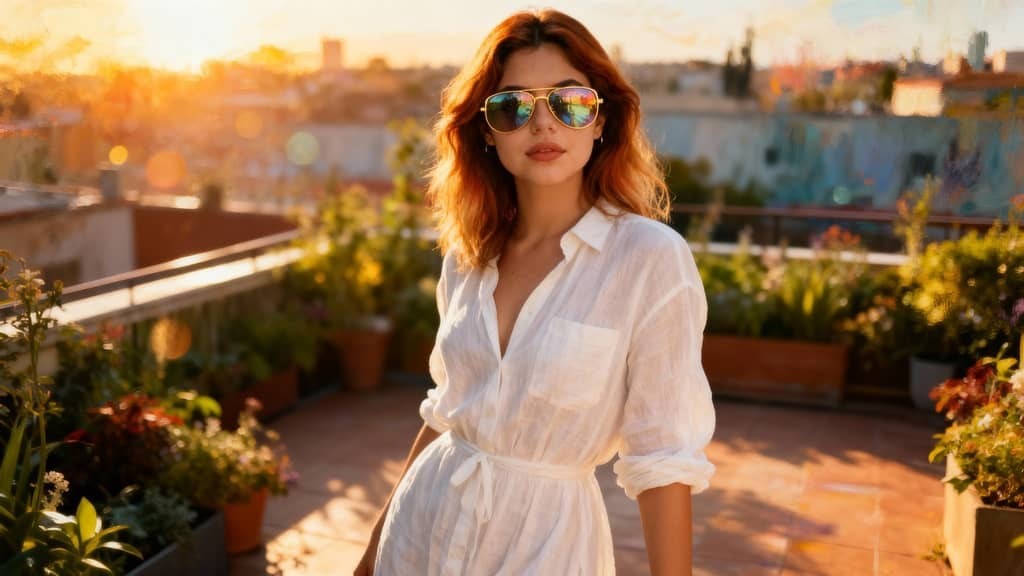
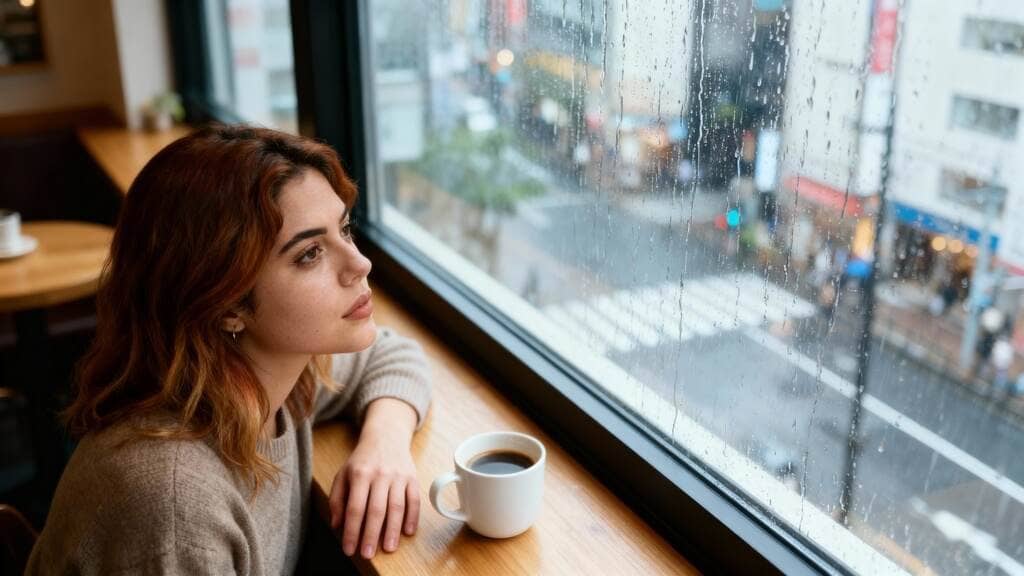
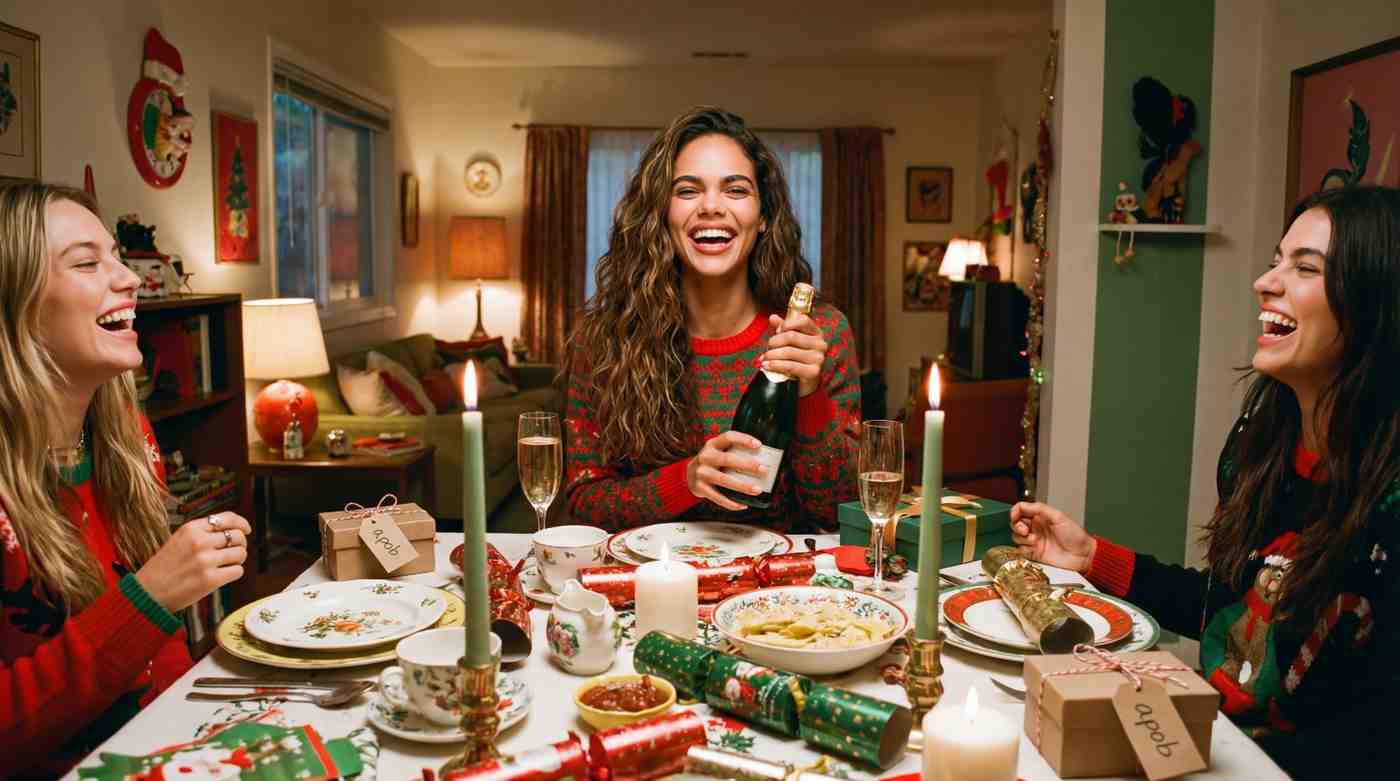
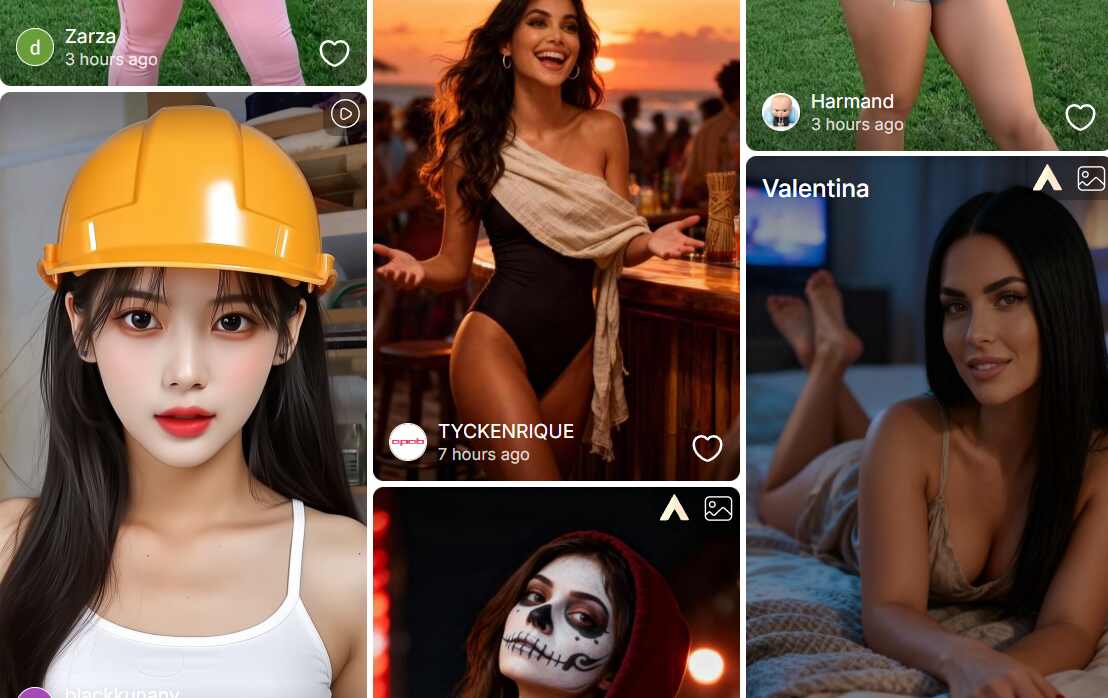
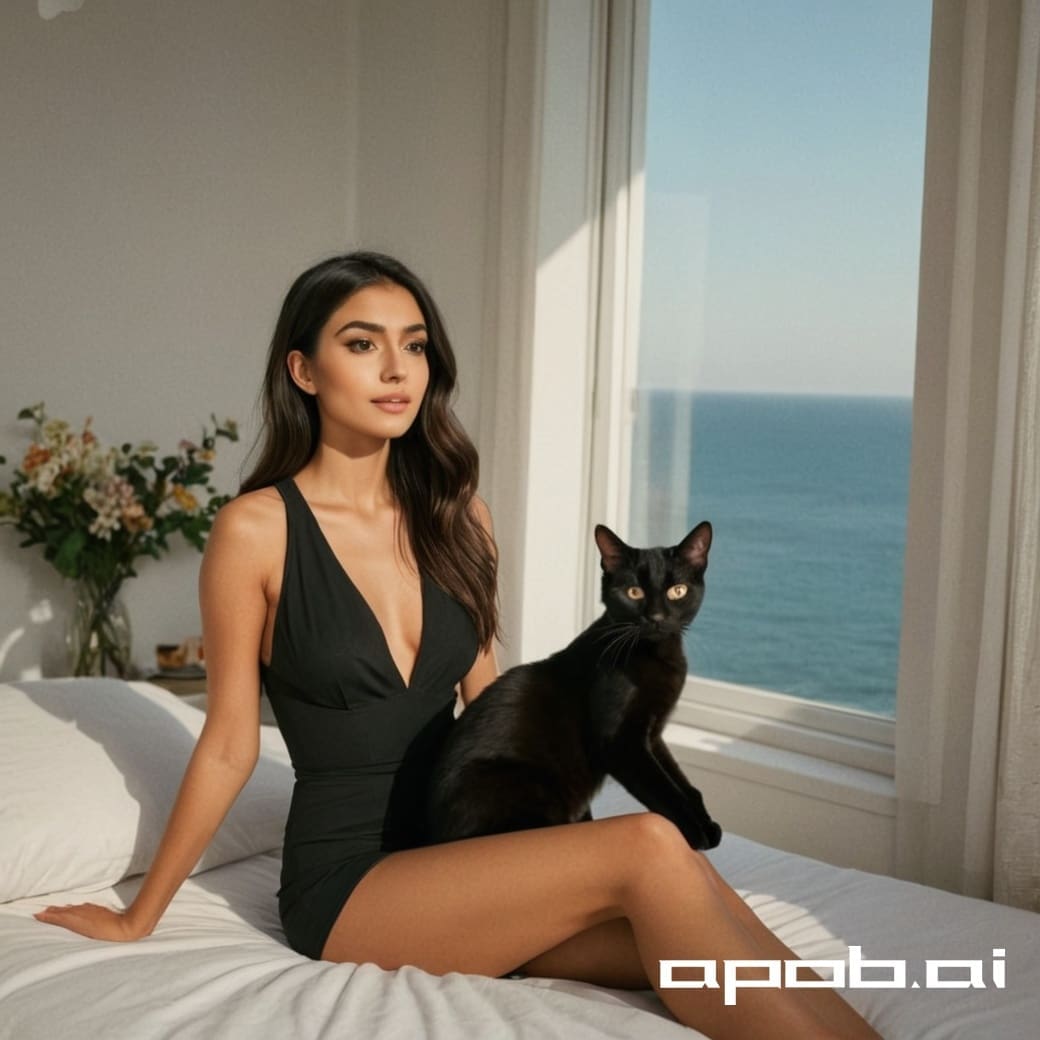
APOB AI is best positioned for AI characters, portraits, influencer visuals, and image-to-video workflows. Adobe Firefly is strong for commercially cautious design teams. Canva is convenient for social and brand templates. Midjourney is known for stylized and artistic output. OpenAI image generation is useful for conversational creation and iteration. Fotor, Pixlr, and Picsart are easy for quick edits and casual generation.
Prompt tests you can try
To make the list feel real, test each tool with the same prompts and show the results or notes.
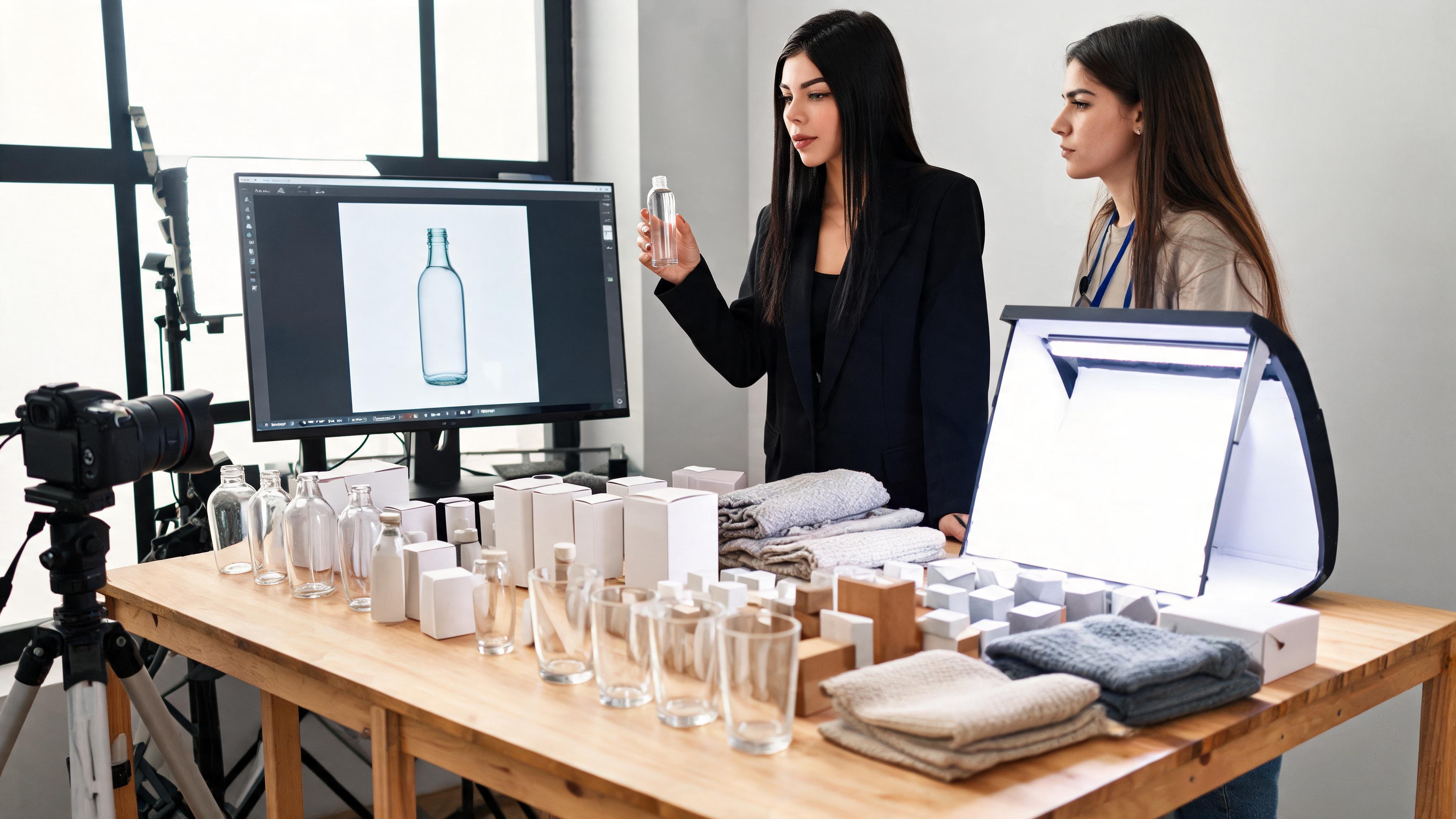
Realistic skincare product photo on marble, soft morning light, premium beauty ad style.
Anime girl character in a rainy city, umbrella, emotional expression, detailed background.
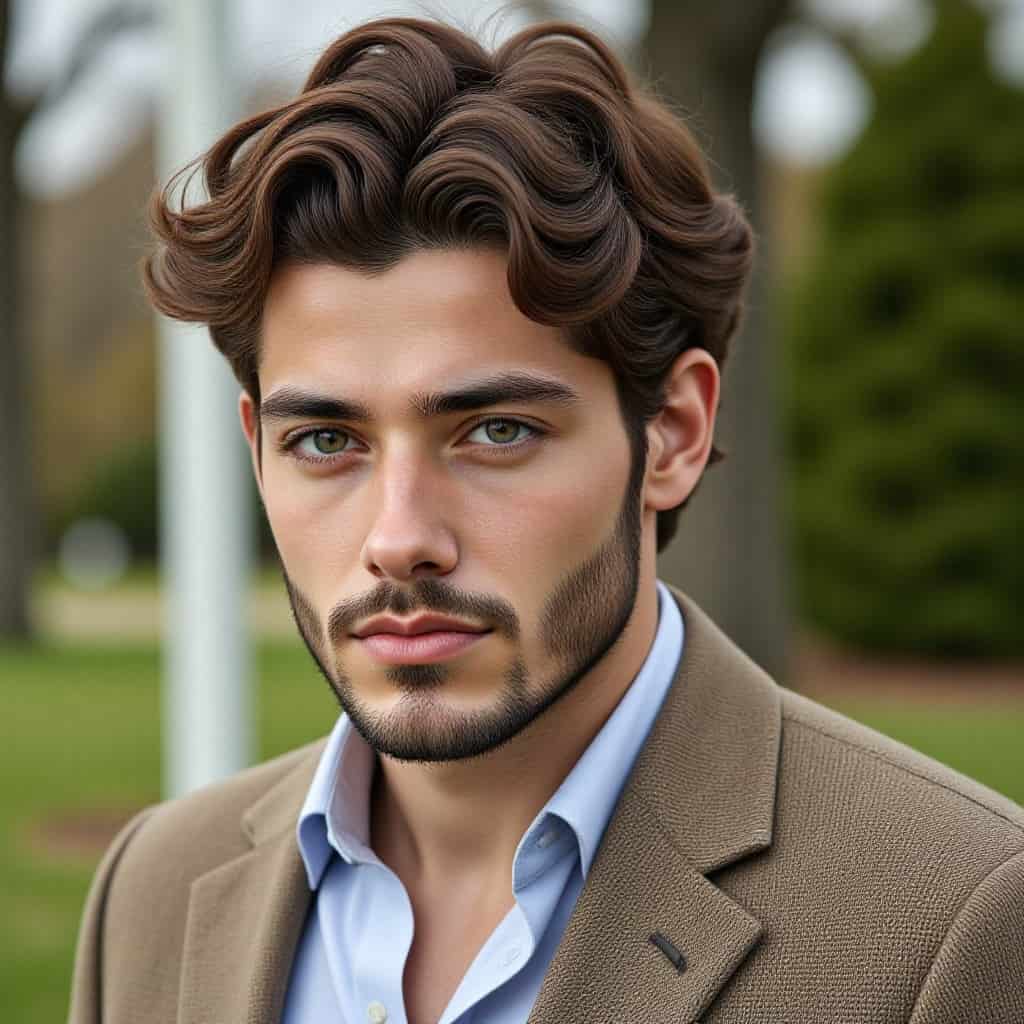
Male virtual influencer in streetwear, urban editorial photography, natural face texture.
Luxury perfume bottle with flowers and silk fabric, macro photography, pastel lighting.
Gaming profile picture, bold comic shading, neon city background, square crop.
Minimal app hero image, abstract 3D shapes, clean white background, no text.
Food photography of handmade noodles, overhead shot, warm kitchen light.
AI wallpaper, misty forest, clean space for phone lock screen, vertical format.
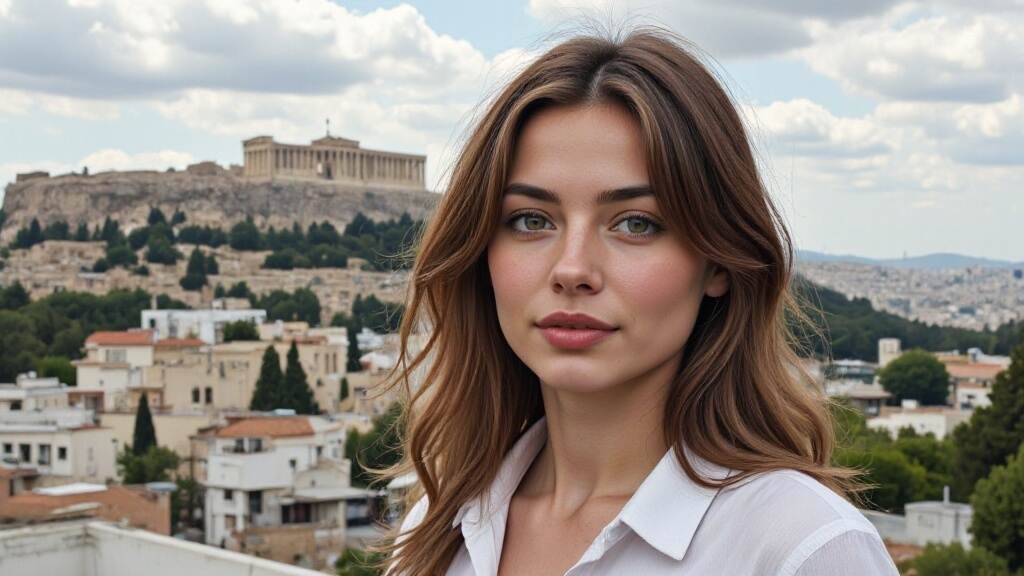
Business headshot, friendly founder, neutral background, realistic lighting.
Fashion model walking through a city street, candid editorial look, full-body frame.
Children's book illustration of a cozy bedroom, soft watercolor style, gentle light.
Product lifestyle image for wireless earbuds, desk setup, modern tech aesthetic.
How to choose the right AI image generator
Choose based on the job, not the hype. A tool that is excellent for surreal art may not be the best for product photos, and a simple social-design tool may be faster than a more complex art generator.
Use-case matrix for AI image generators
AI image generators are easier to compare when you start with the output you need. A tool that is great for fantasy art may not be the best for product images. A tool built into a design suite may be faster for social posts than a high-control art model.
Use case | What to prioritize |
|---|---|
Product photos | realism, lighting control, clean backgrounds |
AI characters | identity consistency, portrait quality, image-to-video options |
Social graphics | templates, fast editing, brand colors |
Anime or stylized art | style range, pose control, prompt accuracy |
How to make the comparison useful
Test AI image generators with the same prompt and judge the result by your goal. Look for face quality, hands, text handling, background consistency, export size, commercial-use terms, and whether the tool helps you revise the image quickly.
FAQ
What is the best AI image generator overall?
There is no single best tool. Choose based on use case: commercial design, AI characters, social graphics, product photos, or artistic output.
Where does APOB fit?
APOB fits best when the image is part of a creator or character workflow, especially if you later want video.
Should I compare pricing before choosing?
Yes. Free limits, export quality, commercial-use terms, and paid plans can change the real cost of a tool.
Can AI images be used commercially?
Check each tool's terms and avoid protected characters, logos, and real people without permission.
How do I test tools fairly?
Use the same prompts across tools, compare the outputs, and note which one performs best for your actual use case.
What makes a comparison trustworthy?
Real examples, clear testing criteria, honest limitations, and current pricing notes make a comparison much more useful.
References
Zapier (2026) The best AI image generators. Available at: https://zapier.com/blog/best-ai-image-generator/ (Accessed: 8 May 2026).
PCMag (2026) The best AI image generators. Available at: https://www.pcmag.com/picks/the-best-ai-image-generators (Accessed: 8 May 2026).
TechRadar (2026) Best AI image generator. Available at: https://www.techradar.com/best/best-ai-image-generator (Accessed: 8 May 2026).
Tom's Guide (2026) Best AI image generators. Available at: https://www.tomsguide.com/features/best-ai-image-generators (Accessed: 8 May 2026).
CNET (2026) Best AI image generator. Available at: https://www.cnet.com/tech/services-and-software/best-ai-image-generator/ (Accessed: 8 May 2026).
Adobe (2026) Firefly AI Image Generator. Available at: https://www.adobe.com/products/firefly/features/ai-image-generator.html (Accessed: 8 May 2026).
OpenAI (2025) Introducing 4o Image Generation. Available at: https://openai.com/index/introducing-4o-image-generation/ (Accessed: 8 May 2026).
Midjourney (2026) Documentation. Available at: https://docs.midjourney.com/ (Accessed: 8 May 2026).
Google DeepMind (2026) Imagen. Available at: https://deepmind.google/technologies/imagen/ (Accessed: 8 May 2026).
APOB AI (2026) Free AI Image Generator. Available at: https://apob.ai/ai-wallpaper-generator/ (Accessed: 8 May 2026).

Be the first to like this.






No credit card needed


