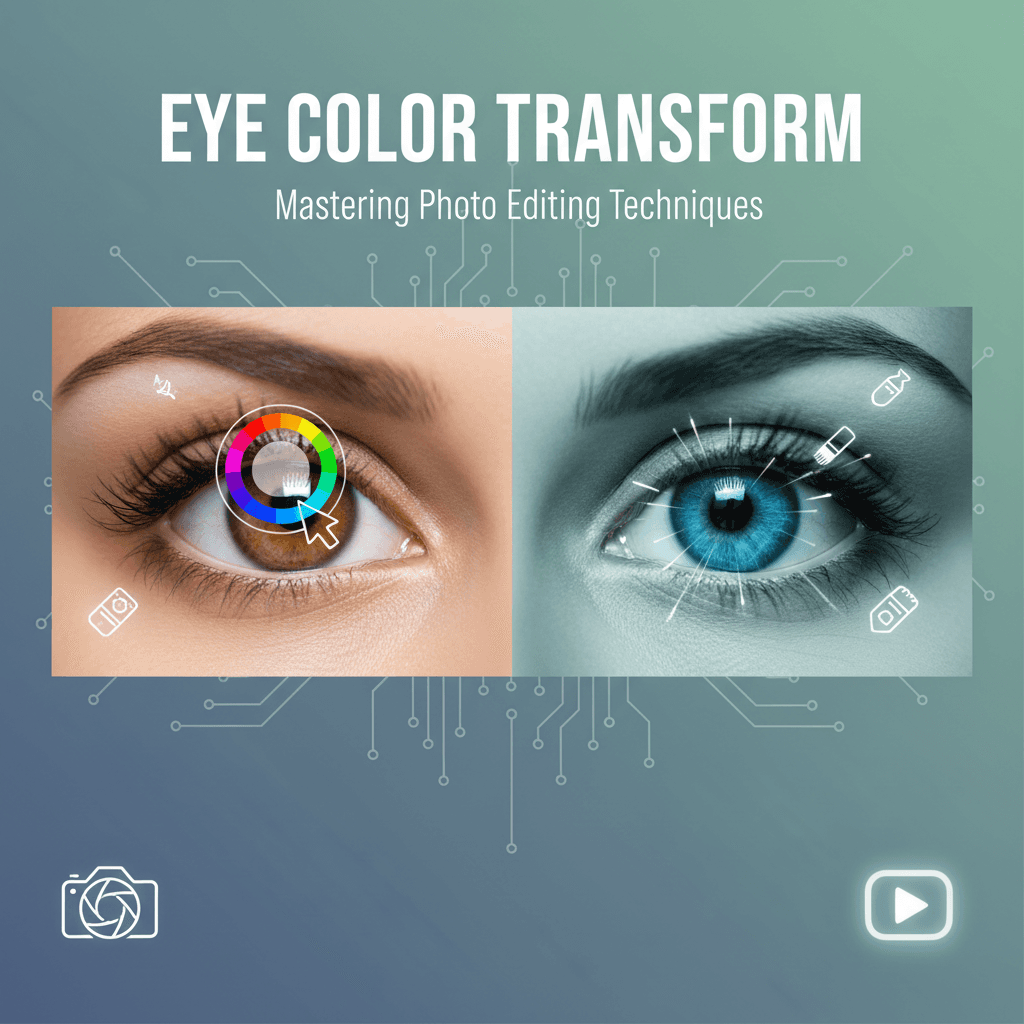
How to Change Eye Color in Photos With AI
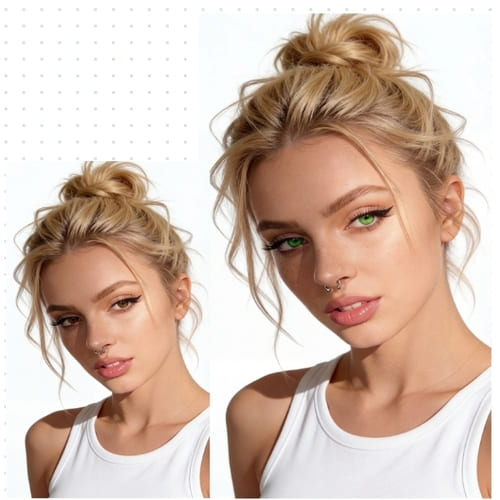
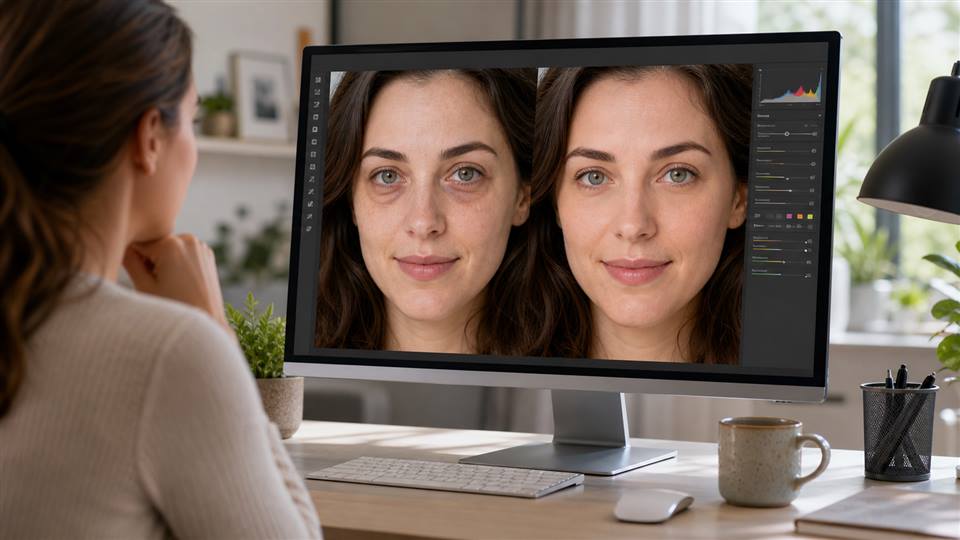
Changing eye color in photos sounds simple, but realistic results depend on more than choosing blue, green, amber, or violet. A good AI eye color changer preserves the iris texture, pupil shape, catchlights, shadows, and the light already in the photo. If the new color ignores those details, the eyes will look flat or fake.
AI tools can make the process much faster than manual editing. Instead of painting over the iris by hand, AI can detect the eye area, mask the iris, and blend the new color into the original lighting.
Feature | APOB AI (AI-Driven) | Manual Editing (Traditional Software) |
|---|---|---|
Speed | Instantaneous, results in seconds | Time-consuming, minutes to hours per image |
Precision | High, AI accurately detects and masks the iris | Requires meticulous manual selection, prone to errors |
Ease of Use | Very high, intuitive interface, few clicks | Requires advanced software knowledge and skills |
Realism | High, AI blends colors naturally with lighting and texture | Depends heavily on editor's skill and experience |
Consistency | High, consistent results across multiple images | Varies greatly between different editors or even sessions |
Cost | Subscription-based, cost-effective for bulk edits | High, requires expensive software and skilled labor |
Learning Curve | Minimal | Steep |
Step-by-Step: Change Eye Color With APOB AI
Choose a clear portrait where both eyes are visible.
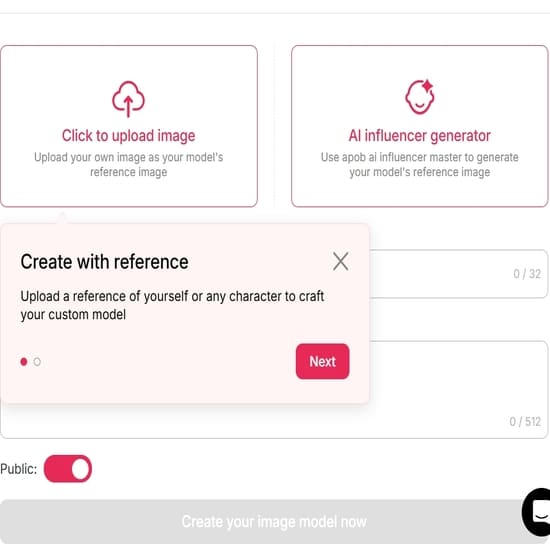
Select a natural or fantasy eye color direction.
Generate the edit and check both eyes at full size.
Adjust the color if it looks too bright or too flat.
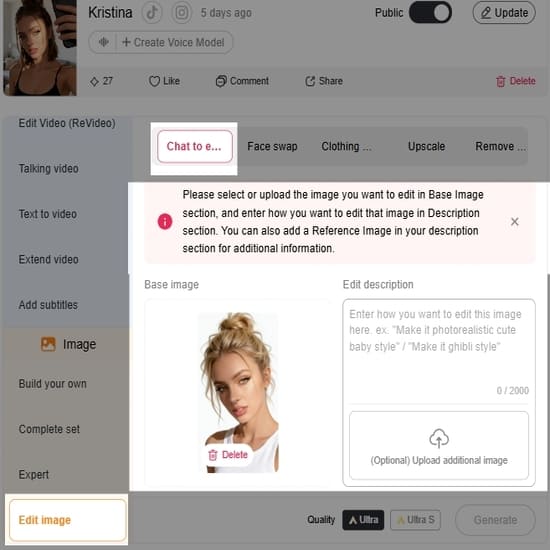
Download the version that keeps the original face realistic.
You can also Try APOB AI For Free or Get 80 Free Credits Daily with APOB AI.
Natural Eye Colors vs Fantasy Eye Colors
For profile photos and beauty edits, natural colors work best: hazel, soft green, warm brown, gray-blue, or amber. For cosplay, fantasy portraits, and character art, you can push further with violet, icy blue, gold, red, or glowing effects. The more unrealistic the color, the more important it is to match the lighting and style of the image.
Prompts for AI Eye Color Edits
Change eye color to natural hazel, preserve iris texture and catchlights.
Realistic green eyes, soft daylight, no change to face shape.
Blue-gray eye color edit, keep pupil and reflections natural.
Amber eyes for fantasy portrait, subtle glow, realistic shadows.
Cosplay violet eyes, vibrant but clean, preserve eyelids and lashes.
Warm brown eyes, natural portrait style, no over-saturation.
Icy blue eyes for cinematic character, controlled highlights.
Heterochromia portrait, one green eye and one amber eye, realistic blend.
Anime-inspired eye color edit, bright but not distorted.
Professional portrait eye color change, subtle enhancement, natural skin texture.
Common Mistakes to Avoid
Changing the pupil shape.
Removing catchlights from the original photo.
Making the iris too saturated for the lighting.
Editing only one eye or making both eyes uneven.
Using fantasy colors in a realistic photo without matching the mood.
FAQs
Can I change eye color online for free?
Many tools offer free credits or trials. APOB AI provides an AI-based workflow for quick visual edits.
What eye color looks most realistic in photos?
Hazel, green, brown, gray, and blue-gray usually look realistic when lighting and iris texture are preserved.
Can I use AI eye color changes for cosplay?
Yes. Fantasy colors can work well for cosplay, anime, and character portraits.
Why does my eye color edit look fake?
The new color may be too saturated, the reflections may be missing, or the iris texture may have been flattened.
Can AI change only the iris?
A good eye color changer should target the iris while preserving eyelids, lashes, pupil, and surrounding skin.
Is eye color editing safe for profile photos?
It is safe as a creative edit, but for professional identity photos, keep the change subtle and recognizable.
When to Use Subtle vs Dramatic Eye Color Changes
Subtle changes are best for profile photos, beauty edits, and realistic portraits. Dramatic colors work better for cosplay, fantasy characters, album covers, and anime-inspired visuals. If the rest of the image is natural, bright glowing eyes may feel out of place. If the whole portrait is cinematic or stylized, stronger color can work.
Use Case | Best Color Direction | Quality Check |
|---|---|---|
LinkedIn or profile photo | Natural hazel, brown, gray, blue-green | Keep identity recognizable |
Cosplay | Violet, red, gold, icy blue | Match the character and lighting |
Fantasy portrait | Glowing or unusual colors | Keep pupils and catchlights clean |
Privacy and Face Editing
Eye edits use facial images, so choose tools carefully. Do not upload someone else's portrait without permission. If the image is for a client, campaign, or public profile, keep a copy of the original and make sure the edited version is approved before publishing.
When in doubt, compare the edited image with the original at normal viewing size. If the eye color is the first thing people notice before the expression, reduce the effect.
For a series of portraits, keep eye edits consistent. If one image uses natural hazel and the next uses glowing blue, the set may feel disconnected unless that contrast is part of the concept.
References
IBM (2026) What is artificial intelligence?. Available at: https://www.ibm.com/cloud/learn/what-is-artificial-intelligence (Accessed: 22 May 2026).
Goodfellow et al. (2014) Generative Adversarial Nets. Available at: https://proceedings.neurips.cc/paper/2014/file/5ca3e9b122f61f8f06494c97b1afccf3-Paper.pdf (Accessed: 22 May 2026).
Krizhevsky, Sutskever and Hinton (2012) ImageNet Classification with Deep Convolutional Neural Networks. Available at: https://proceedings.neurips.cc/paper/2012/file/c399862d3b4b600937cc97a5a14d63a3-Paper.pdf (Accessed: 22 May 2026).
Fotor (2026) Change Eye Color in Photo. Available at: https://www.fotor.com/features/eye-color-changer/ (Accessed: 22 May 2026).
GDPR.eu (2026) General Data Protection Regulation. Available at: https://gdpr-info.eu/ (Accessed: 22 May 2026).

Be the first to like this.






No credit card needed


