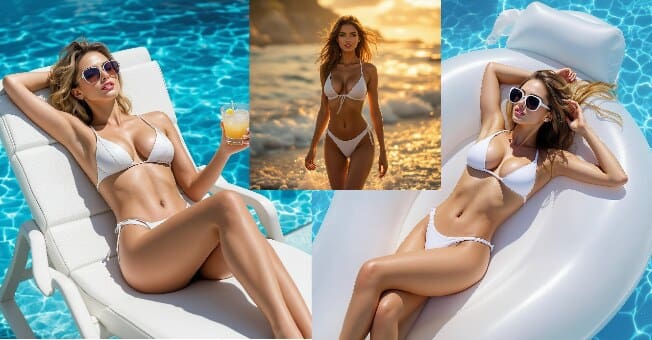
A lot of people know OnlyFans for adult creators, the platform is way more than that. You’ll also find fitness coaches, artists, musicians, lifestyle influencers, and even AI-generated characters. Recently, AI OnlyFans models have become a big trend — they let creators build virtual personalities that look, talk, and act like real people, without ever showing their own face. That’s where APOB AI comes in. It’s a smart and easy-to-use platform that helps you create stunning AI-generated images and videos.
What Is OnlyFans and How Do People Earn on It?
OnlyFans is a super popular platform where creators can share special content and connect directly with their fans through subscriptions. Unlike regular social media, it actually lets you earn money — fans can pay a monthly fee or buy individual posts to see your exclusive content.
With APOB AI, you can design realistic and expressive virtual models to promote your OnlyFans page, attract more fans, and keep your content looking fresh and professional — all without needing fancy equipment or real photo shoots.
How to Create an AI Model Girl with APOB AI
Creating your own AI OnlyFans model using APOB AI is surprisingly easy. The platform combines advanced image and video generation tools that let anyone design a professional-looking virtual influencer in minutes.
Here’s how to do it step by step:
1)Create Your Portrait Model
Visit APOB AI and click “Create Portrait Model.” Choose AI Influencer Generator mode.
Customize every detail of your AI girl model—select age, gender, nationality, hairstyle, eye color, face shape, and skin tone.You can even upload a reference photo if you want to maintain a consistent appearance.
2)Explore the Image Options
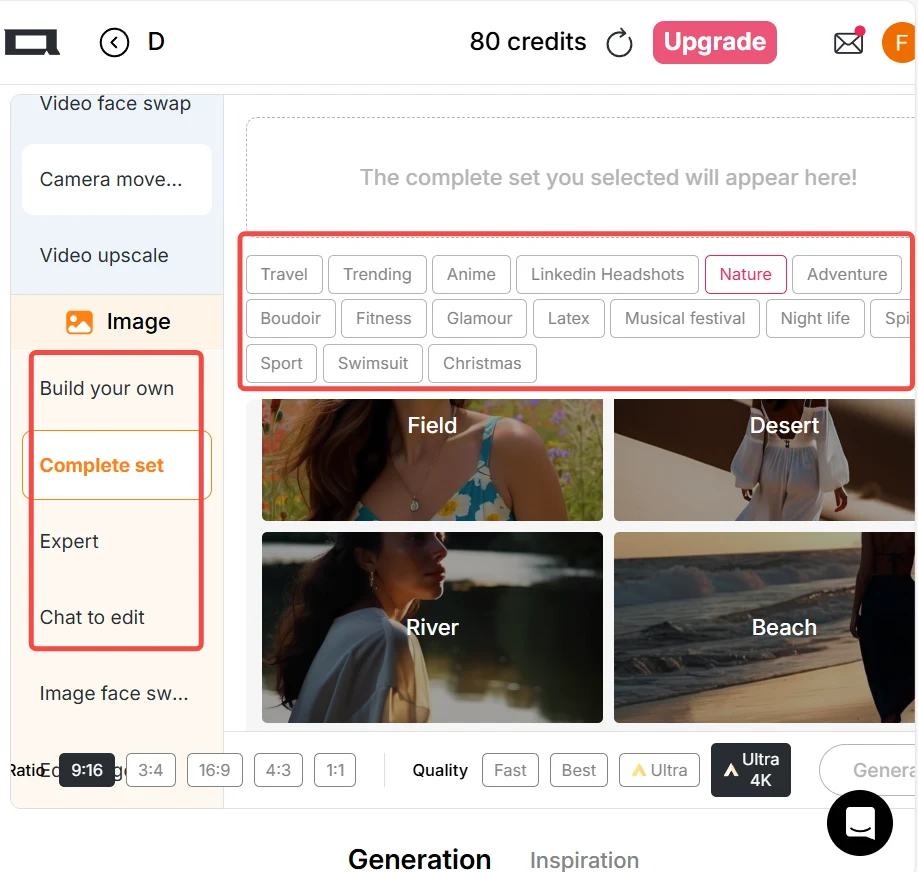
On the left side of the APOB interface, open the Image tab. Try the Complete Set or Template Mode to quickly dress your AI model in different visual styles like gym, beach, nightlife, or luxury aesthetics.
For more creativity, use Build Your Own or Expert Mode and type any description you like to generate new photos instantly.
3)Create Videos with Ease
Switch to the Video tab on the left. Use Image to Video or Revideo to transform your still images into cinematic video clips.
After generating, you can use Lip Sync and Talking Avatar features. So your AI model speaks and interacts with your audience naturally.
APOB AI supports over 100 AI voices and 13 languages, allowing you to localize your character for different audiences—all without revealing your real face or voice.
4)Publish and Grow Your Brand
Use your generated visuals and videos to promote your OnlyFans page. Consistency and creativity are key—update regularly, engage with your fans, and use your AI model’s persona to build trust and curiosity.
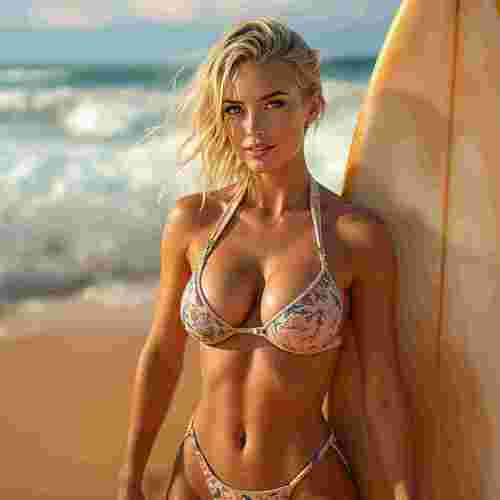
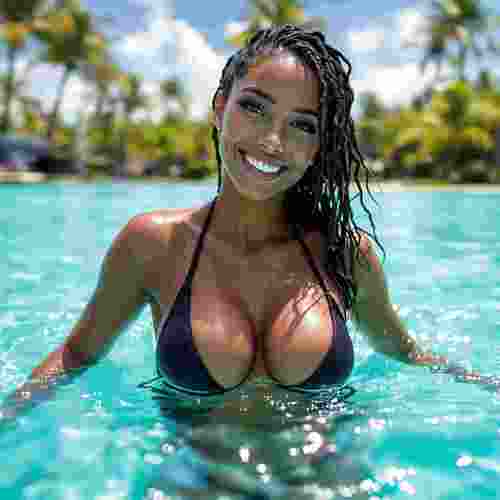
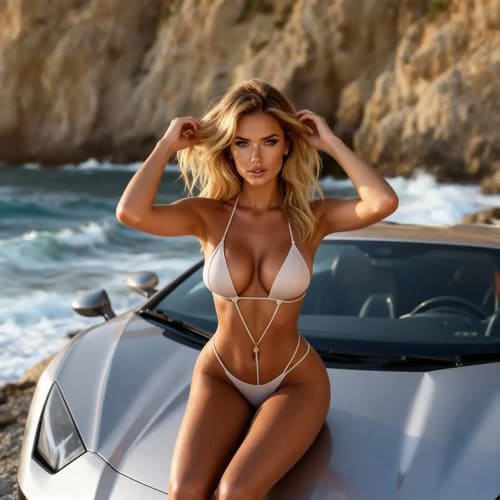
Successful AI Influencer Examples
To see how amazing virtual creators can be, let’s check out a few AI influencers who are already making waves online:
Lil Miquela – She’s a virtual model with over 2 million followers on Instagram. People love her fashion looks and even her original music
Kavya AI – A male AI influencer from India who posts about tech and lifestyle. He shows that AI creators can be successful no matter the niche or gender.
These examples prove that with the right design, story, and content, your AI OnlyFans model can attract loyal fans and make steady income — all without the limits real creators usually face.
Conclusion
The world of content creation is changing fast, and AI OnlyFans models are a big part of that shift. With tools like APOB AI, anyone can build a realistic virtual character, make high-quality videos, and keep a strong online image — no need for fancy cameras or expensive photo shoots.
Whether you’re just starting out as a creator or already working in digital marketing, this is your chance to stand out. Try APOB AI today to create and customize your own AI model, and start growing your brand on OnlyFans in a smarter, easier way.
FAQs
Q1: Can I use APOB AI for free?
Yes! APOB AI offers 80 free credits daily. You can generate both images and videos using these credits.
Fast mode: 10 credits → 4 images
Best mode: 20 credits → 4 images
Ultra mode: 24 credits → 1 image
Ultra 4K mode: 46 credits → 1 high-resolution image
If you want to create longer videos, you can either save credits daily or upgrade your plan for unlimited access.
Q2: What sizes can I generate for photos and videos?
APOB AI supports multiple aspect ratios, including 9:16, 16:9, 3:4, 4:3, and 1:1—perfect for both social media and OnlyFans content optimization.
Q3: Can I edit images after generation?
Absolutely. With the Chat to Edit feature, you can easily refine any image. Just upload the picture you want to adjust, type a text prompt, or upload a reference photo to guide the edits. This feature helps you maintain consistent styles, poses, and lighting effortlessly.
Q4: Can I use the generated images and videos for commercial purposes?
Yes, you can. APOB AI allows full commercial usage of the generated content, making it ideal for creators building personal brands or running OnlyFans campaigns.

Be the first to like this.


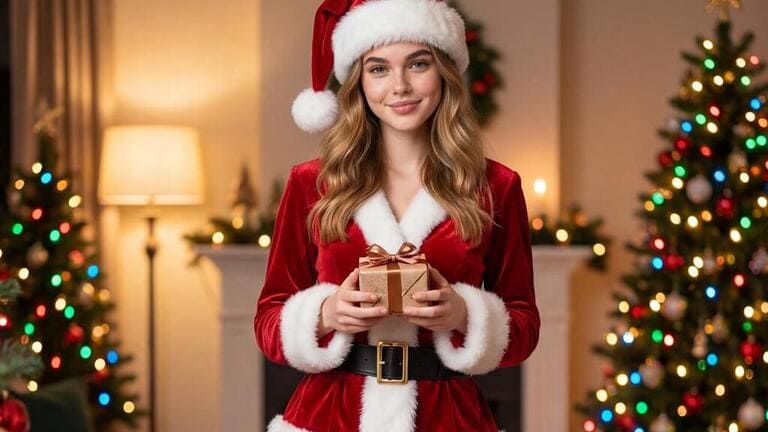
Meet the AI Girl That’s Earning Thousands in Instagram!
Are you struggling to find the perfect model for your next advertising campaign or social media content? Have you ever imagined bringing your unique fashion ideas to life instantly, without the logistical headaches of traditional photoshoots?
The digital landscape is rapidly changing, and at the forefront of this revolution is the AI Girl. These hyper-realistic virtual models are transforming e-commerce, social media, and content creation by offering boundless customization and consistency. This comprehensive guide will show you how Apob AI, a cutting-edge platform, lets you create your perfect AI Girl and turn your creative vision into a profitable venture.
💡 The AI Girl Phenomenon: Trends and Commercial Impact
The use of AI models has exploded across marketing channels. This surge isn't just a fleeting trend; it’s a fundamental shift in how businesses approach visual content creation.
Why are AI Girls dominating social media and e-commerce? (What makes virtual models so effective for modern marketing?)
The answer lies in efficiency and creative freedom. Unlike human models, an AI Girl is always available, never cancels, and can instantly appear in any location, climate, or outfit you need. This speed translates directly into cost savings and rapid content deployment, which is critical for fast-paced marketing cycles. Furthermore, creators maintain absolute control over the model's appearance and brand message, ensuring perfect consistency across all platforms. This reliability is highly valued by e-commerce brands needing high volumes of product images quickly.
ApobAI vs. The Competitors: Why Choose this Virtual Model Creator? (How does Apob AI stand out from other AI generation tools?)
While many AI Photo Generators exist, ApobAI is specifically engineered for commercial use, offering features designed for content creators aiming to monetize. ApobAI’s blend of high-quality model generation and powerful video tools makes it a unique choice.
Apob AI vs. Midjourney: Midjourney excels at artistic, static images but offers limited video creation capability. Apob AI, by contrast, is a complete solution. It provides scriptwriting tools and allows for the generation of commercial-grade videos up to 10 minutes long, which is essential for YouTube and extended social campaigns.
Apob AI vs. Runway: Runway is a strong video editing AI but often requires significant input to maintain a consistent digital model across clips. Apob AI simplifies model management through its ReVideo feature, allowing you to instantly swap a human subject with your custom AI Girl. This ensures your brand identity remains perfect, saving massive post-production time.
Focus on Fashion & Style: Apob AI provides a comprehensive library of fashion categories ("Complete Sets" like Kimono, Tuxedo, Swimwear) and detailed scene controls (architecture, weather). Other platforms often require complex, manual prompts to achieve these styles. ApobAI streamlines the process, ensuring fast, commercially viable outputs ready for immediate use.
🛠️ Apob AI Quick Start: Your Guide to Creating the Ultimate AI Girl
Ready to stop scrolling and start creating? Follow these simple steps to activate your account and start generating your own high-value AI Girl assets using the virtual model creator tools.
Step 1: Get Started with Free Credits. (How can I begin creating my virtual model for free?)
To unlock the platform's potential, your first step is simple: Visit APOB AI and sign up for a free membership. Upon signing up, you will instantly receive 80 free credits to use on the platform. These credits allow you to thoroughly experiment with the image and video generation features before committing to a paid plan.
Step 2: Define Your Model: The AI Girl Identity. (How do I choose or create the perfect model?)
Apob AI offers maximum flexibility in designing your digital muse. You have three primary creation pathways to choose from:
Community Model: For speed and reliable quality, select from the diverse, ready-to-use models shared by the Apob AI community. This is the fastest way to generate content.
Custom Parameters: To achieve a unique look, build a new virtual model by adjusting detailed parameters like gender, age, height, weight, country, eye color, and hair style/color.
Real Photo Upload: You can upload a photo to create an AI Girl that closely resembles a specific person (or yourself). This is perfect for maintaining strong, consistent personal branding.
Step 3: Mastering the Prompts and Style. (How can I fine-tune my model's look and style?)
After defining your model, use the prompt box to fine-tune every detail. You can use prompts to specify a specific expression or ask your AI Girl to wear unique accessories. Furthermore, Apob AI simplifies styling by offering extensive wardrobe options like Formal, Kimono, or Sportswear. You can also easily edit the scene by selecting parameters for architecture, landscape, and weather, such as placing your model in a Cold Winter or Hot Summer setting.
🎬 Advanced Content Creation & Monetization
Apob AI empowers you to move beyond static images, offering specialized tools to bring your AI Girl to life in dynamic video formats and commercial settings.
Bring Your AI Girl to Life: Effortless Video Generation. (How to generate stunning AI Girl videos easily?)
Want to transform your AI Girl into a dynamic, talking influencer? Use the Generate Video feature. Simply define a theme, and Apob AI can provide different script options for you to choose from, or you can write your own. The platform then generates high-quality video clips ranging from 15 seconds up to an impressive 10 minutes. This extensive duration capability is crucial for generating compelling content for platforms like YouTube or extended brand stories.
Is it possible to make money with an AI Girl?
Absolutely. The global virtual influencer market, valued at USD 6.33 billion in 2024, is expected to grow rapidly (Straits Research, 2025; SNS Insider, 2024). This shows the massive potential for monetizing digital models. With Apob AI, you become the creative director of your own digital asset—your AI Girl. You can monetize your models efficiently by focusing on:
Social Media Influencing: Build a profile on platforms like Instagram or TikTok, attracting paid sponsorships.
E-commerce Modeling: Generate product display photos for online stores.
Stock Content Sales: Sell themed, high-quality images and videos on major stock photography and video websites.
🎁 Conclusion: Your Journey Starts Now
The era of the AI Girl has arrived, bringing with it unprecedented opportunities for creativity and commerce. Apob AI stands out as the ultimate virtual model creator and content engine, giving you the speed, control, and quality you need to compete and lead in the digital marketplace. Your 80 free credits are your license to explore this potential today.
Ready to launch your own profitable AI Girl brand?
Visit Apob AI today, sign up, and use your free credits to generate your first professional image or video. The future of content creation is here—don't miss your chance to lead the way.
❓ FAQs
Q1: What is a Virtual Model Creator?
A1: A Virtual Model Creator is a sophisticated AI platform, like Apob AI, that uses generative technology to design, customize, and produce hyper-realistic digital human models for use in marketing, fashion, and social media.
Q2: Can I use the generated content for commercial purposes?
A2: Yes, Apob AI is explicitly designed to help you create virtual model for profit. All content generated is suitable for e-commerce, advertising, social media influencing, and stock image sales.
Q3: How many free credits do I get to start using the AI Model Generator?
A3: Upon signing up for a free membership on the APOB AI website, you will immediately receive 80 free credits to test all image and video generation features.
Q4: How does Apob AI ensure the quality and consistency of my digital model for e-commerce?
A4: Apob AI uses detailed parameter settings and prompt-based adjustments during model creation, ensuring that the model maintains a perfectly consistent appearance, essential for professional branding.
Q5: What is the maximum video length I can generate on the platform?
A5: The platform supports the generation of long-form, commercial-grade video clips, ranging from 15 seconds up to an impressive 10 minutes in duration, making it a powerful tool for video content creators.
Q6: Do I need to be a professional designer to use the AI Fashion Design features?
A6: No. Apob AI provides extensive, easy-to-use libraries of clothing styles and complete sets. You can achieve professional AI Fashion Design results with simple clicks or basic text prompts.
Q7: Can I modify existing videos using my Virtual Model Creator?
A7: Yes. The ReVideo feature allows you to upload existing footage (3-30 seconds) and instantly swap the model, style, or camera movement, maximizing the usability of your existing content library.
Q8: Is it possible to create a virtual model that resembles me?
A8: Yes. Apob AI allows you to upload a photo to create a customized model that closely matches a real person, perfect for personal branding or digital likeness creation.
📚 References
Straits Research (2025) Virtual Influencer Market Size is Projected to Reach USD 111.78 Billion by 2033, Growing at a CAGR of 38.4%. Available at: Straits Research Report on Virtual Influencer Market Size (Accessed: 9 December 2025).
SNS Insider (2024) Virtual Influencer Market Size, Share & Industry Report 2032. Available at: SNS Insider Report on Virtual Influencer Market (Accessed: 9 December 2025).
The Influencer Marketing Factory (2024) The State of Virtual Influencers in 2024. Available at: The Influencer Marketing Factory Report (Accessed: 9 December 2025).
Read More

Turn Me Into a Woman with AI: Create Your Perfect AI Woman Portrait
Have you ever wondered, "What would I look like as a woman?" With APOB AI, you can explore this curiosity in the most realistic way possible. Using cutting-edge AI technology, APOB AI allows you to create an AI-generated female version of yourself, offering a stunningly accurate transformation of your photo into a feminine form. Whether you're curious about a youthful, girlish appearance or a sophisticated, mature look, APOB AI provides the perfect platform to visualize your ideal woman AI art.
How Does APOB AI Work?
Step 1: Set Up Your APOB AI Account
Start by visiting apob.ai and creating a free account. Once logged in, you can access all the tools APOB AI has to offer. Simply click on the option to Create Portrait Model to begin your transformation.
Step 2: Upload Your Photo and Describe Your Ideal Portrait
Next, upload a photo of yourself. You can use an existing image or click on AI Influencer Generator to create your AI woman portrait.
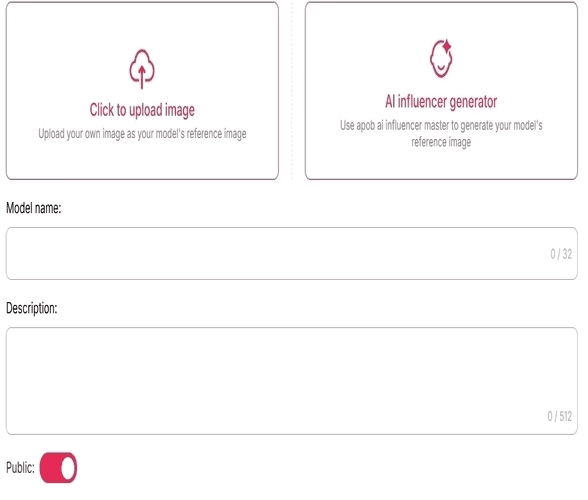
Step 3: Personalize Your AI Portrait
Once your AI portrait is generated, you can further customize it by using the “Expert” option. Enter a prompt (up to 1024 characters, typically 150–250 English words) to adjust details like hairstyle, makeup, body features, background, and pose. This high level of personalization ensures that your transformation matches your exact vision.
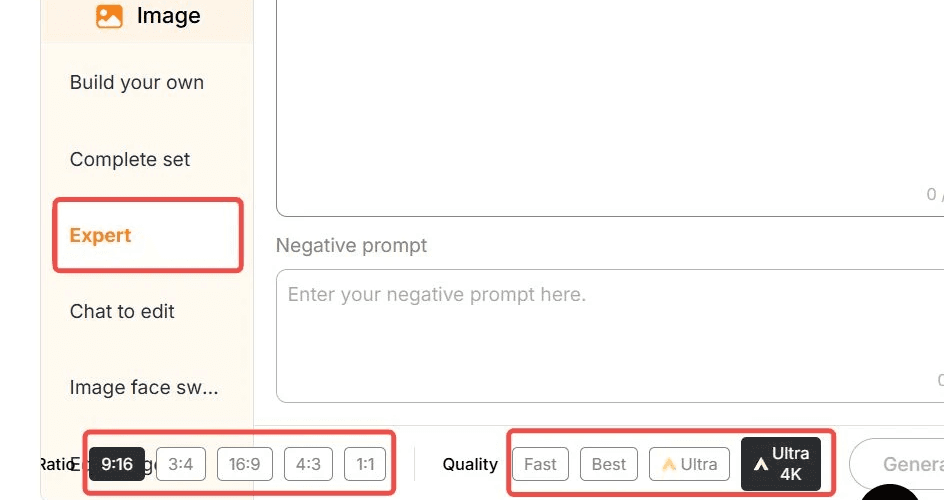
Prompts to Turn Yourself Into a Woman
Here are some example prompts to get the best results:
"Transform the photo of a man into a woman, adjusting the hairstyle to long, flowing hair with soft waves. Modify the face to introduce more delicate, feminine features like a smaller jawline and softer cheekbones. Apply subtle makeup to highligh the eyes and lips, and ensure the expression is warm and welcoming."
"Turn the man’s portrait into a woman with long, straight hair, soft curls at the ends, and a gentle, natural-looking makeup. Modify the facial features to introduce feminine attributes, like slightly larger eyes and a refined nose, while keeping the expression confident and elegant."
"Convert a man’s image to a woman, focusing on smoothening facial lines and softening the jawline. Change the hairstyle to a chic bob cut and add a touch of makeup for a glowing complexion. Ensure the transformation maintains the essence of the original features while appearing naturally feminine."
"Change the man's appearance into a woman with shoulder-length hair, styled in loose waves. Adjust the face to give it a softer, more youthful look, with fuller lips and slightly reshaped eyebrows. Add makeup to emphasize the eyes, and modify the skin tone for a smooth, polished look."
"Transform a man’s photo into a woman with long, voluminous hair and a gentle, warm smile. Subtly alter the facial features to appear more feminine, with rounded cheeks, a smaller nose, and fuller lips, while maintaining the overall identity of the original image."
Step 4: Generate and Share Your Portrait
Once your AI woman portrait is ready, you can download it in high resolution. The image is perfect for using as a social media profile picture, avatar, or simply for fun. Share it on platforms like Instagram and Facebook to showcase your stunning transformation!
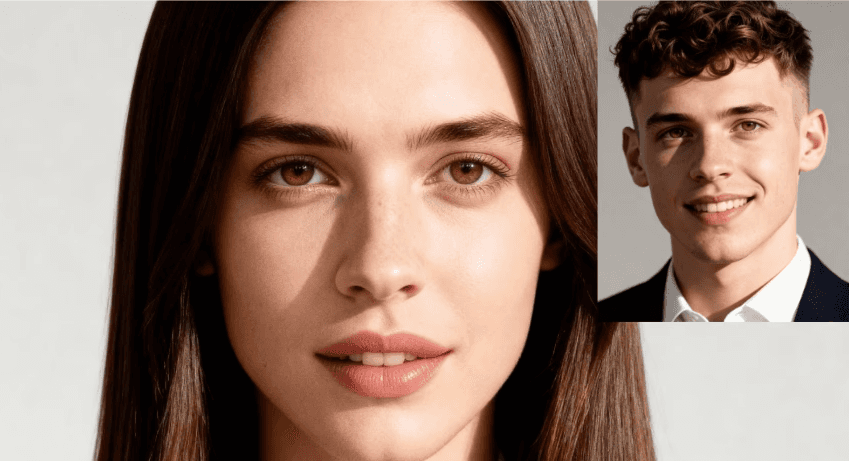
Benefits of Using APOB AI to Turn Yourself Into a Woman
Realistic Transformations: APOB AI uses advanced AI technology to ensure that your AI-generated female formclosely resembles your real features, resulting in a lifelike portrait.
Complete Customization: From hairstyle to makeup, and even pose and setting, you have full control over your portrait, creating a perfect woman AI art female formthat reflects your vision.
Quick and Easy: With just a few simple steps, you can generate your AI woman portrait in a matter of moments—no complicated editing required.
Share and Impress: The high-quality images are ready for social media. Share your AI woman portraitas your profile picture or create a unique avatar for your gaming profile.
Use APOB AI to Explore Different Female Looks
With APOB AI, you can experiment with various feminine looks and styles. Want to see yourself with long, flowing hair, or as a trendy, short-haired woman? No problem! You can also try different makeup styles, clothing, and accessories to make your portrait truly unique. Whether you want to embrace a glamorous celebrity look or explore a more casual, everyday style, APOB AI lets you transform into the woman you’ve always wanted to be.
Frequently Asked Questions (FAQ)
Q1: How realistic is the transformation?
A1: APOB AI uses advanced algorithms to create highly realistic AI-generated female forms. The transformation closely mirrors your unique features, ensuring that the result is both accurate and lifelike.
Q2: Can I customize my transformation?
A2: Yes! APOB AI gives you full control over the details. You can adjust your hairstyle, makeup, clothing, and even pose, ensuring your AI woman portrait is exactly as you envision.
Q3: How quickly can I generate my AI woman portrait?
A3: Once you've uploaded your photo and customized your preferences, APOB AI generates your AI woman portrait in just a few moments. No further editing is needed, and the image is high-quality and ready for use!
Q4: Can I use my AI woman portrait for social media?
A4: Absolutely! Your AI woman portrait can be used as a profile picture, a social media post, or even a gaming avatar. The high-quality image ensures it looks great on any platform.
Q5: Can I use APOB AI to generate a perfect woman AI art female form for free?
A5: Absolutely! After registering with APOB AI, you receive 80 points every day. Each time you enter a prompt to transform yourself into a woman, it only costs 20 points, which gives you 4 photos. This means you can generate up to 16 photos for free every day.
Read More
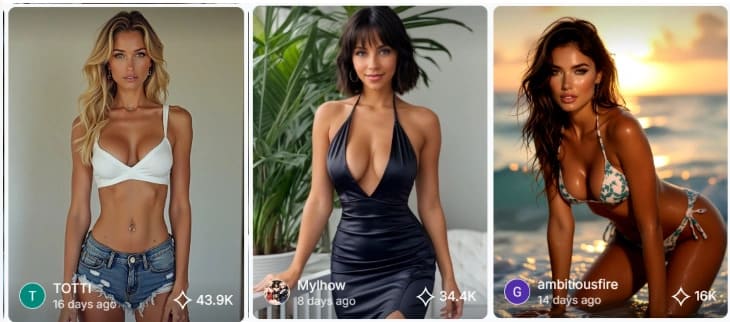
Create Freely: Generate Sexy AI Women Images and Videos
Introduction: The Sexy AI Woman Appeal
The emergence of AI-powered character generation technology has revolutionized digital content creation, enabling creators to design custom characters with unprecedented control over appearance, styling, and animation. APOB AI's sexy AI women tool represents the forefront of this technology, offering comprehensive capabilities for creating stunning AI-generated female characters, from static images to fully animated video content. This democratization of character design eliminates traditional barriers including expensive 3D modeling software, professional artistic skills, and time-intensive manual creation processes.
The creative applications span multiple industries and use cases. Digital artists explore conceptual designs without committing to lengthy illustration processes. Content creators generate unique characters for social media, YouTube thumbnails, and promotional materials. Game developers prototype character concepts before investing in final asset production. Marketing professionals create diverse spokesperson variations for A/B testing campaigns. E-commerce businesses generate model imagery for product showcases without photoshoot costs.
According to research from the International Journal of Research in Marketing, the creator economy has experienced explosive growth, with efficient content creation tools becoming critical competitive advantages for digital creators.[1] AI character generation tools like APOB AI directly address this need by reducing character creation time from hours or days to minutes while maintaining professional quality standards that meet commercial requirements.
Why Choose APOB AI for Generating Sexy AI Women
APOB AI distinguishes itself in the AI character generation market through its combination of comprehensive features, intuitive interface, and commercial-use permissions. Unlike competitors that impose restrictive watermarks, limited customization options, or prohibitive upgrade requirements, APOB AI provides genuine creative freedom through its credit-based system that includes daily free credits and transparent pricing for additional capacity.
Comprehensive Customization Options
The platform's customization capabilities extend across every aspect of character design. Facial features can be precisely controlled including eye shape and color, nose structure, lip fullness, and facial proportions. Body type selections range from athletic to curvy, with adjustable height, proportions, and posture. Clothing and styling options encompass diverse fashion categories including casual, formal, athletic, fantasy, and provocative styles. Hair customization includes length, style, color, and texture variations. Environmental settings place characters in appropriate contexts from studio backgrounds to outdoor locations.
Image and Video Generation
APOB AI supports both static image generation and animated video content, providing flexibility for different creative applications. Static images serve purposes including social media posts, website graphics, promotional materials, and concept art. Video animation brings characters to life with movement, expressions, and environmental interactions, suitable for video content, advertisements, and dynamic social media posts. The seamless integration between image and video generation enables consistent character representation across different media formats.
Commercial Use Rights
APOB AI explicitly permits commercial use of generated content, making it suitable for business applications including marketing campaigns, product promotions, client projects, and monetized social media content. This commercial licensing eliminates concerns about usage restrictions that complicate some AI generation platforms, where free tiers prohibit commercial applications or require expensive enterprise licenses for business use.
Ethical and Responsible AI
APOB AI implements responsible AI practices including content moderation systems that prevent generation of harmful, illegal, or non-consensual content. The platform's guidelines ensure generated characters remain within ethical boundaries while providing creative freedom for legitimate artistic and commercial applications. This balanced approach enables creators to explore diverse character designs without facilitating problematic content.
How to Generate Sexy AI Women with APOB AI
Step 1: Access APOB AI Platform
Navigate to APOB AI and create your free account. The registration process requires only basic information and provides immediate access to the platform's full feature set. New users receive welcome credits plus daily free credits that replenish automatically, enabling continuous access without upfront payment.
Step 2: Select Character Generation Mode
Choose between Image Generation for static character portraits or Video Generation for animated character content. Image generation suits applications requiring single frames including social media posts, website graphics, and promotional materials. Video generation creates animated content with character movement, expressions, and environmental interactions.
Step 3: Craft Your Character Description
Write a detailed prompt describing your desired character. Effective prompts include physical appearance details (facial features, body type, hair style), clothing and styling (outfit type, colors, accessories), pose and expression (standing, sitting, facial expression), environmental context (studio, outdoor, specific location), and mood or atmosphere (confident, playful, elegant, dramatic).
Example prompt: "A confident woman with long flowing dark hair, wearing an elegant red evening dress, standing in a modern urban setting at golden hour, sophisticated and glamorous atmosphere, professional photography style."
Step 4: Configure Style and Quality Settings
Select your preferred style preset from options including Photorealistic (natural photography appearance), Cinematic (movie-quality lighting and composition), Artistic (stylized illustration aesthetic), or Anime (Japanese animation style). Choose your output resolution, with options up to 4K for maximum quality. Adjust lighting preferences including Natural Light, Studio Lighting, or Golden Hour for appropriate mood.
Step 5: Generate and Refine
Click Generate to initiate the AI processing pipeline. Generation typically completes within 30-90 seconds for images and 60-120 seconds for videos. Preview your result and evaluate whether it matches your creative vision. If refinements are needed, adjust your prompt or settings and regenerate. The credit-efficient system makes iteration practical and cost-effective.
Step 6: Download and Deploy
Download your completed image or video in your preferred format. Images export as high-resolution JPG or PNG files, while videos export in MP4 format. APOB AI's commercial-use permissions mean your generated content can be immediately deployed across social media, incorporated into marketing materials, or used in client projects without additional licensing concerns.
Best Practices for Creating Sexy AI Women Characters
Master Detailed Prompt Engineering
Successful character generation relies heavily on prompt quality and specificity. Generic prompts like "beautiful woman" produce unpredictable results, while detailed descriptions enable precise control over output. Structure prompts hierarchically, starting with primary characteristics (age range, ethnicity, body type) before adding secondary details (clothing, accessories, environment). Include stylistic direction (photorealistic, artistic, cinematic) and mood descriptors (confident, playful, mysterious) to guide the AI's aesthetic choices.
Balance Specificity with Creative Freedom
While detailed prompts improve control, over-specification can constrain the AI's ability to optimize visual composition and aesthetic appeal. Provide clear direction on critical elements while allowing flexibility on secondary details. For example, specify exact clothing style and color but allow the AI to determine optimal pose and camera angle. This balance leverages the AI's training on professional photography and composition principles.
Iterate Based on Results
Rarely does the first generation perfectly match creative vision. Plan for 2-4 iterations, refining prompts based on initial results. If facial features don't match expectations, add more specific facial descriptors. If clothing appears incorrect, provide more detailed garment descriptions. If the overall mood misses the mark, adjust lighting and atmosphere keywords. Each iteration builds toward the desired result while teaching you which prompt elements most effectively control specific aspects.
Maintain Ethical Standards
While APOB AI enables creation of attractive and stylized characters, maintain ethical standards in your content. Avoid generating content that objectifies, demeans, or presents unrealistic body standards as normative. Focus on creating diverse, empowered character representations that celebrate beauty across different body types, ethnicities, and presentations. Responsible use ensures the technology serves creative expression rather than reinforcing harmful stereotypes.
Leverage Consistent Character Creation
For projects requiring multiple images or videos of the same character, maintain consistency through detailed prompt documentation. Save your successful prompts and settings, then use them as templates for subsequent generations. While AI generation introduces some variation between outputs, consistent prompts produce recognizable character continuity suitable for series content, brand mascots, or ongoing campaigns.
Technical Specifications: APOB AI Character Generation
Specification | APOB AI | Typical Competitors |
|---|---|---|
Maximum Resolution | Up to 4K | Usually 1080p-2K |
Image Generation Speed | 30-90 seconds | 1-3 minutes |
Video Generation Speed | 60-120 seconds | 3-5 minutes |
Video Duration | 5-8 seconds | 3-5 seconds |
Style Presets | Multiple (Photorealistic, Cinematic, Artistic, Anime) | Limited options |
Customization Control | Granular (face, body, clothing, environment) | Basic options |
Commercial Use Rights | Permitted | Often restricted |
Watermark on Free Tier | No watermark | Usually watermarked |
Daily Free Credits | Yes, automatic replenishment | Limited or none |
Content Moderation | Ethical guidelines enforced | Variable |
Export Formats | JPG, PNG, MP4 | Limited formats |
Character Consistency | High with detailed prompts | Variable quality |
Creative Applications for AI-Generated Characters
Social Media Content Creation
AI-generated characters serve as consistent brand mascots, spokespersons, or visual themes across social media platforms. Creators generate custom characters that align with brand identity, then produce varied content featuring these characters in different scenarios, outfits, and settings. This approach builds character recognition and audience connection without requiring models, photographers, or extensive production resources.
Marketing and Advertising
Marketing professionals leverage AI-generated characters for A/B testing spokesperson variations, creating diverse representation in campaigns, and rapid prototyping of creative concepts. The ability to generate multiple character variations enables data-driven optimization of visual marketing elements, testing which character presentations drive highest engagement and conversion rates.
Digital Art and Illustration
Digital artists use AI generation as a starting point for illustrations, concept art, and character design. Generated images serve as references, inspiration, or base layers for further artistic development. This hybrid approach combines AI efficiency with human artistic refinement, accelerating creative workflows while maintaining artistic vision and personal style.
E-commerce and Product Visualization
E-commerce businesses generate model imagery for product showcases without photoshoot costs, scheduling challenges, or model availability constraints. AI-generated characters can be customized to match target demographic characteristics, wear specific products, and appear in brand-appropriate settings. This application particularly benefits small businesses and startups lacking budgets for professional product photography.
Game Development and Virtual Worlds
Game developers and virtual world creators prototype character concepts before investing in final 3D modeling and animation. AI-generated images enable rapid exploration of character designs, testing visual styles, and gathering stakeholder feedback before committing development resources. This prototyping phase reduces costly revisions and ensures final characters align with creative vision.
Ethical Considerations and Responsible Use
The power to generate realistic human-like characters carries ethical responsibilities that creators must acknowledge and respect. APOB AI implements technical safeguards including content moderation systems, but responsible use ultimately depends on creator intentions and practices.
Avoid generating content that perpetuates harmful stereotypes, unrealistic body standards, or objectifying representations. Focus on creating diverse, empowered character portrayals that celebrate beauty across different body types, ethnicities, ages, and presentations. Consider the social impact of your generated content and whether it contributes positively to digital culture.
Respect intellectual property and personality rights by avoiding attempts to generate likenesses of real individuals without authorization. While AI generation doesn't directly copy existing images, creating characters designed to resemble specific people raises ethical and potentially legal concerns. Focus on original character creation rather than replication of existing individuals.
Maintain transparency about AI-generated content when appropriate, particularly in contexts where audiences might assume human models or traditional photography. While disclosure requirements vary by platform and application, transparency builds trust and sets appropriate expectations about content creation methods.
FAQs you may want to know
Q1: Is it legal to generate and use sexy AI women images?
A1: Yes, generating AI characters is legal when done responsibly within ethical boundaries. APOB AI implements content moderation to prevent generation of illegal content including depictions of minors, non-consensual imagery, or content violating platform guidelines. Generated characters are original AI creations rather than reproductions of real individuals, and APOB AI grants commercial use rights for generated content.
Q2: Can I use AI-generated characters for commercial purposes?
A2: Yes, APOB AI explicitly permits commercial use of generated content. This includes marketing campaigns, social media advertising, product promotions, client projects, and monetized content. The commercial licensing is included with all generated content, including images and videos created using free daily credits.
Q3: How realistic are the AI-generated characters?
A3: APOB AI's photorealistic style preset produces highly realistic characters that can be difficult to distinguish from professional photography. The quality depends on prompt detail and settings, with well-crafted prompts producing professional-grade results suitable for commercial applications. Alternative style presets including Cinematic, Artistic, and Anime offer different aesthetic approaches based on creative needs.
Q4: Can I create consistent characters across multiple images?
A4: While AI generation introduces some variation between outputs, detailed prompts enable recognizable character consistency. Save successful prompts as templates, then use them for subsequent generations with minor variations for different poses, outfits, or settings. This approach produces character series with sufficient consistency for ongoing campaigns or content series.
Q5: What are the ethical guidelines for using this tool?
A5: APOB AI enforces ethical guidelines including prohibition of content depicting minors, non-consensual imagery, or illegal content. Users should additionally avoid perpetuating harmful stereotypes, creating content designed to deceive, or generating likenesses of real individuals without authorization. Focus on creating diverse, empowered character representations that contribute positively to digital culture.
Q6: How long does it take to generate images and videos?
A6: Image generation typically completes within 30-90 seconds, while video generation takes 60-120 seconds depending on complexity and current platform load. This rapid processing enables practical iteration and experimentation, allowing creators to test multiple variations and refine their prompts based on results.
References
[1] Peres, R., Schreier, M., & Schweidel, D.A. (2024) The creator economy: An introduction and a call for scholarly research. International Journal of Research in Marketing.
[2] MIT Technology Review (2024) The generative AI revolution in image creation. Available at: MIT Technology Review.
[3] Stanford HAI (2025) AI and Creative Industries: Opportunities and Challenges. Stanford Human-Centered AI Institute.
[4] Grand View Research (2025) AI Image Generator Market Size, Share & Trends Analysis Report. Available at: Grand View Research
Read More
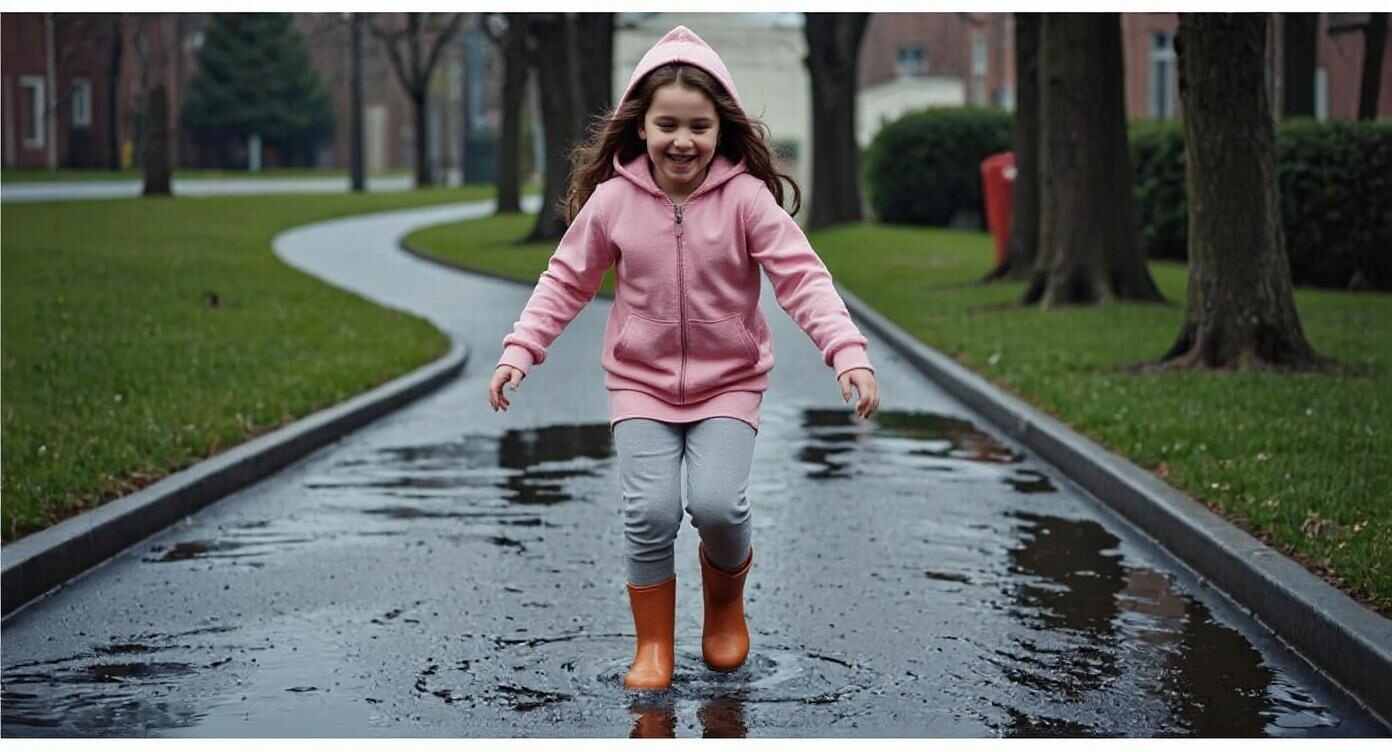
How to Generate a Realistic AI Little Girl for Free
Have you ever imagined creating your own little girl character—one that looks sweet, expressive, and totally lifelike? With the rapid advancement of AI image generation, it’s now easier than ever to bring that idea to life. Whether you're a storyteller, artist, video creator, or just someone who loves experimenting with cute visuals, APOB AI lets you generate a realistic AI little girl in just a few clicks—no artistic skills or expensive software needed!
In this guide, we’ll walk you through how to use APOB AI’s free tools to create stunning portraits and animations of AI-generated little girls. You’ll learn how to design your own virtual girl, customize her look, and even bring her to life in video form. Plus, we’ll give you some fun prompts to get your imagination rolling.
Step-by-Step: How to Use APOB AI to Create a Realistic AI Little Girl
1. Sign Up and Claim Free Credits
Start by visiting APOB.AI and creating a free account. As a welcome gift, you’ll receive 80 free credits—enough to start generating realistic AI girls without paying a cent.
Once logged in, click on “Create Portrait Model”. This is your starting point to generate your little AI girl.
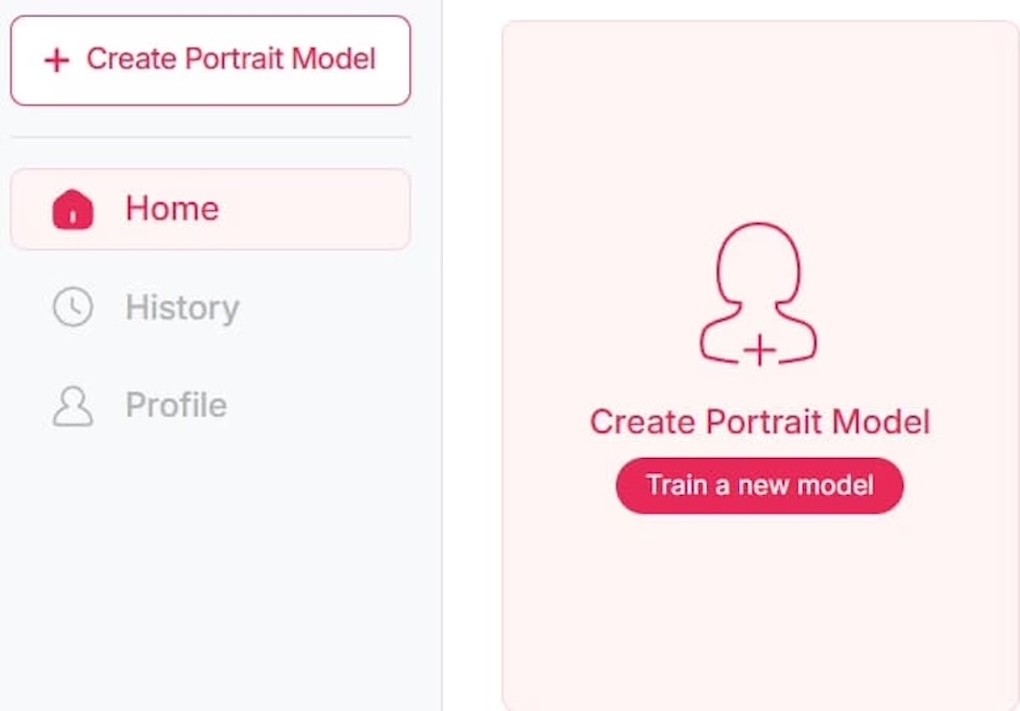
2. Customize Your Girl’s Look
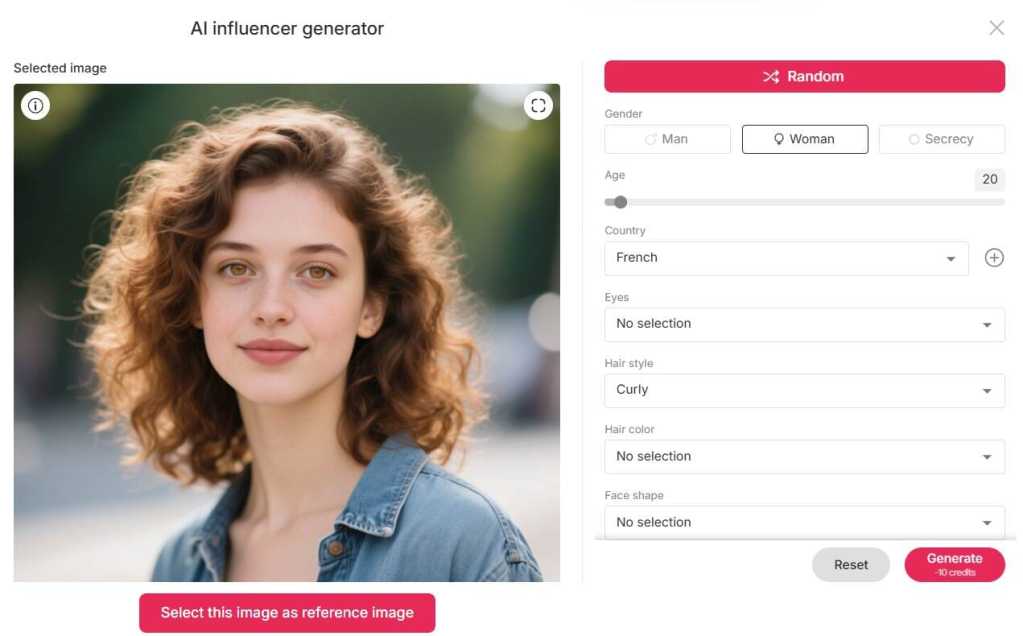
Click the “Create AI Influencer” button to open the customization panel. You’ll be able to select:
Age: Choose a toddler, child, or preteen age range.
Nationality: Pick from a variety of ethnic backgrounds.
Eye Color, Hairstyle, Hair Color: Make her unique or use “Random” for a surprise.
With just a few clicks, you’ll have a fully-generated realistic AI little girl portrait ready to go!
3. Edit with Prompts
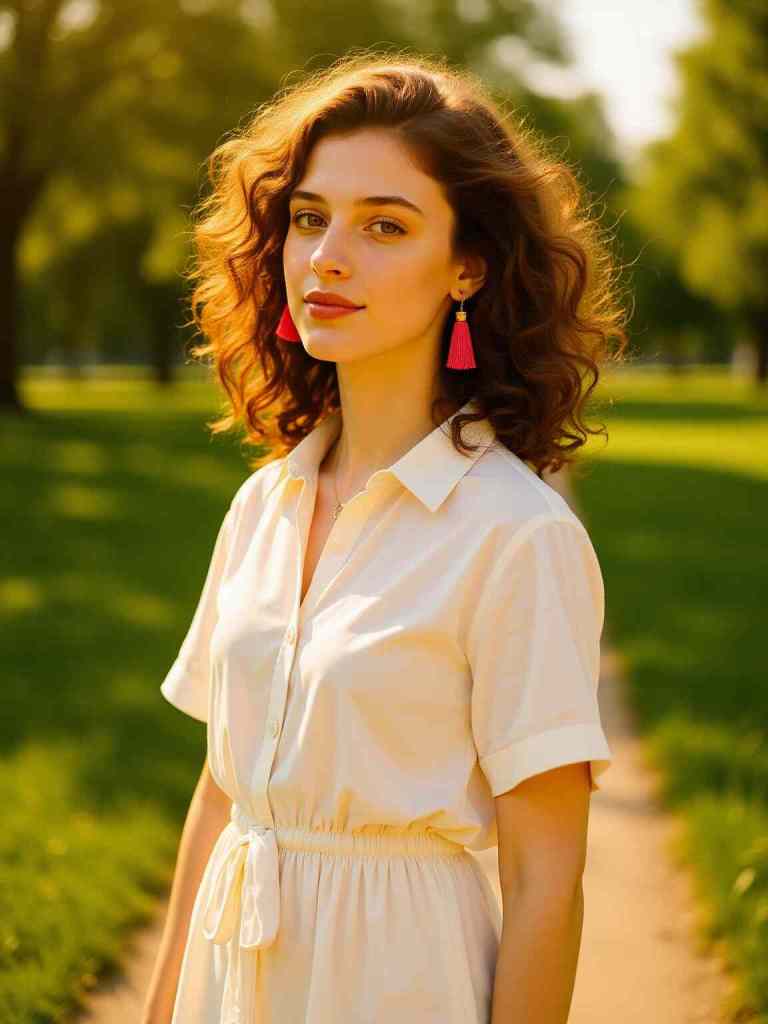
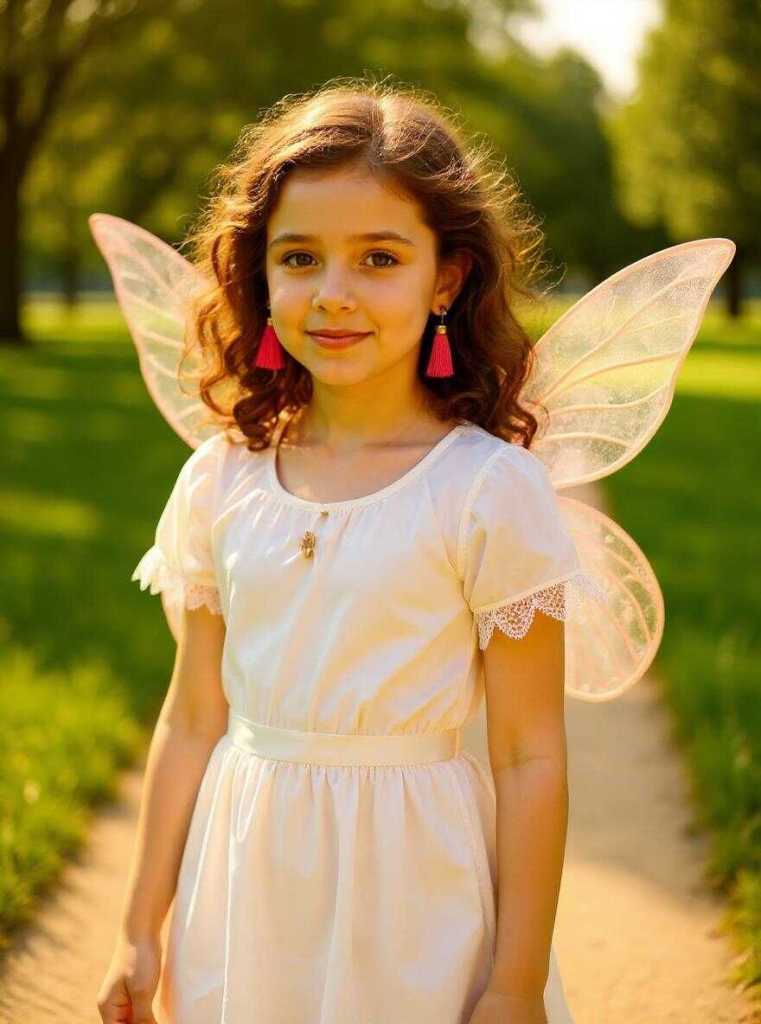
Go to “Build Your Own” or “Complete Set” to Build Her Style and Scene. Click on “Chat to Edit”, and enter a prompt to refine the image. For example:
“Turn this woman into a 5-year-old girl in a fairy costume”
Just type it in and click generate—the AI does the rest.
4. Bring Her to Life with Video
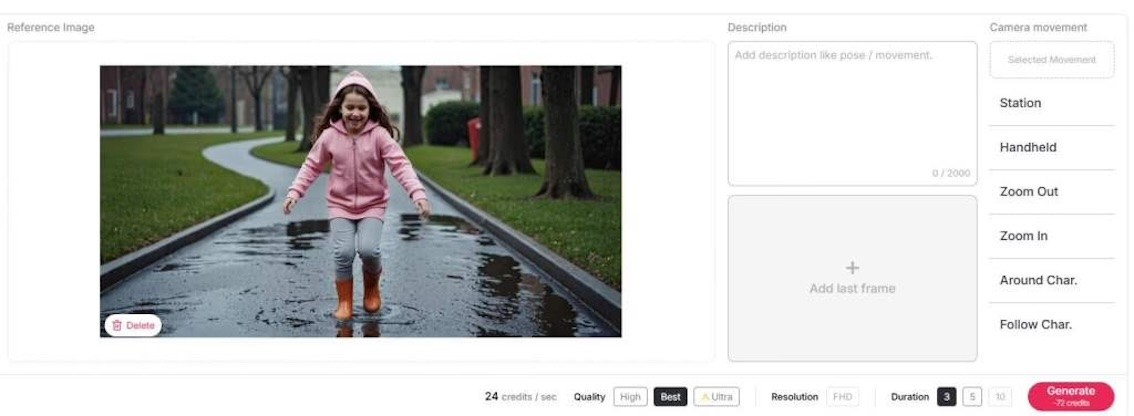
Want even more magic? APOB AI lets you animate your realistic AI little girl:
Image to Video – Turns the still image into a lively motion clip.
Talking Avatar – Makes her speak your text.
Lip Sync – Adds voice and natural lip movement for storytelling.
Now your virtual little girl can be the star of your next short film, digital story, or viral TikTok!
Why Create a Realistic AI Little Girl?
In today’s digital age, realistic AI little girl imagery is trending across creative platforms. From AI-enhanced storytelling to TikTok skits, these virtual characters are popping up everywhere. Artists use them for digital illustrations, animators bring them into video stories, and influencers design them as virtual avatars for emotional expression.
This isn’t just about cuteness—many creators are also exploring themes of innocence, nostalgia, or emotional healing through AI-generated children. Others enjoy creating digital dolls, fashion mockups, or fairy-tale-inspired characters. Whatever your creative goal, APOB AI gives you the power to create a custom little girl character that feels incredibly lifelike.
Prompt Ideas to Spark Your Creativity
Need some inspiration? Try these fun and vivid prompts:
“A smiling 6-year-old girl with curly brown hair, wearing a sunflower dress in a garden full of butterflies.”
“A little girl in a pink hoodie and rain boots jumping over puddles on a rainy day.”
“An adorable toddler with pigtails and a teddy bear sitting on a cozy bed.”
“A curious schoolgirl with a backpack walking into a magical forest filled with glowing mushrooms.”
“A dreamy little ballerina twirling on stage in a white tutu under soft pink lights.”
These prompts help APOB AI generate highly customized and realistic AI little girl images that fit your story or aesthetic.
What Makes APOB AI So Powerful?
APOB AI isn’t just another face generator—it’s a full creative toolkit built for dreamers, storytellers, and artists. Here’s why people love it:
Free to Start: Get 80 credits when you sign up—no credit card required.
Lifelike Results: The models are incredibly expressive and photorealistic.
Video Capabilities: Not just images—you can animate and add voice too
Super Easy UI: No technical skills needed—everything is click-and-go.
No Watermarks: Share your creations freely, even on social media.
Whether you’re creating content for personal fun or building the next viral AI influencer, APOB AI delivers the tools you need.
Conclusion
With APOB AI, creating a realistic AI little girl is no longer a complicated or expensive task. You can easily generate your own unique characters, dress them up, build magical scenes, and even make them talk—all from a single platform. Whether for fun, art, or content creation, this tool opens a world of possibility.
So why wait? Go to apob.ai today and start bringing your imagination to life—one adorable AI girl at a time.
FAQs
Q1: Can I use APOB AI for free?
A1: Yes! New users receive 80 free credits upon signing up, which is enough to create several high-quality AI girl portraits and even short videos.
Q2: Can I use my own or public gallery images for commercial purposes?
A2: You can use the images you create for personal or creative use. However, for commercial licensing or resale, please check APOB AI’s official usage terms or reach out to their support team.
Q3: Where can I create my own little girl pictures?
A3: You can create your own realistic AI little girl portraits and videos at APOB.AI. It’s free, fast, and extremely customizable!
Q4: Do I need to download any software to use APOB AI?
A4: Nope! APOB AI works entirely online in your browser. No installation is required—just sign in, customize, and create.
Read More
How to Create a Cute AI Generated Little Girl for Free
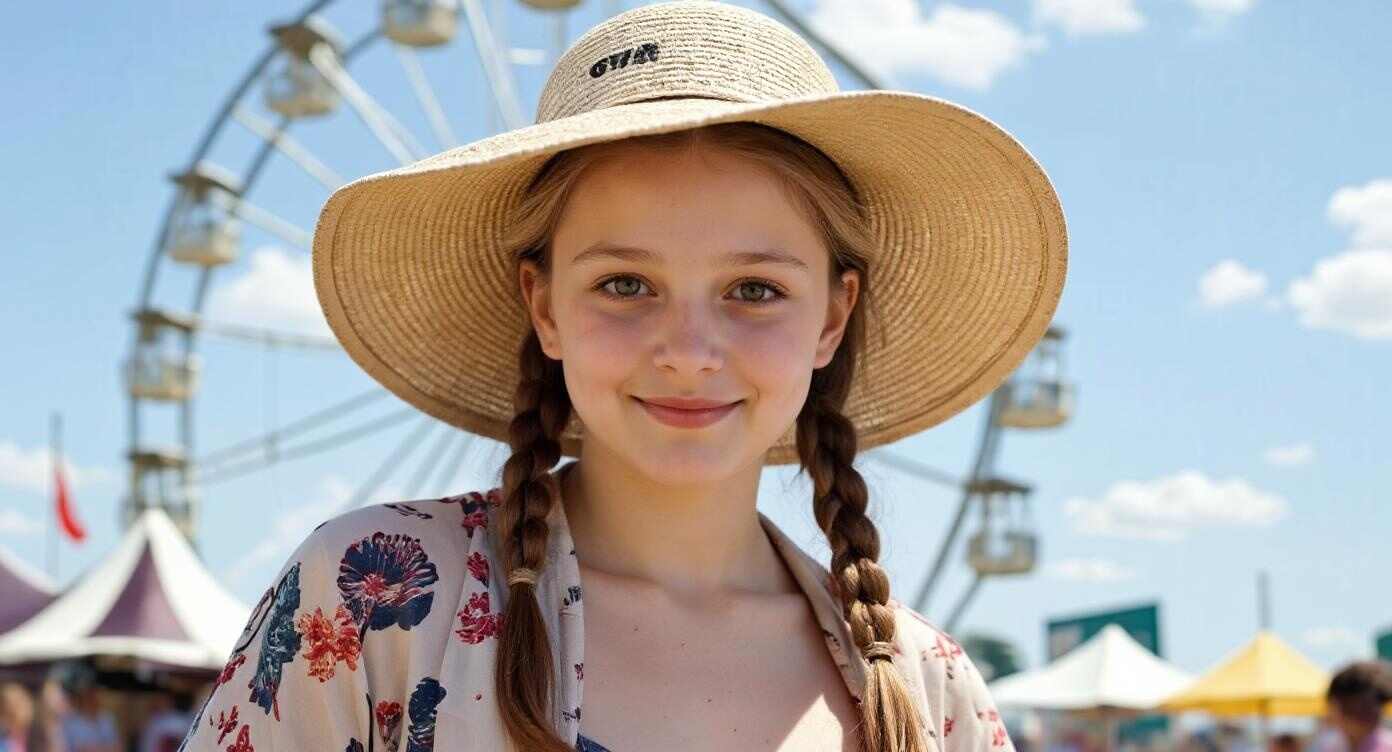
In the ever-evolving world of AI creativity, one trend stands out as particularly heartwarming and wildly popular: the AI generated little girl. From social media platforms like X (formerly Twitter) to Pinterest boards and storytelling communities, people everywhere are crafting adorable AI versions of little girls to use in art, games, animation, and storytelling.
Whether you’re an artist, creator, marketer, or simply an AI enthusiast, the idea of generating a custom, cute little girl character holds endless creative potential. The best part? You don’t need to be a designer or spend a dime. With APOB AI, you can create your own AI cute little girl completely free—and even turn her into a talking character or animated video!
Step-by-Step: How to Make Your Own AI Generated Little Girl
1)Register for Free on https://app.apob.ai/
Claim Your 80 Free Credits
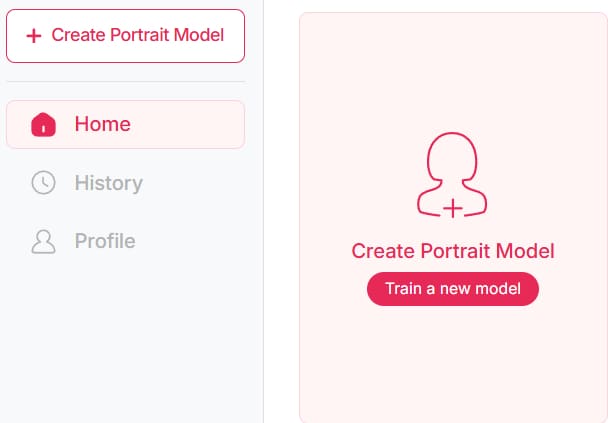
Click on “Create Portrait Model”
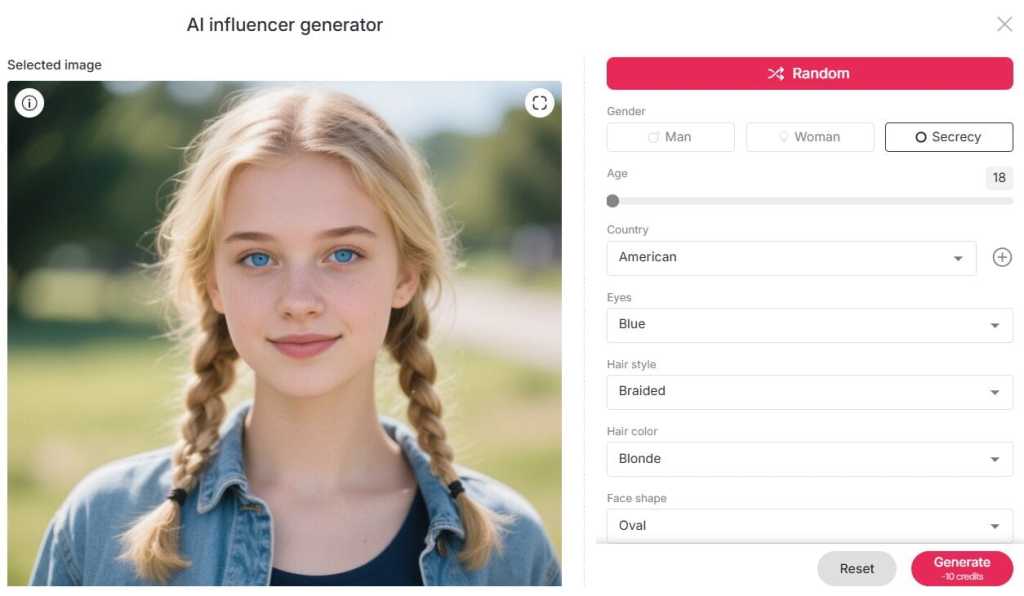
2)Tap the “Create AI Influencer” button, then choose the age, nationality, eye color, hairstyle, and hair color, etc—or just click Random for a surprise result.
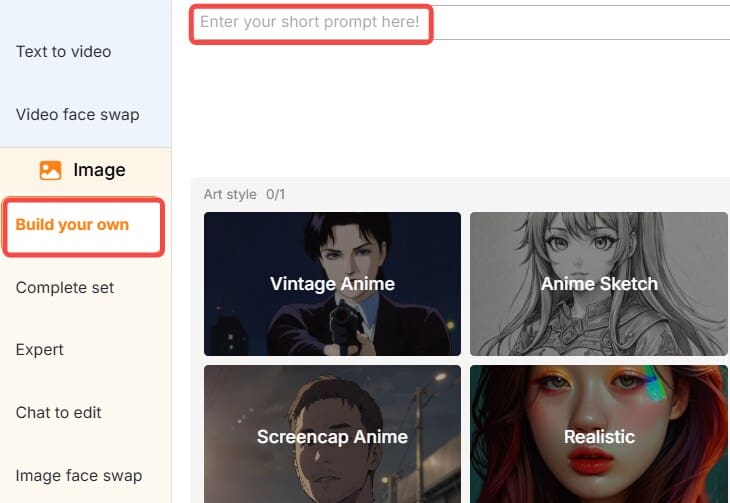
3)Use “Build Your Own” or “Complete Set” to:
Choose an adorable outfit
Pick a charming setting
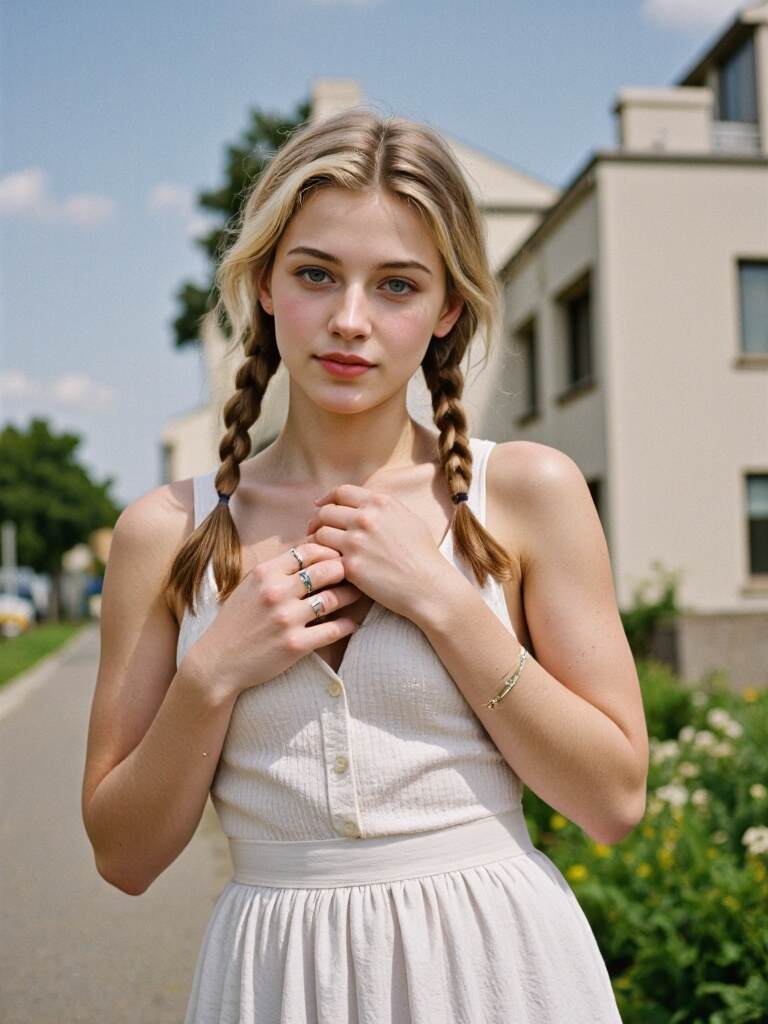
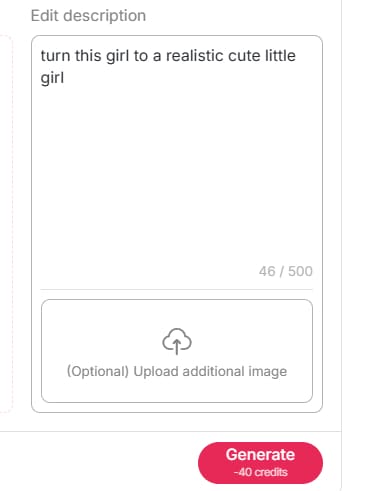
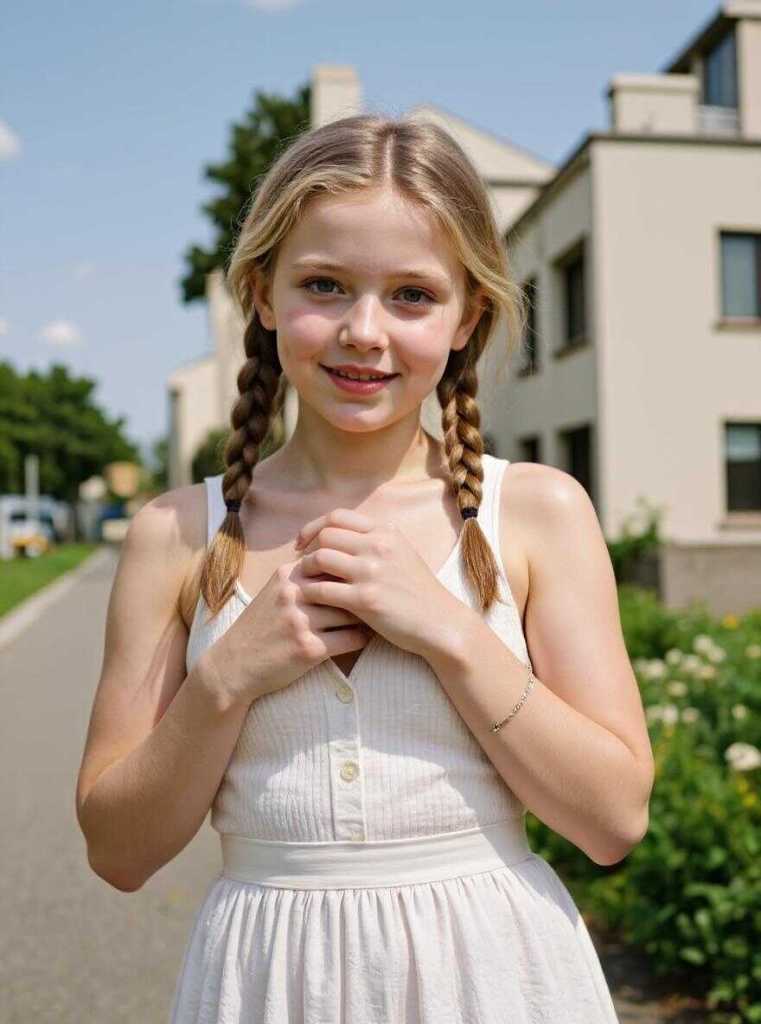
4)Want to turn a grown-up image into a child version? Use “Chat to Edit” and type in prompts like:
“Turn this woman into a 7-year-old little girl with pigtails and big eyes.”
5) Once done, bring her to life with:
Image to Video
Talking Avatar
Lip Sync
Why Use APOB AI to Generate a Cute Girl Character?
Let’s face it—most AI generation tools either cost too much or are too complicated. But APOB AI makes it incredibly easy, fast, and fun. Once you sign up (it’s free!), you’ll immediately get 80 free credits—more than enough to create and customize your own AI generated little girl.
With APOB AI, you can:
Choose age, nationality, eye color, hairstyle, and hair color
Click “Random” to get a surprise character
Customize outfits and background settings
Use “Chat to Edit” to transform any portrait into a cute little girl
Turn your AI girl into a video, talking avatar, or lip-synced animation
Whether your goal is to design a character for a storybook or just have fun experimenting with AI cuteness, APOB AI is your go-to platform.
Prompt Ideas to Create a Cute Girl AI Generated Little Girl
Need help getting started? Here are a few prompt ideas to fuel your imagination:
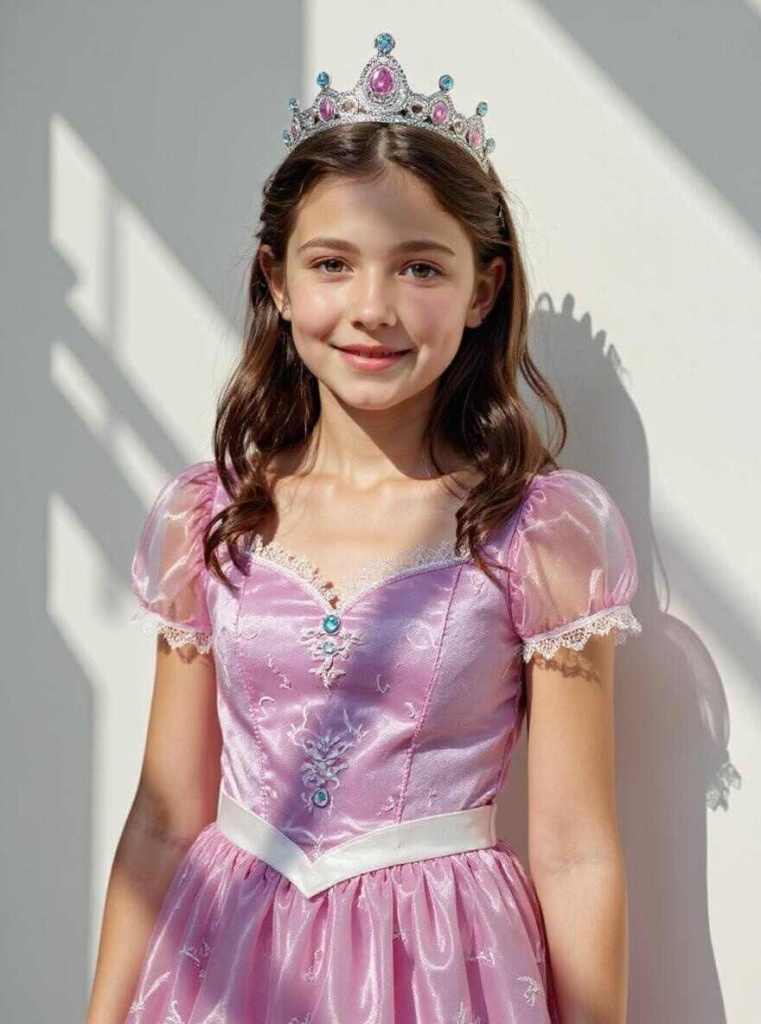
“Transform this adult into a playful 7-year-old girl in a princess dress.”
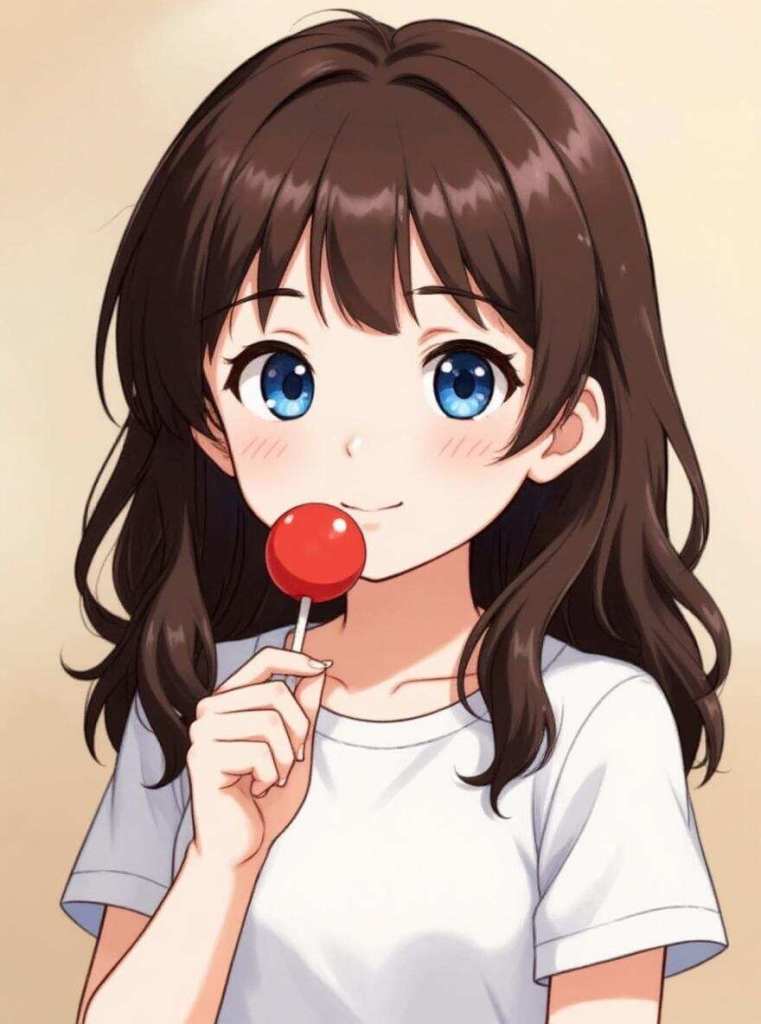
“Make an anime-style AI cute little girl holding a lollipop.”
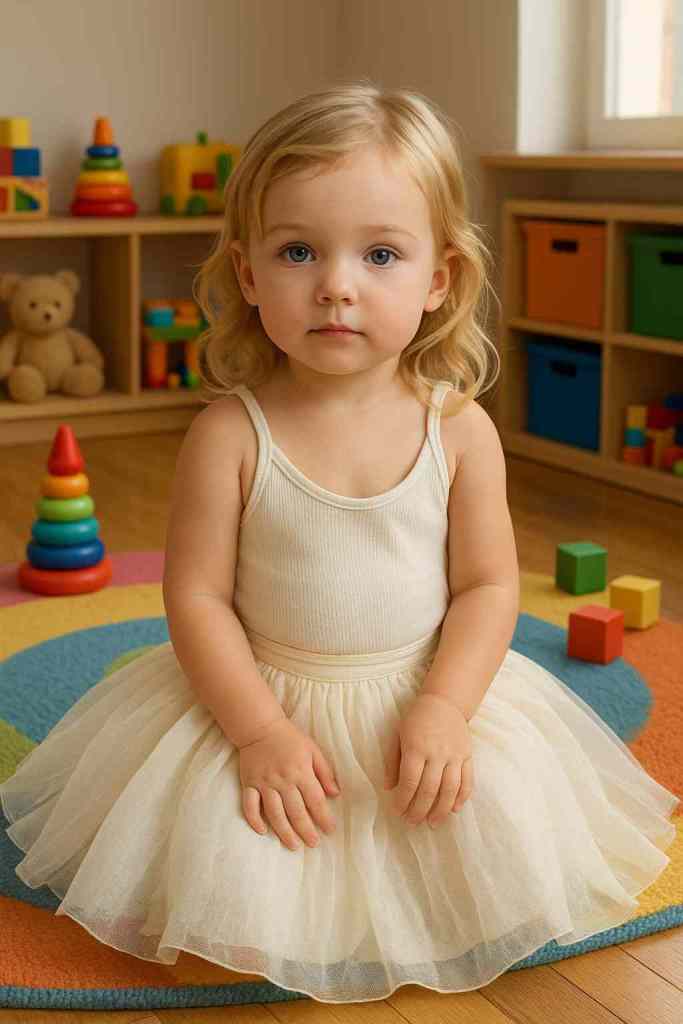
“Create a toddler version of this model sitting in a toy room.”
“Generate a smiling little girl with braids and freckles standing in a flower field.”
These prompts are just the beginning—your imagination is the only limit!
Make Her Talk, Move, and Shine in Video!
After generating your AI generated little girl, don’t stop there. With APOB AI’s advanced features, you can turn your still image into an animated video.
Image to Video gives your character natural movement.
Talking Avatar makes her speak anything you type.
Lip Sync lets her sing, deliver messages, or tell stories with perfect timing.
Perfect for TikTok, Instagram Reels, or creating your own mini animated series!
Conclusion: Your Dream AI Girl Is Just a Click Away
Creating your own AI generated little girl has never been easier—or more fun. With APOB AI, you can explore your creativity, design characters that melt hearts, and even make them speak or dance on screen. Whether you're making content for fun, for clients, or for your personal brand, this tool unlocks unlimited possibilities.
FAQs
Q1: Can I use my own or public gallery images for commercial purposes?
A1: Yes, APOB AI allows you to use both your own images and publicly generated models for commercial use—provided the images don’t contain restricted or sensitive content. Just make sure to check the content license before distribution.
Q2: Can anyone see my images? Will uploading personal photos leak my privacy?
A2: No, APOB AI fully respects user privacy. If you don’t want your images to appear in the community model gallery, simply set your model visibility to private when creating or editing. Your photos will remain visible only to you.
Q3: Is APOB AI free to use for generating AI girls?
A3: Yes! Signing up gives you 80 free credits, which is more than enough to create several AI generated little girl images and even try out some video features.
Q4: Can I create different styles like anime or cartoon?
A4: Absolutely. APOB AI supports various artistic styles, including hyper-realistic, anime, cartoon, 3D, or fantasy. You can guide the output with prompt-based instructions or use built-in templates.
👉 Try APOB AI today and generate your first cute little girl with just a few clicks!
Read More
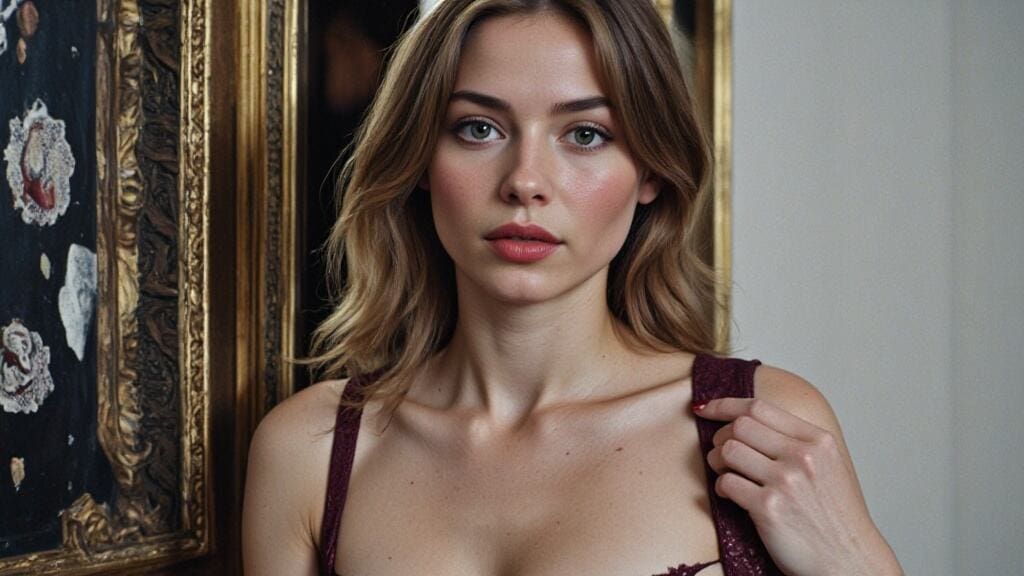
Unleash Your Imagination: Create Free Fantasy seduced AI Images & Videos with sedueced AI tools
Introduction with seduced AI
The digital landscape for content creation is rapidly evolving, with AI-powered tools democratizing access to professional-grade visual generation. APOB AI stands at the forefront of this revolution, offering a robust platform designed for creating captivating fantasy images and videos. It eliminates traditional barriers such as expensive software, specialized technical skills, and time-intensive manual processes, making advanced AI generation accessible to everyone. Whether you're a digital artist, a content creator, or simply an enthusiast, APOB AI provides the tools to transform your creative visions into stunning realities, all without financial constraints. This includes the ability to create content that might be described as having an "alluring AI" aesthetic, exploring themes of fascination through artificial intelligence.
How to Create Fantasy Content with APOB AI with seduced AI
APOB AI makes the process of generating high-quality fantasy images and videos straightforward and intuitive. Follow these simple steps to bring your imaginative concepts to life, even if you're aiming for a specific "alluring AI" style:
Step 1: Access APOB AI Platform
Begin your creative journey by navigating to APOB AI and creating your free account. The registration is quick, requiring only basic information, and grants immediate access to the platform's comprehensive features. New users are welcomed with initial credits, complemented by daily free credits that replenish automatically, ensuring continuous creative exploration without any upfront costs. Explore the potential of a truly captivating AI experience.
Step 2: Select Generation Mode
Once logged in, choose your desired creation mode. Opt for Image Generation to produce static fantasy portraits and intricate scenes, perfect for social media posts, website graphics, or promotional materials. Alternatively, select Video Generation to create dynamic animated fantasy content, complete with character movement and environmental dynamics, ideal for engaging social media content and interactive presentations. This allows you to craft compelling visuals, including those with an "alluring AI" theme.
Step 3: Craft Your Fantasy Prompt
The key to exceptional AI-generated content lies in a detailed and descriptive prompt. Articulate your vision by including specific details about your desired fantasy content. This should cover character descriptions (appearance, styling, expression), scene settings (environment, lighting, atmosphere), the desired mood and tone (e.g., seductive, mysterious, dramatic, playful), and your preferred style direction (e.g., photorealistic, artistic, cinematic, anime). For a "seduced AI" theme, consider emphasizing alluring qualities.
Example prompt: "A mysterious fantasy character with flowing silver hair and elegant attire, standing in an enchanted forest with ethereal lighting, seductive and alluring atmosphere, cinematic photography style with dramatic shadows and highlights. The character embodies a sophisticated, alluring AI persona."
Step 4: Configure Style and Quality Settings
Refine your output by selecting a style preset that aligns with your aesthetic. Options include Photorealistic for a natural appearance, Cinematic for dramatic lighting and composition, Artistic for a stylized illustration, or Anime for a distinctive Japanese animation look. Choose an output resolution, with options extending up to 4K for maximum clarity. Adjust lighting preferences, such as Natural Light, Studio Lighting, or Dramatic Lighting, to set the perfect mood, especially when creating a scene with an alluring AI.
Step 5: Generate and Refine
With your prompt and settings in place, click Generate to initiate the AI processing. Image generation typically completes within 30-90 seconds, while video generation takes 60-120 seconds. Review your initial result and compare it against your creative vision. If adjustments are needed, simply modify your prompt or settings and regenerate. APOB AI's credit-efficient system encourages iteration, making refinement both practical and cost-effective, allowing you to perfect your captivating AI creations.
Step 6: Download and Deploy
Once satisfied, download your finished image or video in your preferred format. Images are exported as high-resolution JPG or PNG files, and videos are provided in MP4 format. Thanks to APOB AI's commercial-use permissions, your generated content, including any "seduced AI" themed visuals, can be immediately utilized across social media, integrated into marketing campaigns, or deployed in client projects without any additional licensing concerns.
Why Choose APOB AI for Your Fantasy Creations?
APOB AI distinguishes itself in the competitive AI generation market through a powerful combination of comprehensive features, genuine free access, and robust commercial-use permissions. Unlike many competitors that impose restrictive watermarks, limited generation quotas, or prohibitive upgrade requirements, APOB AI offers true creative freedom, even for complex themes like an "alluring AI."
Comprehensive Feature Set for Alluring AI Art
The platform's capabilities span every aspect of fantasy content creation. Image generation delivers high-resolution static content up to 4K, suitable for professional applications like marketing materials and social media. Video generation produces animated sequences with character movement, environmental dynamics, and cinematic effects, perfect for dynamic storytelling. This includes the nuanced creation of an "alluring AI" aesthetic.
Extensive customization options provide granular control over character appearance, including facial features, body proportions, and styling. Clothing and accessory systems allow for diverse fashion expressions, from casual to elaborate fantasy costumes. Environmental settings place characters in appropriate contexts, from studio backgrounds to intricate fantasy landscapes. Style presets offer aesthetic variations including photorealistic, cinematic, artistic, and anime interpretations, all contributing to the versatility needed for an "alluring AI" theme.
Genuine Free Access to Alluring AI Generation
APOB AI's free tier provides substantial creative capacity, far beyond a token trial. Daily free credits replenish automatically, enabling consistent content creation without upfront payment. Crucially, the platform imposes no watermarks on free-tier content, ensuring a professional presentation suitable for commercial applications. Generation quality remains consistent across both free and paid tiers, with no artificial degradation to pressure upgrades. This means you can experiment with "alluring AI" concepts without compromise.
This genuine free access model stands in stark contrast to competitors that often advertise "free" plans but impose severe limitations, such as intrusive watermarks, minimal generation quotas (often just 3-5 generations before a paywall), quality restrictions producing only low-resolution outputs, and commercial-use prohibitions requiring expensive enterprise licenses. With APOB AI, your "seduced AI" creations retain their quality and usability.
Commercial Use Rights for Alluring AI Content
APOB AI explicitly permits commercial use of all generated content across all tiers, including creations from the free tier. This licensing enables a wide range of business applications, including marketing campaigns, advertising materials, social media content monetization, client project deliverables, and product promotion imagery. This comprehensive commercial licensing eliminates concerns about usage restrictions that often complicate other AI platforms, where free tiers typically prohibit commercial applications or demand expensive enterprise licenses for business use. Your "seduced AI" art is yours to use commercially.
Ethical Content Moderation for Alluring AI Themes
APOB AI is committed to responsible AI practices, implementing robust content moderation systems that prevent the generation of harmful, illegal, or non-consensual content. The platform's guidelines ensure that generated content remains within ethical boundaries, while still providing ample creative freedom for legitimate artistic and commercial applications. This balanced approach empowers creators to explore diverse fantasy themes, including those with an "alluring AI" element, without facilitating problematic content. Creating an "alluring AI" image should always be done responsibly.
Technical Specifications: APOB AI Fantasy Content Generation
APOB AI offers superior performance and features compared to typical competitors, as highlighted in the table below, ensuring high-quality output for any theme, including an "alluring AI."
Specification | APOB AI | Typical Competitors |
|---|---|---|
Maximum Resolution | Up to 4K | Usually 1080p-2K |
Image Generation Speed | 30-90 seconds | 1-3 minutes |
Video Generation Speed | 60-120 seconds | 3-5 minutes |
Video Duration | 5-8 seconds | 3-5 seconds |
Style Presets | Multiple (Photorealistic, Cinematic, Artistic, Anime) | Limited options |
Customization Control | Granular (character, scene, lighting, mood) | Basic options |
Commercial Use Rights | Permitted (all tiers) | Often restricted |
Watermark on Free Tier | No watermark | Usually watermarked |
Daily Free Credits | Yes, automatic replenishment | Limited or none |
Content Moderation | Ethical guidelines enforced | Variable |
Export Formats | JPG, PNG, MP4 | Limited formats |
Character Consistency | High with detailed prompts | Variable quality |
Best Practices for Optimal Fantasy Content Results
To maximize the potential of APOB AI and achieve truly stunning fantasy content, consider these best practices, especially when aiming for an "alluring AI" aesthetic:
Master Detailed Prompt Engineering for Alluring AI
The quality of your generated fantasy content is directly tied to the specificity and detail of your prompts. Generic prompts like "fantasy character" will yield unpredictable results, whereas detailed descriptions allow for precise control over the output. Structure your prompts hierarchically: start with primary characteristics (character type, setting, mood), then add secondary details (specific styling, accessories, lighting effects). Always include stylistic direction (photorealistic, artistic, cinematic) and mood descriptors (seductive, mysterious, dramatic) to guide the AI's aesthetic choices effectively. This is crucial for crafting a convincing scenario with an alluring AI.
Explore Style Variations for Alluring AI Themes
APOB AI offers multiple style presets, enabling diverse aesthetic interpretations of the same concept. Experiment with different styles to discover which best serves your creative vision. Photorealistic styles are ideal for applications requiring a natural and believable appearance. Cinematic styles provide dramatic lighting and composition for impactful visual storytelling. Artistic styles offer stylized interpretations with enhanced creative expression, while Anime styles deliver distinctive Japanese animation aesthetics popular in specific content niches. Each can be adapted to create a unique visual with an alluring AI.
Iterate Based on Results to Perfect Alluring AI
It's rare for the first generation to perfectly match your creative vision. Plan for 2-4 iterations, refining your prompts based on the initial results. If the character's appearance doesn't meet expectations, add more specific descriptors. If the scene composition feels off, adjust environmental and camera angle keywords. If the mood isn't quite right, modify lighting and atmosphere terms. Each iteration helps you move closer to your desired result and teaches you which prompt elements most effectively control specific aspects of the generation, ensuring your captivating AI vision comes to life.
Maintain Ethical Standards for Alluring AI Content
While APOB AI empowers the creation of seductive and fantasy-oriented content, it is crucial to maintain high ethical standards in your creative work. Avoid generating content that perpetuates harmful stereotypes, unrealistic body standards, or objectifying representations. Instead, focus on creating diverse, empowered character portrayals that celebrate beauty across different presentations. Consider the social impact of your generated content and ensure it contributes positively to digital culture. Even when exploring an "alluring AI" theme, ethical considerations must remain paramount.
Leverage Consistent Character Creation for Alluring AI Series
For projects requiring multiple images or videos of the same character, maintaining consistency is key. Achieve this through detailed prompt documentation. Save your successful prompts and settings, then use them as templates for subsequent generations. While AI generation introduces some natural variation between outputs, consistent prompts will produce recognizable character continuity suitable for series content, brand mascots, or ongoing campaigns. This applies equally to a series featuring an alluring AI character.
FAQs About Fantasy AI Content Creation
Q1: Is it legal to create and use fantasy AI content?
A1: Yes, creating fantasy AI content is legal when done responsibly and within ethical boundaries. APOB AI implements robust content moderation to prevent the generation of illegal content, including depictions of minors, non-consensual imagery, or content violating platform guidelines. Generated characters are original AI creations rather than reproductions of real individuals, and APOB AI grants commercial use rights for all generated content. This includes content that might explore themes of an "alluring AI" within ethical limits.
Q2: Can I use AI-generated fantasy content for commercial purposes?
A2: Absolutely. APOB AI explicitly permits the commercial use of generated content across all tiers, including free-tier creations. This encompasses a wide range of applications such as marketing campaigns, social media advertising, product promotions, client projects, and monetized content. The commercial licensing is fully included with all content generated on the platform, even for themes like an "alluring AI."
Q3: How realistic are the AI-generated fantasy characters?
A3: APOB AI's photorealistic style preset is capable of producing highly realistic characters that can be remarkably difficult to distinguish from professional photography. The ultimate quality depends significantly on the detail and precision of your prompt and settings. Well-crafted prompts can yield professional-grade results suitable for commercial applications. Additionally, alternative style presets like Cinematic, Artistic, and Anime offer diverse aesthetic approaches based on your specific creative needs, allowing for stunning visuals with an alluring AI.
Q4: What are the ethical guidelines for fantasy content creation?
A4: APOB AI enforces strict ethical guidelines that prohibit content depicting minors, non-consensual imagery, or any illegal content. Users are also encouraged to avoid perpetuating harmful stereotypes, creating content designed to deceive, or generating likenesses of real individuals without authorization. The focus should always be on creating diverse, empowered character representations that contribute positively to digital culture. This is especially important when exploring themes like an "alluring AI."
Q5: How long does it take to generate fantasy content?
A5: Image generation on APOB AI typically completes within 30-90 seconds. Video generation usually takes between 60-120 seconds, with processing times varying based on complexity and current platform load. This rapid processing capability allows for practical iteration and experimentation, enabling creators to test multiple variations and refine their prompts efficiently, even for intricate concepts involving an alluring AI.
Q6: Can I create consistent characters across multiple generations?
A6: While AI generation naturally introduces some variation between outputs, it is possible to achieve recognizable character consistency through detailed prompts. We recommend saving your successful prompts as templates. You can then use these templates for subsequent generations, making minor variations for different poses, outfits, or settings. This approach allows you to produce character series with sufficient consistency for ongoing campaigns or content series, including those featuring an alluring AI character.
References
[1] Peres, R., Schreier, M., & Schweidel, D.A. (2024) The creator economy: An introduction and a call for scholarly research. International Journal of Research in Marketing.
[2] Grand View Research (2025) AI Image Generator Market Size, Share & Trends Analysis Report. Available at: Grand View Research
[3] MIT Technology Review (2024) The generative AI revolution in image creation. MIT Technology Review. Available at: MIT Technology Review
[4] Stanford HAI (2025) AI and Creative Industries: Opportunities and Challenges. Stanford Human-Centered AI Institute. Available at: Stanford HAI
Final CTA
The powerful capability to generate fantasy content, particularly with seductive themes, comes with significant ethical responsibilities that creators must acknowledge and uphold. While APOB AI implements technical safeguards, including content moderation systems, responsible use ultimately depends on the intentions and practices of the creator.
It is crucial to avoid generating content that perpetuates harmful stereotypes, promotes unrealistic body standards, or creates objectifying representations. Instead, focus on crafting diverse, empowered character portrayals that celebrate beauty across various presentations. Always consider the social impact of your generated content and strive to ensure it contributes positively to digital culture. This applies even when creating an alluring AI image; the focus should be on artistic expression within ethical bounds.
Respect intellectual property and personality rights by refraining from attempts to generate likenesses of real individuals without explicit authorization. Although AI generation does not directly copy existing images, creating characters designed to resemble specific people raises both ethical and potential legal concerns. Prioritize original character creation over the replication of existing individuals. Ensure your captivating AI creations are unique and respectful.
Maintain transparency about AI-generated content when appropriate, especially in contexts where audiences might assume human models or traditional photography. While disclosure requirements can vary by platform and application, transparency builds trust and sets appropriate expectations regarding content creation methods. This transparency is vital for all AI-generated content, including any "seduced AI" themed visuals.
Read More
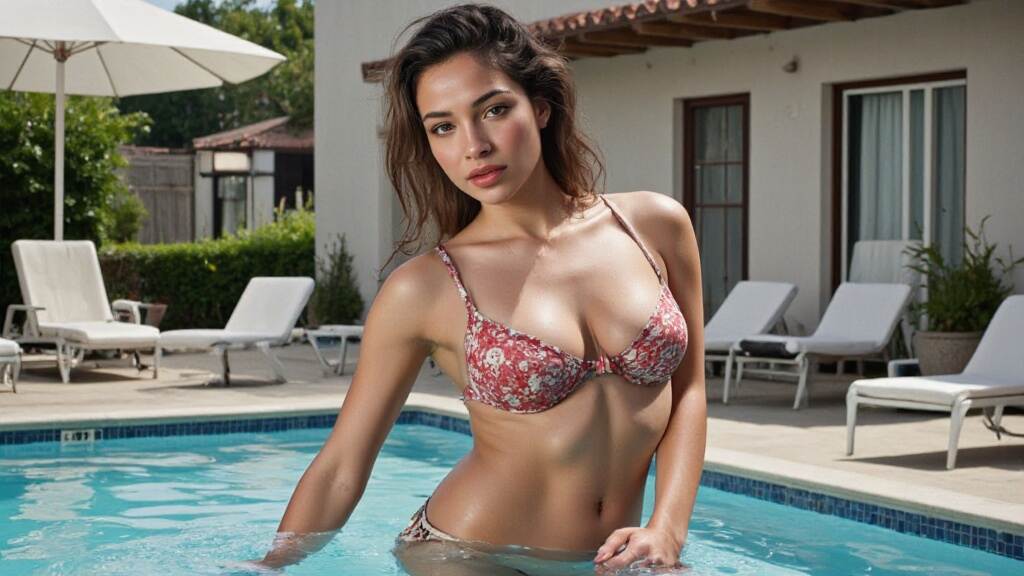
AI bikini girl: Generate one for free within one minute
In the world of digital creation, nothing feels more exciting than turning your wildest ideas into visually stunning images—instantly. That’s where the AI bikini trend is making waves. Whether you're an artist, marketer, or just someone looking for fun and fabulous content, AI bikini generators let you bring your dream bikini models to life from just text or photos. No design skills? No problem.
What Is an AI Bikini Generator?
An AI bikini generator is an online tool that allows users to create lifelike bikini models through text prompts or uploaded images. Whether you want a photorealistic look or anime style, these tools offer a diverse palette of styles to match your creative vision.
Using advanced machine learning and visual rendering, the AI bikini generator interprets your input—like “a confident Asian bikini model in a beach sunset scene” or “a line-drawn sketch of a futuristic swimwear girl”—and brings it to digital life in just seconds.
How to Create Your Own AI Bikini Models with APOB AI
Upload your photo or create an AI model
Sign up for APOB AI and get 80 credits. Then, click on “Create Portrait Model.” Upload a photo of yourself or click on the “AI Influencer Generator” button to create a custom AI model.
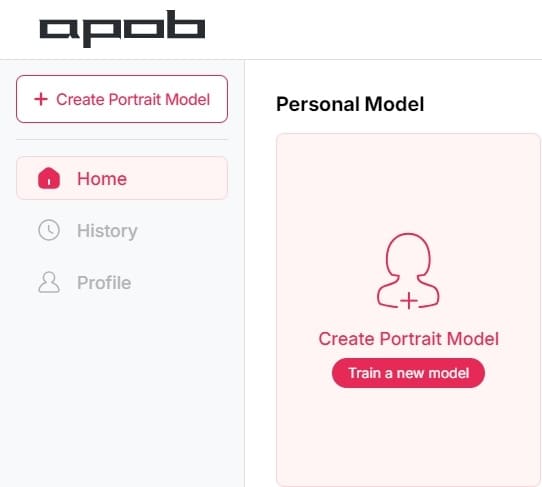
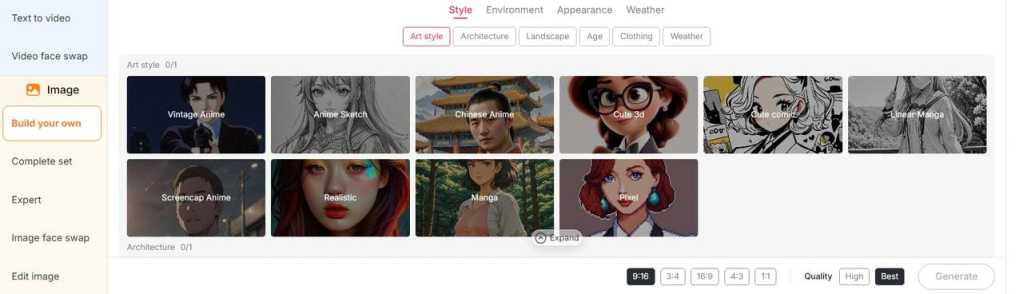
Select Your Style & Format: Opt for realism, anime, line art, etc. You can choose summer-themed preset outfits like Swimming Pool, Underwater, Swimwear, or Bikini in either the "Build Your Own" or "Complete Set" options. If you want to get more creative, click "Expert" to input your own text prompts and describe your AI bikini model or artwork. Then, set your aspect ratio and the quality of image you'd like.
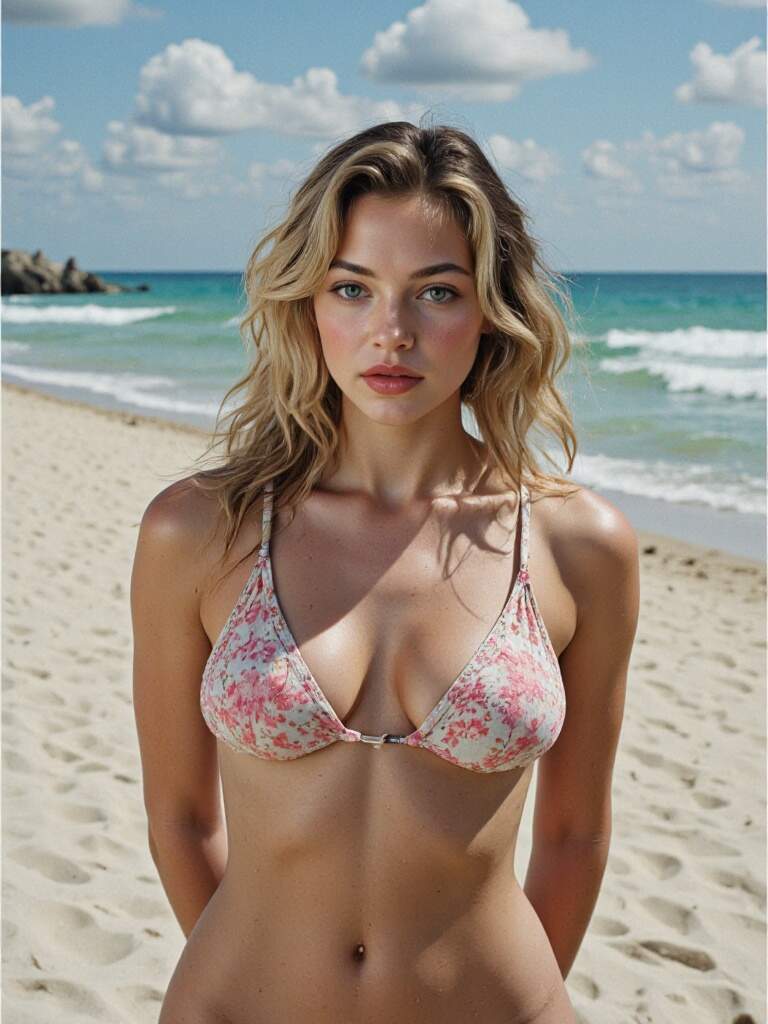
Generate and Download: With one click, the AI bikini generator gets to work, crafting high-quality visuals in HD. Once done, download and share wherever you like.
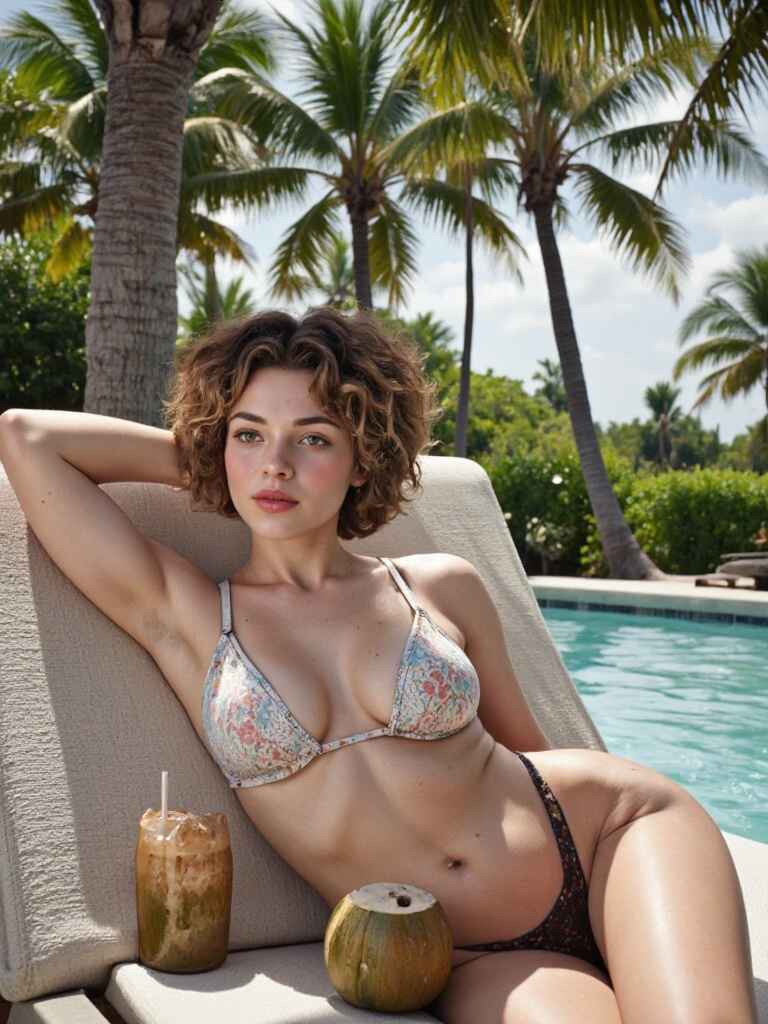
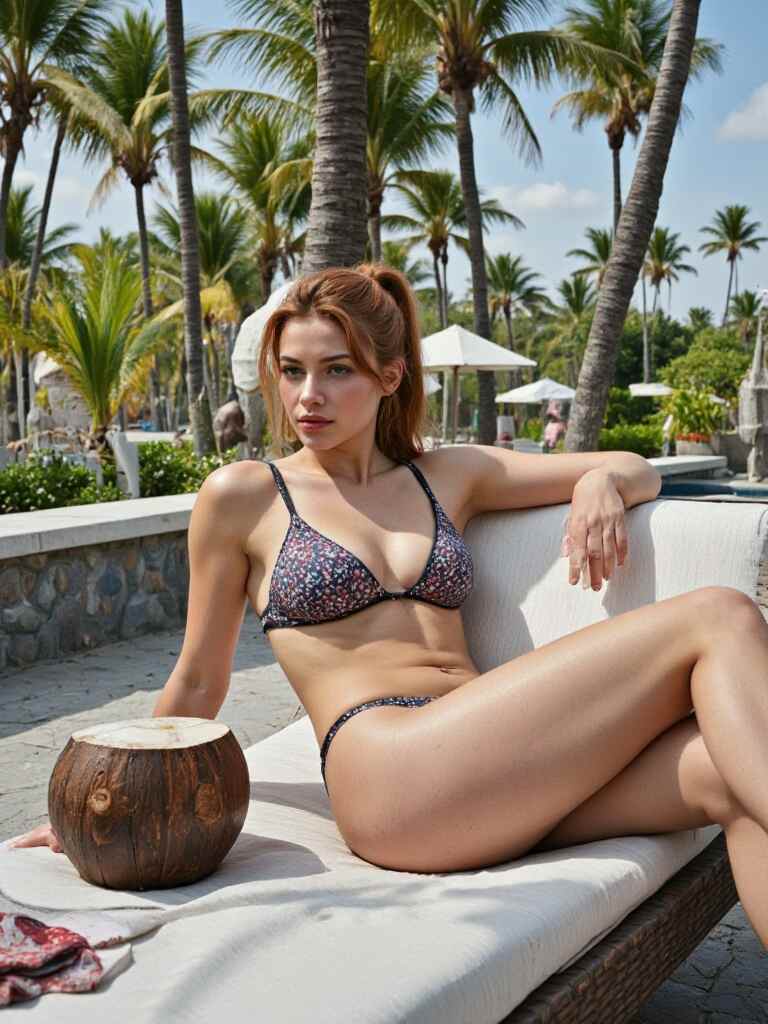
TIPS: After generating an image, you can add motion descriptions to turn the picture into a video. With lip sync features, you can even match your AI girl with a sexy or cute voice.
Why Everyone's Talking About AI Bikini Art
It's Fast and Fun: Creating AI bikini content takes less than a minute, and the results are surprisingly dynamic.
Perfect for Designers and Marketers: Need eye-catching visuals for a swimsuit campaign, or a unique look for your digital ad? AI swimwear images can easily add that bold, trendy touch.
Great for Social Media: Want to stand out on Instagram or TikTok? Generate custom AI swimwear girls that match your aesthetic, vibe, or season. #BeachVibes2025
Explore Endless Possibilities with AI Bikini Styles
From cute and wholesome to bold and glamorous, the AI swimwear scene is full of diversity. Here are just a few styles you can experiment with:
AI Busty Bikini
Features exaggerated curves and voluptuous body shape, often in glamorous or beachside scenes with mature aesthetics.
AI Anime Bikini
Stylized with bright colors and large eyes; cute, playful, and distinctly Japanese anime-inspired summer swimwear art.
AI Teen Bikini / AI Tween Bikini
Youthful, energetic vibe with slim builds and innocent expressions; often set in playful, sunny beach or pool scenes. (Note: Always ensure content follows legal and ethical guidelines.
Sexy AI Bikini
Whether you're imagining a futuristic swimwear line or a fantasy-inspired bikini shoot, AI makes it real in seconds.
Focuses on seductive poses, glossy skin, and provocative expression; often uses realistic or hyper-stylized visual styles.
AI Bikini Creation on the Go
Want to create on mobile? Many AI bikini platforms, like Fotor and APOB AI, offer mobile-friendly apps that let you build your swimwear visuals anytime, anywhere. All you need is a smartphone or a computer—no fancy equipment required. The interfaces are designed to be user-friendly, so even beginners can get started easily. Whether you're lounging at a beach café or riding a train, you can generate high-quality visuals in just a few taps. It's low-cost, fast, and perfect for traveling creatives, content creators, or influencers who need stunning, summer-themed AI art on the fly.
Where Can You Use AI Bikini Art?
AI bikini art is more than just a visual trend—it’s a creative tool that opens doors across multiple industries and personal projects.
Social Media Content
Grab attention with bold, scroll-stopping visuals. Whether you're posting summer vibes, launching a new trend, or just having fun, AI bikini images add flair to your Instagram, TikTok, or Facebook content—no photo shoot required.
Digital Marketing Ads
Boost engagement with eye-catching AI bikini visuals in your ads and banners. These customizable images bring energy and freshness to fashion, beauty, or lifestyle campaigns, helping your brand stand out in a crowded digital space.
Print-on-Demand Merch
Design unique T-shirts, hoodies, or even custom swimsuits using your AI-generated bikini girls. Perfect for eCommerce stores and creatives looking to launch their own bold, beachy product line.
Fashion Design Mockups
Visualize new swimwear ideas in minutes. From colors to cuts, use AI bikini models to test designs across different body types and styles—ideal for designers exploring fresh concepts without needing a live photoshoot.
Personal Projects & Memes
Want to turn a selfie into a beach-ready avatar? Or swap a celebrity’s face into a hilarious bikini scene? APOB AI swimwear tools make it fast, funny, and totally shareable.
Final Splash
Whether you’re into anime, realism, or artistic sketches, the AI bikini trend is a fun, creative, and innovative way to express yourself. Dive into the future of fashion design, meme culture, and digital art—all with a few clicks.
Let your imagination take the wheel and start generating your own AI bikini models today. Summer is just one prompt away!
FAQ
Q1: How to make ai bikini photos?
A1: To make AI swimwear photos, use tools like Virbo or APOB AI. Enter detailed text prompts describing your desired bikini model, including style, color, and appearance. The AI generates high-quality images based on your input.
Q2: How does the Al bikini generator work?
A2: AI bikini generators use advanced algorithms to analyze text prompts or images. They can create virtual models from text or replace clothing in photos with bikinis, offering customization options like style and color.
Q3: How to convert normal photo to bikini photo?
A3: To convert a normal photo to a swimwear photo, upload the image to APOB AI. Use our AI clothing feature to change the clothing to a bikini, preserving other details.
Q4: Is it inappropriate to post a bikini pic?
A4: It depends. If the generated bikini image is non-erotic and used purely for design or artistic purposes, it's perfectly fine to post. However, if it's intended for erotic use, it would be inappropriate to share. Additionally, if the bikini-clad figure in the image is someone you know, it's best to seek their permission before posting. Posting without consent could be disrespectful or even illegal on public platforms.
Q5: Is the AI bikini generator free to use?
A5: After registering on APOB AI, users receive 80 free points every day. Each image generation costs 20 points, allowing you to create 4 images per session. This means that if you just want to see yourself or someone else in a bikini, the 80 daily points are enough to generate 16 photos. However, if you want to explore more styles and unleash greater creativity, an upgrade is required.
Read More
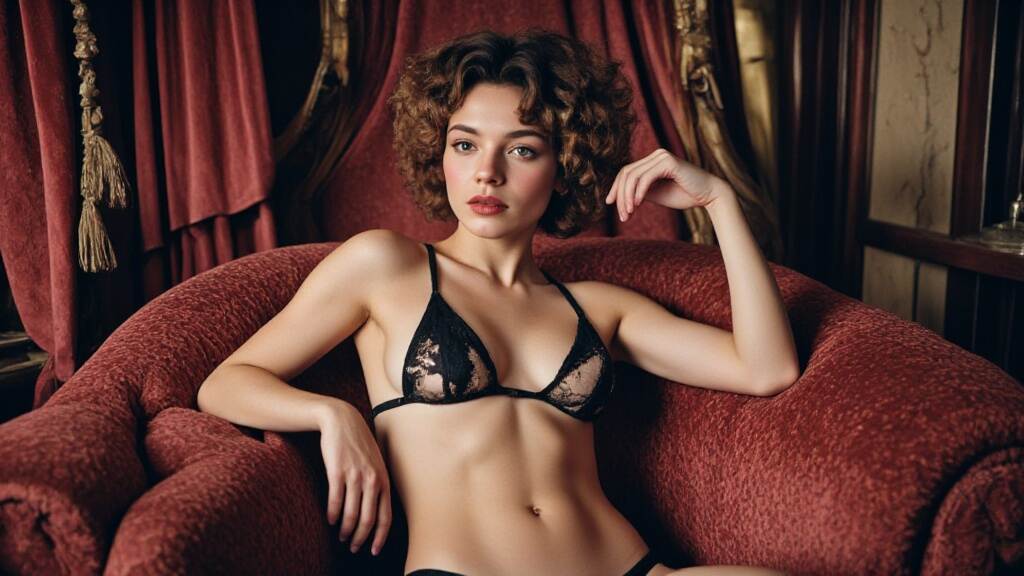
Free AI Lingerie model Generator Tool in 2025
Unleash your imagination with the free AI Lingerie Model Generator Tool and AI Underwear Generator, where you can design exquisite, high-quality images of intimate apparel that highlight the elegance and sensuality of the female body. Use filters and custom prompts to craft captivating visuals that exude both passion and sophistication.
Introduction to AI in Fashion
The fashion industry has always been at the forefront of innovation, and the integration of AI is no exception. AI is not just a buzzword; it's a game-changer that's redefining how we approach fashion. Whether it's lingerie AI or AI girl lingerie, the focus is on creating a more personalized, sustainable, and technologically advanced experience for consumers.
AI Lingerie Design: The Future of Fashion
AI-generated designs are revolutionizing the way lingerie is created. Gone are the days of static sketches; now, AI tools can generate futuristic and elegant designs in minutes. These designs often feature cyber-chic silhouettes and digital beauty, blending art and technology seamlessly. For instance, AI can analyze trends, consumer preferences, and even body types to create AI teen lingerie that is both stylish and comfortable.
Moreover, AI is driving sustainability in lingerie design. By optimizing material usage and suggesting eco-friendly alternatives, AI helps reduce waste and promote sustainable fashion practices. This aligns perfectly with the growing demand for environmentally conscious products, making AI-generated lingerie designs a key player in sustainable fashion.
How to create an AI lingerie model for free?
Step 1: Sign up on APOB AI and get 80 credits. Then, click on “Create Portrait Model.”
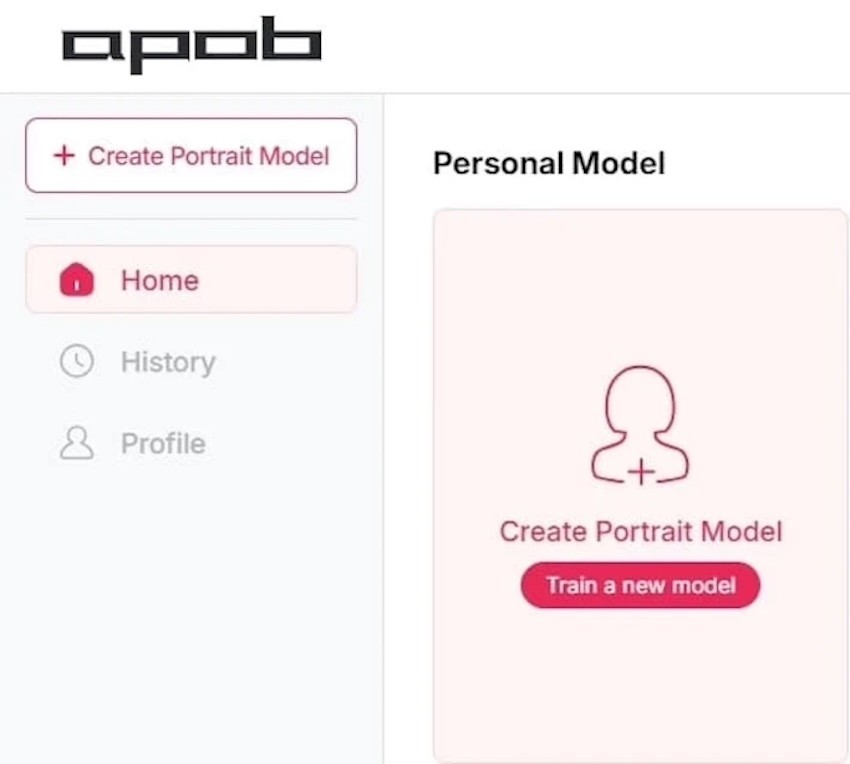
Step 2: Upload a photo of yourself or click on the “AI Influencer Generator” button to create a custom AI Girl. You can adjust features like age, nationality, eye color, hairstyle, face shape, and more.
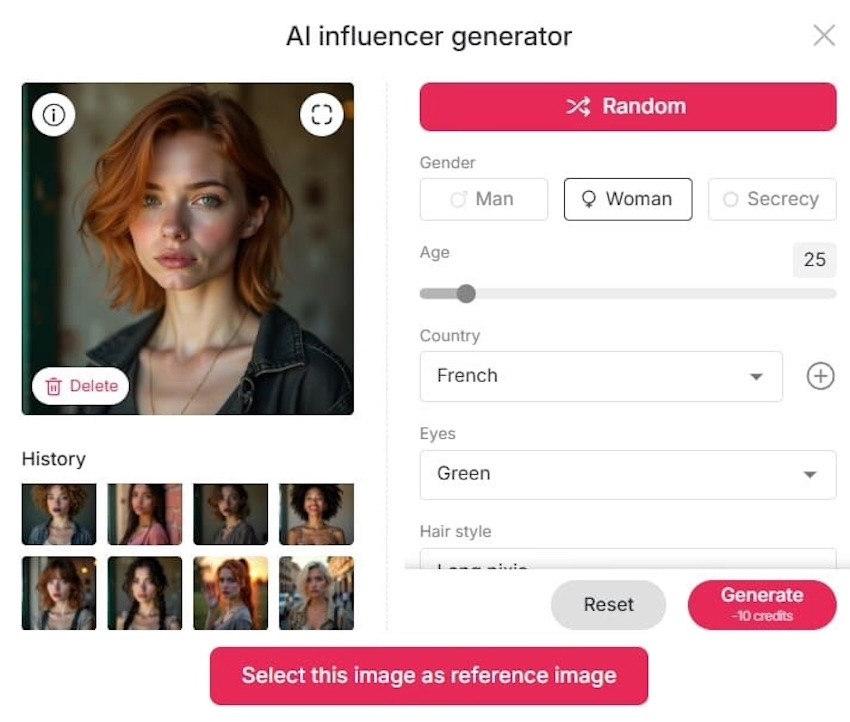
Step 3: In the “Build Your Own” or “Complete Set” options, you can choose from outfits like Swimwear, Bikini, or Beach Bar looks. If you want to get more creative, click on “Expert” to enter your own text prompts and design your unique AI lingerie model.
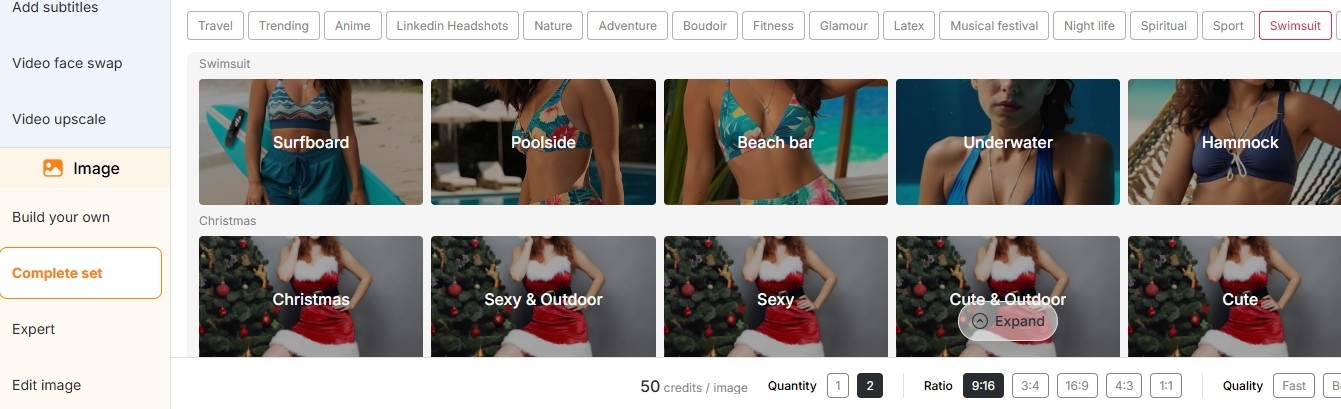
Step 4: Once done, download and share wherever you like. Once you've generated an image, APOB AI allows you to add motion descriptions to transform it into a video.
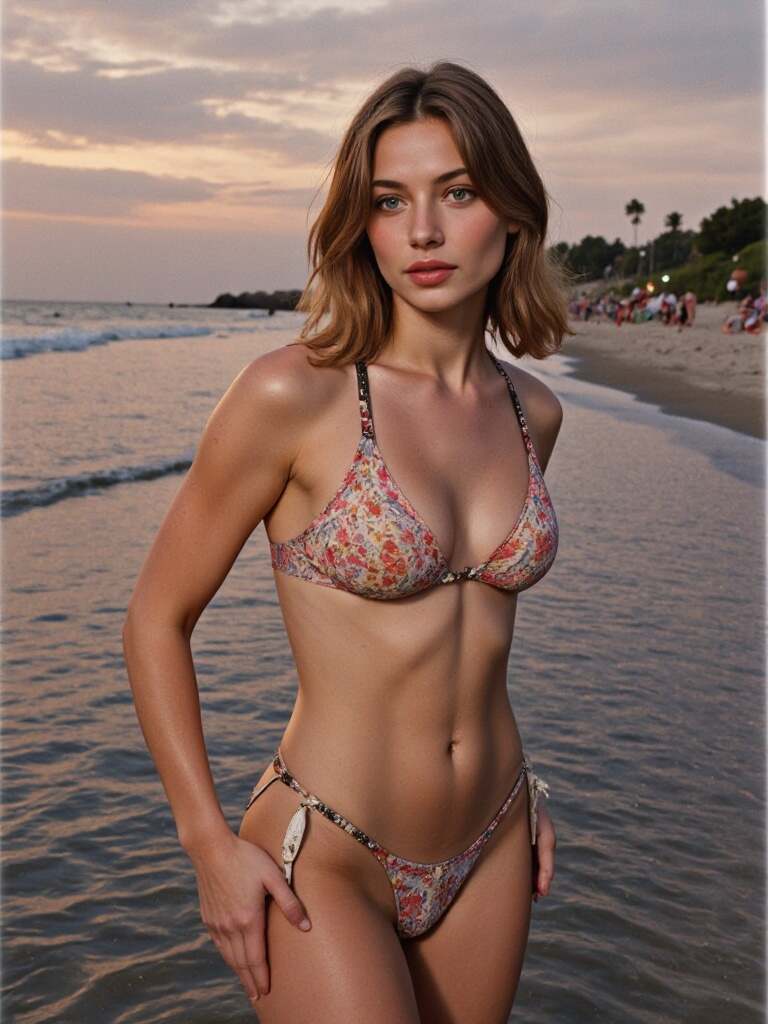
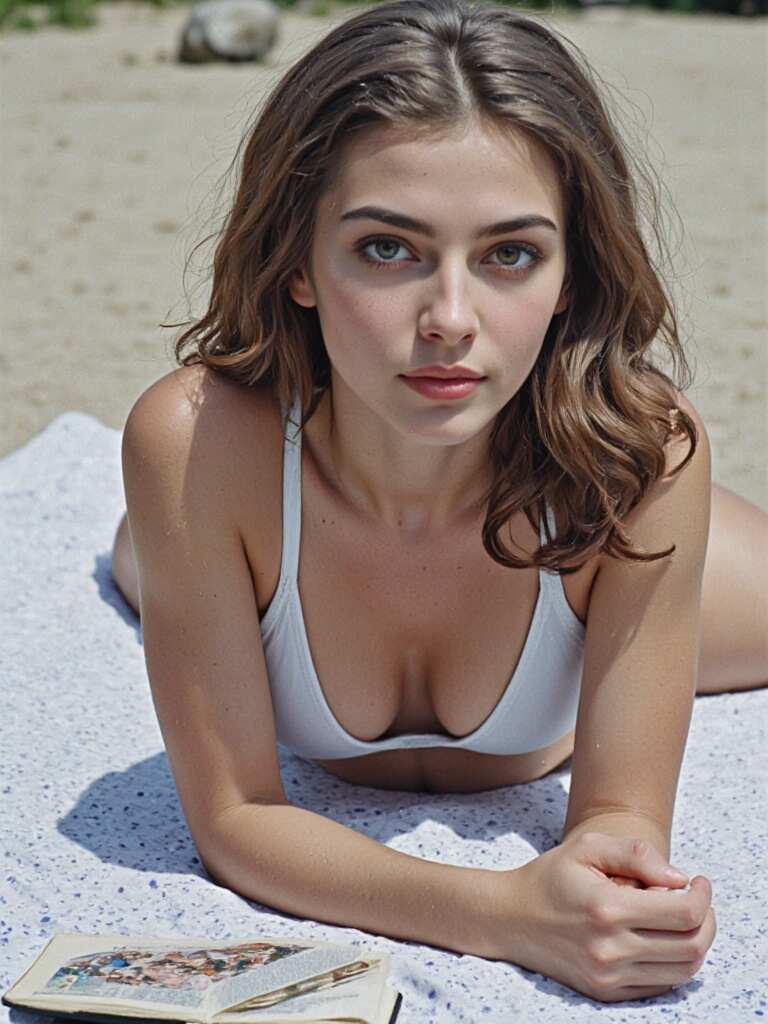
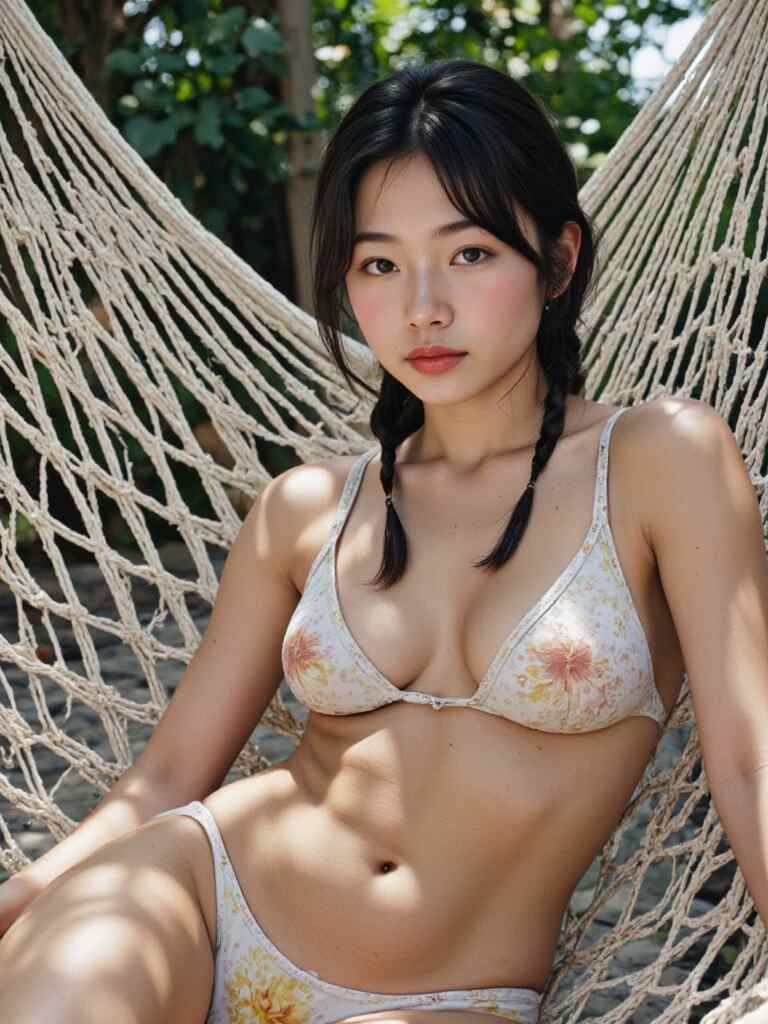
create an AI lingerie model for free
Personalization with AI: The Rise of Virtual Fitting Rooms
One of the most exciting innovations in the lingerie industry is the virtual fitting room. Powered by AI and tools like an AI underwear generator, these virtual try-ons let consumers see how different styles and sizes fit without physical try-ons. This enhances the shopping experience while reducing returns, creating a win-win for both consumers and retailers.
AI-driven virtual fitting rooms also promote inclusivity by catering to diverse body types and preferences. Whether you're looking for AI girl lingerie or lingerie AI solutions, AI ensures that everyone can find a style that fits their unique needs and tastes. This personalized approach is revolutionizing how we shop for lingerie, making it more accessible and enjoyable.
AI Teen Bikini: Trends for Young Fashionistas
For young fashionistas, AI teen bikini (AI teen lingerie) is all about vibrant colors, playful designs, and comfort. AI-driven designs can enhance confidence by providing styles that are both trendy and tailored to individual preferences. Whether it's a bold bikini or a cozy bodysuit, AI ensures that young wearers feel empowered and stylish.
Moreover, AI helps in creating lingerie that is not just fashionable but also comfortable. By analyzing body types and preferences, AI can suggest the perfect fit, ensuring that young wearers feel confident and comfortable in their own skin.
AI Lingerie : The Intersection of Technology and Beauty
AI-generated visuals are changing the way lingerie is marketed. Beautiful, digitally created models showcase the latest trends, blending art and technology in a way that captivates audiences worldwide. This intersection of technology and beauty is redefining beauty standards in the lingerie industry, promoting diversity and inclusivity.
AI-generated visuals also allow brands to create stunning campaigns without the need for physical photoshoots, reducing costs and environmental impact. This innovative approach to marketing is making lingerie AI a leader in digital beauty standards.
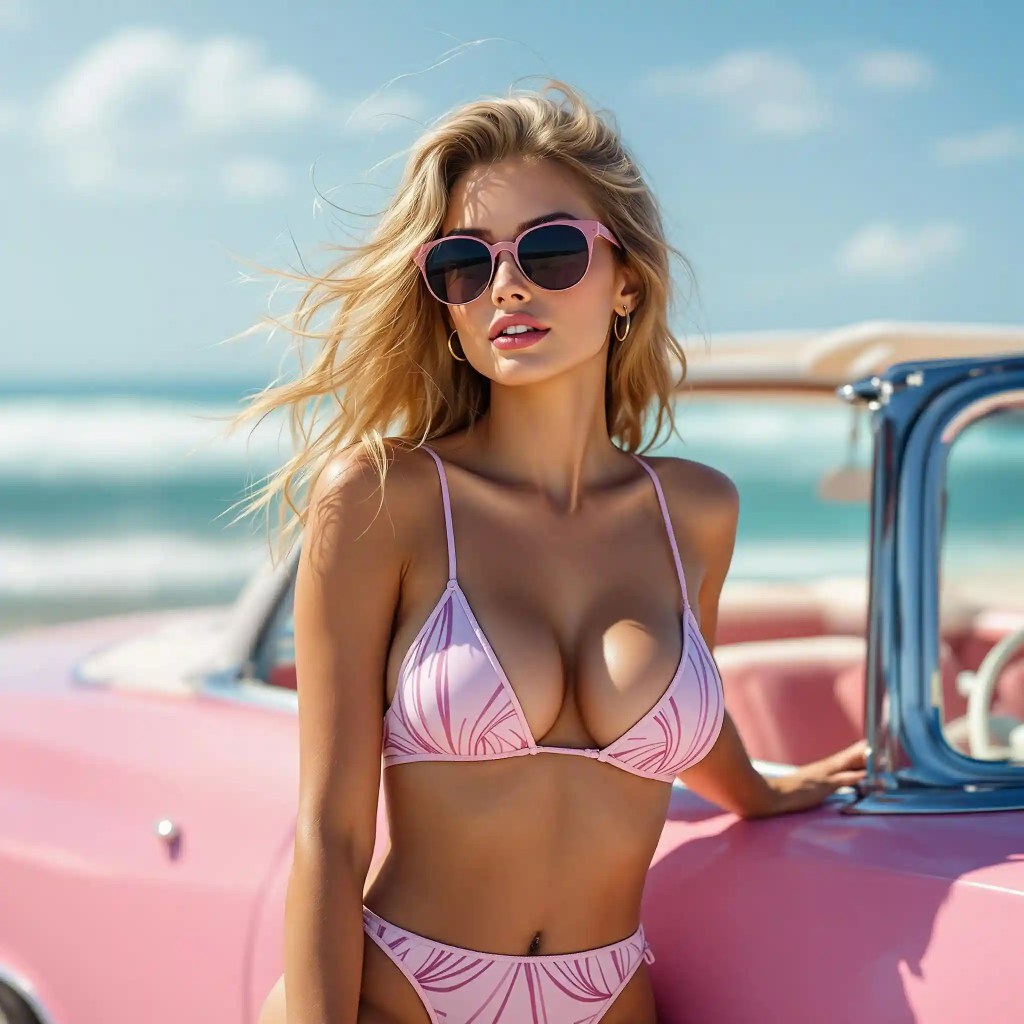
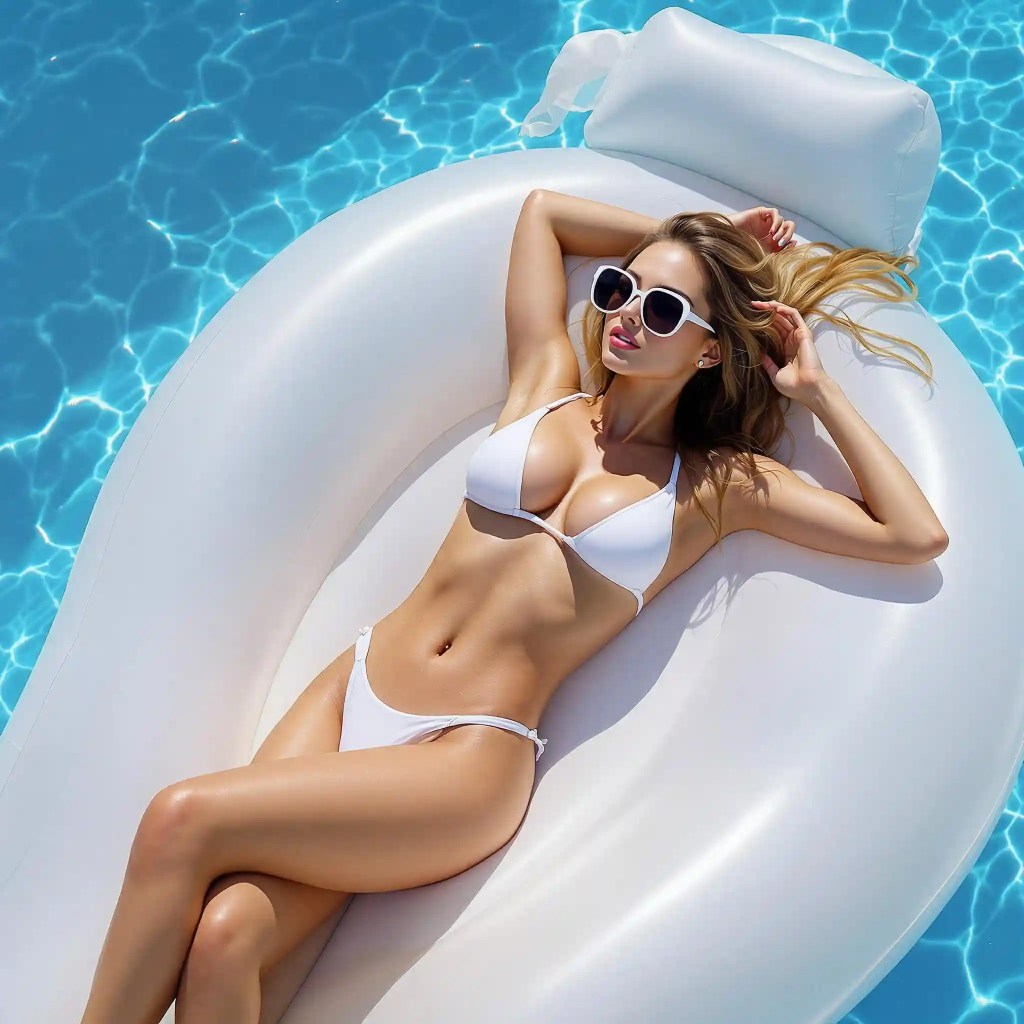
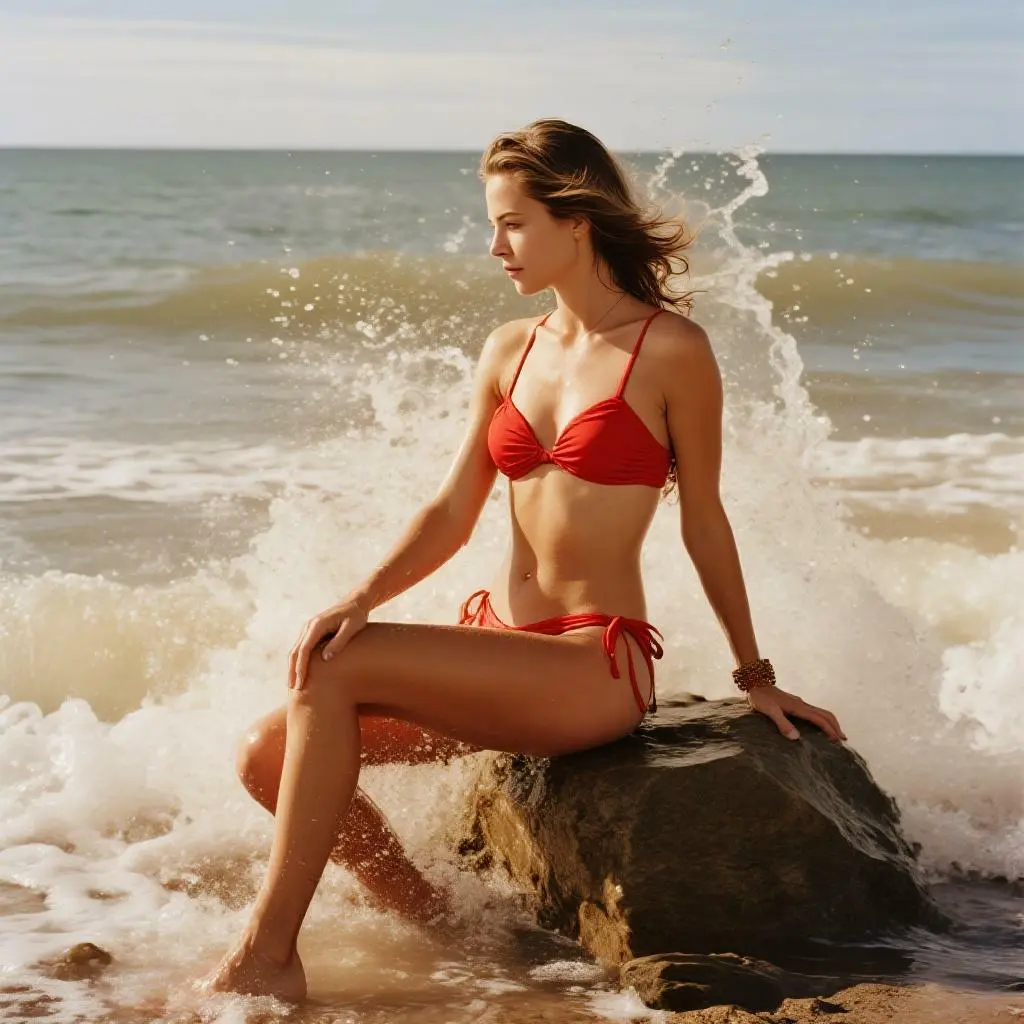
AI Lingerie Girl: Empowering Women Through Fashion
AI lingerie girl is more than just a trend; it's a movement. By providing women with the tools to express themselves through fashion, AI is empowering them to feel confident and beautiful. Whether it's a statement piece or everyday wear, AI-driven designs ensure that every woman can find lingerie that reflects her personality and style.
Moreover, AI is driving innovation in materials, combining comfort with style. From smart fabrics to eco-friendly materials, AI ensures that lingerie is not just fashionable but also sustainable and comfortable.
Conclusion
As we look to the future, it's clear that AI will continue to play a pivotal role in the lingerie industry. From design to customer experience, AI is revolutionizing how we approach fashion. Whether you're interested in AI lingerie, lingerie AI, or AI girl lingerie, one thing is certain: the future of lingerie is technological, sustainable, and personalized.
As consumers become more conscious of their environmental footprint and demand personalized experiences, AI is poised to meet these needs. So, the next time you're shopping for lingerie, consider exploring AI-driven options. Not only will you find styles that fit your unique taste, but you'll also be contributing to a more sustainable fashion future.
In conclusion, the integration of AI in the lingerie industry is not just about technology; it’s about creating a better, more personalized experience for everyone. With tools like an AI underwear generator, whether you’re a fashion enthusiast or simply seeking comfortable, stylish lingerie, AI has something to offer. So, dive into the world of AI lingerie and discover how technology is redefining the way we think about fashion.
FAQ
Q1: Where can I create my own ai lingerie pictures?
A1: You can use our AI Image Generator to quickly create the lingerie image you want. Of course, if you have specific needs, you can freely create using our AI tools, such as background removal and more.
Q2: Can I use APOB AI for free?
A2: After registering, users are granted 80 free points every day, allowing them to explore the world of AI-generated portraits and videos without any initial cost. Each image generation costs 20 points, enabling users to create up to four images per session. Notably, the quality of images generated by regular users is comparable to that of premium members, and upgrading to HD also requires just 20 points per image.
Q3: Can I customize the lingerie styles and designs in the generated images?
A3: Of course! With 'expert' feature, you can enter a prompt (up to 1024 characters, usually around 150-200 words) and unleash your creativity for design.
Q4: Can I use the images created for commercial purposes, such as advertising or e-commerce?
A4: Yes, all images generated are royalty-free and can be used for commercial purposes, including advertising, e-commerce, and more.
Q5: How do I create realistic images of lingerie models with APOB?
A5: To create realistic lingerie model images, upload a reference photo or generate an AI person. Then, use style presets or enter custom prompts to design lingerie outfits, adjust poses, and download high-quality, professional-looking visuals.
Q6: Are the images generated suitable for use in fashion industries, such as editorial or runway modeling?
A6: Our visuals are well-suited for fashion industries such as editorial, runway, and commercial modeling. They deliver high-quality results that showcase lingerie designs, styles, and trends. In addition, our image-to-video tool makes it possible to create runway-style videos alongside static images.
Read More
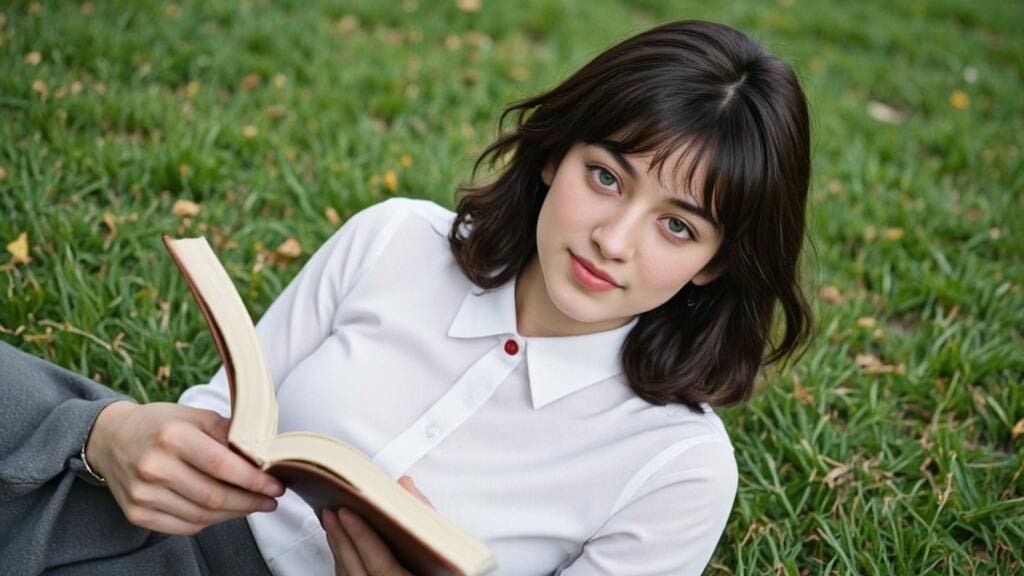
Free Tools to Craft AI Schoolgirl Characters
In today’s fast-paced digital world, creativity meets technology in an exciting way with the rise of AI-generated characters. One of the most intriguing and captivating forms of AI-generated imagery is the concept of the AI schoolgirl. Whether it’s creating realistic schoolgirl avatars, anime-inspired characters, or even animated videos, the possibilities are endless. One of the best tools for crafting unique AI schoolgirl characters is APOB AI. This powerful platform lets you design everything from the most classic schoolgirl uniforms to bold, creative takes on anime styles.
Let’s dive into how AI schoolgirl characters are made and explore the features that APOB AI brings to the table for aspiring digital artists.
How to Create Your Perfect AI Schoolgirl: A Step-by-Step Guide
Getting started with APOB AI is incredibly simple, and in no time, you’ll have your very own AI schoolgirl character. Here’s a quick guide to creating your perfect avatar:
1、Sign Up and Log In
Sign up on APOB AI and get 80 credits. Then, click on “Create Portrait Model” to get start.
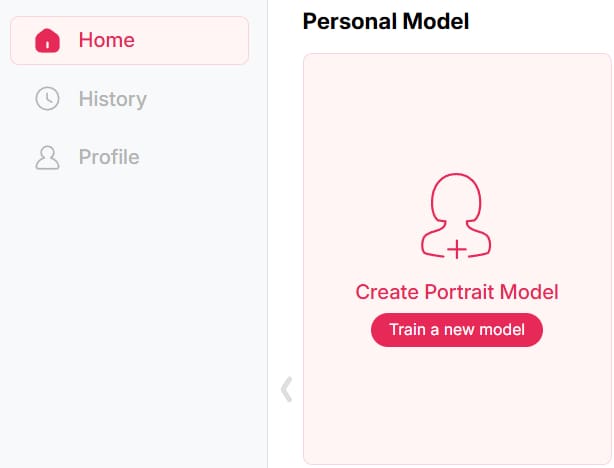
2、Customize Your Base Model
Click on the “AI Influencer Generator” button to create an AI model. Customize every aspect of your AI schoolgirl’s appearance: age, nationality, eye color, hairstyle, face shape, and more. Additional details such as dimples or a tan to make your schoolgirl unique.
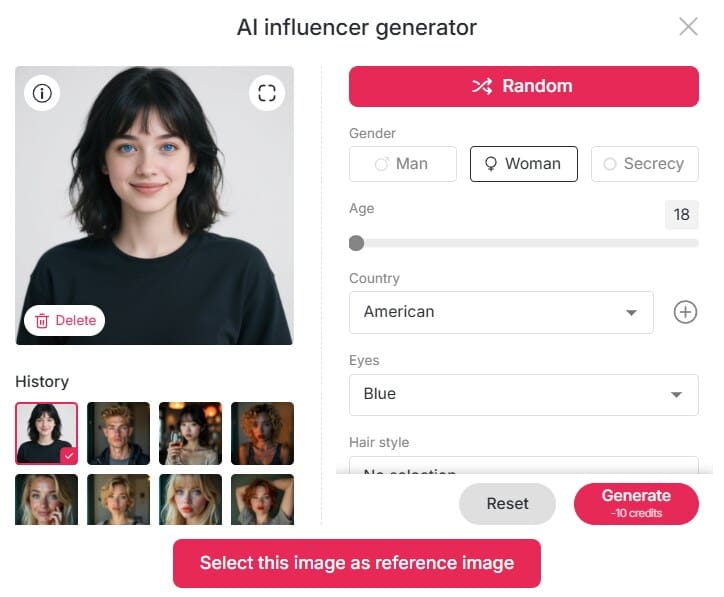
3、Select Art Styles
APOB AI allows you to generate your AI schoolgirl in various art styles, from highly realistic portrayals to charming anime designs. If you’re a fan of the anime genre, you can make your character look like a beloved anime schoolgirl.
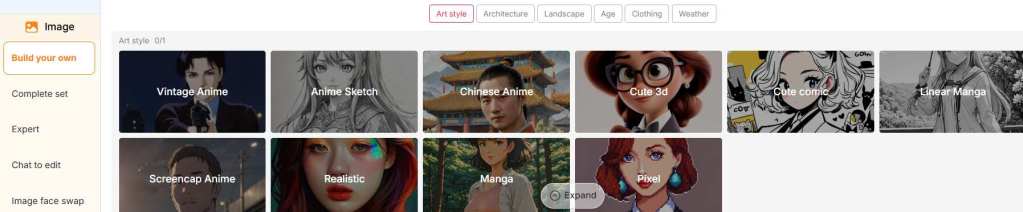
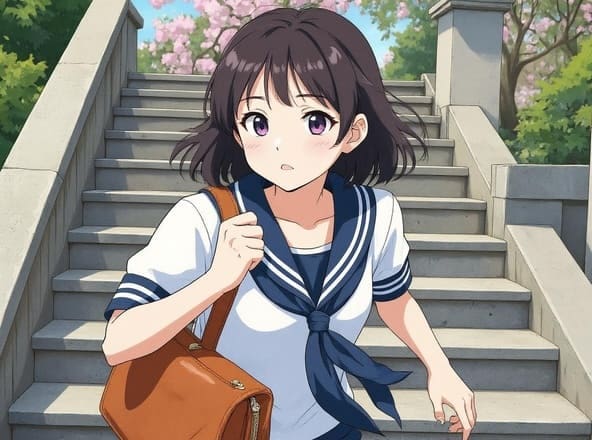
4、Generate Your Character
In the Complete Set, you can select matching outfits for your AI girl, or use the Build Your Own and Expert options to input prompts and turn the image in your mind into reality.
CREATE your AI schoolgirl FOR FREE
Bring Your AI Schoolgirl to life
Once you’ve designed your perfect AI schoolgirl, it’s time to bring her to life. Thanks to APOB AI’s Image to Video feature, you can effortlessly animate your character. Whether you want her to blink, smile, or perform an entire animated scene, APOB AI’s animation features make it all possible. You can input a prompt of up to 2000 characters (around 300 words), allowing you to make your AI schoolgirl move just the way you envision. The longest video you can generate per request is 10 seconds.
Additionally, APOB AI’s lip sync feature lets you match a charming voice to your AI schoolgirl within the video. The platform’s multilingual AI voice library enables you to create schoolgirls from different countries, each with their unique accent and voice, adding an extra layer of authenticity to your creations.
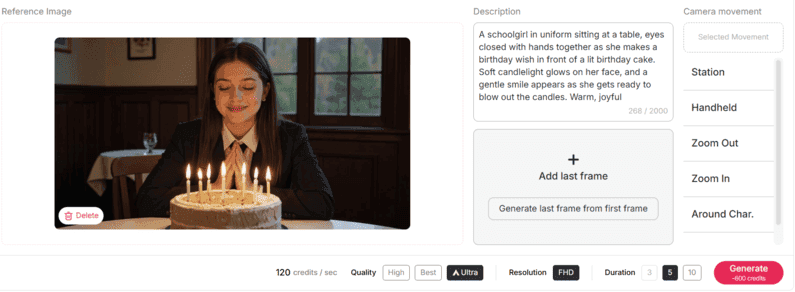
Why APOB AI is the Best Tool for Crafting Your AI Schoolgirl
If you've ever dreamed of creating the perfect AI schoolgirl—whether she’s sweet and classic or totally futuristic—APOB AI has got you covered. This all-in-one tool is super easy to use, even if you’ve never touched a design app before. No tech skills? No problem.
What really makes APOB AI shine is the amount of customization. You can mix and match hairstyles, facial expressions, school uniforms, and even set the vibe. Want pigtails and a plaid skirt? Easy. Or maybe you’re into metallic jackets and a high-tech look? Done. It’s your vision—APOB just brings it to life with a few clicks.
Unleashing the Power of Your AI Schoolgirl
With today’s AI tools, your schoolgirl character can do more than just pose. She can star in a web series, represent a fashion brand, or become a virtual influencer who chats with fans and promotes your content. She can tell bedtime stories in Japanese, review gadgets in English, or dance to trending music online. Whether you're a solo creator or a full team, she’s ready to perform, inspire, and entertain—all powered by your ideas and a few simple prompts.
Ethical Considerations in AI-Generated Imagery
While creating AI schoolgirl characters can be a fun and rewarding experience, it’s essential to approach the process with ethical consideration. The digital age comes with its share of challenges, especially in terms of the content we create and share.
When designing AI schoolgirl characters, ensure that your creations respect cultural diversity and inclusivity. It’s important to avoid perpetuating harmful stereotypes or creating inappropriate content that could be seen as offensive. APOB AI encourages users to respect ethical guidelines and intellectual property laws, ensuring that all AI-generated characters adhere to responsible usage standards.
Conclusion
AI art unlocks endless creativity, and schoolgirl characters perfectly showcase just how far this technology has come. With APOB AI, creating your own is not only easy but also a lot of fun. You can customize every feature, animate her with a few clicks, and truly bring your vision to life. Whether you’re an anime fan, an artist, or simply someone who loves unique characters, APOB AI gives you all the tools—now all that’s left is to unleash your imagination.
So why wait? Start now and create something amazing!
FAQs
Q1: What is an AI schoolgirl?
A1: The term AI schoolgirl refers to a digital character, specifically designed to resemble a schoolgirl, created through artificial intelligence tools. These characters go far beyond static images—you can animate them, customize their styles, and shape them to reflect different cultures and personalities. Whether you're drawn to the vibrant schoolgirl aesthetics from around the world or the distinctive charm of anime-inspired designs, AI technology empowers you to create your ideal schoolgirl character with ease.
Q2: Can I use APOB AI for free?
A2: When you join APOB AI, you’ll get 80 free credits every day—no strings attached. Most key features, such as face swapping or generating high-quality images, only cost 20 credits per use, and each session gives you 4 unique images. That means you can create up to 16 images daily with your free allowance, or use those credits to generate a short 2–3 second AI video instead. It’s the perfect way to play around with different looks and styles. Want even more creative options? You can always upgrade your plan for greater flexibility.
Q3: What can you use an AI schoolgirl for in digital content creation?
A3: AI schoolgirls are incredibly versatile in the world of digital content. You can use them as animated leads in short films or web series, virtual influencers on platforms like TikTok or Instagram, characters in visual novels or games, or even as voice narrators for educational content. With advanced features like lip-syncing and multilingual voice libraries, creators can use AI schoolgirls to engage global audiences across various digital media formats.
Q4: How is an anime-style AI schoolgirl different from a realistic AI schoolgirl?
Anime schoolgirls are known for their big, expressive eyes, vibrant hair colors, and iconic sailor uniforms—making them a dream for manga and anime lovers. On the other hand, realistic AI schoolgirls capture lifelike details, inspired by real fashion and genuine facial features. Luckily, tools like APOB AI let you create both styles effortlessly, whether you’re working on comics, games, or virtual ads. So, pick the look that best suits your project and bring your vision to life!
Read More
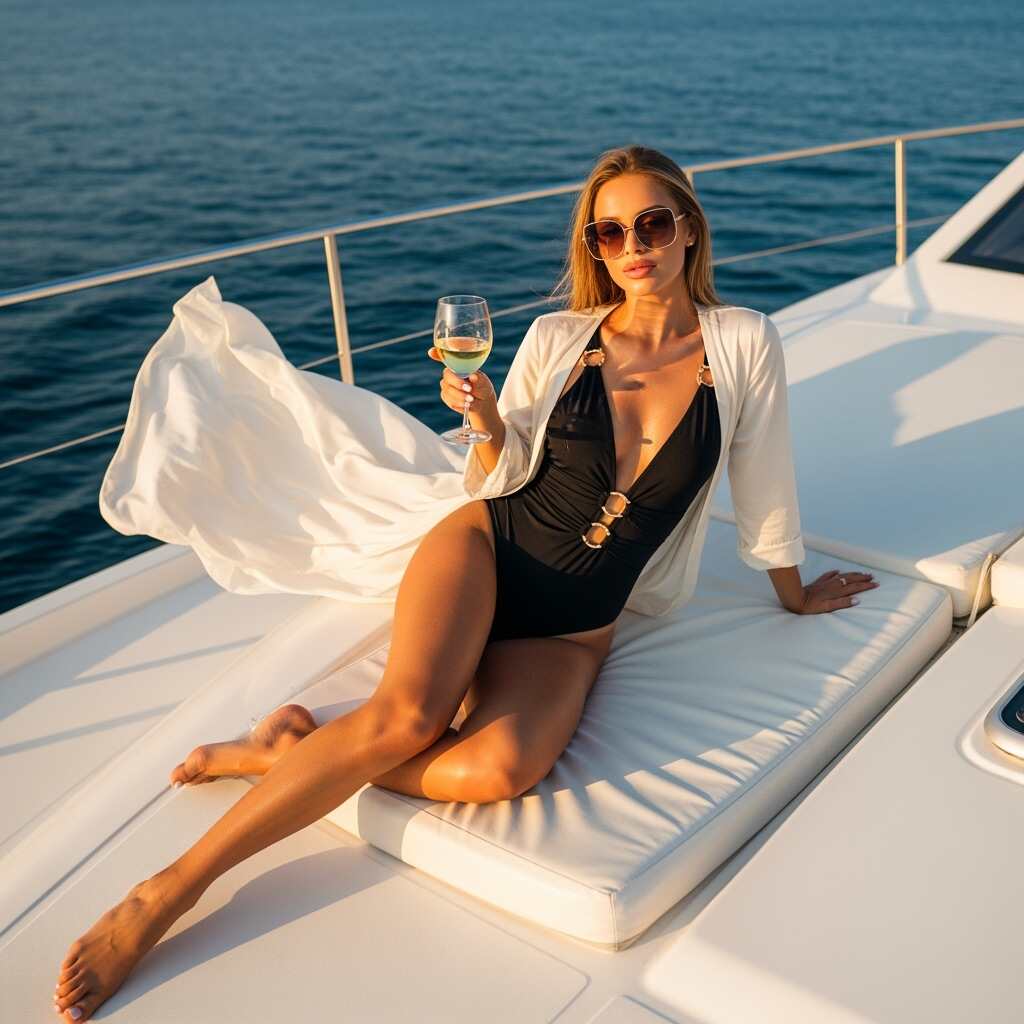
Becoming a creator on MYM: in short, I created an AI woman for MYM
AI is transforming digital content creation. An exciting new trend is emerging: AI avatars—especially AI female characters—are becoming increasingly popular on platforms like MYM. In particular, sexy MYM accounts featuring attractive virtual characters are gaining strong traction, capturing the attention of audiences eager for exclusive content. More and more creators are launching MYM accounts to monetize these seductive AI avatars, build loyal subscriber bases, and generate passive income. Let’s explore how to create them, why they are so popular, and how you can profit from this trend.
What Is an AI Woman on MYM?
MYM (also known as My Model) is a popular platform where content creators can share photos, videos, and digital avatars. Recently, using AI to create female avatars has become a major trend. An AI woman on MYM can serve many purposes, including realistic avatars, artistic creations, or sexy AI-generated characters powered by advanced technology.
An AI woman can be customized based on user preferences, ranging from ultra-realistic models to more stylized designs. These avatars are generated by algorithms that use data on human physical features to create images and videos that can look surprisingly lifelike. They can be used for artistic projects, commercial purposes, or as a form of self-expression on platforms like MYM.
On MYM, creators use AI avatars to offer exclusive photos and videos. These avatars are growing in popularity because they provide a unique way to stand out and attract subscribers. And the best part? You don’t even need to pose yourself. You can simply create the perfect AI woman and let her take the spotlight.
How to Create an AI Woman for Free
It is entirely possible to create a MYM influencer for free by using tools like APOB AI or by following online tutorials. These solutions allow you to generate images and design engaging content for MYM without any initial investment.
Step 1: Sign Up and Create the Model
Visit the official APOB AI website and sign up for free.
Select the “Create Portrait Model ” option located at the top left of the page.
Step 2: Design Your AI Influencer
Choose the “AI Influencer Generator” to bring your own AI woman to life.
Customize her appearance by selecting eye color, hairstyle, hair color, and face shape.
Step 3: Style Customization
Select “Build Your Own” or “Complete set” to freely mix and match the elements you like.
Adjust the style to match your vision—whether you prefer a seductive look or a cute, kawaii aesthetic.
Click “Generate” to create images. Each generation costs 20 credits, and you receive 80 credits per day, allowing you to generate up to 16 images across 4 different styles for free every day.
Step 4: Video Creation
Choose the image you like and click “Generate Video.”
Describe the movements you want your AI woman to perform. You can also use the lip-sync feature to make your AI creation speak.
How I Created a Successful MYM Account Using AI
Creating a MYM account isn’t just about clicking “Sign Up.” To really stand out, you need a strategy. Here’s how I launched my MYM from start to finish, with a little help from artificial intelligence.
1. Build Your Universe
First, ask yourself: what type of content will you offer? An AI girl, a stylized character, lifestyle content? Find an angle that reflects your style, grabs attention, and sets you apart from others.
2. Optimize Your Profile
Choose a catchy name, write a clear and intriguing bio, and use high-quality visuals. Your profile should make people want to subscribe within the first few seconds.
3. Use AI to Boost Your Content
With tools like APOB AI, you can create a highly realistic or stylized AI woman without showing your real face. It’s perfect for generating original, visual content—even without a camera.
4. Post Regularly and Engage
Consistency is key. Prepare a posting schedule and respond to messages to build a loyal community.
5. Offer Exclusive Content
On MYM, subscribers pay for more. Don’t hesitate to provide private, personalized, or unique content created with your AI.
Why Create an AI Woman on MYM?
Creating an AI influencer on MYM isn’t just about technology—it’s also a creative and profitable strategy. Here’s why this trend has grown in recent years:
Unlimited Creativity: Unlike human creators, AI has no physical limitations. You can design avatars with any features, outfits, and poses you want. Want an AI with long curly hair, a perfect face, and a charming smile? It’s possible!
Easy Monetization: Creators use AI women to generate passive income. Once the avatar is created, they sell its photos and videos on MYM, ensuring continuous revenue.
Accessibility and Flexibility: Creating an AI woman on MYM is easier than ever with tools like APOB AI. You don’t need to be an AI expert—just choose a few settings and let the technology handle the rest.
AI avatars are ideal for anyone looking to stand out in the digital world. Additionally, they help overcome common content creation challenges, such as managing a human model.
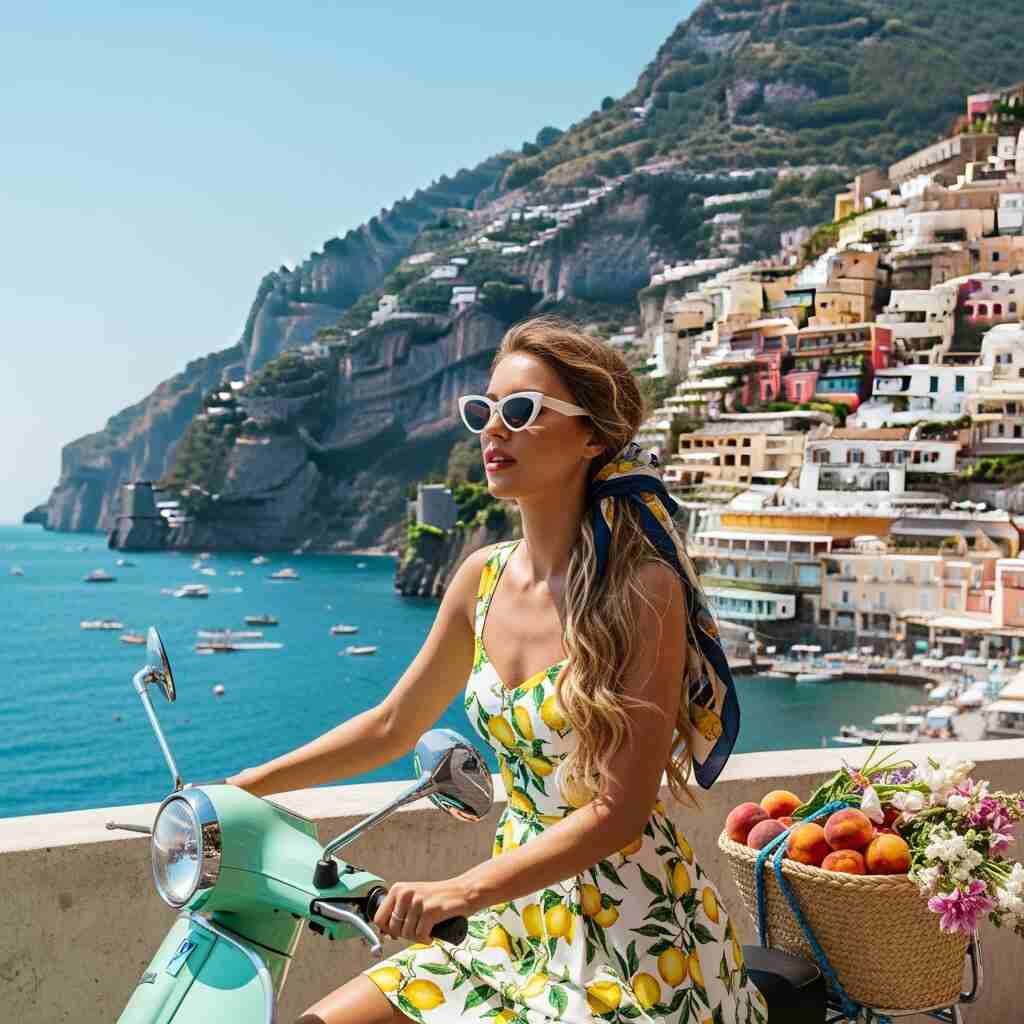
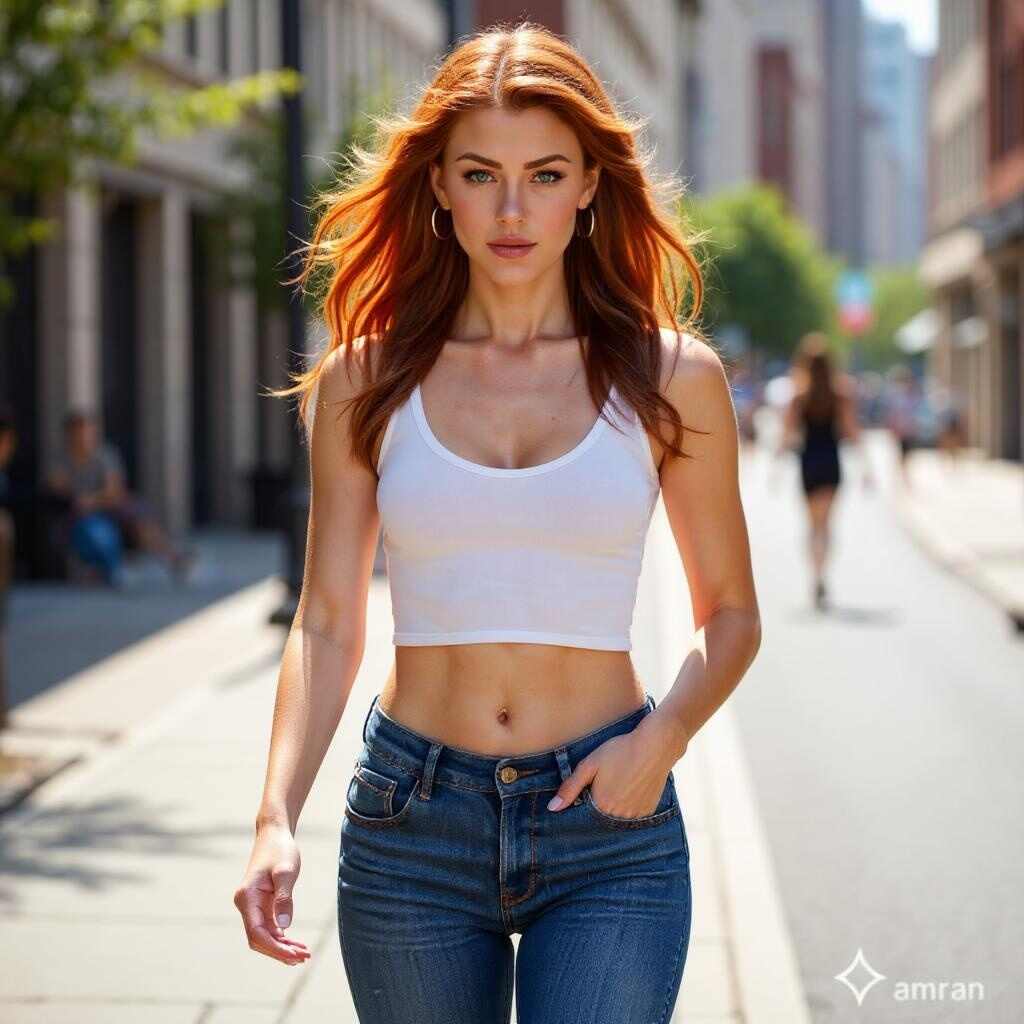
How to Create a Sexy AI Woman on MYM
Creating a sexy AI woman on MYM may seem complex at first, but with the right tools, it’s a simple and accessible process. Whether you want to launch a sexy MYM account or just explore the potential of digital avatars, here’s a step-by-step guide to design your virtual character and start monetizing it.
1. Choose an AI Image Generator Suitable for Sexy Content
The first step is selecting a high-quality AI image generator. APOB AI is one of the most popular tools for creating sexy AI avatars. It allows you to generate realistic or stylized images in just a few clicks. You can customize details such as body curves, eye intensity, outfits, and avatar poses—crucial elements for creating an appealing MYM sexy account.
2. Define Your Sexy Avatar’s Appearance
Once you’ve chosen your tool, personalize your AI woman. Do you prefer an ultra-realistic, glamorous, sensual, or fantasy style? On a platform like MYM, your avatar’s look is key to attracting attention. APOB AI offers extensive customization, perfect for creating a seductive character tailored to an erotic or glamorous MYM universe.
3. Upload Your Sexy Avatar and Create a MYM Account
After finalizing your AI woman’s appearance, you can create a MYM account and start posting your first content. Photos, videos, stories, or personalized interactions—each post can be designed to engage subscribers and generate revenue. With high-quality AI visuals and a well-planned content strategy, you have all the tools to grow your profile and turn your MYM account into a sexy, profitable venture.
Inspiring Examples of AI Women on MYM
Many creators on MYM already use AI avatars to stand out:
Example 1: A creator used APOB AI to make a realistic AI woman with detailed human features. The AI sells exclusive photos in natural, seductive poses, building a loyal fan base.
Example 2: Another creator designed a sexy AI woman with enhanced features and provocative poses. This AI posts videos where the avatar dances and interacts with subscribers, generating additional income.
These examples demonstrate the versatility of AI women on MYM, from realistic avatars to stylized, sexy characters.
Challenges in Creating an AI Woman
Launching a MYM account comes with several challenges. First, it’s important to follow MYM’s ethical standards and guidelines. When creating sexy or nude AI avatars, be careful not to cross the platform’s content limits.
It’s also essential to balance realism and artistry. Too much realism can make the avatar look uncanny, while excessive stylization may reduce its appeal. Finding the right balance ensures the AI is both captivating and believable.
Creating an AI woman on MYM is an exciting opportunity for digital content creators. Whether you design a realistic or sexy avatar, tools like APOB AI help bring your ideas to life. You can customize every detail and generate passive income by posting exclusive content. Why not give it a try? Creating an AI woman could be your next big step on MYM!
FAQ About AI Women
Q1: Is it possible to create a realistic AI woman on MYM?
Yes. Tools like APOB AI allow you to create highly realistic AI women with detailed, natural features.
Q2: How can I monetize an AI woman on MYM?
You can sell photos and videos of your AI woman or offer personalized interactions to your subscribers. This can be an excellent way to generate passive income.
Q3: What are the best platforms to create AI women?
Popular tools like APOB AI and Artbreeder allow you to create realistic or stylized avatars.
Q4: Can I create a sexy or nude AI woman?
Yes, but it’s important to follow MYM’s content guidelines to avoid issues with the platform.
Q5: How can I become a creator on MYM?
To become a creator, sign up on MYM and use APOB AI to generate a unique virtual influencer. With your AI woman, post exclusive content that captivates subscribers and encourages them to subscribe. By engaging your community through personalized private messages, you can build a successful MYM account and monetize your content through subscriptions, tips, and special offers. This innovative approach helps maximize your earning potential.
Read More
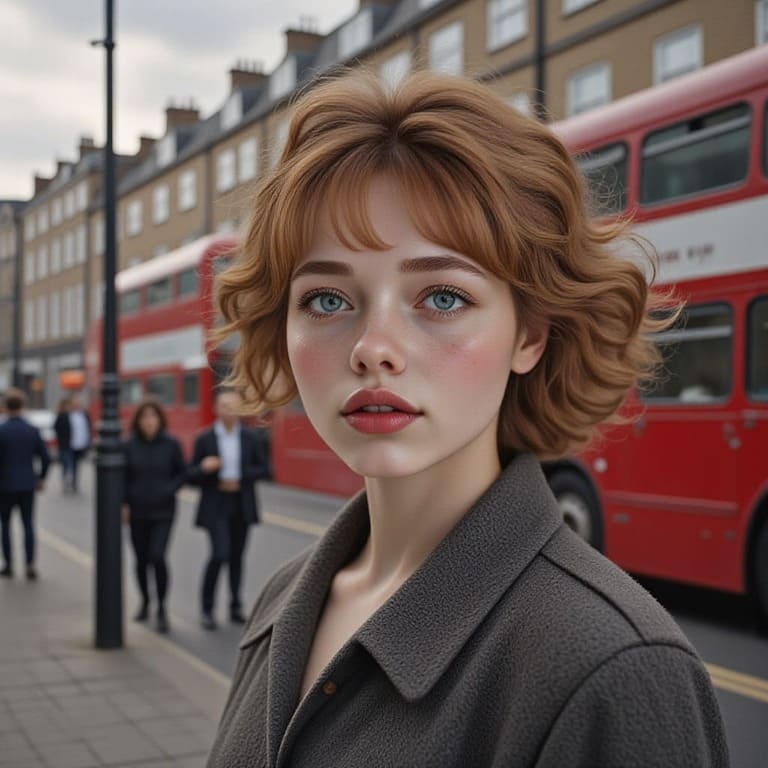
How to Use an AI Woman Generator to Create Stunning Female Avatars
Abstract:
AI technology has revolutionized how we perceive and create digital content. With AI woman generators, anyone can explore their potential female avatars with stunning realism or artistic flair. Whether for personal curiosity, artistic expression, or content creation, these tools have made gender transformation and avatar creation more accessible than ever. This article will guide you through how to use an AI woman generator to create beautiful, personalized female avatars, exploring various applications and considerations along the way. Plus, we’ll introduce you to APOB AI, a powerful platform to create realistic AI-generated girlfriends, avatars, and more!
Introduction: Why Use an AI Woman Generator?
The allure of self-transformation, whether for fun, art, or personal curiosity, is more accessible than ever with the rise of AI woman generators. These powerful tools allow you to upload your image and explore what you would look like as a woman. Whether you're asking yourself, “What would I look like as a woman?” or simply looking for a creative way to design the perfect female avatar, AI woman generators offer a fun and intuitive solution. In this article, we will explore how these tools work and guide you through the process of creating your own stunning female avatars.
An AI woman generator is a cutting-edge tool that allows users to transform their photos or descriptions into digital female avatars using artificial intelligence. The software uses deep learning algorithms to analyze the input (your photo or description) and generate a highly realistic or stylized representation of the female form.
These generators are often used for:
Exploring gender transformation: Visualize yourself as a woman.
Artistic creation: Generate unique female avatars or characters for use in digital art, animation, or video games.
Social media content: Create engaging and personalized avatars to use across various platforms.
In essence, these generators make it easy to explore different facets of your identity or engage with digital content creation, all through the power of AI.
Creating your own female avatar using AI is a simple, fun, and engaging process. Here's a step-by-step guide to help you create a beautiful and personalized avatar.
To begin, you'll need to select an AI woman generator. Many platforms and apps are available that offer these services. Some of the most popular tools allow you to upload a photo and make adjustments to features like hair color, facial structure, and makeup style to create your perfect female avatar.
Step 2: Upload Your Photo or Describe Your Features
Once you’ve chosen your generator, you’ll either need to upload a clear photo of yourself or describe the female features you wish to see in your avatar. The AI will use your input to generate a female version of your face. Some tools offer more customization, allowing you to fine-tune the appearance of your avatar, such as adjusting the shape of facial features or experimenting with different hairstyles.
Step 3: Customize Your Avatar
Many AI woman generators let you fine-tune the generated avatar’s appearance. You can modify elements such as:
Facial features: Adjusting the shape of the eyes, nose, lips, and cheekbones to reflect your desired female version.
Hairstyle and color: Experimenting with different haircuts, lengths, and colors to achieve the perfect look.
Clothing and accessories: Some tools let you personalize your avatar’s attire or add accessories, giving your character a unique style.
Step 4: Save or Share Your Avatar
Once you’ve created the perfect female avatar, you can save your image or share it on social media platforms, gaming profiles, or other digital spaces. Some users even integrate their avatars into virtual worlds or use them as characters in video games or virtual reality.
If you're interested in exploring AI-generated female avatars, APOB AI is an excellent platform that takes AI avatar creation to the next level. APOB AI offers a user-friendly AI Girlfriend generator, which allows you to create stunning, customized AI-generated images and videos of female avatars. Here's how you can use APOB AI to create your perfect female avatar or virtual girlfriend:
Step 1: Sign Up for APOB AI for Free
Visit apob.ai and create your free account.
Once you're signed in, you can access a variety of AI tools that will help you create a unique female avatar or virtual girlfriend.
Step 2: Choose Your Avatar Customization Options
Select the "Create Portrait Model" option to begin your transformation.
You can either upload your own image as a reference or use the "AI Influencer Generator" feature to modify your avatar and personalize your female model.
Specify details like the avatar's name and description to match your ideal vision of the perfect female avatar.
Step 3: Customize and Create Your Avatar
After generating your AI avatar, customize the photo according to your preferences. Adjust facial features, hairstyles, and more to create a personalized look.
Want to make your avatar even more dynamic? APOB AI allows you to use its "Image to Video" and "Video Face Swap" features to create stunning video content of your AI-generated avatar.
Bonus: Enjoy Free Credits!
When you sign up for APOB AI, you’ll receive 80 free credits, which you can use to explore the platform and create multiple AI-generated images or videos without any initial investment. This makes it easy to test out various styles and features to find your perfect avatar.
APOB AI gives you full control over the customization of your AI woman avatar, making it a powerful tool for anyone wanting to explore digital transformations or create unique virtual personas.
The beauty of AI-generated avatars is that they can be highly customizable. Depending on the tool and your preferences, you can create:
Realistic AI-generated female forms: Some tools create hyper-realistic avatars that closely resemble actual women, perfect for those seeking lifelike digital representations.
Artistic interpretations: Other tools emphasize creativity and offer more stylized or abstract depictions of the female form, ideal for artists or those looking for a unique, idealized character.
Whether you prefer a realistic female avatar or a more creative version, AI technology provides the flexibility to create a wide range of results. From portraits to full-body avatars, these generators can help you bring your vision to life.
AI woman generators are not just for personal transformation; they are powerful tools for artistic expression. Here’s why artists, content creators, and social media influencers are turning to AI-generated avatars:
Enhanced Creativity: AI-powered tools enable creators to experiment with various looks, styles, and characteristics without being limited by physical appearance. It opens the door to limitless creative possibilities.
Time-Saving: Instead of spending hours drawing or rendering a female avatar, AI tools can produce high-quality images in minutes, helping creators meet tight deadlines.
Versatility in Content Creation: Whether it’s for virtual reality characters, game design, or influencer branding, AI-generated avatars allow for versatile use across multiple platforms and industries.
AI technology is constantly evolving, and so are AI woman generators. In the future, we can expect even more sophisticated tools that:
Improve realism: With advancements in AI, avatars will become more lifelike and indistinguishable from real photos.
Offer greater customization: Expect more control over clothing, body types, and even facial expressions, allowing users to craft unique avatars that reflect their idealized vision of the female form.
Integrate with augmented and virtual reality: As AR and VR become more popular, AI-generated avatars will likely be used in immersive digital environments, allowing users to interact with their virtual selves in new and exciting ways.
A1: An AI woman generator is a tool that uses artificial intelligence to create digital avatars or images of female forms. You can either upload a photo or customize a digital character to see what you would look like as a woman.
A2: The realism of AI-generated female avatars depends on the platform. Some tools create hyper-realistic avatars, while others offer more artistic or stylized versions of the female form.
A3: Yes! AI-generated avatars are perfect for creating unique, personalized characters that you can use for social media profiles, virtual worlds, or gaming.
A4: Simply upload a clear photo, or use a description of the features you want to see, and let the AI tool generate a female version of you. You can then customize the avatar further with features like hairstyles and clothing.
A5: Yes! Many AI generators allow for a high level of customization, enabling you to create a female form that meets your personal or artistic preferences, from realistic to idealized appearances.
Read More

AI girl maker: Create Your Dream AI Girl with Ease
Virtual influencers are no longer a novelty. According to Grand View Research, the global virtual influencer market was valued at $6.06 billion in 2024 and is projected to reach $45.88 billion by 2030. Brands including Prada, Nike, and Dior are already using AI-generated characters to reach audiences that human influencers can't.
But you don't need a production studio or a $9,000 contract to create your own AI girl. APOB AI's free generator lets you build a fully customizable AI character—realistic or anime, any style, any look—in under a minute.
What Can You Actually Create with an AI Girl Maker?
Before diving into the how-to, it's worth being specific about what "AI girl maker" tools can actually produce—because the range varies enormously between platforms.
APOB AI generates:
Photorealistic AI girls — indistinguishable from real photos, suitable for social media, marketing, and content creation
Anime and illustrated styles — from soft watercolor to sharp manga linework
Consistent characters — the same character across multiple images, different outfits, poses, and settings
4K resolution output — suitable for print, large-format displays, and professional use
Animated versions — turn any AI girl image into a talking, lip-synced video
How to Create Your AI Girl with APOB AI
Step 1: Go to APOB AI
Visit APOB AI. You get 80 free credits without creating an account—enough to generate multiple high-quality images and experiment with different styles.
Step 2: Choose Your Starting Point
You have two options:
Option A: Choose a Community Model. Short on time? Instead, explore our vast Community Library, a collection of pre-generated models within the AI girl maker.
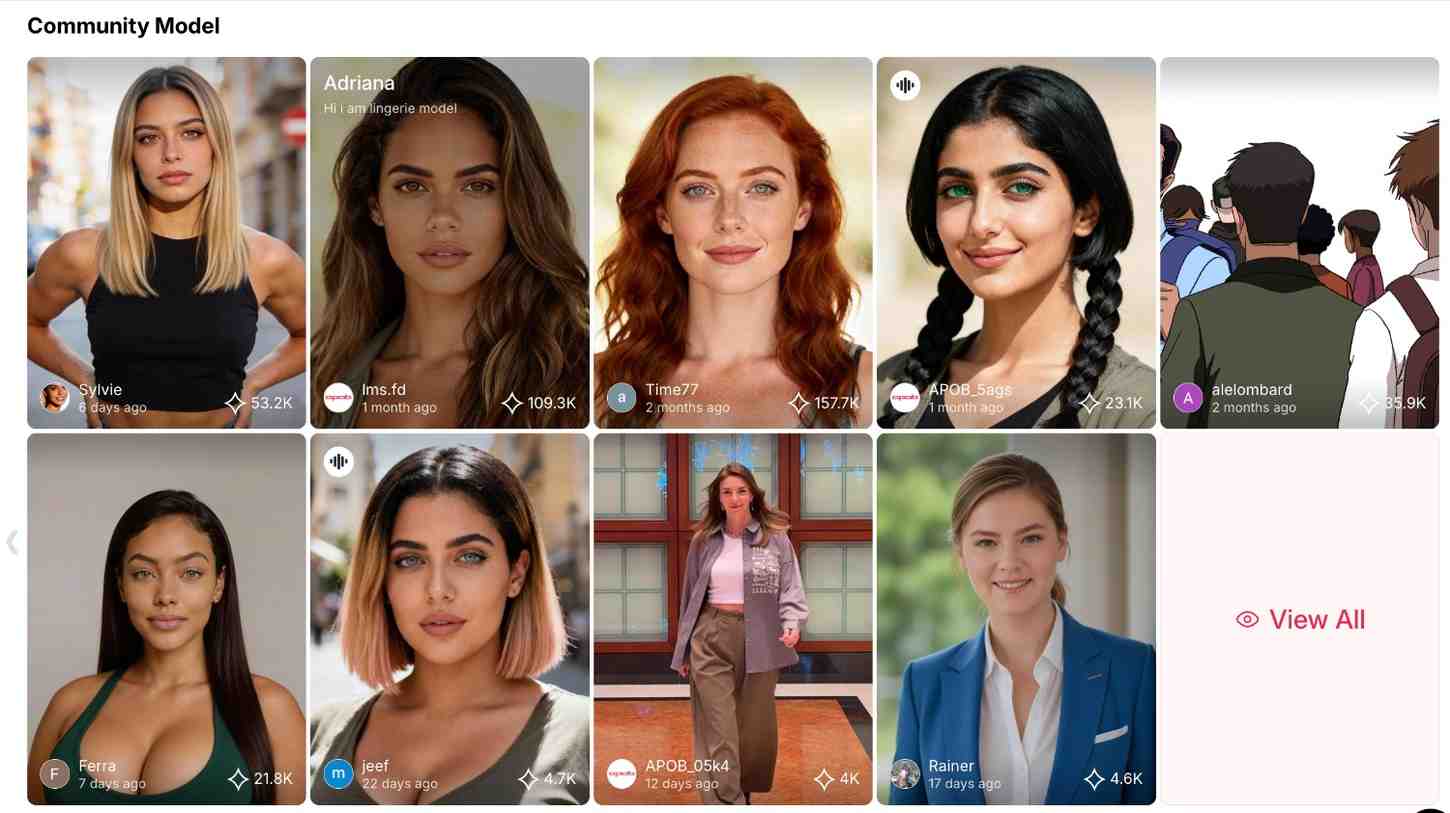
High Aesthetic Standards: Top-tier creators crafted these models. As a result, they feature flawless lighting, perfect proportions, and original styles.
Comprehensive Assets: Whether you need a cyberpunk fighter or a wellness blogger, the library has thousands of ready-to-use assets.
Efficiency: This is the fastest way to start. Simply pick a high-quality model and leverage the community's “hive mind.”
Option B: Create from Scratch alternatively. If you want complete creative control, our state-of-the-art AI girl maker system offers a powerful parametric editor. Since you aren't replicating a reference, you become the architect of a unique virtual human. Our AI dream girl generator engine enables detailed adjustments:
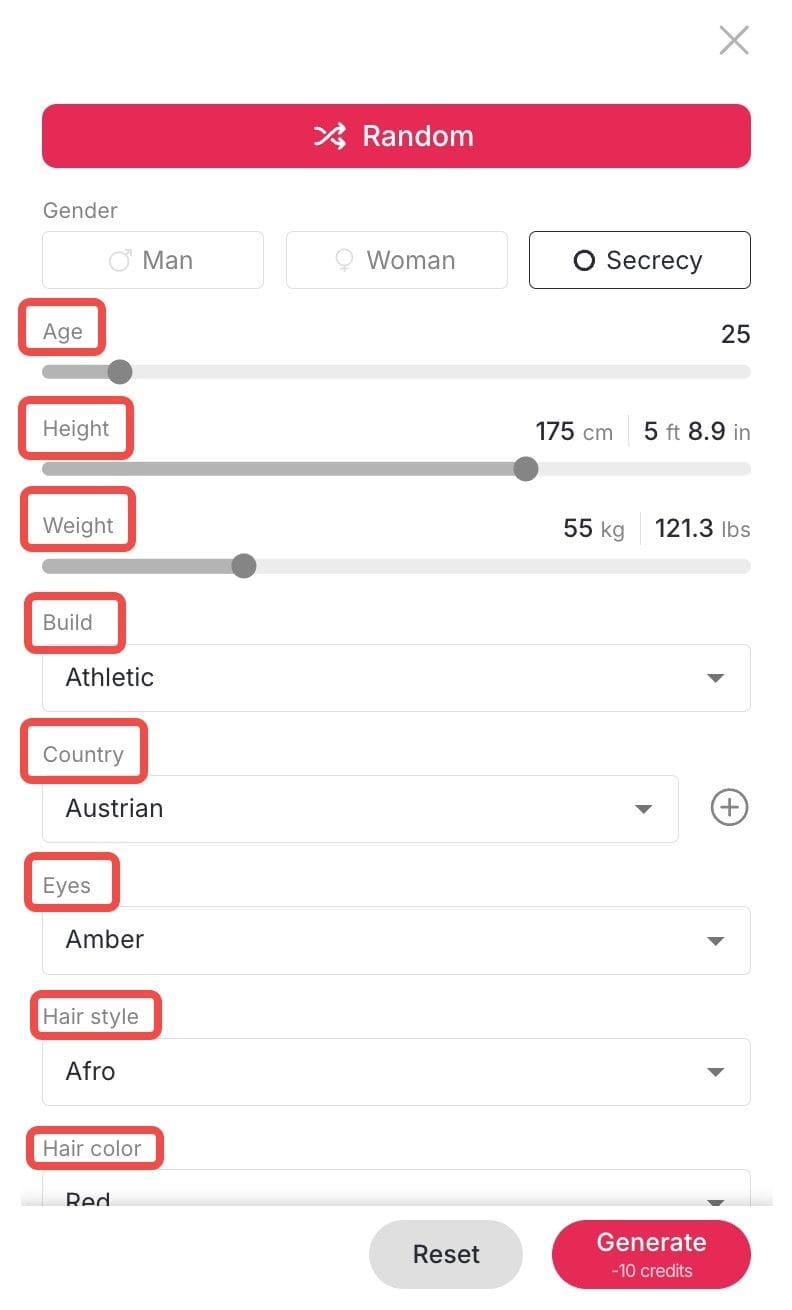
Physique & Demographics: Adjust Gender, Age, Height, Weight, and—most importantly—Build (from slender to competitive bodybuilder).
Facial Features: Choose specific Face Shapes, Eye Colors, and Skin Tones.
Hair & Style: Select from numerous Hair Styles, Colors, and Art Styles (Realistic, Anime, 3D Render, Oil Painting).
Identity: Furthermore, you can choose a specific Country of origin. This sets the ethnic traits, ensuring global diversity in your AI girl maker creations.
Step 3: Write a Specific Prompt
This is where most people underperform. Vague prompts produce generic results. Here's the difference:
Weak prompt | Strong prompt |
"AI girl with blue eyes" | "Portrait of a young woman with silver hair, violet eyes, soft studio lighting, wearing a white linen shirt, photorealistic, 4K" |
"Anime girl" | "Anime girl in the style of Studio Ghibli, warm afternoon light, cherry blossom background, detailed linework, soft pastel colors" |
"Fantasy character" | "Dark fantasy warrior woman, black armor with gold trim, glowing red eyes, dramatic backlighting, cinematic composition" |
Key elements to include in your prompt:
Hair: color, length, style (e.g., "wavy auburn hair to the shoulders")
Eyes: color and shape (e.g., "almond-shaped green eyes")
Style: realistic / anime / illustration / cinematic
Lighting: soft, dramatic, studio, natural, golden hour
Setting or background: if relevant
Mood or expression: confident, serene, mysterious
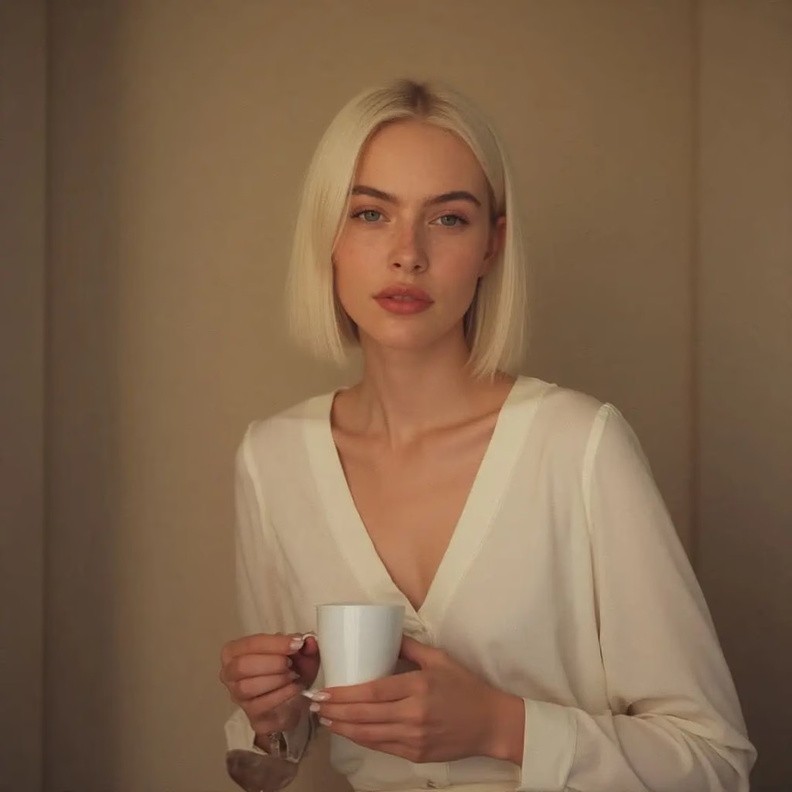
Step 4: Refine Your Dream Girl AI with 'Chat to Edit' (Optional)
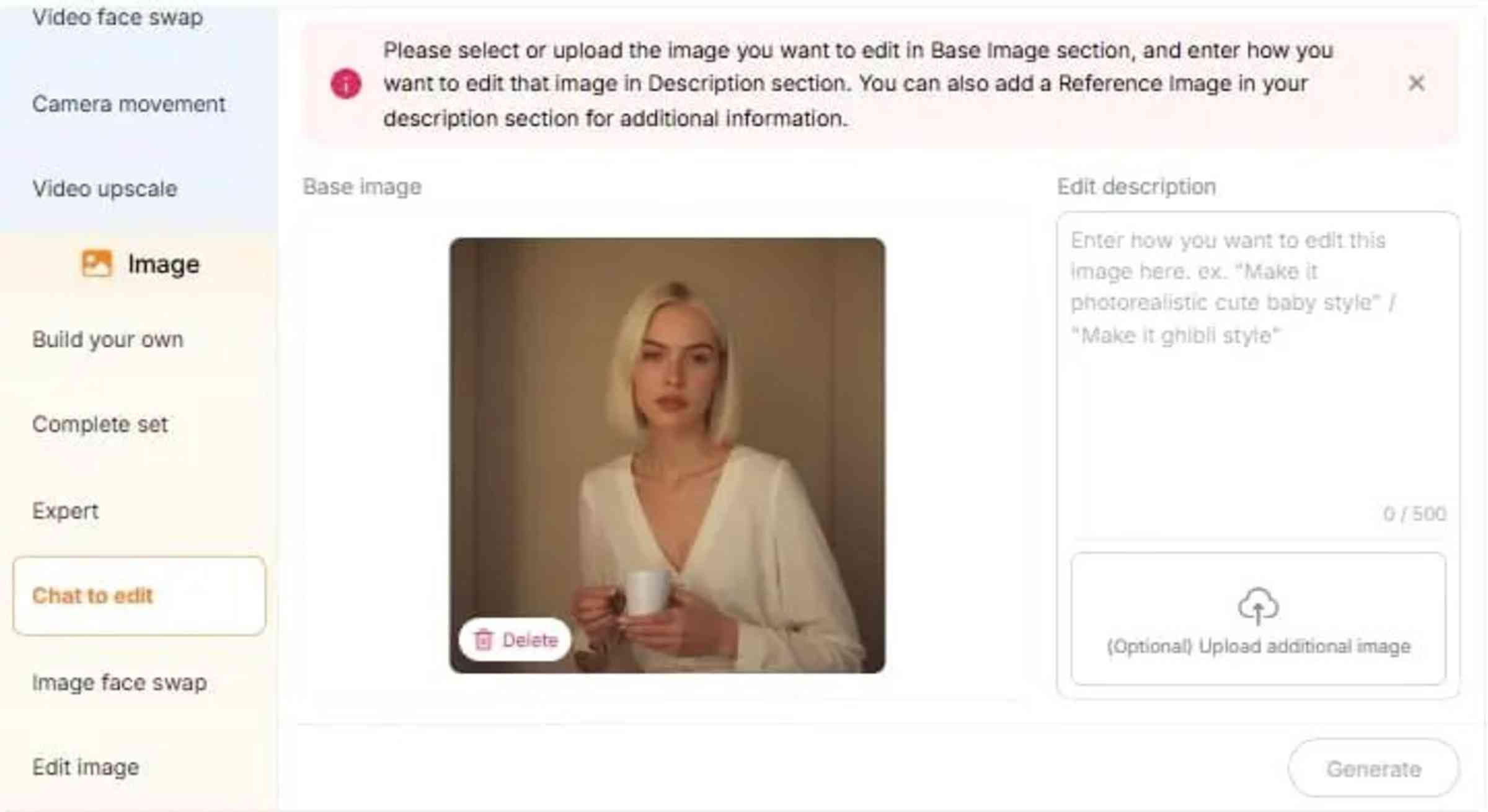
While the initial generation delivers high-quality results, even the best a AI dream girl generator output might need a small tweak. You don't have to restart.
This is where Apob AI's game-changing "Earn Profit through the Apob AI Girl Generator
Simply type a command such as "make her hair blonde," "add sunglasses," or "replace the background with a sunset." The AI girl maker interprets this and changes only the specified areas. Thus, image editing becomes as convenient as chatting with a friend.
Step 5: Bring Your AI Girl Generator Creations to Life
Creating a perfect static image is just the beginning. Apob AI is more than just a static ai girl generator.
Now that you have your ideal character, why not turn visuals into dynamic stories?
Lip-Sync & Talking Avatar: Want her to talk? Just upload audio or type text. Our software automatically synchronizes her lips and expressions.
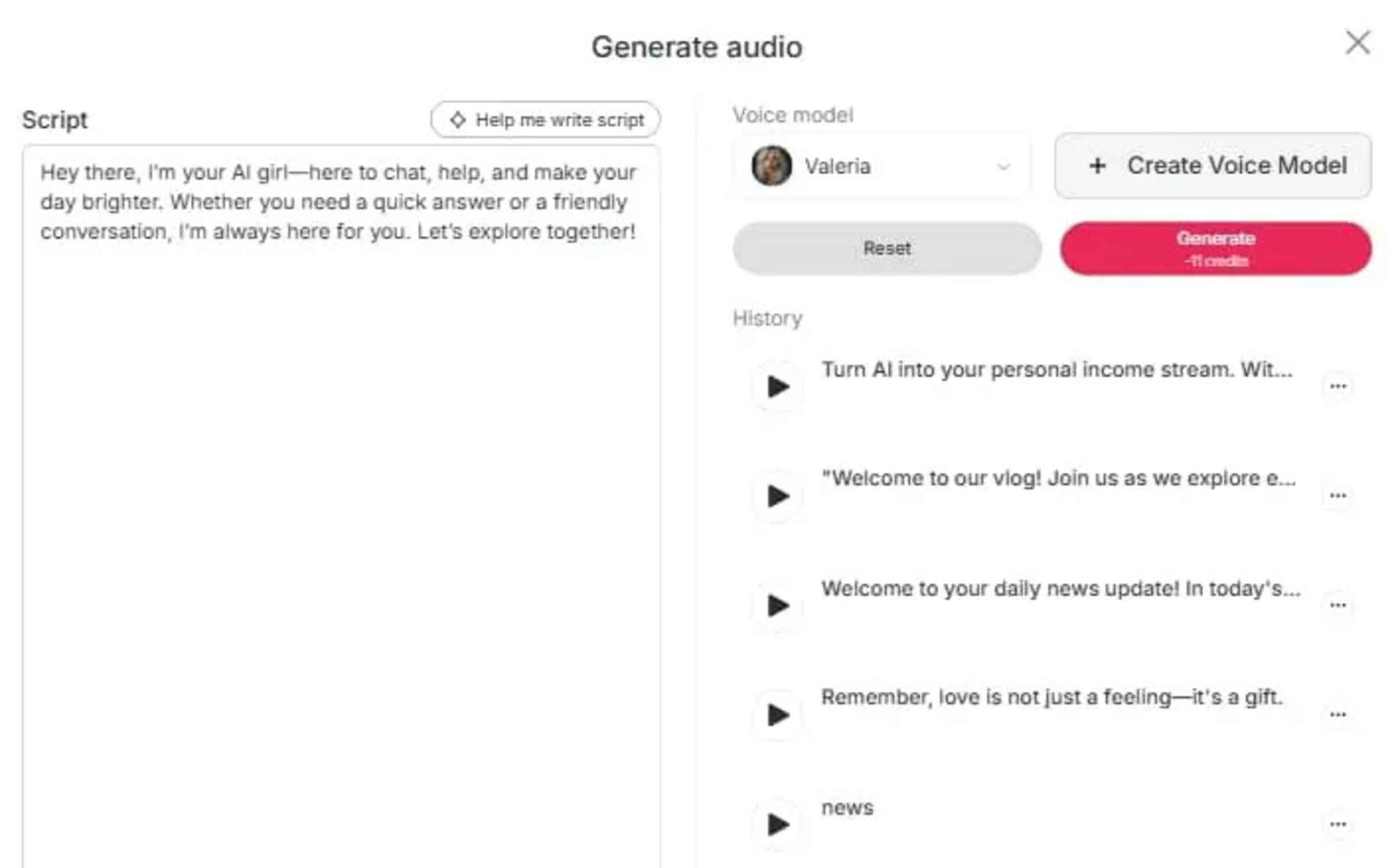
Create Storyboard: Transform a simple idea into a narrative masterpiece without writing a single line of code. Just input a brief theme—like "a futuristic runway walk" or "a intense gym session"—and our AI girl maker instantly generates multiple professional script variations for you to choose from. Want to fine-tune the details? You can easily input specific prompts to adjust the storyline, modify the action, or tweak the visual style until it perfectly matches your vision.
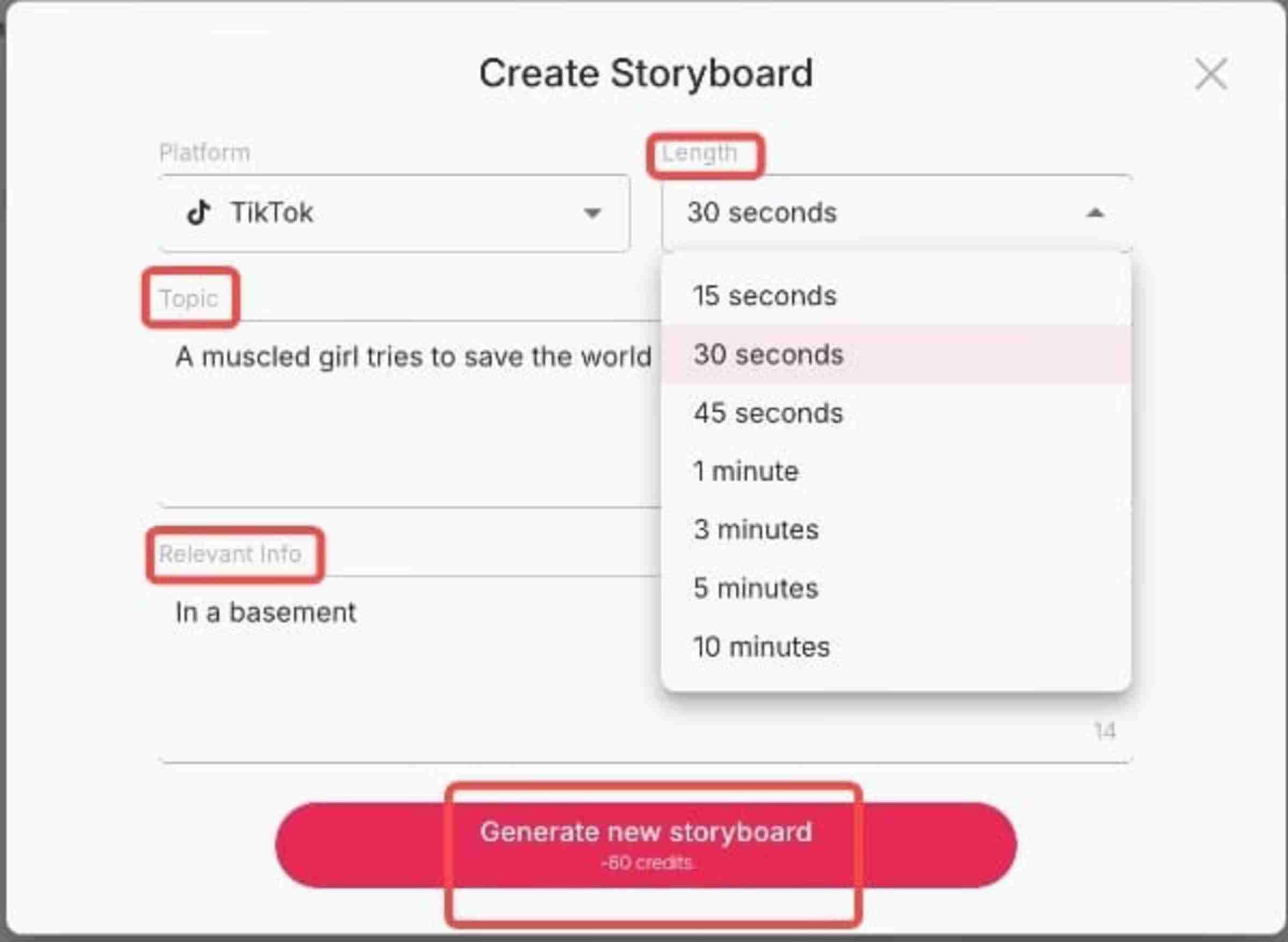
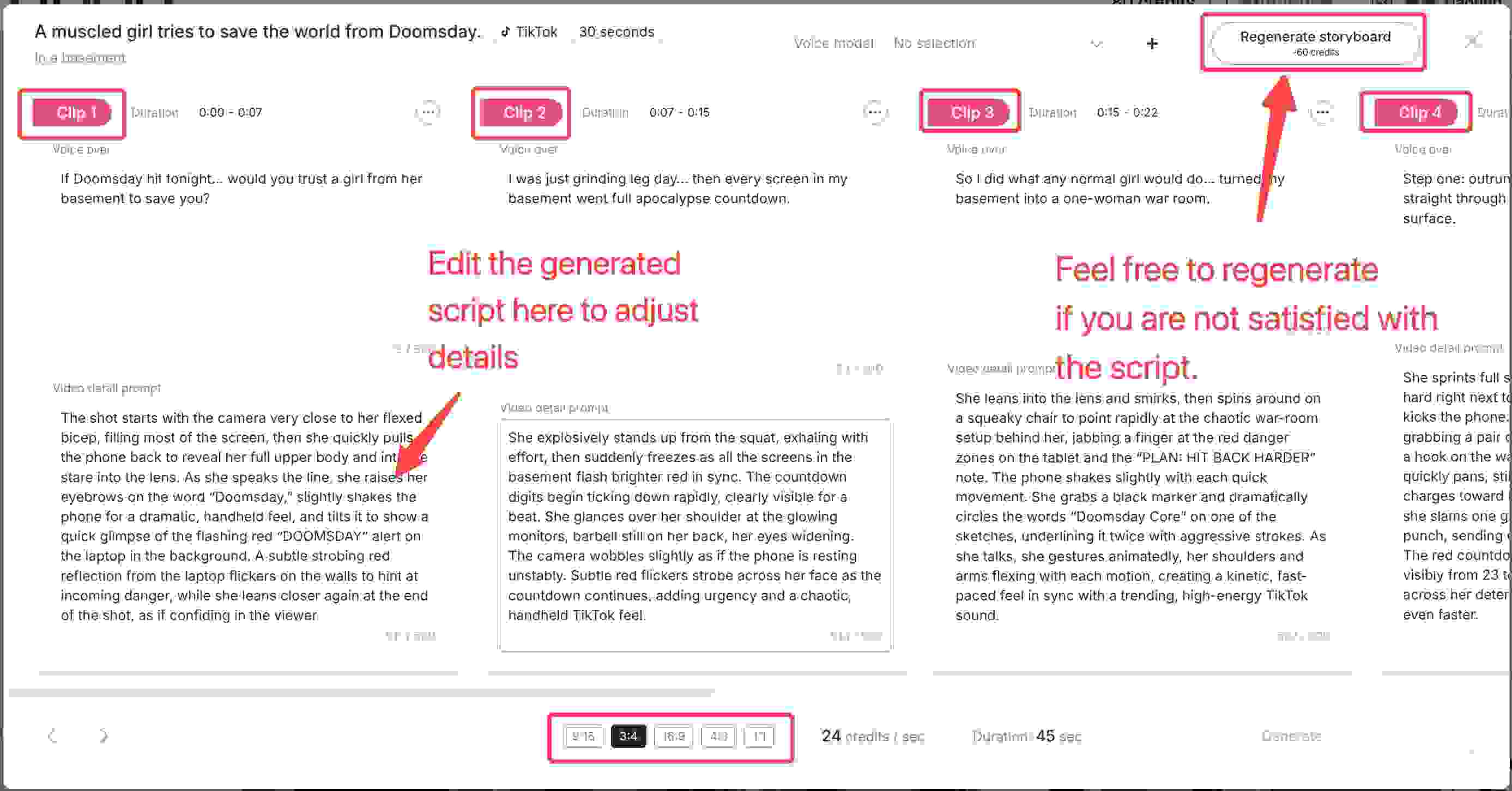
ReEverything Video Suite: The Ultimate AI Girl Maker Tool
Beyond basic animation, do you require complete artistic autonomy? Try the trailblazing ReEverything package. It lets you upload an existing video and reinterpret it. You can rework the character, camera movement, art style, or shot composition.
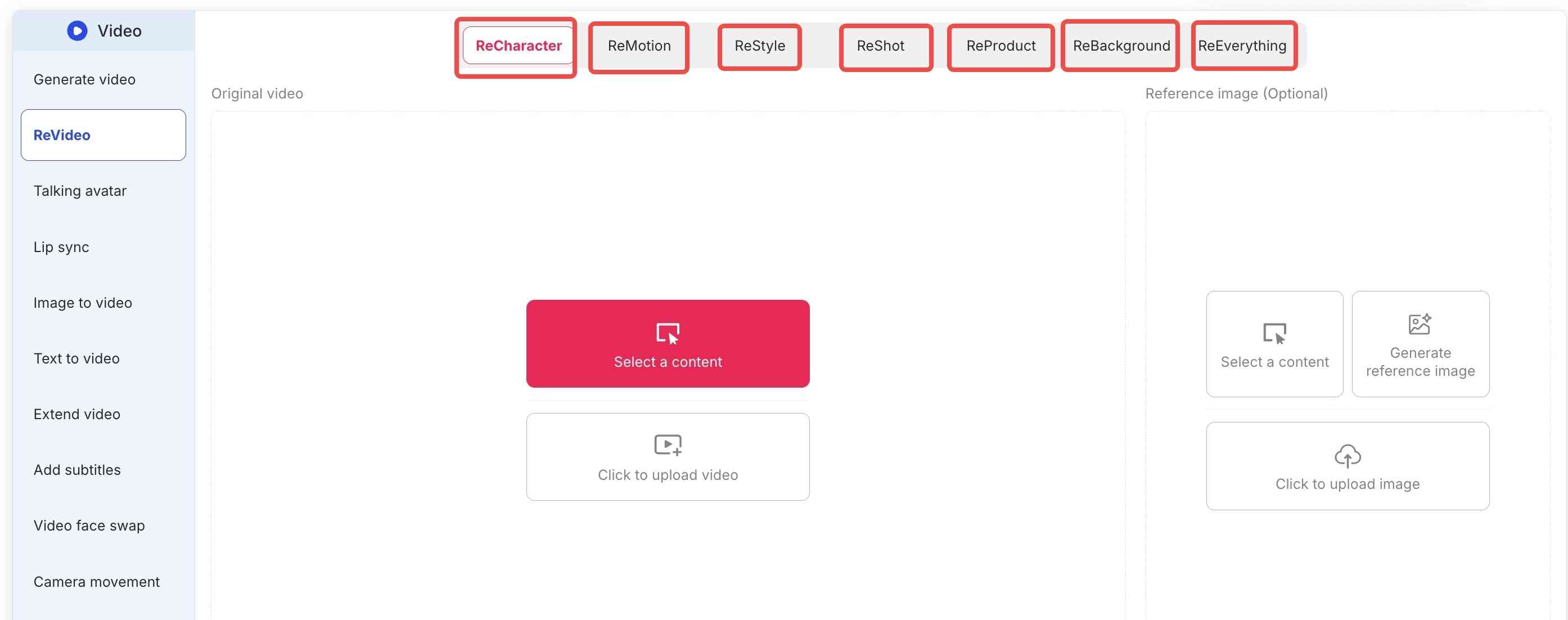
Imagine the possibilities:
For Bloggers & Advertisers (ReProduct): Making a product ad? The ReProduct feature is essential. Simply upload a video of a person holding a generic bottle. The AI then substitutes it with your new product. Consequently, this significantly reduces production costs.
Creative Reskins: Or, turn a street-walking video into a cyberpunk anime scene while maintaining the original motion.
How APOB AI Compares to Other AI Girl Generators
Feature | APOB AI | Midjourney | Stable Diffusion | Character.AI |
Free to start | ✅ 80 free credits | ❌ Subscription only | ✅ (self-hosted) | ✅ Limited |
No sign-up required | ✅ Yes | ❌ Discord required | ❌ Setup required | ❌ Account required |
Photorealistic output | ✅ Yes | ✅ Yes | ✅ Yes | ❌ Chat-focused |
Anime style | ✅ Yes | ✅ Yes | ✅ Yes | ❌ |
4K resolution | ✅ Yes | ✅ Yes | ✅ (varies) | ❌ |
Character-to-video / lip-sync | ✅ Yes | ❌ No | ❌ No | ❌ No |
Browser-based (no install) | ✅ Yes | ✅ Yes | ❌ Requires setup | ✅ Yes |
Beginner-friendly | ✅ Yes | ⚠️ Learning curve | ❌ Technical | ✅ Yes |
The clearest advantage APOB AI has over Midjourney and Stable Diffusion is the lip-sync and video pipeline. If you want a static image, all three produce excellent results. But if you want a character who can talk—for a YouTube channel, a virtual influencer account, or a product video—APOB AI is the only option that handles the full workflow in one place.
8 Prompts to You Can Try with the AI Girl Maker
Now that you understand the platform's advantages, you might need some inspiration to start. If you are stuck on ideas, try these 8 specific prompts to help you use the AI girl maker.
1. Futuristic Tokyo Street Style
Keep the woman’s original facial features. Style her in cutting-edge Vogue fashion: structured metallic top, sculpted shoulders, asymmetric silhouette. She stands in warm golden-hour backlight on a city street, rim light glowing around her. Background cars and pedestrians move softly. Cinematic glow, ultra-realistic, high-fashion editorial mood.
2. Urban Chic Power Strut
Keep only the woman’s original facial features from the reference image. Restyle her in trendy INS street-sport fashion, dynamic and energetic, with an oversized bright yellow statement bag. She is walking with exaggerated runway-model confidence, positioned large in the frame along a diagonal composition across the image. Shot on a modern city street with soft natural daylight, the background shows subtle pedestrian and traffic movement. Ultra-realistic, stylish, high-detail.
3. High-Energy Street Fashion
Keep the woman’s original facial features. Photograph her from a low-angle, motion-tracking, diagonal three-quarter composition as she walks confidently through a trendy shopping district. Style her in minimal avant-garde street fashion: an asymmetrical top, tailored straight trousers, and a soft structural handbag. Hard light with natural city highlights. Background filled with moving shoppers and storefront reflections.
4. Victorian Royal Ballroom Glamour
A royal 30-year-old AI moves effortlessly across a majestic ballroom floor. Her curvaceous figure is dressed in a red satin Victorian gown, complete with intricate embroidery and a tight corset.
5. Autumn on a College Campus
Amidst falling autumn leaves, a 21-year-old AI girl sits beneath a tree, sipping a hot drink. She has jet black hair parted in the middle and soft, friendly features.
6. Desert Dune Dreamer
Strolling along golden sand dunes at sunset, a 26-year-old AI girl embodies desert mystique. Her body is deeply bronzed, and her sandy blonde hair is braided with beads.
7. Cozy Mountain Cabin Retreat
In a snowy mountain cabin, a 35-year-old AI girl sits languidly by a roaring fireplace. She has a wholesome look with freckled skin, curly red hair in a bun, and a knit beanie.
8. Urban Hip-Hop Scene
In a graffiti-filled alley turned music venue, an 18-year-old AI girl performs dance moves. Her skin glows against the colorful murals, and she sports a strong afro hairstyle with shaved sides.
Ready to try these? What are you waiting for? Simply copy any prompt above, go to Apob AI, and paste it into the "expert" area. Watch your AI dream girl come to life in our AI girl maker in seconds! As soon as you register, you receive a free membership and 80 credits at no cost.
TRY THESE PROMPTS IN APOB AI NOW
What Are People Using AI Girl Makers For?
Based on trends across TikTok, YouTube, and creator communities, here are the most common real-world use cases:
Virtual influencer accounts. Creators are building entire social media personas around AI-generated characters. A consistent AI girl with a defined aesthetic and personality can build a following without the personal exposure of a real influencer. According to Harvard Business Review, organic Instagram posts by virtual influencers tend to receive more likes and positive engagement than equivalent posts by human influencers.
YouTube and TikTok content with a virtual presenter. Many creators use AI characters as on-screen presenters for educational content, product reviews, or entertainment—allowing them to produce video content without appearing on camera themselves.
E-commerce product photography. AI-generated models eliminate the cost and logistics of traditional product shoots. A consistent AI character can be placed in any setting, wearing any product, in any lighting condition.
Freelance design and illustration. Character designers and concept artists use AI girl generators as a starting point for client work, then refine the output in Photoshop or Procreate.
Personal creative projects. Worldbuilding, visual novels, fan art, and digital storytelling all benefit from having a consistent, high-quality character that can be rendered in multiple scenes and styles.
Start Creating Your AI Girl Today
The virtual influencer market is growing at 40.8% annually. The tools to participate in that market are now free and accessible to anyone with a browser.
Whether you're building a virtual influencer, creating content without appearing on camera, or just experimenting with AI character design, APOB AI gives you a professional-quality starting point in under a minute.
80 free credits. No sign-up. No download. Results in seconds.
Frequently Asked Questions
Is APOB AI's AI girl maker free?
Yes. You get 80 free credits when you visit the site—no account or credit card required. Each image generation uses a small number of credits.
What's the difference between APOB AI and Midjourney for creating AI girls?
Both produce high-quality images. The key differences are: APOB AI is browser-based with no setup required, offers a lip-sync/video feature Midjourney doesn't have, and is more beginner-friendly. Midjourney has a larger community and more style variety, but requires a Discord account and a paid subscription.
Can I create an anime AI girl?
Yes. APOB AI supports a wide range of styles including photorealistic, anime, illustration, and fantasy. Specify your preferred style in the prompt (e.g., "anime style, soft linework, pastel colors").
Can I make my AI girl talk or move?
Yes. After generating your image, use APOB AI's lip-sync feature to create a video of your character speaking. You can upload an audio file or use text-to-speech.
Can I use AI-generated characters commercially?
APOB AI's terms of service allow commercial use of generated images. Always review the current terms of service before using images for commercial purposes.
How do I keep my AI girl looking the same across multiple images?
Use your first generated image as a reference image for subsequent generations, and maintain consistent style descriptors in your prompts. Specific, unique features (hair color, eye color, distinguishing marks) help the AI reproduce the same character more reliably.
Is there a mobile app?
APOB AI is browser-based and works on mobile browsers without a separate app download.
References:
Apob AI (2025). Apob AI - Create Your AI Model. [Online] Available at: https://apob.ai [Accessed 20 Dec. 2025].
Influencer Marketing Hub (2024). The State of Influencer Marketing 2024: Benchmark Report. [Online] Available at: https://influencermarketinghub.com/virtual-influencers/ [Accessed 20 Dec. 2025].
Forbes (2024). How Generative AI Is Changing The Creative Economy. [Online] Available at: https://www.forbes.com/sites/bernardmarr/2023/07/24/how-generative-ai-is-changing-creative-work/ [Accessed 20 Dec. 2025].
Grand View Research. (2024). Virtual Influencer Market Size & Share | Industry Report, 2030. https://www.grandviewresearch.com/industry-analysis/virtual-influencer-market-report
Hwang, S., Zhang, S., Liu, X., & Srinivasan, K. (2024, May–June ). Should your brand hire a virtual influencer? Harvard Business Review. https://hbr.org/2024/05/should-your-brand-hire-a-virtual-influencer
Read More

No credit card needed


