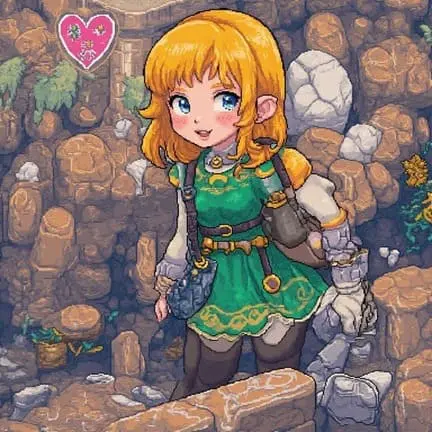
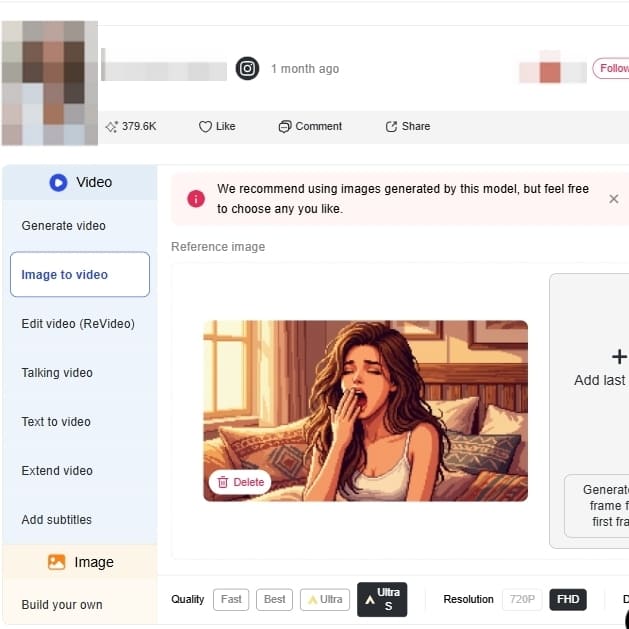
POPULAR
Targeted background removal with hard-edge recognition optimization for clean Alpha channels. Lossless pixel-level upscaling to fit modern high-definition displays without blurring.
Train and retain private Portrait Models to deep-stamp character features. Utilize a vast ecosystem of optimized community consistency models for perfect sprite sheets.
POPULAR
Advanced plans include Private mode generation, NO watermark generation, concurrent tasks, and a high-leverage credit model for cost control.
Video Game Asset Creation
These are employed by developers, especially those who work within the indie sector, to speedily create characters, props, and environment tiles. This is a massive timesaver and effort in setting up an overall visual look so they can experiment with ideas and create uniform assets without any issues (PixelLab, 2024).
Branding
Brands and individuals can generate fresh, retro-style content to differentiate themselves online. The app can be used to convert selfies into avatars, create custom emojis, or generate unique promo images to help with campaigns embracing a retro look (Canva, 2024).
Merchandise Design
Designers and artists can take pictures or type ideas and convert them into pixel art for art projects. This can range from making digital photos look stylized for portfolios, design patterns for crafts such as knitting, or design printable pixel art for products like stickers and t-shirts.
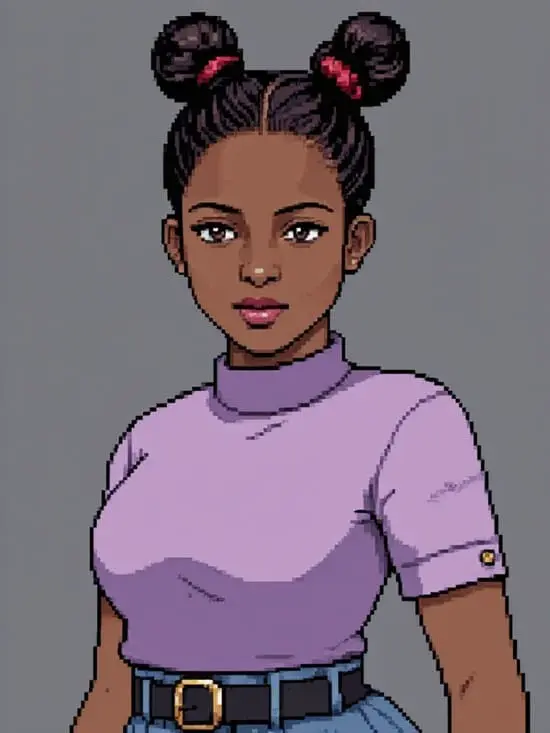
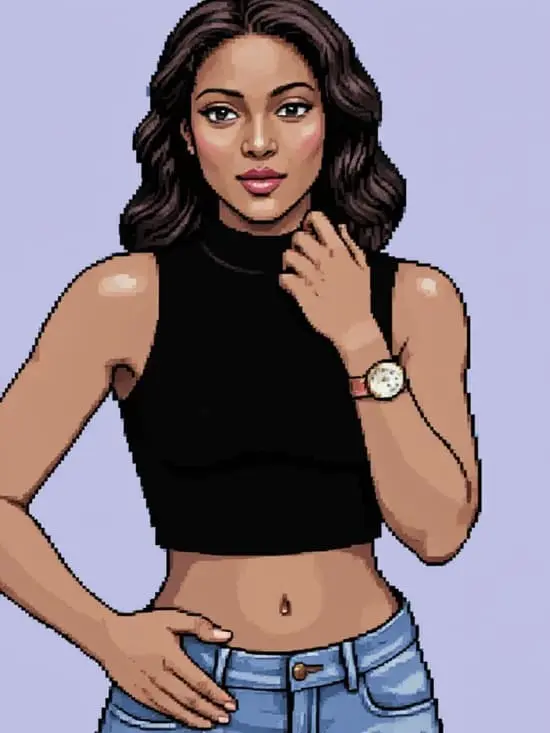
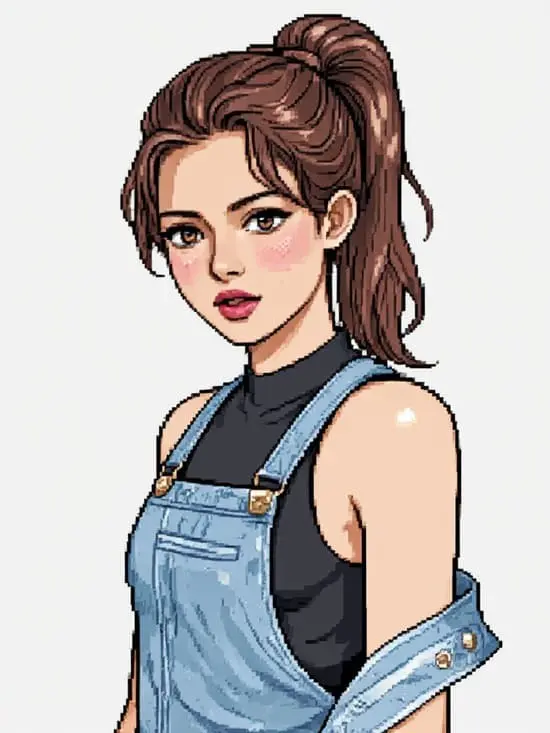
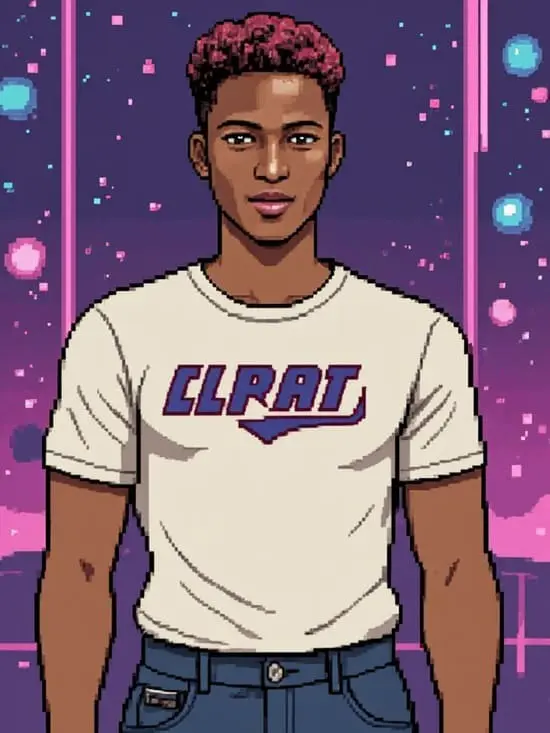
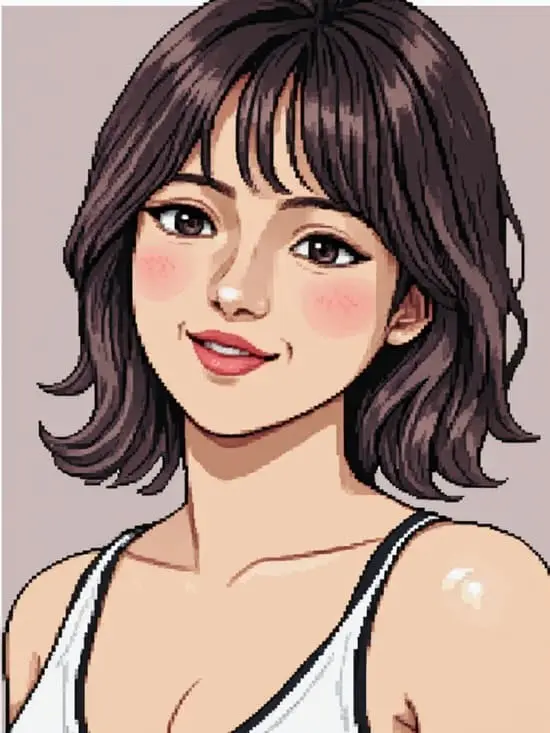
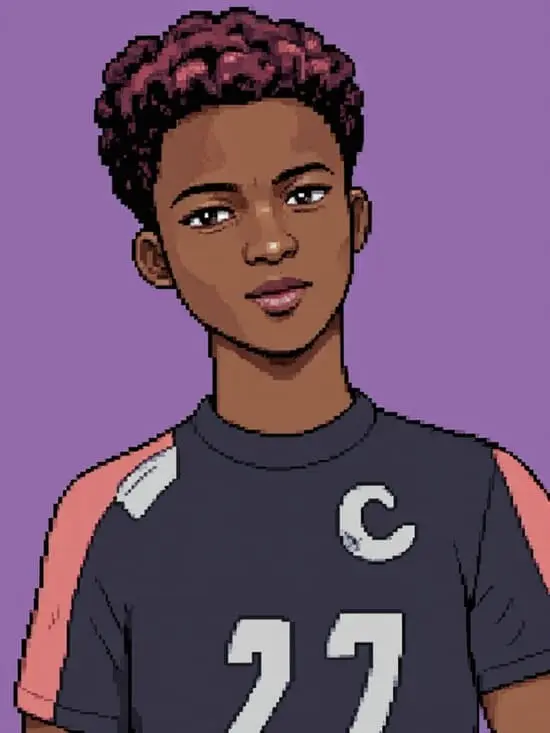
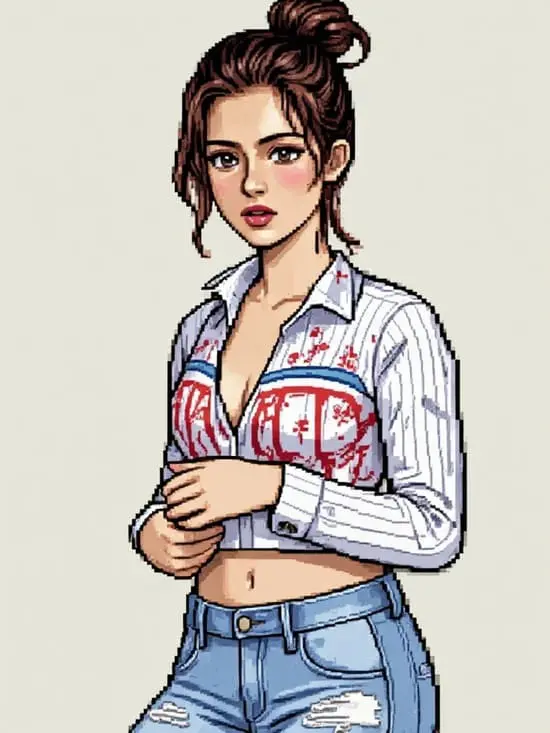
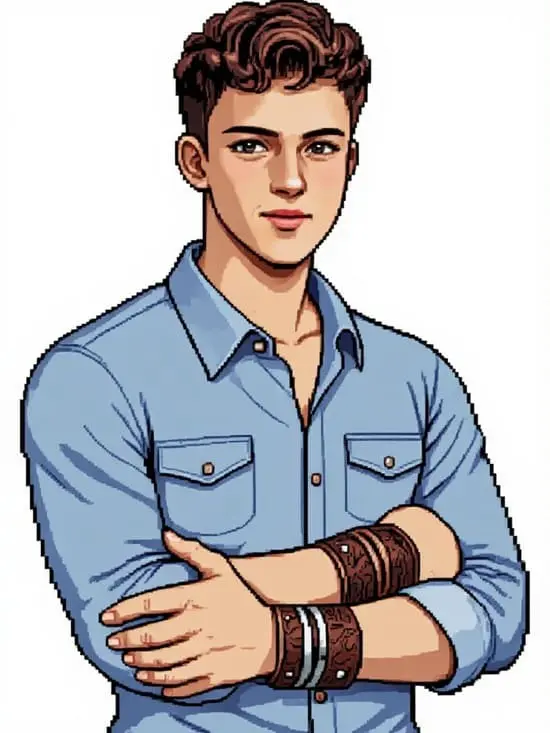
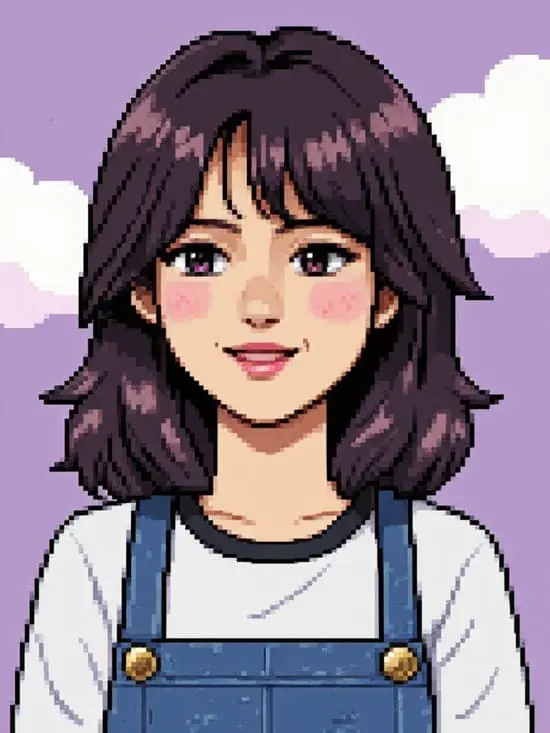
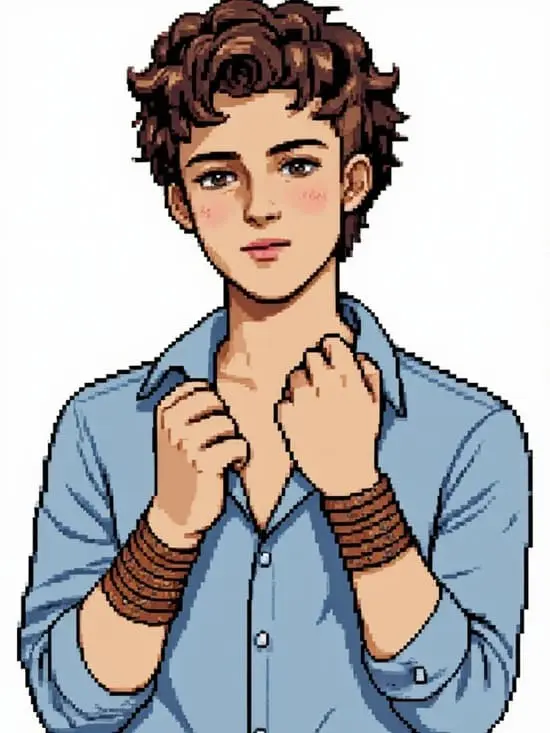
Create with Pixel Art AI Generator
No Credit Card Required
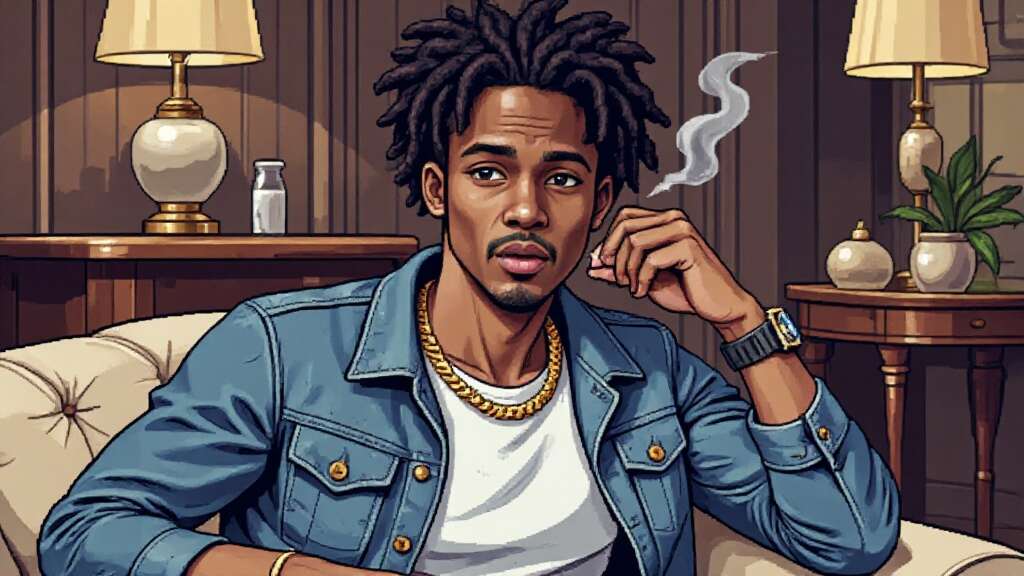
In the world of online gaming, your profile picture is more than just an image—it’s an extension of your virtual identity. Whether you’re deep into GTA RP, a casual GTA 5 player, or just a fan of the franchise, having the perfect GTA PFP can set you apart.
Traditionally, creating a high-quality gaming avatar required graphic design skills or hiring an artist. But thanks to AI technology, anyone can now generate a GTA-style profile picture effortlessly. These AI tools not only recreate the game’s signature aesthetic but also allow full customization, from facial expressions to backgrounds.
Ready to make your own? Let’s dive in!
Why GTA PFPs Are Taking Over the Internet
If you’ve spent any time in gaming communities, you’ve likely seen GTA PFPs (Grand Theft Auto profile pictures) everywhere. From Discord servers to TikTok and Instagram, gamers are embracing the signature GTA-style look for their avatars. But what makes this aesthetic so popular?
The answer is simple: GTA PFPs are bold, edgy, and instantly recognizable. They capture the rebellious, high-energy vibe of the Grand Theft Auto series, making them perfect for gamers, content creators, and roleplay enthusiasts. Whether you need a GTA RP PFP to fit your in-game persona or a GTA 5 PFP to show off your love for the franchise, AI-powered tools now let you create stunning GTA-style avatars effortlessly—and for free!
So, if you want to stand out with a GTA PFP, keep reading. We’ll show you how to generate one using AI, customize it to your style, and use it to boost your online presence.
How to Create Your Own GTA PFP with AI – No Design Skills Needed!
Gone are the days of manually editing images to achieve the GTA PFP look. Today, AI tools do all the heavy lifting for you. Some popular options include:
APOB AI – Generates high-quality GTA-style avatars.
GTA Filter AI – Instantly applies a GTA aesthetic to any image.
Photoshop AI Plugins – Advanced customization for pro users.
Most of these tools offer free trials, so you can experiment before committing to a premium version.
Step 1: Sign up for free and earn points
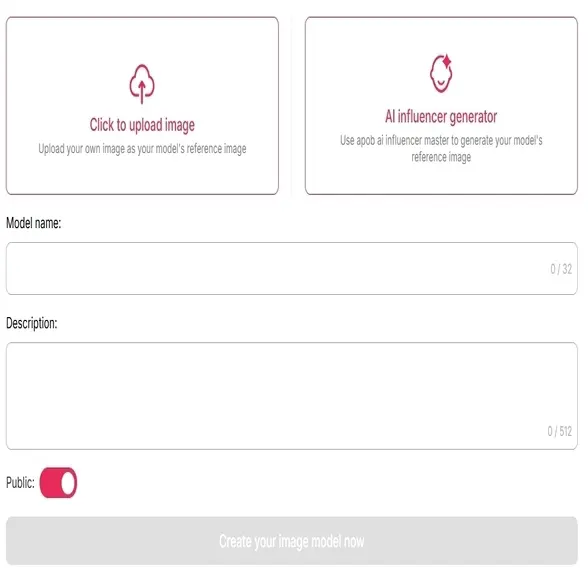
Sign up on APOB AI and get 80 credits. Then, click on “Create Portrait Model.”
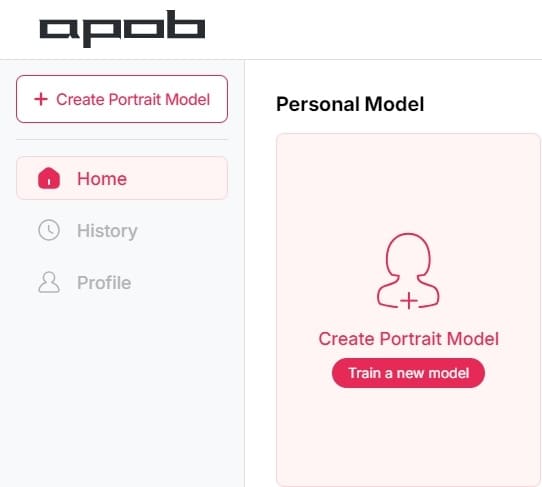
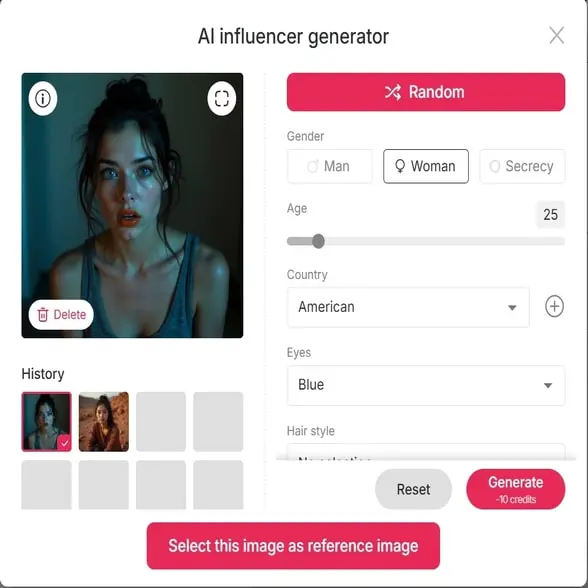
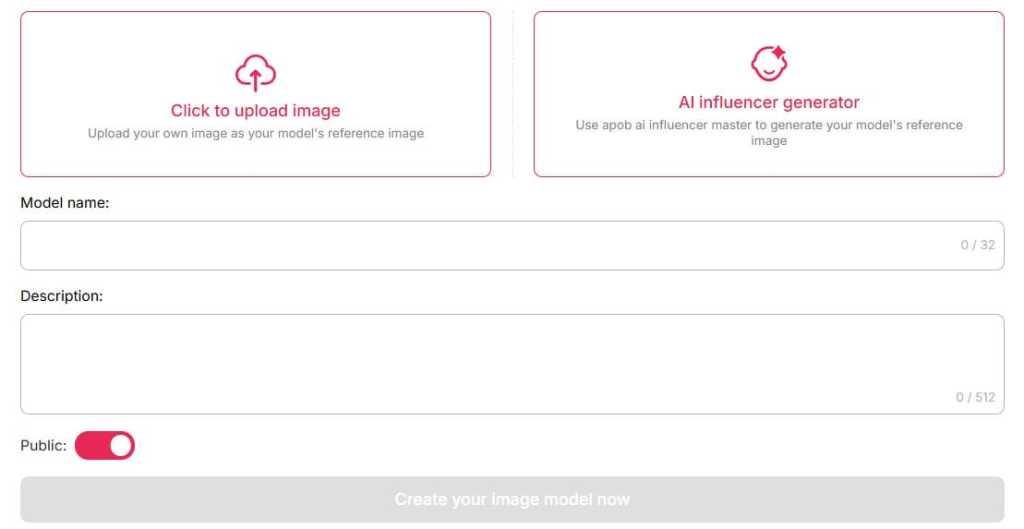
Step 2: Upload Your Image or Create an AI Character
Upload a real photo – AI will transform it into a GTA-style avatar.
Generate a custom AI character – Perfect for creating a unique GTA RP PFP.
Step 3: Customize the Background & Theme
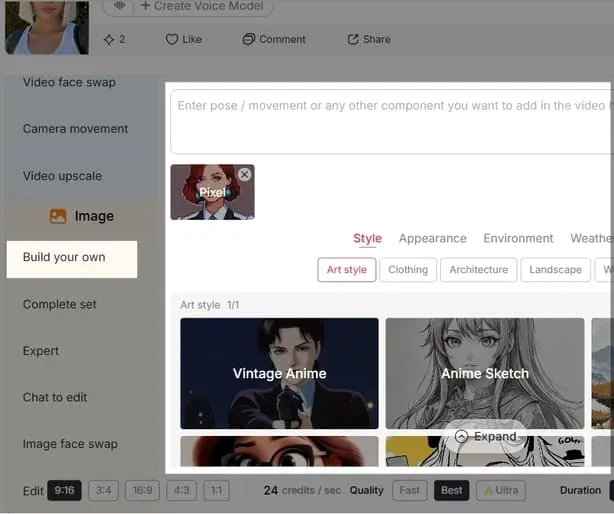
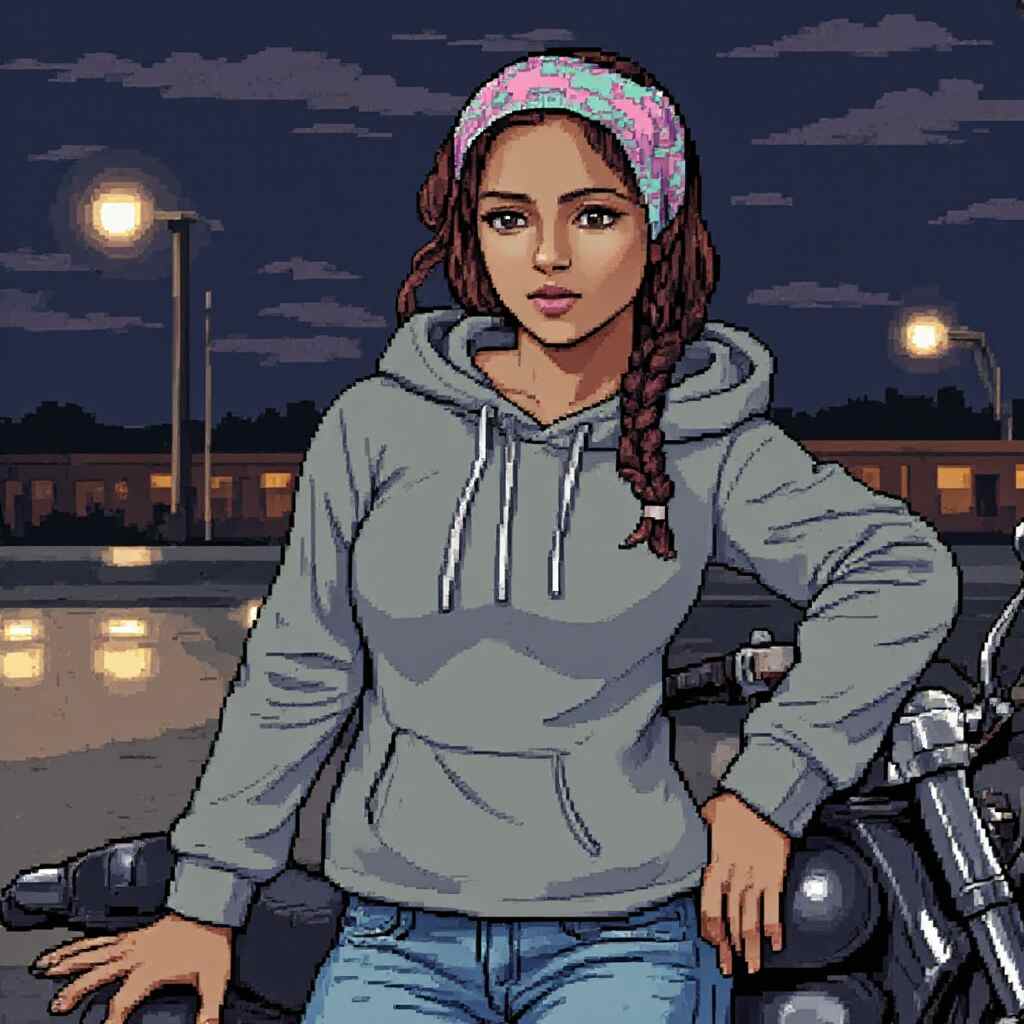
Through the "Build your own" and "Complete set" options, you can choose a scene that fits your character setting, such as Bustling City, Cyberpunk Casting, Tech Intrigue, or Tunnel Escaper.
Step 4: Apply GTA Aesthetic Filters
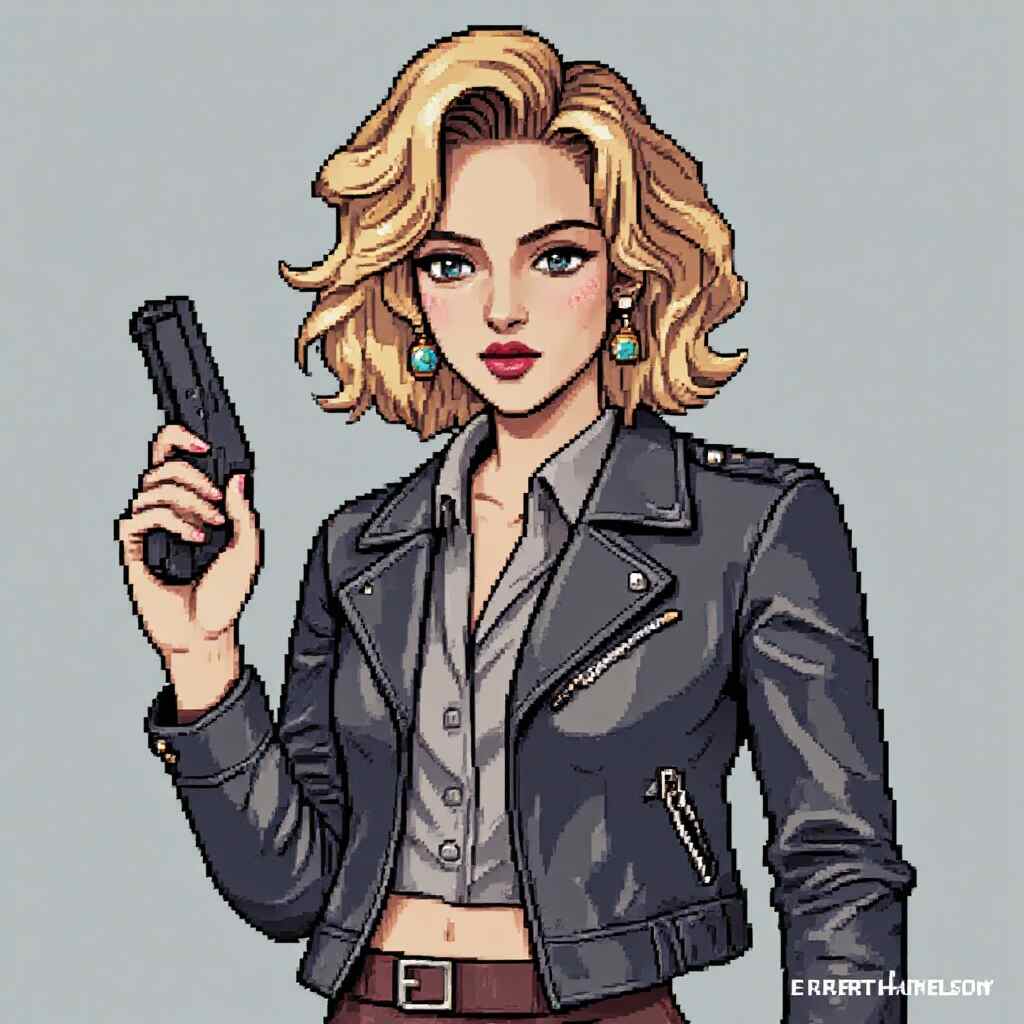
The key to an authentic GTA PFP is the signature art style. Want a character with sunglasses, tattoos, or a gangster vibe? Just need to add some prompts. APOB AI will enhance your image with:
Bold outlines & sharp contrasts
Retro, urban, or neon lighting effects
Low-poly, comic book-style shading
This instantly gives your avatar that classic GTA 5 PFP vibe, making it look straight out of the game’s loading screen.
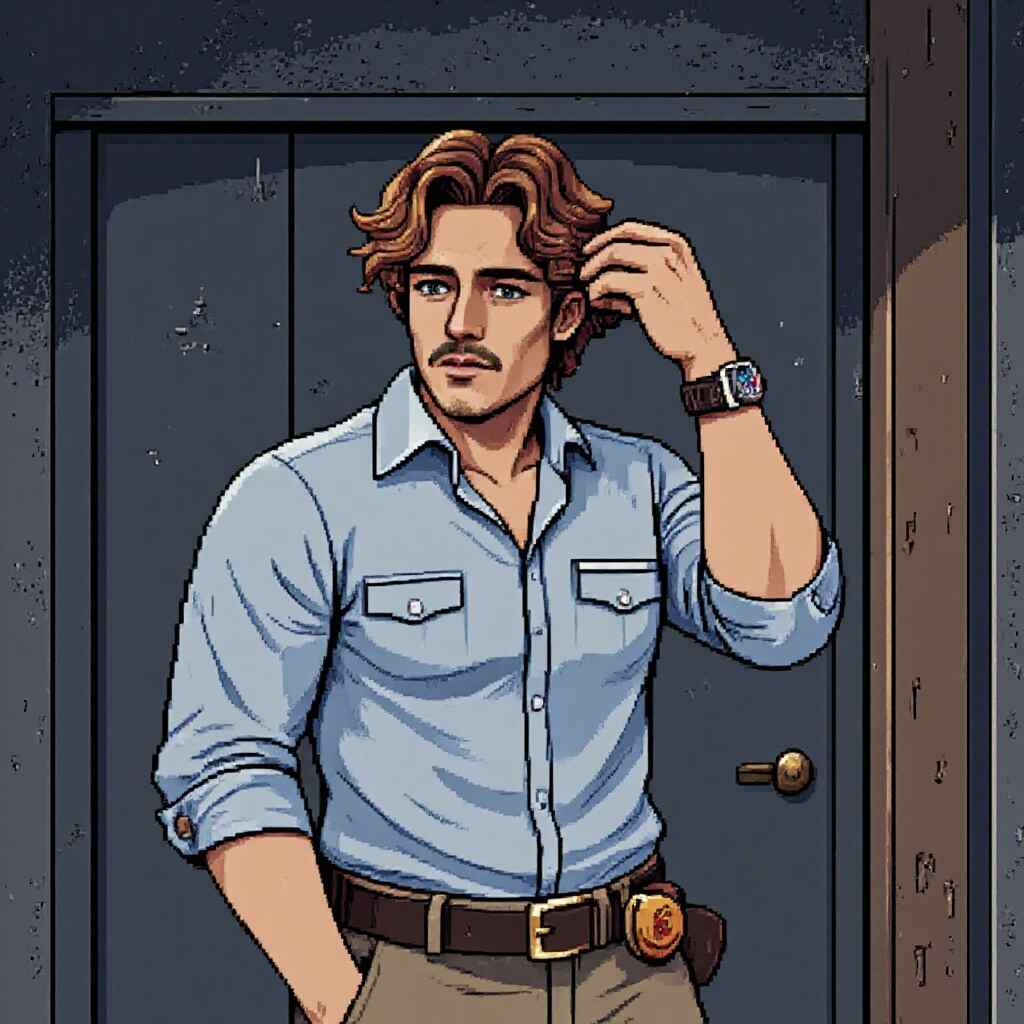
Where to Use Your GTA PFP?
Once your GTA PFP is ready, it’s time to show it off! Here are some of the best places to use it:
GTA RP Servers
Roleplaying in GTA Online? A unique GTA RP PFP helps define your character’s identity and makes you stand out in the community.
Discord & Gaming Forums
Many gaming groups and Discord servers have GTA-themed channels. A stylish GTA 5 PFP instantly signals your love for the franchise.
TikTok, Instagram & YouTube
Gaming influencers often use GTA-style avatars for branding. Whether you create GTA edits or stream gameplay, a GTA PFP makes your profile instantly recognizable.
Twitter & Reddit
GTA discussion forums and gaming communities are full of users showcasing their GTA PFPs. Why not join in?
Why AI-Generated GTA PFPs Are a Game-Changer
So, why should you use AI instead of designing a GTA PFP from scratch? Here’s why AI tools are revolutionizing avatar creation:
Fast & Easy – No need for Photoshop skills. AI does the work in seconds.
Highly Customizable – Adjust every detail to match your gaming identity.
Free to Try – Many AI tools offer free credits or trial versions.
Perfect for Social Media – Looks professional with minimal effort.
With AI, you can experiment with different styles, expressions, and backgrounds until you find the perfect GTA PFP.
Final Thoughts: Try AI-Generated GTA PFPs for Free Today!
The trend of gaming avatars inspired by the world of Grand Theft Auto continues to gain momentum and doesn’t seem to be slowing down anytime soon. Whether you're a dedicated player of GTA RP, a content creator showcasing your gaming life, or simply someone who loves everything about the GTA franchise, these AI-generated avatars are the perfect way to express your unique style. They offer an easy and fun way to stand out from the crowd and make a lasting impression online.
From bold designs to intricate details that capture the essence of the game, these avatars give you the freedom to craft a digital persona that is as dynamic and rebellious as the game itself. No need for graphic design skills or expensive artists—AI tools now make it possible for anyone to create a professional-looking avatar with just a few clicks.
So why wait? Dive into the world of AI-generated gaming avatars today and create a striking, personalized image that truly represents who you are in the virtual world. Whether you’re looking for something futuristic, edgy, or totally out of the box, there’s a style for everyone. The possibilities are endless, and the best part is, you can try it all for free!
FAQ
Q1: What’s a GTA PFP?
A1: GTA PFP = Gaming Token Avatar Profile Picture. It’s your digital identity in GTA-themed metaverse worlds, blending in-game style with NFT tech. Think of it as your pixelated passport to virtual heists and hangouts!
Q2: How do I create my GTA PFP?
A2:To create a GTA-themed PFP, use APOB AI by uploading a reference image or generating one from scratch. Choose an adventure style, customize elements like background and clothing, and generate your image. Download and use it as your profile picture.
Q3: Can I sell my GTA PFP?
A3: Absolutely! List it on crypto marketplaces like OpenSea. Rare traits = higher demand. Pro tip: Share your design on socials to hype it up!
Q4: How do I use my GTA PFP?
A4: Flex it everywhere! Set it as your Discord/Twitter profile pic, join GTA-themed DAOs, or rep it in metaverse hangouts. Your avatar’s your ticket to the party!
Read More
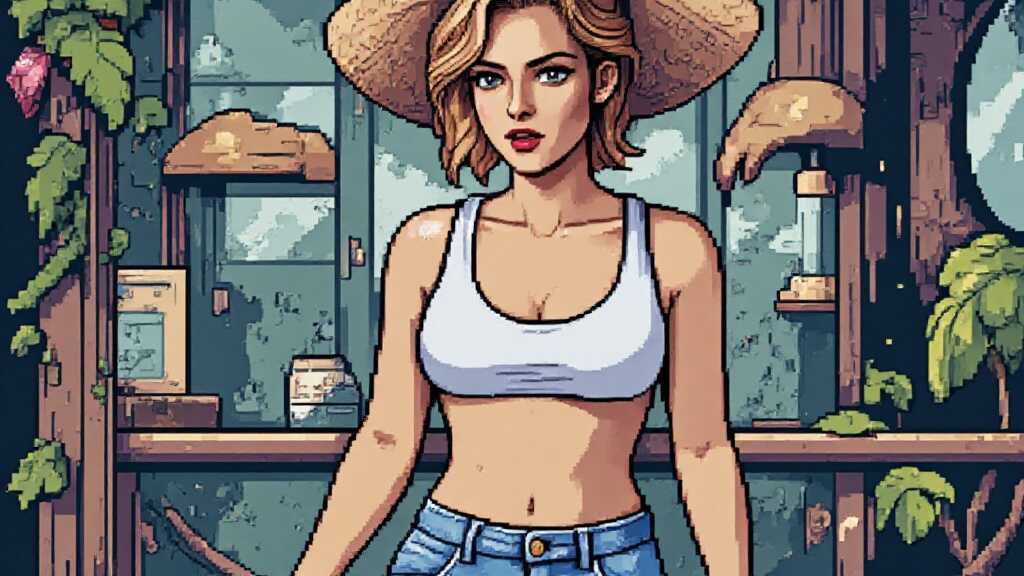
In recent years, social media has been abuzz with a new trend that's taking users back to the golden age of gaming: the PS2 Filter. This innovative tool uses AI to transform your photos into retro-style images reminiscent of the PlayStation 2 era, complete with low-poly models and pixelated textures. But what's behind this sudden surge in popularity, and how is it influencing both gaming culture and social media?
A Blast from the Past: The Rise of PS2 Filter
The PlayStation 2 Aesthetic Filter phenomenon is more than just a fleeting fad; it's a testament to the enduring power of nostalgia. For those who grew up playing classics like "Grand Theft Auto: San Andreas" and "Shadow of the Colossus," the PS2 Filter offers a chance to relive those memories in a whole new way. By applying a retro aesthetic to modern photos, users can experience the thrill of being part of a bygone gaming era.
But why does this matter? For one, it speaks to our deep-seated desire for nostalgia. In an age where technology is advancing at breakneck speeds, there's something comforting about revisiting the past. The PS2 Filter taps into this sentiment, allowing users to share their own "retro" moments with friends and family.
The Magic Behind the Scenes: AI Technology
So, how does the PS2 Filter work its magic? The answer lies in advanced AI algorithms designed to mimic the visual style of PS2 games. These algorithms analyze the input image and apply transformations that replicate the characteristic low-poly models and pixelation of early 2000s gaming.
Tools like Replicate、PS2 Filter AI and APOB AI have made it incredibly easy for users to create these retro masterpieces. Simply upload your photo, select the desired filter, and voilà! You're transported back to a time when graphics were simpler, yet somehow more charming.
How to Get PS2 AI Filter Photos for Free
Step 1: Sign Up and Get Credits
Sign up on APOB AI and get 80 credits. Then, click “Create Portrait Model.”
Step 2: Upload Photo or Create AI Model
Upload a photo or click “AI Influencer Generator” to create a custom AI model. Customize features like age, nationality, eye color, hairstyle, and more.
Step 3: Generate PS2 Filter Image
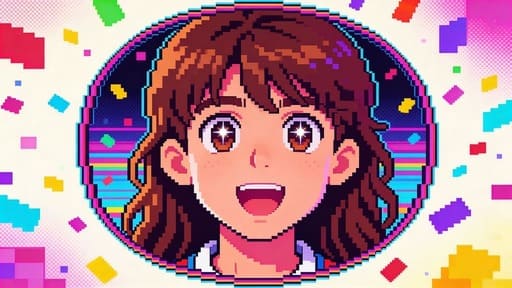
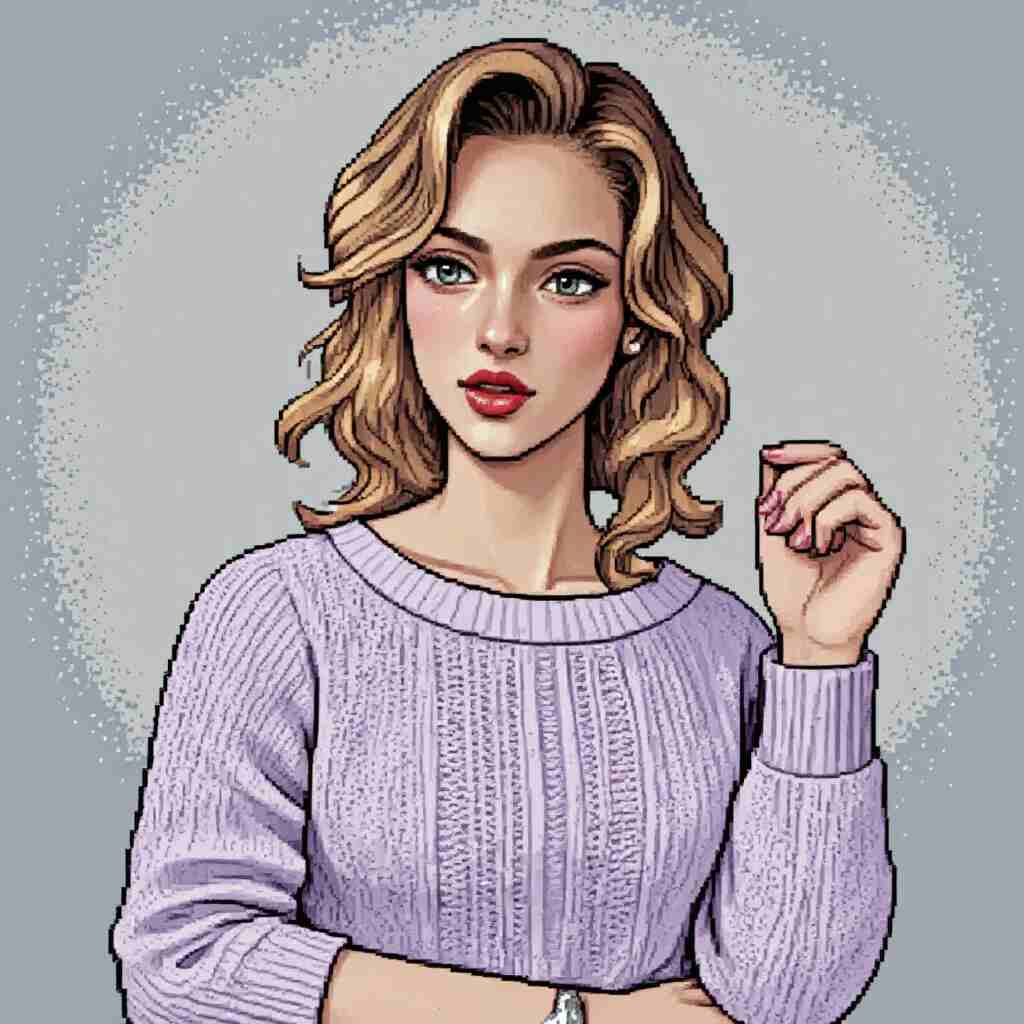
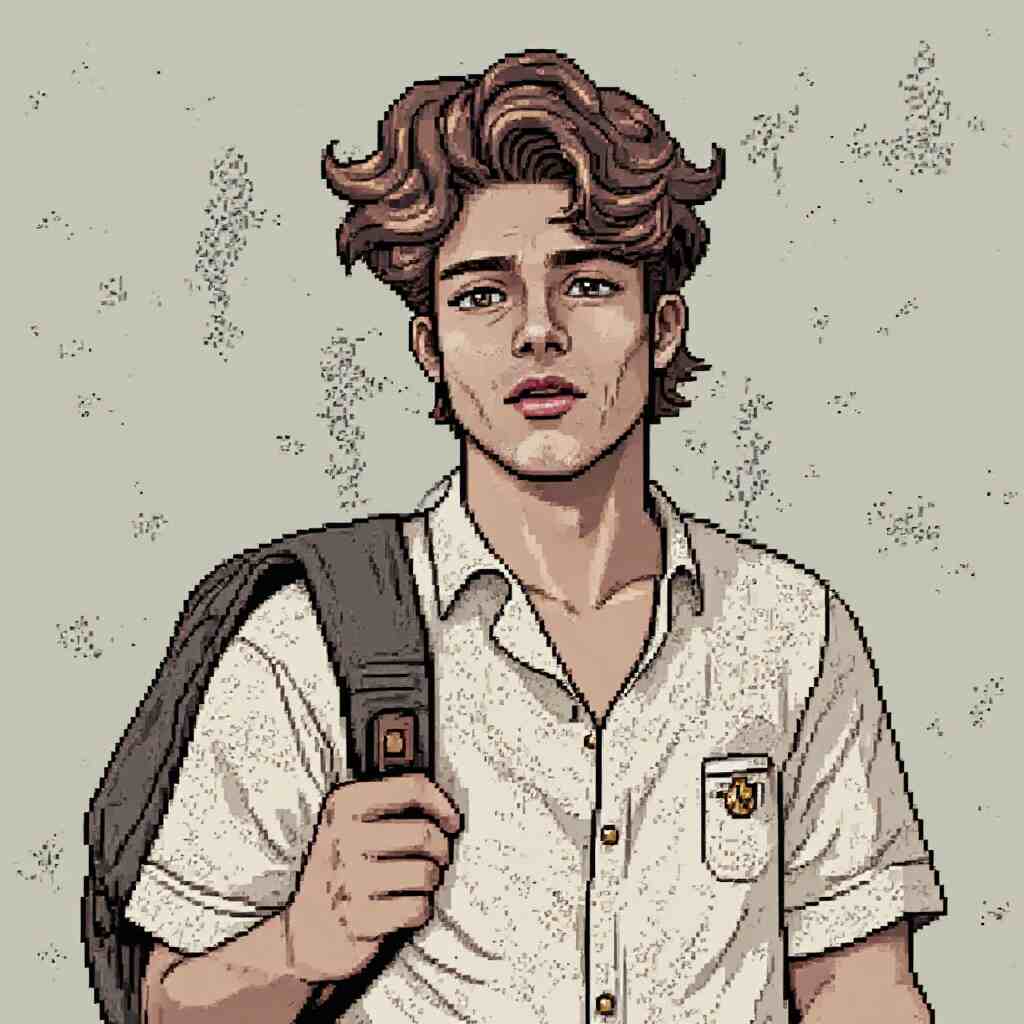
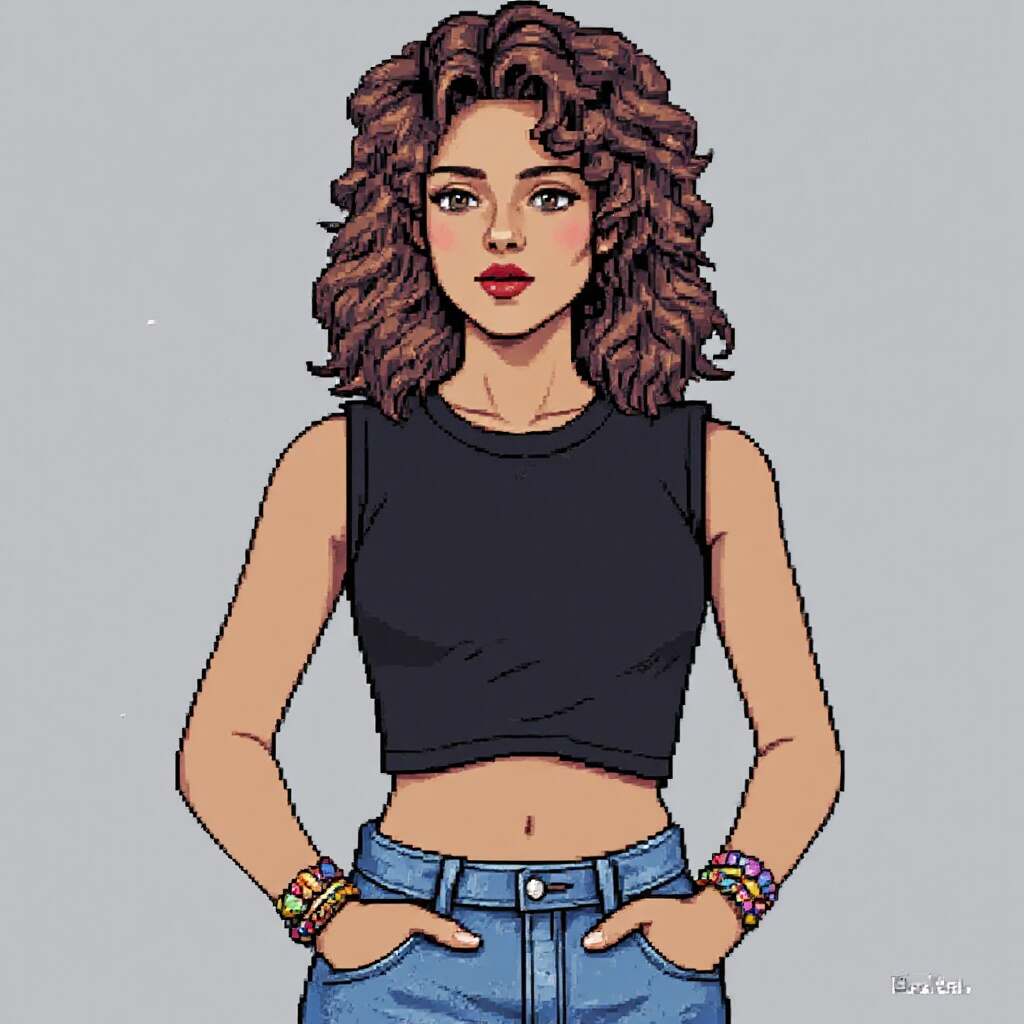
In the “Image” options, choose Pixel Art style for a PS2 filter effect. Customize the scene, clothing, weather, and adjust facial expressions and actions using prompts.
Step 4: Use Free Credits
You get 80 credits daily, allowing 4 sets of 4 images (16 photos total). You can also try other retro styles like Vintage Anime.
Get PS2 Filter Photos FOR FREE
Social Media Frenzy: How PS2 Filter Took Over
The impact of the PS2 Filter on social media has been nothing short of phenomenal. Platforms like TikTok and Instagram are filled with users sharing their transformed photos, often accompanied by hashtags like #PS2Filter or #RetroGaming. This trend has not only brought people together but also provided a unique way for content creators to engage with their audience.
One standout example is the Instagram account of a popular gaming content creator who used the PS2-Style Filter to recreate scenes from iconic PS2 games, leading to thousands of shares and increased follower engagement. These types of creative uses have helped push the filter from a fun novelty to a full-fledged trend.
Cultural Impact: Beyond Social Media
The PS2 Filter's influence extends far beyond social media. It's also having a profound effect on gaming culture and digital art. For many, the PS2 era represents a golden age of gaming, marked by innovative storytelling and groundbreaking graphics. By revisiting this era through the PS2 Filter, developers and artists are finding new inspiration for their work.
In the realm of digital art, the PS2 Filter has become a tool for creatives to explore new styles and themes. Artists are using these retro visuals to craft unique pieces that blend nostalgia with modern sensibilities, resulting in some truly breathtaking works.
Free vs. Paid Tools: What's the Difference?
There are many free tools to create PS2-style images, but is upgrading to a paid service worth it? It depends on what you need. Free options like PS2 Filter AI Free and APOB AI are great for trying out different effects.
Paid tools, however, offer more. They give you higher resolution, more customization, and even animated GIFs. If you want top quality or plan to use the filter professionally, a premium service might be the better choice.
Conclusion: The Future of PS2 Filter
As we look to the future, it's clear that the PS2 Filter is more than just a passing trend. It represents a convergence of nostalgia, creativity, and technology that's capturing the hearts of gamers and non-gamers alike.
Whether you're a retro gaming enthusiast or simply someone who appreciates the aesthetic of a bygone era, the PS2 Filter offers a unique way to engage with the past while embracing the present. As AI continues to evolve, we can expect even more innovative applications of this technology, from game development to digital art.
The PS2 Filter has proven to be more than just a fleeting trend—it’s a reflection of how nostalgia, creativity, and technology can come together to create something truly unique. As long as the PS2 era holds a special place in our hearts, we can be sure that the PS2 Filter will remain a beloved tool for expressing the past in new and exciting ways.
FAQ
Q1: What is the PS2 filter?
A1: The PlayStation 2 Aesthetic Filter is a digital effect that transforms modern images into retro-style visuals reminiscent of PlayStation 2 games. It uses AI to mimic low-poly models and pixelation, evoking nostalgia for the early 2000s gaming era. It's a blast from the past that's capturing hearts!
Q2: How to do PS2 filter?
A2: To create a PS2 filter, visit websites like Replicate or APOB AI, upload your photo, and select the "video game" or "PS2" style. You can also use mobile apps like those mentioned in TikTok tutorials. It's easy and fun!
Q3: Can I use the PS2 AIfilter on mobile devices?
A3: Yes, you can use the PS2 AI filter on mobile devices! APOB AI is available for both iOS and Android, allowing you to transform your photos into retro gaming characters on the go.
Q4: Is there a cost to use PS2 filter on APOB AI?
A4: Generally speaking, using the PS2 filter on APOB AI doesn't incur a cost. You can generate PS2-style photos by selecting a pixel art style, and with a free account, you can create up to 16 images daily. If you want to explore more features or generate more images, upgrading to a premium subscription might be necessary.
Q5: What photos should I upload for the best results?
A5:Please upload photos with clear facial features and sufficient lighting so that the AI can better analyze your facial structure and generate a personalized AI model of you for use in future AI content creation.
Q6: How can I transform my photo with the PS2 Filter?
A6:Simply upload a photo to APOB AI and select the Pixel Art style to achieve a PS2 filter effect. You can customize the scene, clothing, weather, and even adjust facial expressions and actions using prompts—then download your transformed image.
Read More
Abstract:
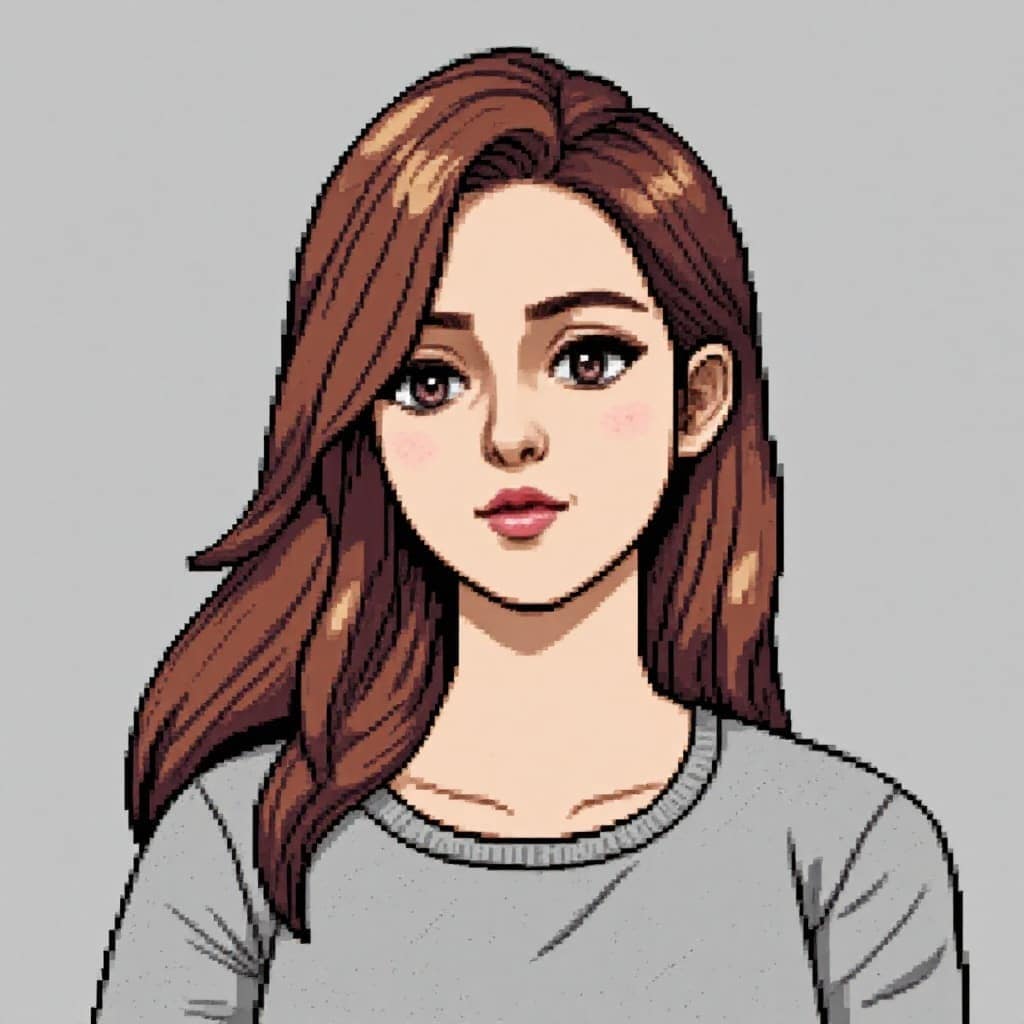
In this article, we explore the world of pixel art and the rise of pixel art maker from image tools that allow users to effortlessly convert their photos into stunning pixel art. We delve into the definition and history of pixel art, highlighting its unique characteristics and resurgence in modern digital art. The article discusses the benefits of using a pixel art maker from image, including accessibility for beginners, time-saving efficiency, and the ability to create pixel art from personal photos. We provide a step-by-step guide on how to use these tools, along with tips for selecting the best images and customizing the final artwork. Additionally, we introduce the concept of pixel art grid makers and their advantages in creating precise and uniform pixel art. The article also covers popular free pixel art maker from image tools, comparing their features and user experience. We offer creative ideas and projects for using pixel art, such as personalizing gifts, creating social media avatars, and designing game assets. Advanced techniques for enhancing pixel art, such as layering, shading, and animation, are also explored. Finally, we discuss platforms for showcasing and sharing pixel art creations and provide encouragement for readers to explore and create their own pixel art using the recommended tools.
Introduction
In the world of digital art, pixel art has made a remarkable comeback, captivating artists and enthusiasts alike. With the help of a pixel art maker from image, anyone can now transform their favorite photos into stunning, retro-style masterpieces. In this article, we'll explore the magic of pixel art and guide you through the process of creating your own pixel art from images.
What is Pixel Art?
Pixel art is a form of digital art where images are created and edited at the pixel level. This art style originated in the early days of video games and computer graphics, where artists worked with limited resolution and color palettes. Today, pixel art has evolved into a beloved art form appreciated for its nostalgic charm and unique aesthetic.
The Benefits of Using a Pixel Art Maker from Image
Creating pixel art from scratch can be time-consuming and require significant artistic skills. However, with a pixel art maker from image, the process becomes accessible and efficient for everyone. These tools allow you to convert any image into pixel art with just a few clicks, saving you time and enabling you to create stunning artwork without the need for extensive artistic experience.
How to Create Pixel Art from Images
To get started with a pixel art maker from image, follow these simple steps:
Choose a pixel art maker from image tool that suits your needs.
Upload the image you want to convert into pixel art.
Adjust the settings, such as pixel size and color palette, to customize your artwork.
Preview the result and make any necessary adjustments.
Save and share your pixel art creation with the world!
Pixel Art Grid Maker from Image: Precision and Uniformity
When creating pixel art, maintaining a consistent grid is crucial for achieving a polished and uniform look. A pixel art grid maker from image simplifies this process by automatically aligning your artwork to a grid, ensuring that each pixel is precisely placed. This feature is particularly useful for creating sprites, icons, and other small-scale pixel art pieces.
Discover Free Pixel Art Maker from Image Tools
While some pixel art maker from image tools come with a price tag, there are plenty of free options available. These free tools offer a range of features and provide an excellent starting point for beginners. Some popular free pixel art maker from image tools include Pixelator, Piskel, and Pixilart. Explore these tools and find the one that best suits your needs and preferences.
Get Creative with Pixel Art Projects
Once you've mastered the art of creating pixel art from images, the possibilities are endless. You can use your pixel art to personalize gifts, create unique social media avatars, or even design retro-style game assets. Let your imagination run wild and experiment with different styles and techniques to develop your own unique pixel art style.
Frequently Asked Questions (FAQs)
Q1: Can I use any image with a pixel art maker from image?
A1: Yes, you can use almost any image, but keep in mind that images with simple compositions and clear lines work best for pixel art conversion.
Q2: How can I share my pixel art creations with others?
A2: There are numerous online platforms dedicated to showcasing pixel art, such as Pixel Joint and r/PixelArt on Reddit. You can also share your artwork on social media or create your own website or portfolio.
Q3: Are there any advanced techniques for creating pixel art from images?
A3: Yes, you can experiment with layering, shading, and animation techniques to add depth and movement to your pixel art creations. Additionally, you can combine pixel art with other digital art styles for unique and eye-catching results.
Conclusion
Creating pixel art from images has never been easier, thanks to the availability of user-friendly pixel art maker from image tools. Whether you're a seasoned artist or a complete beginner, these tools empower you to transform ordinary photos into extraordinary pixel art masterpieces. So why not give it a try? Unleash your creativity and dive into the world of pixel art today!
Read More
1. Lightning-Fast Asset Creation
Instantly generate game-ready art—ideal for prototypes, jam games, or batch asset production.
2. Consistent Retro Aesthetic
Maintain a unified visual style across all your designs.
3. Free & Web-Based
No downloads, no fees—just sign up and use your free daily credits.
1. Prompt Quality Affects Output
Generic prompts = generic results. Use creative and specific prompts for best outcomes.
Is APOB’s pixel art AI generator free?
Yes! Sign up for a free account and receive 80 daily credits—no subscription required, no watermark.
Can I use AI-generated pixel art for commercial use?
Absolutely. Use your pixel art for games, NFTs, merch, videos, or social media content.
Do I need to install any software?
No. APOB AI runs directly in your browser. No downloads, no lag—just creativity.
Can ai make pixel art?
Yes. APOB AI uses advanced models to turn photos or prompts into detailed, retro-style pixel art. From 8-bit portraits to RPG sprites, it’s all possible with AI.
How to make pixel art with ai?
Here’s a quick recap:
Sign up/log in at app.apob.ai
Create or upload a model
Customize your character
Select the “Pixel” style or use Expert Mode
Click generate and download your art
The more specific your prompt, the better the pixel-perfect result!


