Create, edit, caption, and prepare original videos for X from scripts, product images, presenter assets, or authorized clips. APOB AI handles the creative workflow before publishing; posting, scheduling, and analytics remain separate.
What Are Twitter Video Tools and Which Type Do You Need?
The phrase can describe an entire production stack, not one universal app. Choose the workflow from the asset you already have and the publishing job you need to complete.
Written idea or script: Use Text-to-video or Talking Avatar to generate an original scene; publishing and analytics stay in X or another approved tool.
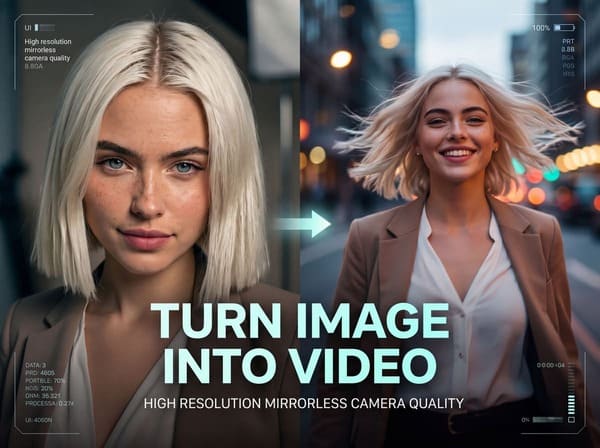
Approved product or presenter image: Use Image-to-video to add controlled motion, then inspect the final crop and format.
Authorized video clip: Use Edit Video to revise visible content; frame-accurate cutting or advanced audio mixing may still need a timeline editor.
Several planned scenes: Use Storyboard to organizThe phrase can describe an entire production stack, not one universal app. Choose the workflow from the asset you already have and the publishing job you need to complete.
Multilingual campaign brief: Use voice and subtitle workflows, followed by review from a fluent speaker.
APOB is best understood as an AI video maker for Twitter and X content, rather than a downloader, scheduler, or social analytics dashboard. Use only material you created, licensed, or have permission to modify.e the sequence, then finish the timeline where needed.
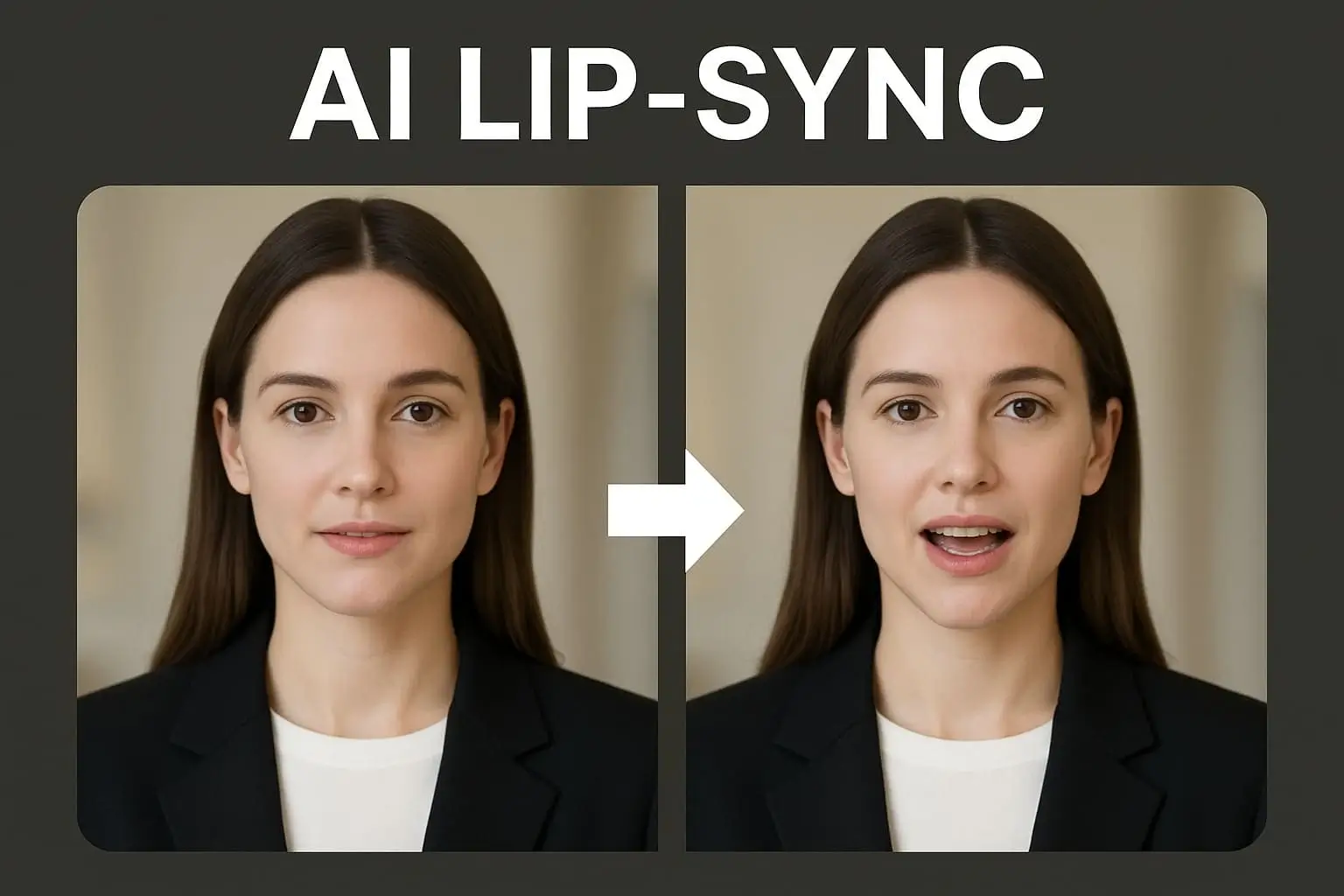
Existing narration: Use Lip Sync for a visible presenter, with separate audio cleanup when required.

Consent and Likeness
Only upload or animate a person's face, video, or voice when you have permission for the intended use. Do not create a presenter that impersonates an employee, expert, public figure, or private individual.
Copyright and Asset Licensing
Use original, licensed, public-domain, or otherwise authorized images, clips, music, interfaces, and brand assets. The fact that a video appears in an X post does not automatically grant permission to download, edit, or republish it.
Commercial Use
Review the current APOB Terms of Service and confirm that you hold the necessary rights to every uploaded asset. Client approval, talent releases, trademark permission, music licensing, and advertising rules may still apply.
Synthetic-Media Disclosure
Disclose a realistic AI presenter or virtual influencer Consent and Likeness
Only upload or animate a person's face, video, or voice when you have permission for the intended use. Do not create a presenter that impersonates an employee, expert, public figure, or private individual.
Accuracy and Context
Do not edit speech, subtitles, sequence, or framing in a way that materially changes what a real person said or did. Cite the source and date when discussing current events, research, health, finance, or other sensitive topics.
Privacy and Confidential Material
Do not upload unreleased products, private customer information, internal dashboards, or confidential footage unless your organization has approved the service and workflow.
Platform Rules
Check current X policies before posting advertising, political, financial, health, or other regulated content. AI-assisted production does not remove the account owner's responsibility for the final post.
This section provides general information and is not legal advice.when viewers could mistake the subject for a real person. X prohibits deceptive identities, impersonation, and other inauthentic activity. X authenticity policy
The walkthrough below uses one concrete task: remove distracting red flowers from an authorized portrait clip while keeping the yellow flower, presenter, framing, and motion unchanged. It shows how APOB's prompt-based editor fits into a practical pre-publishing workflow for X.
Step 1: Open Edit Video and Choose Edit Everything
Problem: Regenerating a usable clip can alter the presenter, camera position, or product details when only one background element needs correction.
APOB workflow: Open the model workspace, select Edit video, and choose Edit everything. This mode accepts a focused natural-language instruction while using the uploaded video as the reference.
Example: A social manager has a five-second presenter clip for an X product announcement. Two red flowers compete with the speaker, but the yellow flower matches the campaign palette and should remain.

Step 2: Select an Authorized Source Video
Problem: A low-resolution, heavily compressed, or unlicensed source makes consistent editing harder and can create rights problems before the post is published.
APOB workflow: Select an existing APOB generation or upload a video you own or are authorized to modify. Choose a clip where the target object remains visible long enough for the edit to be checked across multiple frames.
Example: The team selects the approved portrait clip rather than downloading a reposted copy from X. The original preserves cleaner edges around the presenter's hair and flowers.
Step 3: Write a Remove-and-Keep Instruction
Problem: A vague command such as "clean the background" may remove the wrong object or change details that were already approved.
APOB workflow: Name the target, state what must remain, and add continuity constraints for the presenter, motion, framing, lighting, and background. A useful instruction separates removals from protected elements.
Example prompt:
Remove only the two red flowers from her hair. Keep the yellow flower, face, hairstyle, yellow dress, movement, sunlight, framing, and garden background unchanged. Replace the removed areas with consistent natural hair.


Step 4: Check Output Settings Before Generating
Problem: Teams can spend credits on the wrong duration or resolution when they treat output settings as an afterthought.
APOB workflow: Review the selected duration, resolution, quality level, and displayed credit estimate before clicking Generate. Use a short test segment when the purpose is to validate a difficult edit.
Example: The social manager tests the five-second section at the displayed 720p setting before applying the approach to a longer campaign clip.ution, quality level, and displayed credit estimate before clicking Generate. Use a short test segment when the purpose is to validate a difficult edit.
Step 5: Review the Generated Video Frame by Frame
Problem: A clean first frame does not prove that the edit remains stable when the subject turns, hair moves, or the camera changes.
APOB workflow: Open the generated result and inspect the beginning, middle, and end. Compare the edited clip with the source for face shape, hair edges, the protected yellow flower, clothing, motion, and background continuity.
Example: The red flowers disappear, but the reviewer also checks that the yellow flower does not flicker and that reconstructed hair follows the head movement naturally.ect the beginning, middle, and end. Compare the edited clip with the source for face shape, hair edges, the protected yellow flower, clothing, motion, and background continuity.


Step 6: Inspect the Final File Before Uploading to X
Problem: A successful AI edit can still fail as an X post if the crop hides the subject, captions touch the edges, or the file does not match the intended publishing workflow.
APOB workflow: Inspect the completed clip outside the editing view, then export the approved version. APOB prepares the creative; upload, scheduling, and analytics remain in X or another approved publishing tool.Step 6: Inspect the Final File Before Uploading to X
Example: The team watches the clip with sound and muted, checks the opening frame at phone size, verifies caption placement, and uploads it manually with the product announcement.
For standard web uploads, X currently lists non-Premium uploads up to 140 seconds and 512 MB, while Premium accounts have higher duration and file-size limits. Resolution, aspect ratio, frame-rate, Media Studio, and advertising requirements differ by workflow and can change. Verify the current X video guidance, Media Studio specifications, or X Ads creative specifications before export.
Expert Prompts for Twitter Video Tools
Prompt 1: SaaS Feature Announcement
Purpose: Explain one interface improvement without inventing performance claims.
Prompt:
Create a 35-second X product video for a SaaS dashboard update. Open on a cluttered campaign analytics screen, then show a user activating a new campaign filter and narrowing the dashboard to three relevant results. Use restrained camera movement, crisp neutral lighting, and a practical product-demo tone. Display the text "Find the signal faster" for two seconds. End on the filtered dashboard with a small "Available now" label. Do not add numerical results, customer quotes, or features that are not visible in the supplied interface.
Expected output: A focused three- or four-scene product announcement.
Prompt 2: Ecommerce Product Demonstration
Purpose: Show a physical product in use while preserving its design.
Prompt:
Animate the uploaded navy insulated travel bottle in a bright commuter setting for a 20-second X video. Begin with a medium product shot on a clean desk, move to a close-up of condensation on the bottle, and finish with the bottle placed inside a black backpack side pocket. Use natural morning light and slow camera motion. Display "Cold drinks, less desk clutter" for two seconds. Preserve the exact logo, lid shape, navy color, and proportions of the uploaded product.
Expected output: A three-shot product demonstration suitable for an organic post.
Prompt 3: Faceless Security Explainer
Purpose: Teach one concept without showing the creator.
Prompt:
Produce a 45-second faceless explainer about why password reuse increases account risk. Use simple animated account and key diagrams rather than fear-based imagery. Structure the video as a one-sentence hook, one realistic example, the consequence, and one practical action. Use a calm voice and concise subtitles. Include the on-screen line "One leaked password can expose more than one account." End with "Use unique passwords and enable MFA." Do not add unsupported statistics.
Expected output: A four-part educational video that remains understandable without audio.
Prompt 4: Disclosed AI Fashion Presenter
Purpose: Produce a recurring commentary episode with a fictional host.
Prompt:
Create a 30-second commentary video featuring the approved fictional AI fashion presenter. Frame the presenter from the chest up in a bright studio with fabric samples in the background. The presenter explains three practical ways to combine navy and pale green for spring office clothing. Use friendly pacing, limited natural gestures, and readable captions. End with the presenter holding the two color swatches beside the text "Which combination would you wear?" Do not imitate or reference a real designer, celebrity, or influencer.
Expected output: A concise, disclosed AI-presenter episode for a recurring series.Prompt 1: SaaS Feature Announcement
Purpose: Explain one interface improvement without inventing performance claims.
Prompt:
Create a 35-second X product video for a SaaS dashboard update. Open on a cluttered campaign analytics screen, then show a user activating a new campaign filter and narrowing the dashboard to three relevant results. Use restrained camera movement, crisp neutral lighting, and a practical product-demo tone. Display the text "Find the signal faster" for two seconds. End on the filtered dashboard with a small "Available now" label. Do not add numerical results, customer quotes, or features that are not visible in the supplied interface.
Expected output: A focused three- or four-scene product announcement.
Start from the Asset You Already Trust
A product team can begin with an approved product image. A creator can begin with a fictional presenter. A marketer can revise an authorized clip. This reduces the need to discard useful source material simply because it was not recorded for X.
Revise a Specific Visual Problem
Prompt-led editing is useful when one element is wrong but the rest of the shot works. Removing a background object, changing a camera instruction, or correcting a product scene is more practical than rebuilding the entire message.
Keep a Recurring Series Recognizable
A consistent virtual presenter, visual setting, and voice can help a weekly product or educational series feel connected. Consistency still requires human review because face shape, wardrobe, product details, and voice pronunciation can vary between generations.Start from the Asset You Already Trust
A product team can begin with an approved product image. A creator can begin with a fictional presenter. A marketer can revise an authorized clip. This reduces the need to discard useful source material simply because it was not recorded for X.
For marketers comparing Twitter video tools, the useful question is not how many clips can be generated, but whether the workflow fits a repeatable publishing task. IAB reported that U.S. digital video advertising spending grew 18% year over year in 2024 to $64 billion and projected it to reach $72 billion in 2025. This does not guarantee results on X, but it helps explain why teams need repeatable production and review processes. IAB Digital Video Ad Spend Report
Organic Product Launch Posts
A skincare brand can animate an approved bottle image, show the applicator, and finish with the verified release date. The workflow avoids filming a new studio video for every minor product update. Packaging and product claims still need manual review.
Faceless Educational Content
A cybersecurity educator can combine diagrams, generated examples, narration, and subtitles without appearing on camera. Each X video should explain one concept, such as password reuse, and the accompanying post should link to the supporting source.
X Video Ad Creative
An ecommerce team can prepare a short square product demonstration for paid testing and a vertical version for an immersive placement. X recommends captions or text overlays for video ads and publishes placement-specific dimensions, codecs, and duration guidance. Check the current X Ads specifications before submitting paid creative.For marketers comparing Twitter video tools, the useful question is not how many clips can be generated, but whether the workflow fits a repeatable publishing task. IAB reported that U.S. digital video advertising spending grew 18% year over year in 2024 to $64 billion and projected it to reach $72 billion in 2025. This does not guarantee results on X, but it helps explain why teams need repeatable production and review processes. IAB Digital Video Ad Spend Report
 Maeve Collins
I turned a product announcement into a short video for X instead of posting another static graphic. Keeping the first line as the visual hook made the clip understandable even while people scrolled quickly.
 Zane Foster
A longer demo needed a concise teaser for our launch thread. I focused the video on one feature and one result, then used the post copy for the extra context. The combination felt much clearer.
 Lila Santos
I resized a vertical creator clip for a wider feed placement and checked that the captions stayed inside the frame. The subject remained visible without rebuilding the entire edit.
 Connor Hayes
For a weekly update, I used a faceless voiceover with simple product visuals. It gave the post more movement without requiring anyone on the team to record a talking-head video.
 TweetToClip
I made a short loop from a before-and-after example. The ending needed a small timing adjustment, but the repeated motion worked well in the feed and made the result easy to understand.
 SocialCutDesk
A thread about three common mistakes became a compact video summary. The shot plan helped me avoid cramming every sentence on screen, and the post could still link to the full explanation.
 ThreadAndVideo
I used the same source visual for X and a vertical social version. Preparing each ratio separately protected the headline and logo much better than relying on platform cropping.
 LaunchLoop
Our event reminder looked flat as an image, so I added subtle motion and a clear date card. The clip stayed professional and did not feel like a loud trend video, which fit our audience.
 CreatorSignal
The workflow is useful for quick campaign updates when the message changes but the visual identity should stay consistent. I can revise narration and export a fresh social asset without arranging another shoot.
Several starting points: Teams can begin from text, an image, an authorized clip, or approved audio instead of forcing every project into one generation method.
Original creative assets: APOB can generate a new scene or fictional presenter when licensed footage does not exist.
Focused visual revisions: Prompt-led editing can address a specific object, background, shot, or product issue without changing the entire concept.
Repeatable series identity: A recurring presenter, voice, and visual treatment can connect product updates, explainers, and commentary.Several starting points: Teams can begin from text, an image, an authorized clip, or approved audio instead of forcing every project into one generation method.
AI artifacts require review: Hands, labels, small objects, eye direction, and lip alignment can still need another generation.
Not a frame-accurate desktop editor: Complex cuts, advanced audio mixing, and custom motion graphics may require specialist editing software.
No automatic factual verification: Dates, statistics, prices, product claims, and news statements must be checked by a person.
Publishing and analytics remain separate: The finished file must still be uploaded, scheduled, and measured using X or another approved platform tool.
Cost varies by workflow: Selected model, duration, resolution, and generation mode can affect credit use. Review the live APOB interface before starting a batch.
No Credit Card Required

Practical answers about formats, permissions, workflow, quality, pricing, privacy, and publishing on X.
Q1: What are Twitter video tools?
P1: They are tools used to generate, edit, caption, translate, format, publish, or analyze videos for X. APOB concentrates on original creation and pre-publishing preparation.
Q2: Can APOB AI download videos from X?
P2: APOB should not be presented as an X video downloader. Use original or authorized source material and follow the rights holder's download and reuse permissions.
Q3: Can I edit an existing video for X?
P3: Yes, if you own the clip or have permission to modify it. APOB Edit Video includes focused modes for changing characters, motion, style, shots, products, and backgrounds, plus a broader Edit Everything mode.
Q4: What video format works best on X?
P4: Requirements depend on whether you are publishing an ordinary post, using Media Studio, or creating an ad. X Media Studio lists MP4 or MOV, H.264 video, and AAC LC audio. Always check the specification page for your actual publishing workflow.
Q5: Which aspect ratio should I use?
P5: X accepts a broad range for standard web uploads. Choose vertical, square, or landscape based on the placement and source material, then inspect captions, faces, and products at the final dimensions. Paid placements have more specific recommendations.
Q6: How long can a standard X video be?
P6: X currently allows non-Premium web uploads up to 140 seconds and 512 MB. Premium accounts have higher limits. Check the official X guidance because platform rules can change.
Q7: How do I reduce the effect of X compression?
P7: Begin with a clean source, avoid tiny text and excessive visual noise, use supported export settings, and inspect the uploaded post before promoting it. Do not increase the frame rate of low-frame-rate source footage simply to produce a larger file.
Q8: Can APOB add captions?
P8: APOB includes a subtitle workflow. Review spelling, line length, timing, contrast, and placement before export, especially for names, numbers, dates, and product terms.
Q9: Does APOB replace Twitter video transcription tools?
P9: Not in every workflow. A dedicated transcription product may still be needed for speaker identification, timestamps, searchable transcripts, or specific SRT and VTT requirements.
Q10: Can I translate an X video into another language?
P10: You can prepare separate voice and subtitle versions when the required language and voice options are available. Dedicated Twitter video translation tools may still be preferable for translation memory, terminology control, and large-scale localization. Use a fluent reviewer before publishing.
Q11: Is APOB AI free?
P11: APOB uses a credit-based model and may provide free access or credits. Availability and generation costs can change, so review the current account interface before planning production volume.
Q12: Can I use an APOB-generated video commercially?
P12: Commercial use depends on the current APOB terms and your rights to the source material. Review the terms and obtain any required talent, music, trademark, client, or product permissions.
Q13: How can I improve AI video quality?
P13: Use a sharp source image, keep actions simple, limit unnecessary camera movement, and regenerate scenes with distorted faces, hands, labels, or products. Review every final file at the size viewers will see in the X feed.
Q14: Can I create an X video from a product image?
P14: Yes. Use image-to-video when an approved product photo, package design, or campaign composition must remain the visual reference. Check labels, colors, proportions, and small text in every generated shot.
Q15: Can I make faceless videos for X?
P15: Yes. A faceless workflow can combine products, diagrams, screen-based examples, narration, and subtitles without showing the creator. Use one topic per video and cite supporting sources in the post when the content makes factual claims.
Q16: Does APOB publish directly to X?
P16: This page treats APOB as a creation and editing workspace, not a direct X publisher. Export the reviewed file, then upload or schedule it through X or an approved social media management tool.
Q17: Can I use a real person's face or voice?
P17: Only when you have permission for the intended use. Do not imitate a public figure, employee, customer, or private individual without authorization, and disclose realistic synthetic media when viewers could mistake it for a real recording.
Q18: How can I keep logos and product labels accurate?
P18: Start with a sharp reference, reduce unnecessary motion, keep the product large enough to inspect, and regenerate any shot with altered lettering or geometry. For legally sensitive packaging or exact interface text, compositing the approved asset in a conventional editor may be safer.
Q19: Do I still need a desktop video editor?
P19: Sometimes. APOB can generate scenes and handle prompt-based revisions, but frame-accurate cuts, advanced sound mixing, complex motion graphics, and strict brand-compositing tasks may still require specialist editing software.
Q20: How do I keep a recurring X video series consistent?
P20: Reuse the approved presenter or product reference, maintain a written style guide, keep camera and lighting instructions stable, and compare each episode with the previous approved post. Human review is still needed for face, wardrobe, voice, and product continuity.


