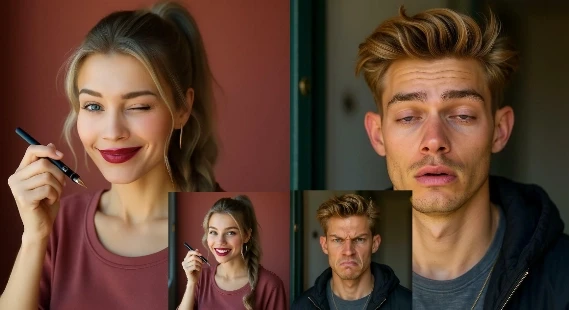
AI Face Expression Changer: Make a Photo Smile, Frown, Laugh, or Look Natural
An AI face expression changer is useful when the photo is almost right but the expression is not. Maybe the lighting is perfect but the smile feels stiff. Maybe a headshot needs to look warmer. Maybe a character image needs surprise, sadness, confidence, or a softer gaze.
The best results come from realistic expectations: expression editing works best on clear faces, simple angles, and emotions that still fit the original photo.
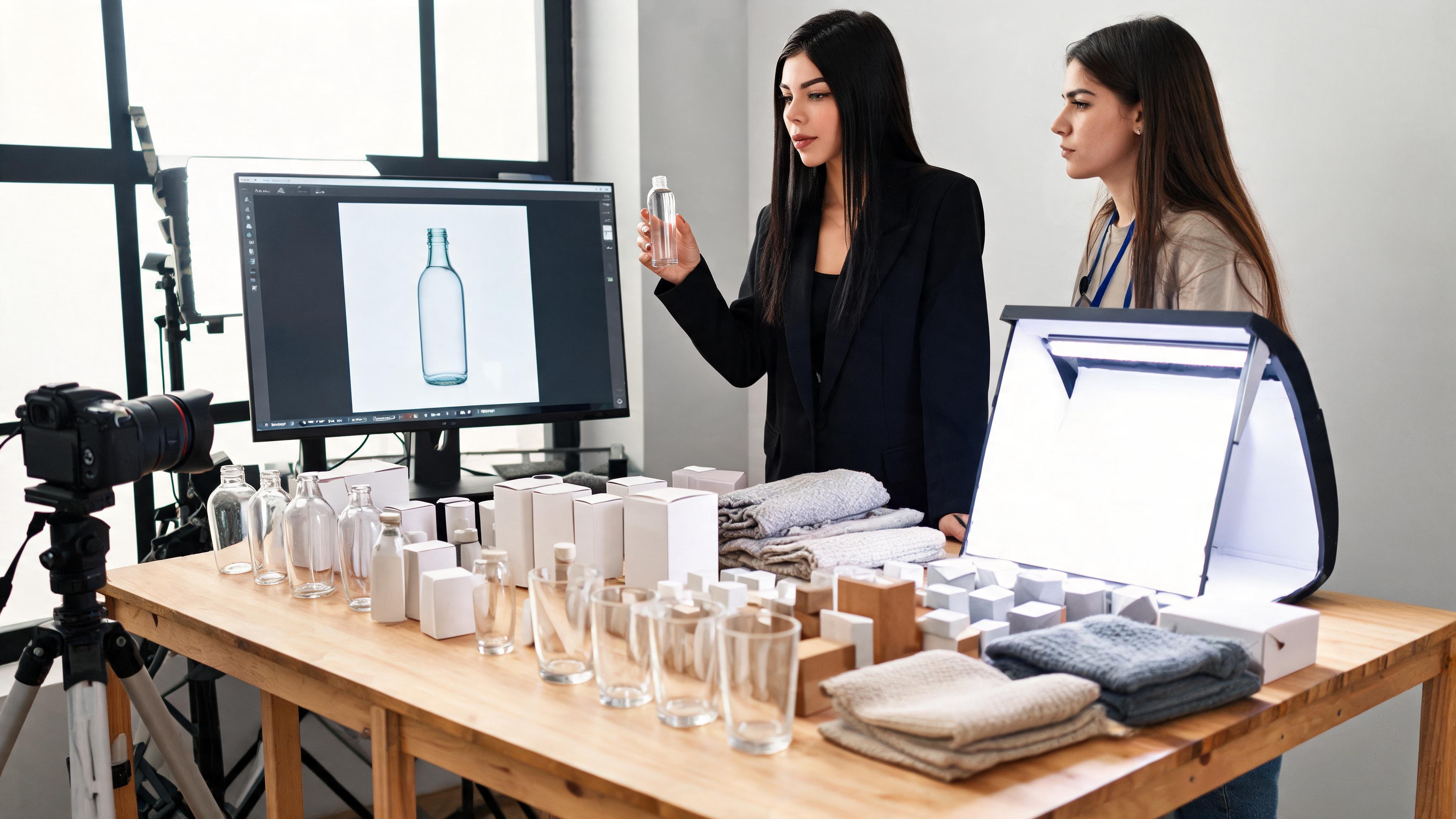
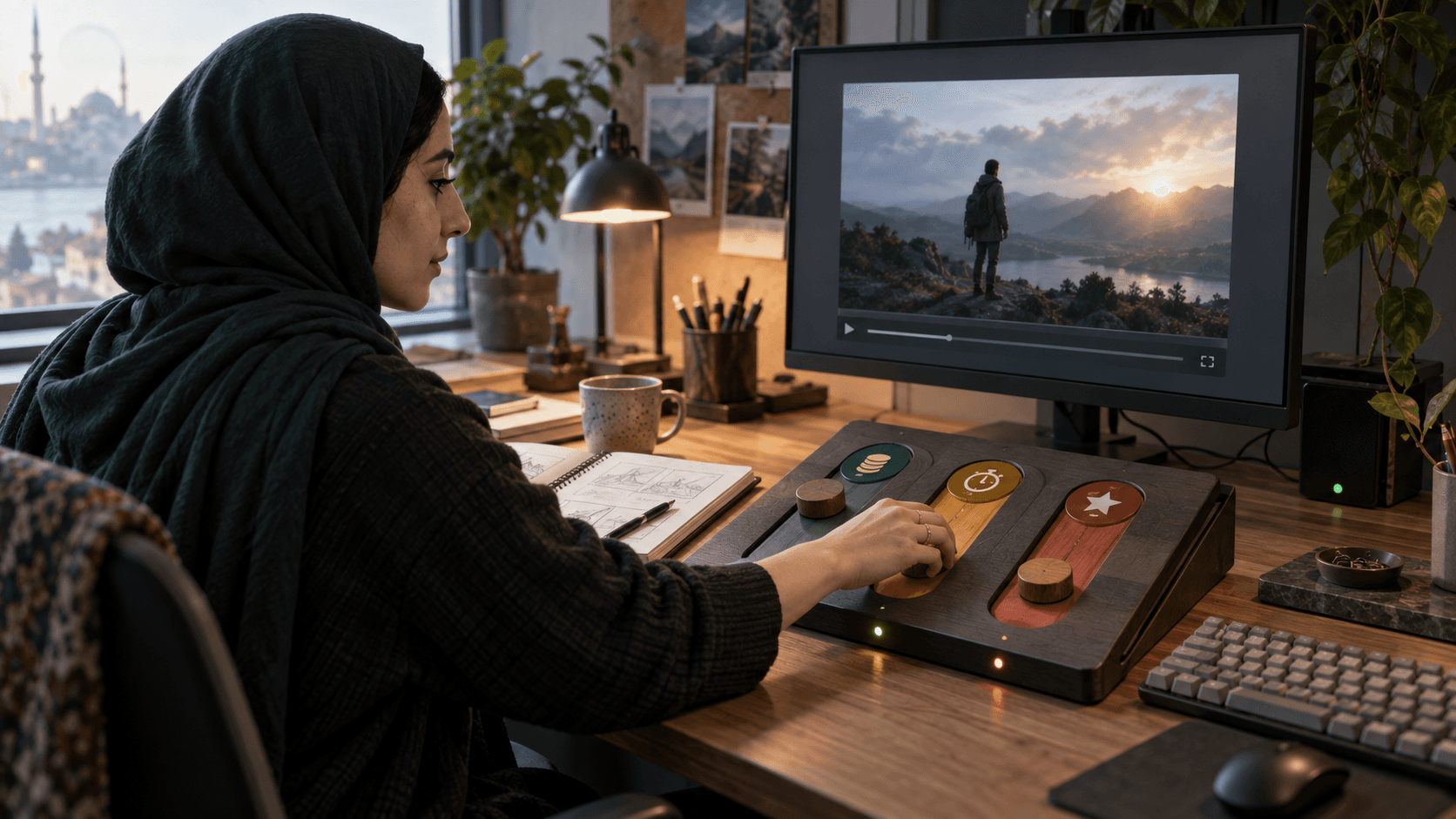
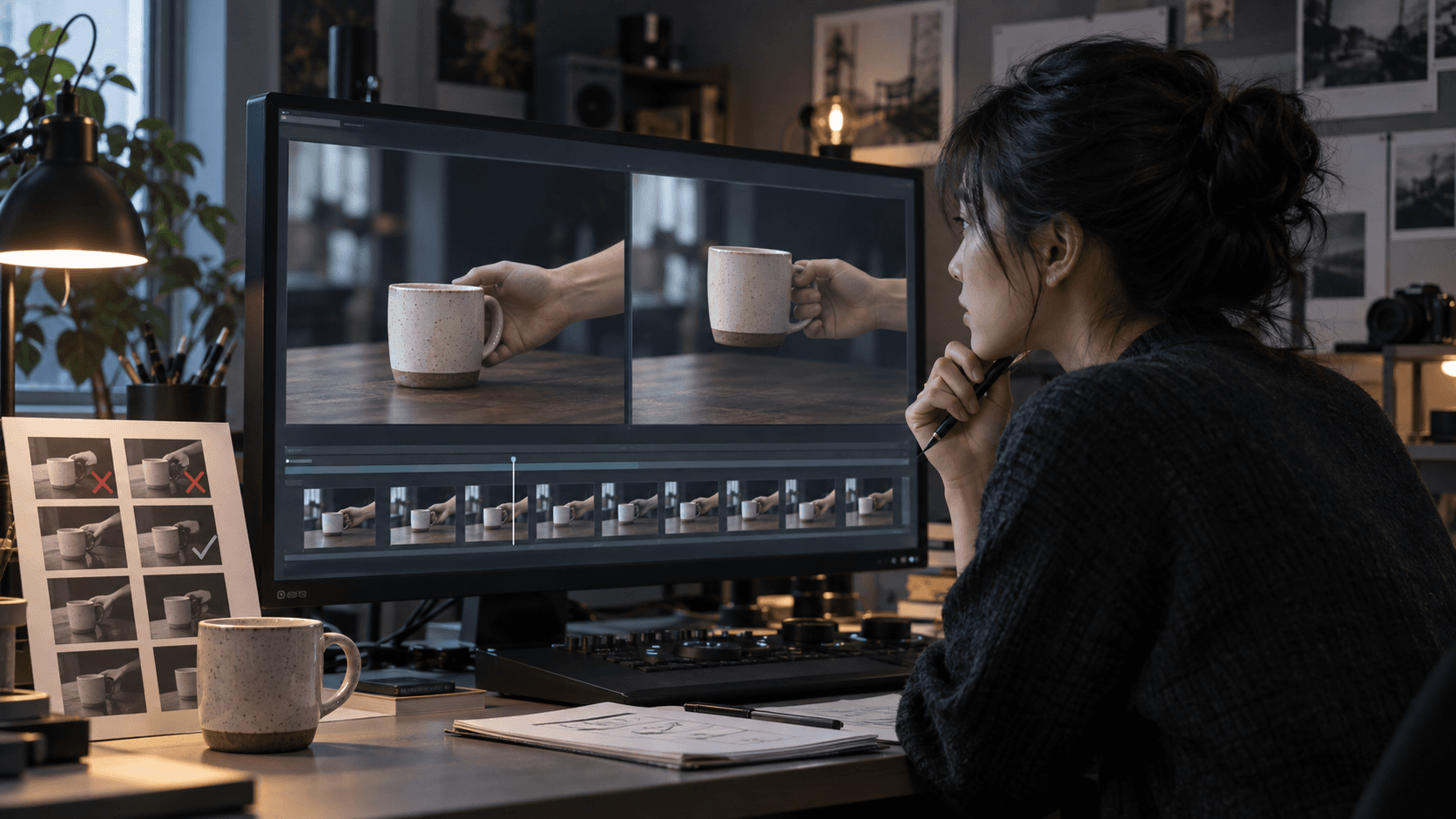
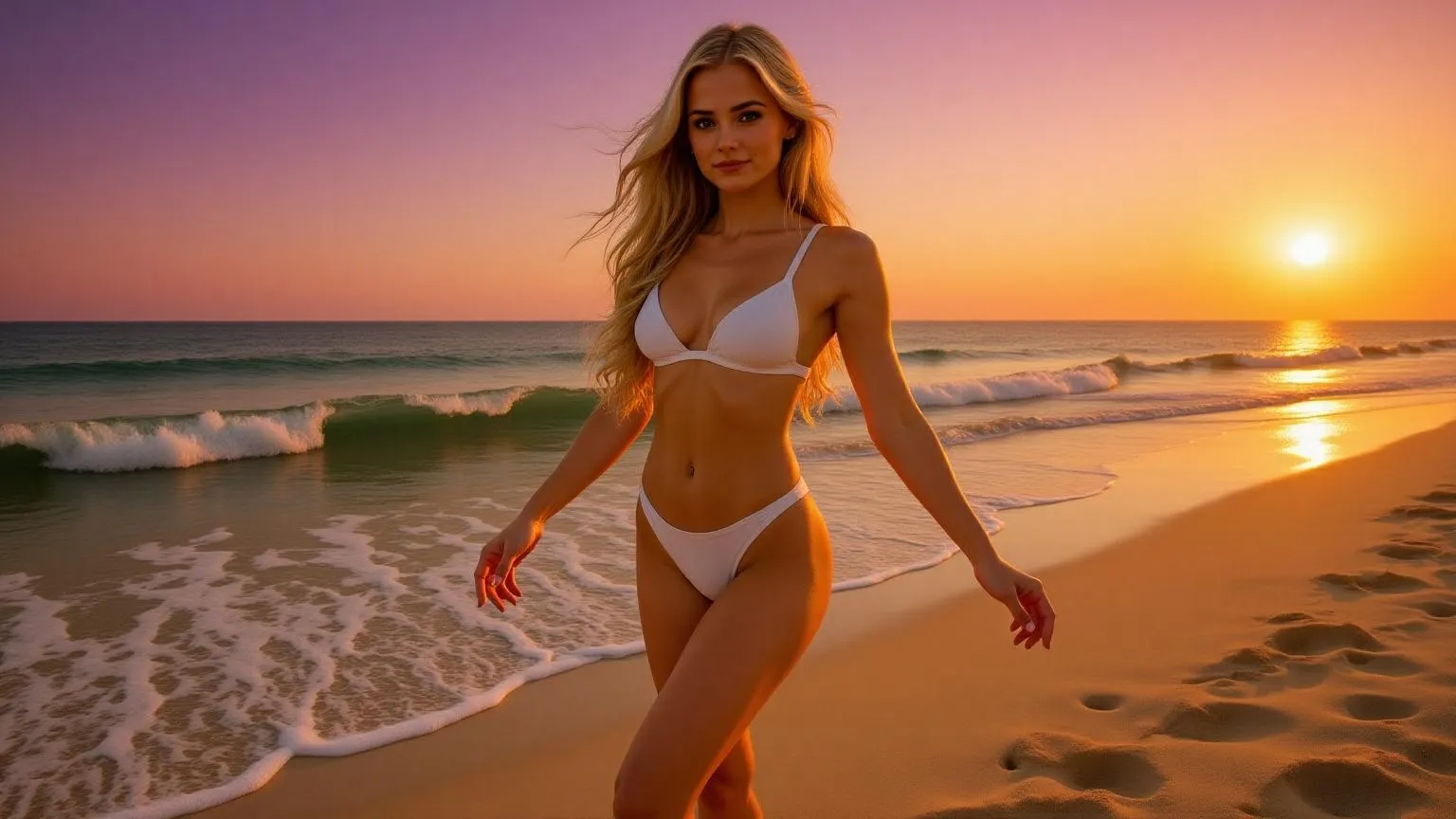
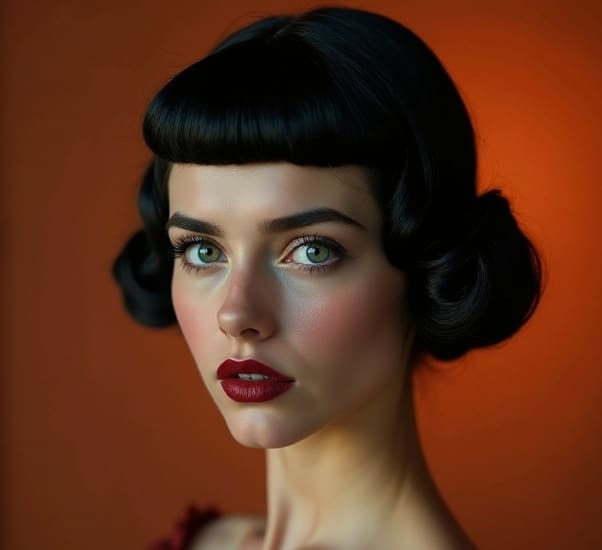
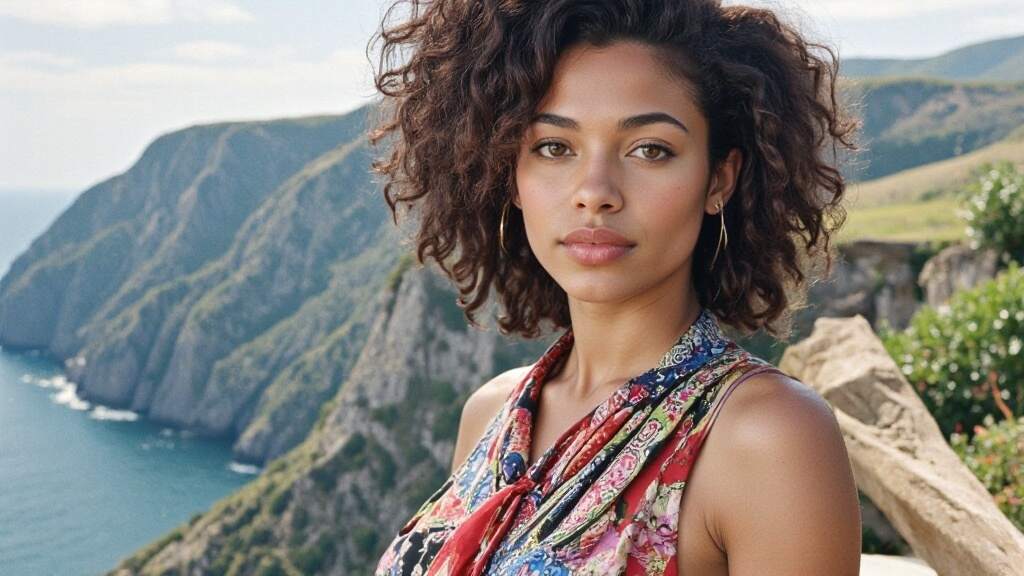
Visual examples
The examples below show the visual direction for this workflow and keep the original media assets in place.
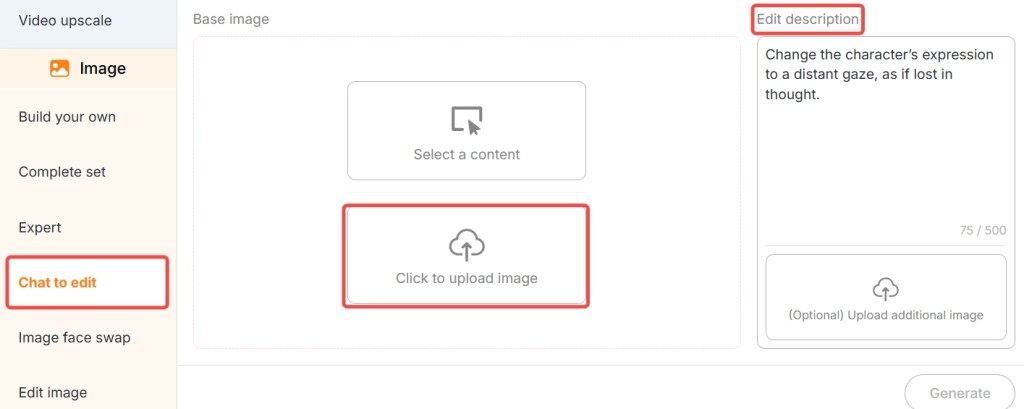
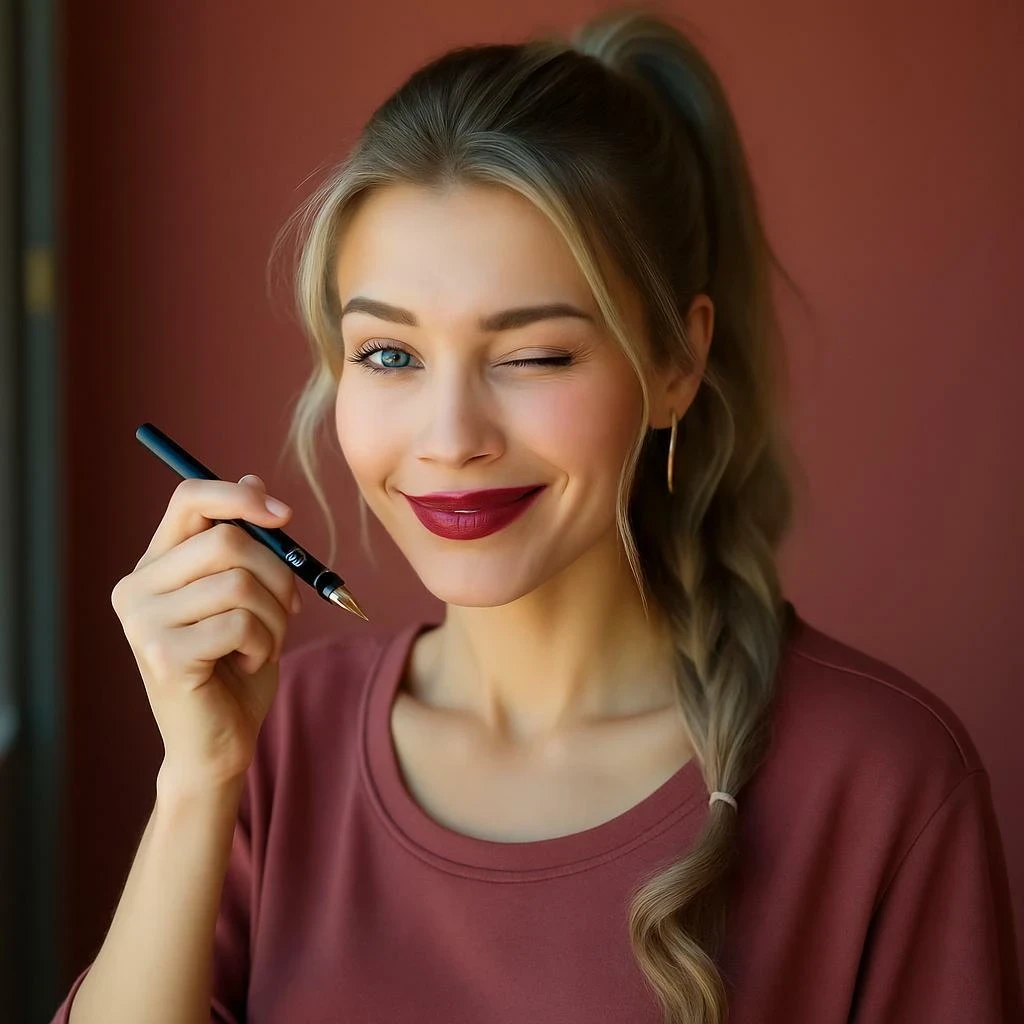
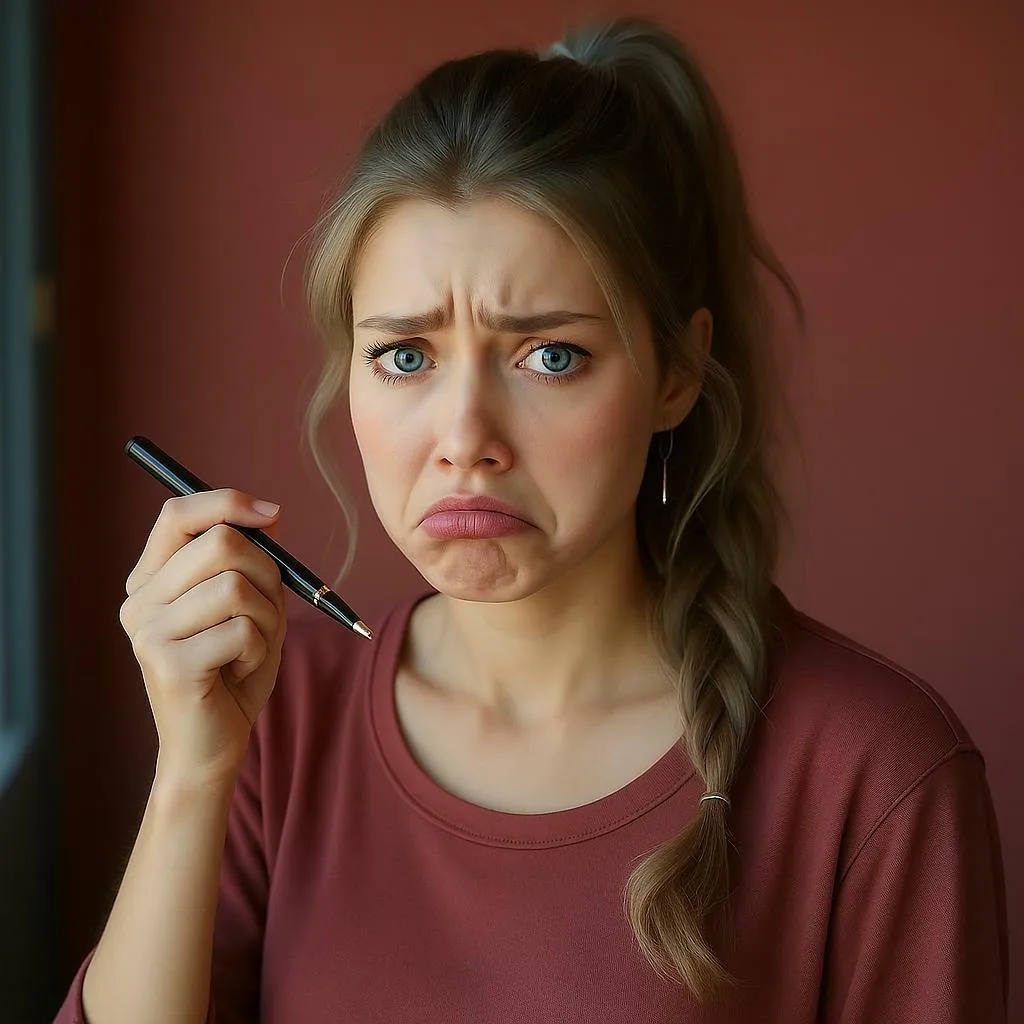
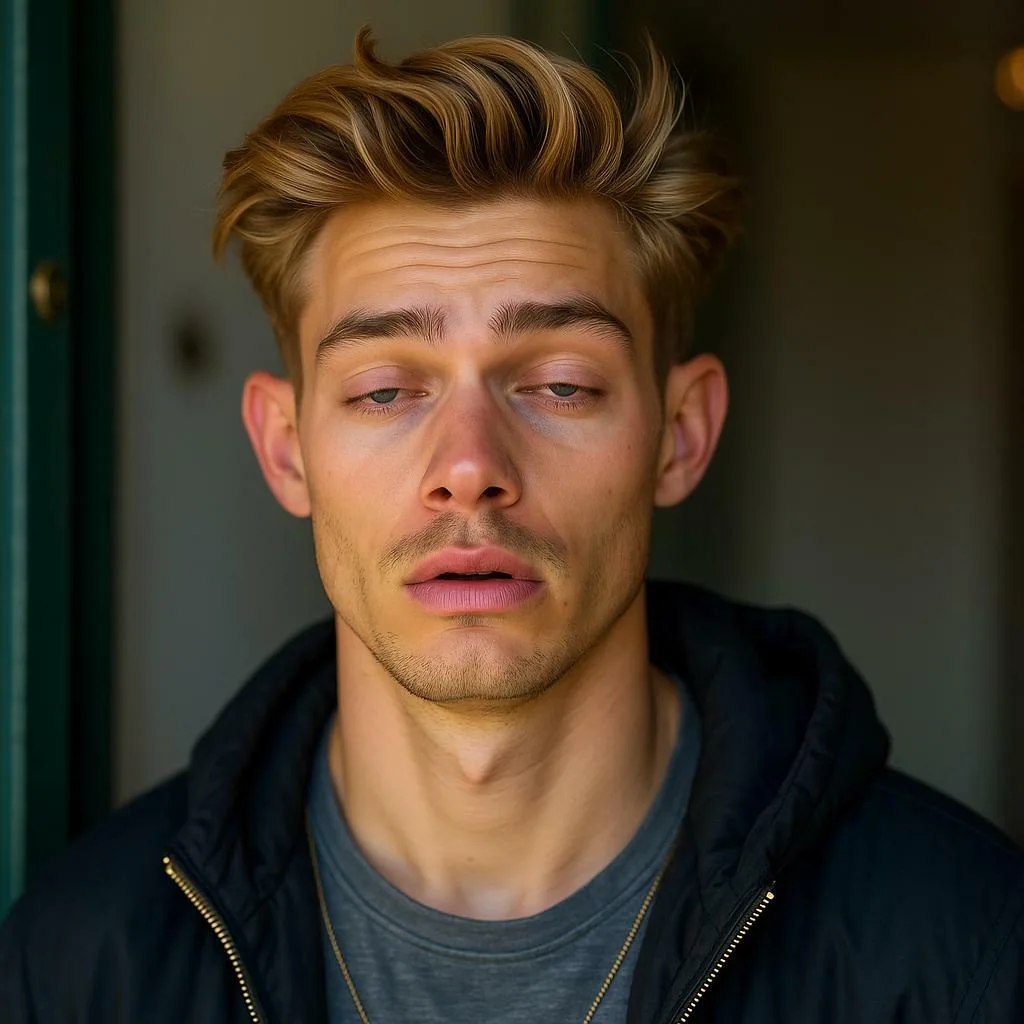

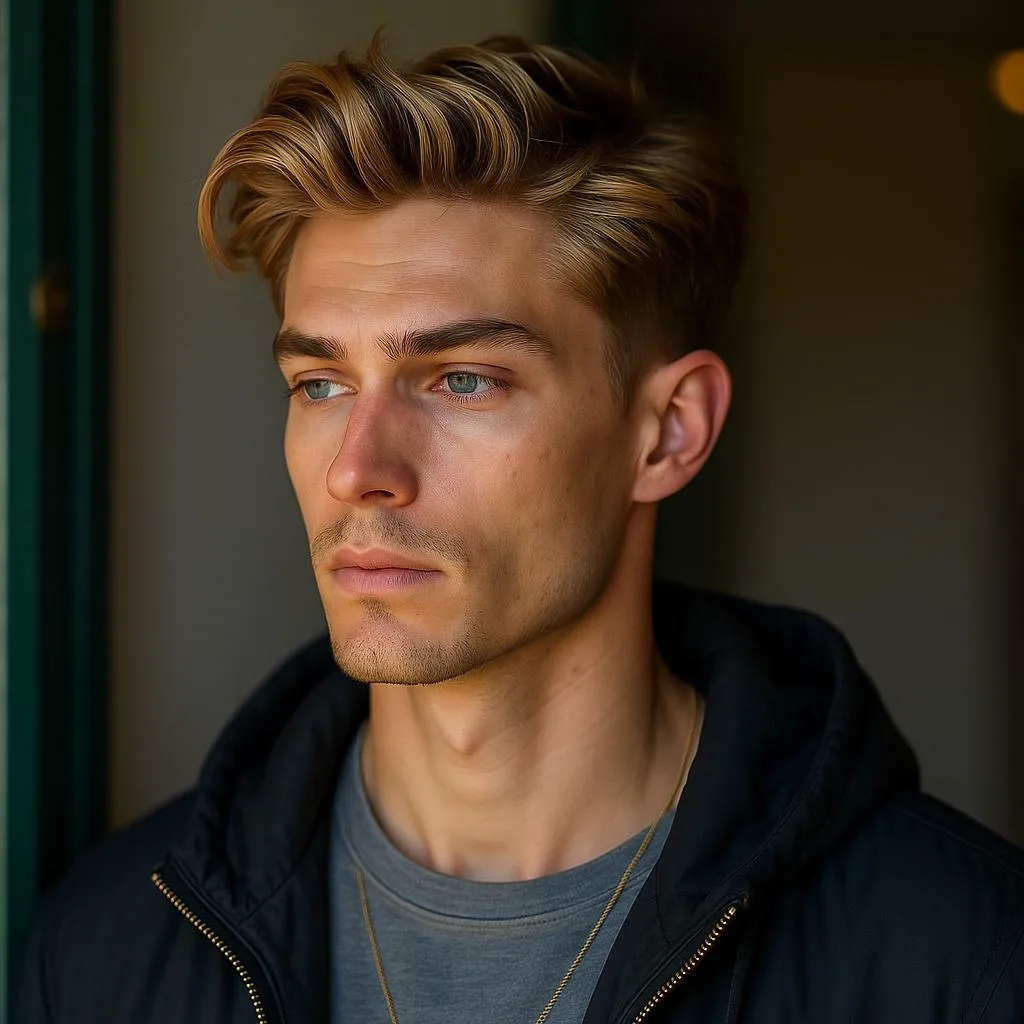
What can an face expression editor edit?
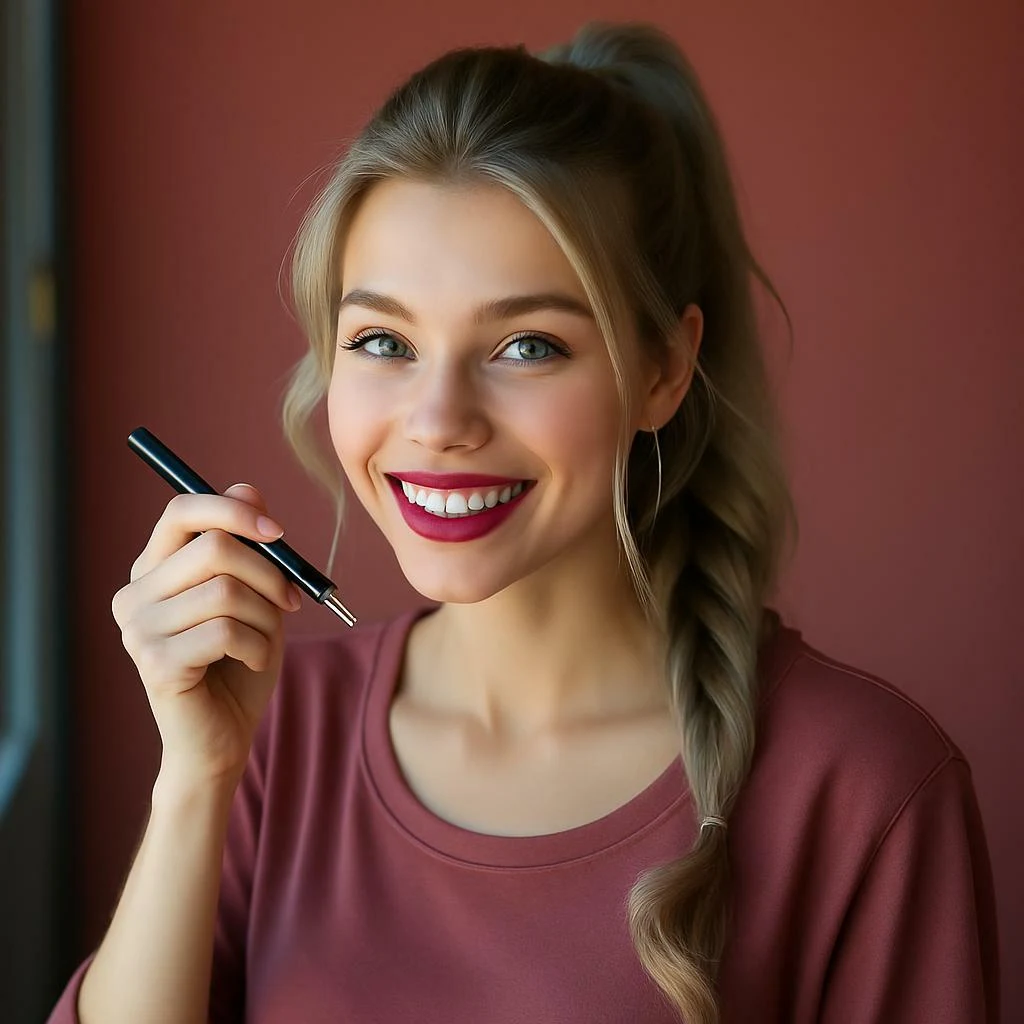
Smile: add a natural smile without changing identity.
Serious look: reduce a smile for business portraits or dramatic characters.
Surprise: widen the eyes and adjust the mouth carefully.
Sadness: soften the eyes, lower the mouth, and cool the lighting.
Confidence: improve eye contact, posture feeling, and subtle expression.
How to get a realistic result
Use a high-resolution image where the face is not covered. Do not ask for five emotions at once. Keep the request simple: "a slight natural smile" is better than "make this person extremely happy, cinematic, dramatic, viral, perfect." Realistic expression edits are usually subtle.
Prompt examples for changing facial expressions
Add a slight natural smile, keep the same face identity, realistic teeth, soft lighting.
Make the expression more confident, direct eye contact, relaxed mouth, professional headshot style.
Change the face to a gentle laugh, natural cheeks, realistic eyes, no exaggerated mouth.
Create a calm serious expression, neutral lips, focused eyes, business portrait look.
Make the character look surprised, subtle raised eyebrows, natural open mouth, keep face proportions.
Change the portrait to a sad expression, soft eyes, slight downward mouth, muted lighting.
Add a playful smirk, keep skin texture natural, no face distortion.
Make the model look relaxed and friendly, small smile, warm eyes, candid photography style.
Turn the expression into dramatic anger, narrowed eyes, tense mouth, cinematic shadow.
Create a shy smile, gentle eye contact, soft blush, natural portrait lighting.
Make the expression more surprised but still realistic, no cartoon exaggeration.
Change the AI character to a happy product-review expression, bright eyes, honest smile.
What competitors cover that APOB should also answer
Before choosing a face expression editor, check whether it keeps identity stable, handles teeth naturally, preserves skin texture, and works with the kind of photo you want to edit.
Best photos for an face expression editor
An face expression editor works best when the original face is sharp, well lit, and not partly covered. If the person is wearing heavy sunglasses, facing away from the camera, or standing in harsh shadow, the expression edit may look unnatural. For headshots, choose a calm original photo and ask for a subtle change.
Use case | Recommended expression edit |
|---|---|
LinkedIn or team page | small natural smile, relaxed eyes |
AI character portrait | confident, shy, surprised, sad, or playful |
Ad creative | friendly smile or product-review excitement |
Dramatic scene | serious, angry, worried, or melancholic |
How to review the edited expression
Zoom into the eyes, mouth, teeth, and cheeks. A good AI smile generator should not melt teeth, change the person's face shape, or make the eyes look unrelated to the mouth. If the result looks fake, ask for a smaller emotion and regenerate.
FAQ
Can AI change a face without changing identity?
It can, but the input photo matters. Clean lighting and a clear face make identity preservation much easier.
Why do AI smiles sometimes look fake?
The edit may be too strong. Ask for a slight or natural smile and avoid extreme teeth or exaggerated cheeks.
Can I edit group photos?
Single portraits are safer. Group photos may confuse the model unless the tool lets you choose one face.
Is it okay to edit someone else's expression?
For private fun, be respectful. For public or commercial use, get permission when a real person's likeness is involved.
How do I ask for a natural expression?
Use subtle language such as "slight smile", "calm serious look", or "gentle laugh" instead of asking for an extreme emotion.
Can APOB help with similar expression workflows?
Yes. APOB-related image and avatar tools can support expression-led creative work, especially for portraits, AI characters, and short visual content.
References
Fotor (2026) AI Face Expression Changer. Available at: https://www.fotor.com/features/ai-face-expression-changer/ (Accessed: 8 May 2026).
Media.io (2026) AI Face Expression Changer. Available at: https://www.media.io/ai-face-expression-changer.html (Accessed: 8 May 2026).
Remaker AI (2026) AI Face Expression Changer. Available at: https://remaker.ai/features/ai-face-expression-changer/ (Accessed: 8 May 2026).
insMind (2026) AI Face Expression Changer. Available at: https://www.insmind.com/ai-face-expression-changer/ (Accessed: 8 May 2026).
Artguru (2026) AI Face Expression Changer. Available at: https://www.artguru.ai/ai-face-expression-changer/ (Accessed: 8 May 2026).
APOB AI (2026) AI Filter. Available at: https://apob.ai/video-filter/ (Accessed: 8 May 2026).
APOB AI (2026) Talking Avatar. Available at: https://apob.ai/ai-avatar-video/ (Accessed: 8 May 2026).
NIST (2026) Face Recognition Vendor Test. Available at: https://www.nist.gov/programs-projects/face-recognition-vendor-test-frvt (Accessed: 8 May 2026).
Federal Trade Commission (2023) Keep your AI claims in check. Available at: https://www.ftc.gov/business-guidance/blog/2023/02/keep-your-ai-claims-check (Accessed: 8 May 2026).
Coalition for Content Provenance and Authenticity (2026) C2PA specifications. Available at: https://c2pa.org/specifications/ (Accessed: 8 May 2026).

Be the first to like this.





No credit card needed


