Edite qualquer imagem com o editor de fotos com IA da APOB AI. Troque fundos, refine retratos, remova distrações, melhore imagens de produto e crie fotos prontas para redes sociais com prompts simples.
Trendlandmagazine.com Com apenas uma foto e alguns cliques, as ferramentas de IA colocam o seu rosto no de uma celebridade, personagem ou até meme favorito na hora. É rápido, divertido e incrivelmente realista.
CarlFacelesss Impressionante. Dá para ver como a transição da imagem para o vídeo ficou limpa e perfeita. Ninguém percebe que é um influenciador de IA.
Yahoo!Finance Além disso, o pacote inclui geração direta de Text-to-Video e tecnologia Face Swap de nível profissional tanto para imagens quanto para vídeos em alta resolução, garantindo consistência visual perfeita seja qual for o formato de mídia necessário.
Business Insider A plataforma oferece um poderoso conjunto de ferramentas projetado para simplificar a criação de conteúdo sintético
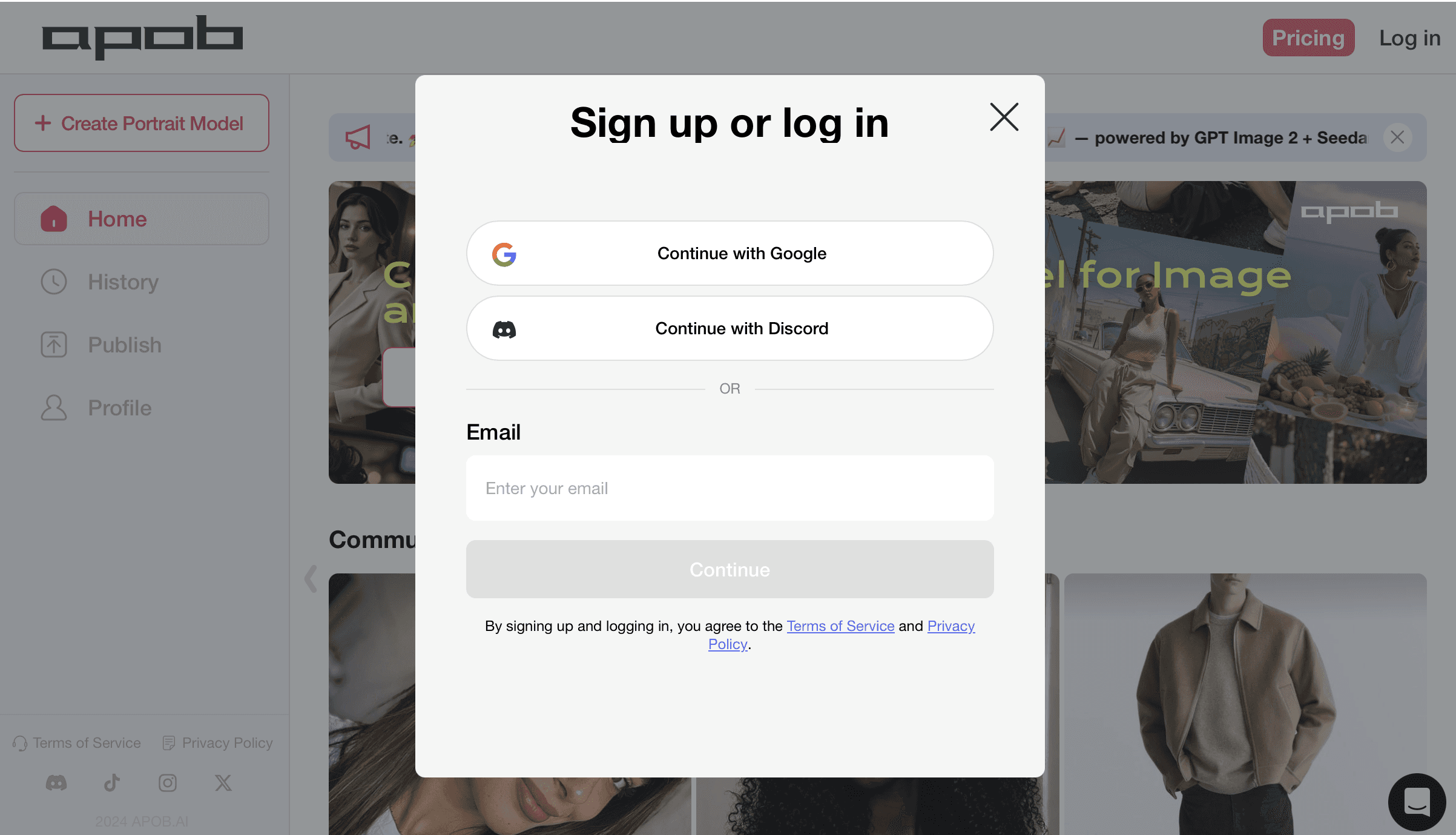
Etapa 1: Cadastre-se e abra o editor de fotos com IA grátis
Comece entrando na APOB AI para acessar o espaço do editor de fotos com IA grátis e resgatar seus créditos diários. Você pode continuar com Google, Discord ou e-mail e acessar o painel de criação, onde todas as ferramentas de edição de fotos ficam disponíveis. Esse primeiro passo libera edição de imagem por prompts, troca de fundo, refinamento de retratos, limpeza de fotos de produto e visuais prontos para redes sociais sem precisar de Photoshop ou habilidades avançadas de design.
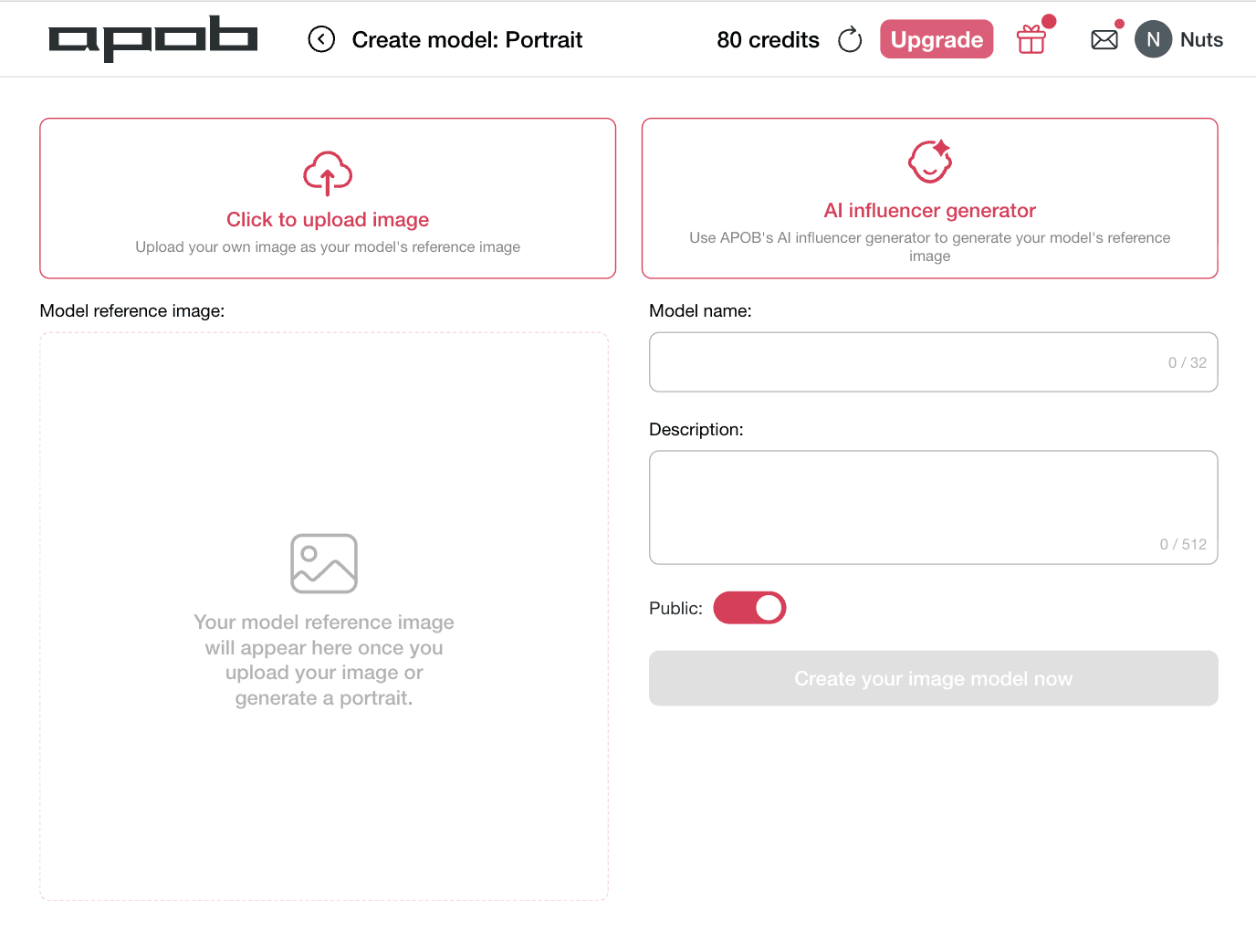
Etapa 2: Crie um modelo de retrato para edição com IA consistente
Escolha Clique para enviar imagem se você já tem um retrato, modelo de produto ou personagem de marca que deseja editar. Se quiser que a APOB AI crie uma nova identidade visual, selecione gerador de influenciadores com IA para gerar primeiro uma imagem de referência do modelo. Adicione um nome claro e uma breve descrição para que o editor de fotos com IA mantenha o estilo do retrato, o rosto e a identidade visual em futuras edições, posts sociais, anúncios de produto e imagens de influenciadores com IA.
Etapa 3: Envie a imagem base e escolha Chat para editar
Abra Editar imagem e selecione Chat para editar para iniciar o fluxo principal do editor de fotos com IA. Envie a foto que deseja melhorar na área Imagem base e use a caixa de descrição para dizer exatamente à APOB AI o que mudar. Você pode pedir uma imagem mais fotorrealista, limpar o fundo, melhorar a iluminação, refinar a pose, alterar o estilo ou preparar a foto para redes sociais, anúncios de produto e conteúdo de influenciadores com IA. Para resultados mais precisos, envie uma imagem de referência opcional.

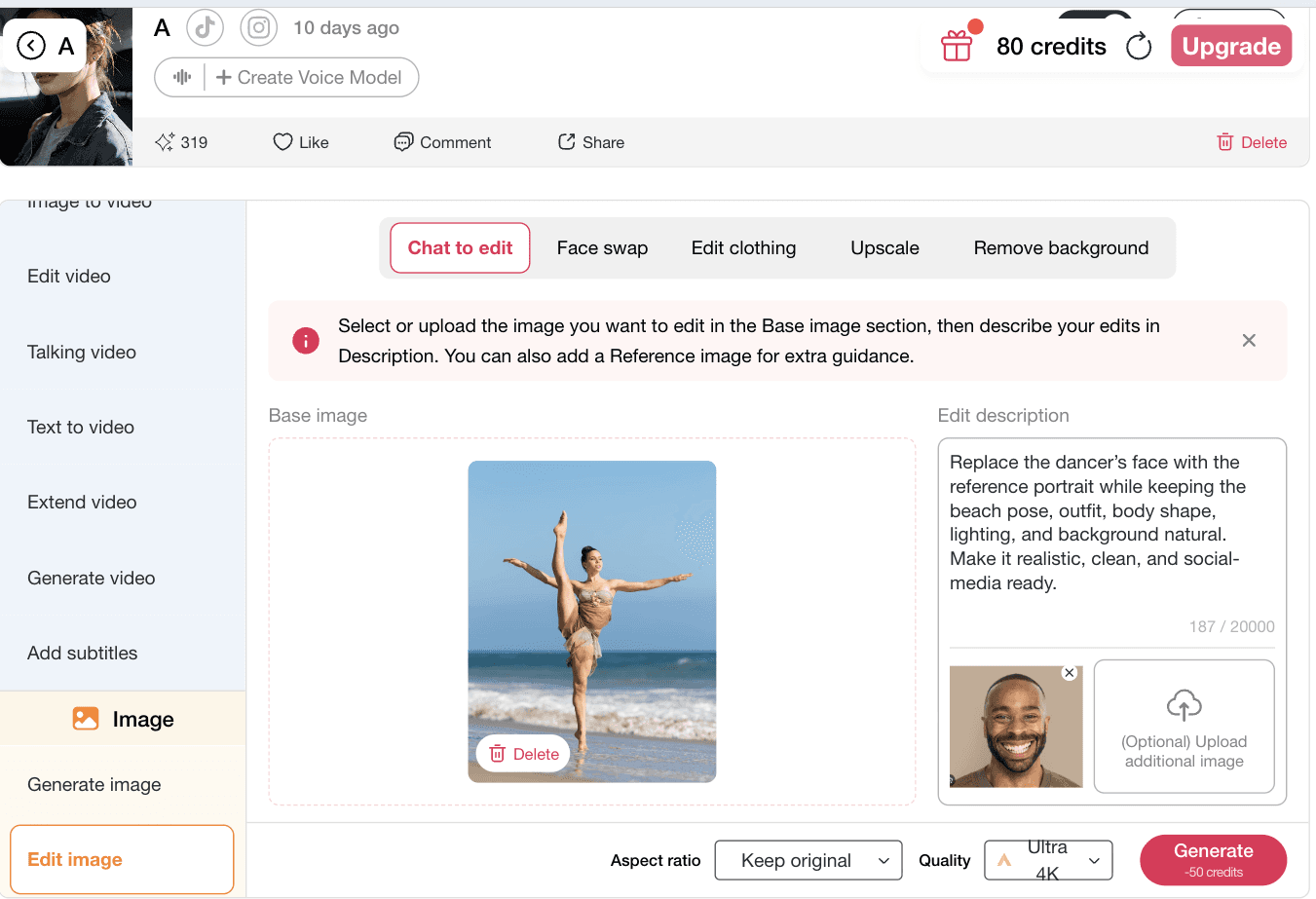
Etapa 4: Adicione seu prompt de edição e gere a foto com IA
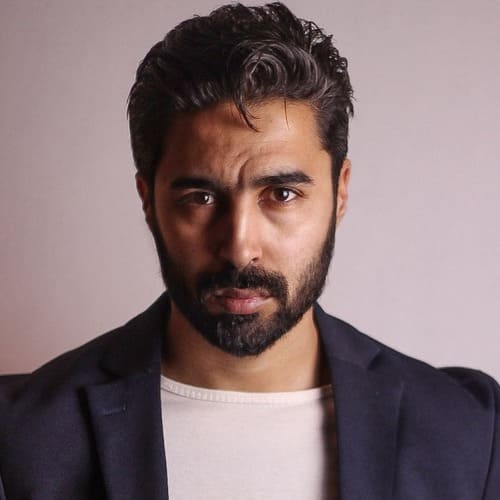
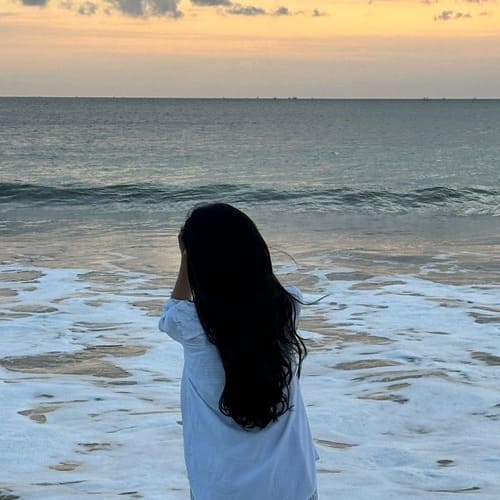
Escreva um prompt claro dizendo à APOB AI exatamente o que mudar e o que preservar. Para obter os melhores resultados com o editor de fotos com IA, mencione a imagem de referência, o assunto, o fundo, a iluminação e o uso final. Neste exemplo, o prompt pede para substituir o rosto da dançarina pelo retrato de referência, mantendo a pose na praia, a roupa, a forma do corpo e a luz natural. Selecione a proporção e a qualidade e clique em Gerar para criar uma imagem limpa, realista e pronta para redes sociais.
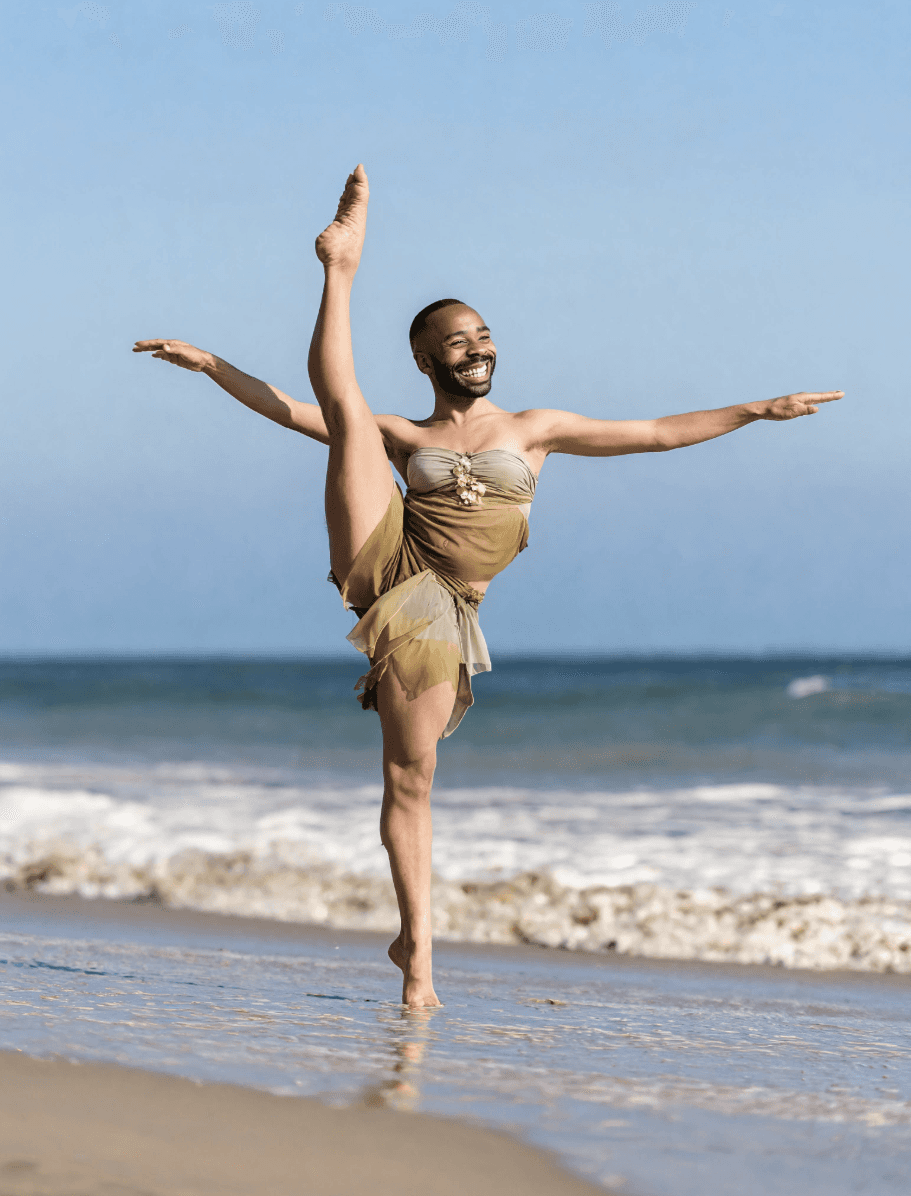
5: Revise o seu resultado de troca de rosto por IA e gere novamente se necessário
Assim que o APOB AI terminar o processamento, revise a imagem final com cuidado. Verifique se a substituição do rosto parece natural, se a iluminação combina com a cena original e se a pose, a roupa, o formato do corpo e o fundo da praia ainda parecem realistas. Se o resultado não for exatamente o que você deseja, basta ajustar o seu comando (prompt), carregar uma foto de referência mais nítida ou gerar novamente até que o editor de fotos por IA crie uma imagem mais limpa e pronta para as redes sociais. Esse fluxo de trabalho flexível ajuda você a refinar cada foto de troca de rosto por IA para fotos de perfil, postagens de criadores, elementos visuais de produtos e criativos de anúncios de alta conversão sem precisar começar do zero.











Edição de fotos com IA baseada em prompts
A APOB AI torna a edição avançada simples. Envie uma foto, descreva o que deseja e deixe o editor de fotos com IA fazer o trabalho pesado. Você pode substituir um rosto, limpar um fundo, melhorar a iluminação, refinar detalhes ou deixar uma imagem mais realista sem saber usar Photoshop. Esse fluxo rápido por prompts é ideal para criadores, profissionais de marketing e construtores de influenciadores com IA que precisam de imagens polidas rapidamente. Ele entrega o que usuários que buscam editor de fotos com IA grátis online mais querem: edições fáceis, resultados rápidos e visuais profissionais.
Feito para influenciadores com IA e conteúdo social
A APOB AI é mais que um editor de fotos básico. Ela ajuda criadores a construir visuais consistentes de influenciadores com IA para Instagram, TikTok, X/Twitter, miniaturas do YouTube e conteúdo estilo UGC. Você pode editar retratos, trocar fundos, testar novos looks e manter sua persona digital reconhecível em cada publicação. Para criadores que procuram o melhor editor de fotos com IA, a APOB AI oferece uma forma prática de transformar imagens comuns em visuais de marca prontos para redes sociais, polidos e memoráveis.
Fotos de produto e criativos de anúncio mais rápidos
A APOB AI ajuda marcas a transformar fotos simples de produto em criativos de anúncio com alto potencial de conversão. Envie uma imagem de produto ou uma cena lifestyle e use prompts para melhorar a luz, limpar a cena, trocar fundos ou criar visuais premium para campanhas. É útil para vendedores Shopify, criadores do TikTok Shop, equipes de Meta Ads e agências UGC que precisam de mais variações sem novos ensaios. Para quem busca um editor de fotos com IA para fotos de produto, a APOB AI oferece testes criativos mais rápidos, custos menores e visuais prontos para anúncios.
1: Criadores de influenciadores com IA criando visuais sociais consistentes
Criadores de influenciadores com IA precisam de mais do que uma imagem bonita. Eles precisam de um fluxo constante de conteúdo polido, reconhecível e consistente no Instagram, TikTok, X/Twitter, miniaturas do YouTube e campanhas de marca. A APOB AI funciona como um editor de fotos com IA focado em criadores, ajudando a refinar retratos, trocar fundos, melhorar iluminação, testar novos looks e manter uma persona digital visualmente consistente. Em vez de reconstruir um influenciador com IA do zero a cada vez, os criadores podem enviar uma imagem base, descrever a edição e gerar visuais prontos para redes sociais em minutos. Isso é especialmente valioso agora que influenciadores com IA estão se tornando uma categoria real da economia criadora, com personas digitais ganhando renda mensal com parcerias de marca, recomendações e conteúdo social. (Renda de influenciadores com IA, 2026)
2. Marcas de e-commerce criando fotos de produto e anúncios mais rápido
Equipes de e-commerce precisam constantemente de novos visuais para Shopify, Amazon, TikTok Shop, Meta Ads e landing pages. A APOB AI ajuda vendedores a usar um editor de fotos com IA online para limpar fotos de produto, trocar fundos, melhorar iluminação, criar cenas lifestyle e preparar criativos de alta qualidade sem agendar outro estúdio. Uma única imagem de produto pode virar várias versões prontas para campanha: foto limpa de catálogo, visual estilo influenciador, cena lifestyle ou miniatura de anúncio social. Isso importa porque grandes plataformas já estão impulsionando criação de anúncios assistida por IA, de imagens de produto a formatos animados. A APOB AI dá a equipes menores uma forma mais rápida de acompanhar esse ritmo de testes criativos. (Anúncios IA da Meta, 2026)
3: Criadores sociais transformando fotos comuns em conteúdo que prende a atenção
Criadores sociais precisam de imagens que pareçam polidas imediatamente. Com o editor de fotos com IA grátis da APOB AI, usuários podem enviar um retrato, foto de viagem, produto ou imagem lifestyle e refiná-la rapidamente para redes sociais. Eles podem remover distrações, mudar o clima, melhorar o realismo, limpar o fundo ou criar um estilo mais cinematográfico com prompts simples. Isso combina com o que o público gosta de clicar: antes e depois, retratos mais limpos, imagens melhoradas por IA e posts visuais de alta qualidade. À medida que a edição de fotos com IA se torna comum em produtos de consumo, criadores que publicam visuais melhores mais rápido têm mais chance de se destacar em feeds lotados. (Edição de fotos com IA, 2026)
 Inez Vale
Percebi que o AI Photo Editor resolve rapidinho os ajustes do dia a dia, desde remover elementos que distraem até equilibrar luz e cor.
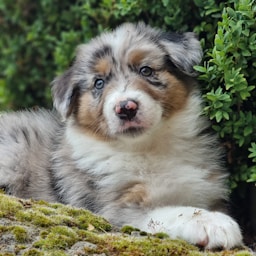 Sable
SableAdoro como o retrato da Sable ficou mais luminoso depois de uma limpeza simples, mas a textura do pelo continua totalmente natural.
 Samira Cole
Consigo retocar um produto ou um retrato sem perder os pequenos detalhes que deixam a foto original crível.
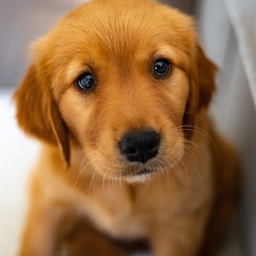 Ginkgo
Adoro como o close do Ginkgo tinha um fundo cheio de coisas e a edição final mantém o foco exatamente onde ele deve estar.
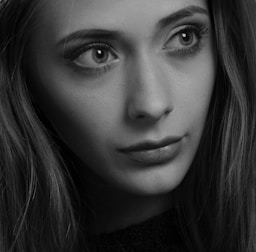 Victor Huang
A remoção de objetos é excelente para edições rápidas para as redes, quando preciso de um enquadramento limpo sem abrir uma timeline complicada.
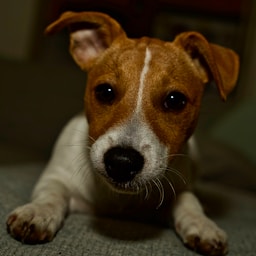 Muffin
Adoro como a foto da Muffin voltou com tons quentes e bem nítida, com o pelo macio bem detalhado em vez de um visual todo alisado.
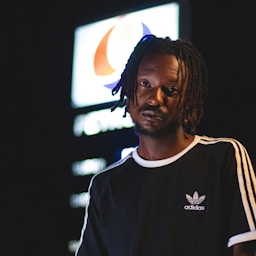 Lena Ortiz
Para mim, ele transforma correção de cor, variações de corte e limpeza de fundo em um único fluxo criativo bem simples.
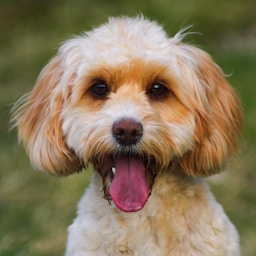 Ruffles
Adoro como o retrato do Ruffles agora tem uma composição mais limpa e continua sendo o mesmo pet feliz de sempre.
 Priya Larson
Uso para preparar imagens consistentes para uma campanha, e os resultados continuam impecáveis em diferentes condições de luz.
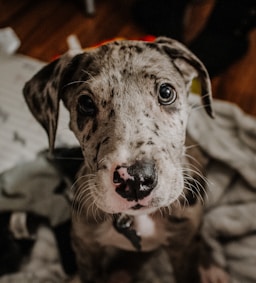 Bambi
BambiAdoro como os olhinhos da Bambi continuaram nítidos depois da edição, o que deixou a foto de perfil final com um toque realmente pessoal.
 Enzo Mills
A ferramenta é rápida o bastante para o conteúdo do dia a dia, mas me dá controle suficiente para retoques que vão para o cliente.
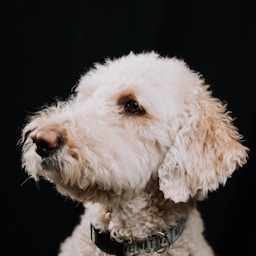 Peaches
Adoro como a foto desbotada do Peaches ganhou contraste e tons mais quentes sem deixar as cores artificiais.
 Sasha Green
Consigo testar várias direções visuais em uma mesma foto antes de escolher o visual final para uma landing page.
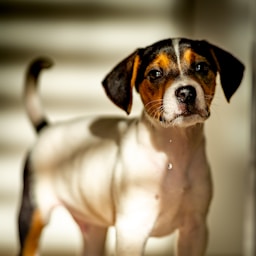 Buttons
Adoro como a leitura do retrato do Buttons ficou muito mais fácil depois que os objetos que distraíam foram removidos ao redor do enquadramento.
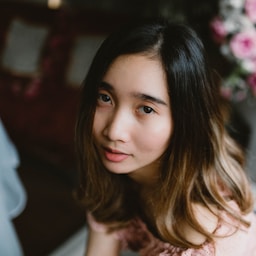 Anika Flores
É a minha primeira opção para dar um polimento rápido em retratos, ajustar fundos e deixar as imagens de produto limpas antes de publicar.
 Snickers
Adoro como o close do Snickers ficou nítido e simpático agora, sem nenhuma borda estranha depois da limpeza.
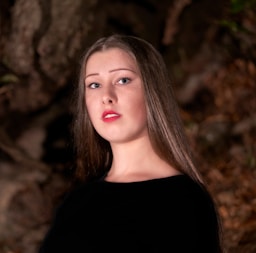 Devon Nash
As edições são sutis e úteis, o que é exatamente o que eu quero quando quem está na foto precisa continuar em destaque.
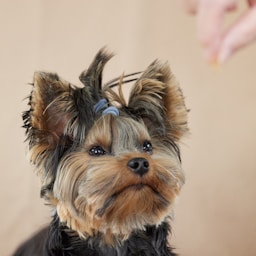 Acorn
AcornA foto final do Acorn tem um acabamento simples e natural, que funcionou perfeitamente no layout do nosso álbum de família.
1: Edição rápida de fotos com IA sem Photoshop
A APOB AI permite editar fotos com prompts simples em vez de ferramentas complexas, camadas ou máscaras manuais. Isso a torna ideal para quem busca um editor de fotos com IA grátis online capaz de melhorar retratos, limpar fundos, refinar imagens de produto e criar visuais prontos para redes sociais. Os usuários descrevem a mudança desejada, geram um resultado e continuam refinando até a imagem ficar polida. A maior vantagem é a velocidade: criadores, profissionais de marketing e equipes de e-commerce produzem melhores visuais sem esperar por um designer.
2: Feito para influenciadores com IA e conteúdo social
Ao contrário de um editor genérico, a APOB AI foi criada para fluxos de criadores. Ela ajuda a editar retratos de influenciadores com IA, imagens de modelos virtuais, visuais estilo UGC e conteúdo social pronto para campanhas. Isso é valioso para Instagram, TikTok, X/Twitter, miniaturas do YouTube e páginas de marca onde a identidade visual consistente importa. Usuários podem trocar fundos, melhorar iluminação, testar novos looks e manter uma persona digital reconhecível em várias publicações. Para quem busca o melhor editor de fotos com IA, esse foco em criadores torna a APOB AI mais prática.
3: Forte para fotos de produto e criativos de anúncio
A APOB AI é útil para marcas que precisam de melhores fotos de produto rapidamente. Vendedores podem enviar uma imagem de produto ou lifestyle e usar o editor de fotos com IA para melhorar iluminação, remover distrações, trocar fundos ou criar visuais premium para anúncios. Isso ajuda vendedores Shopify, criadores do TikTok Shop, equipes de Meta Ads e agências UGC a testar mais variações criativas sem novos ensaios. O resultado é produção mais rápida, menor custo de conteúdo e visuais prontos para campanhas.
1. Os melhores resultados precisam de prompts claros e boas imagens de origem
A APOB AI é fácil de usar, mas a qualidade final ainda depende do material enviado. Fotos borradas, pouca luz, poses extremas ou prompts vagos podem gerar resultados menos precisos. Para obter a melhor edição de fotos com IA, envie imagens nítidas, descreva a edição desejada com detalhes e use referências quando necessário. A boa notícia é que a APOB AI permite iteração rápida, então você pode ajustar o prompt e gerar novamente.
Enjoy more features

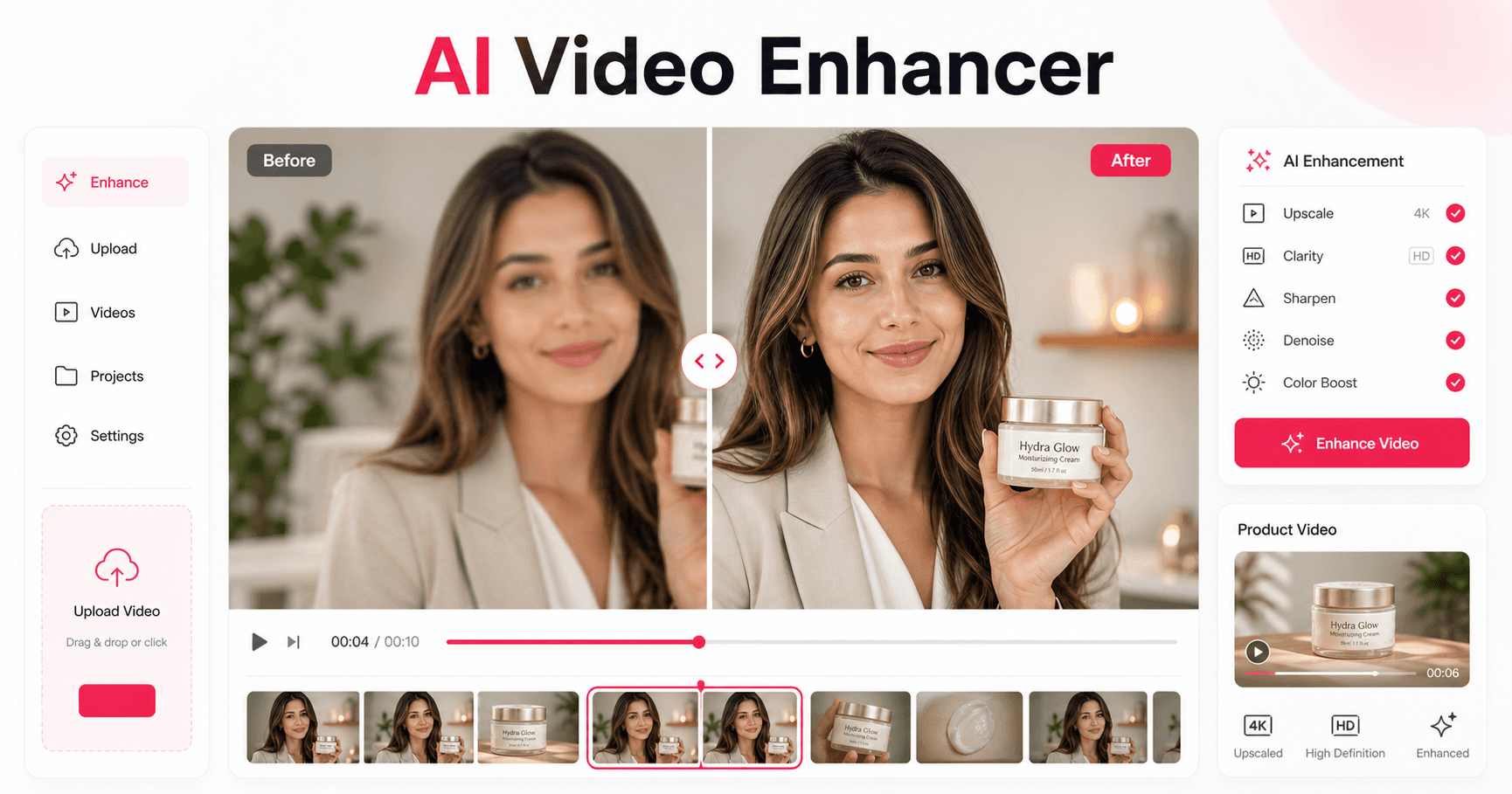
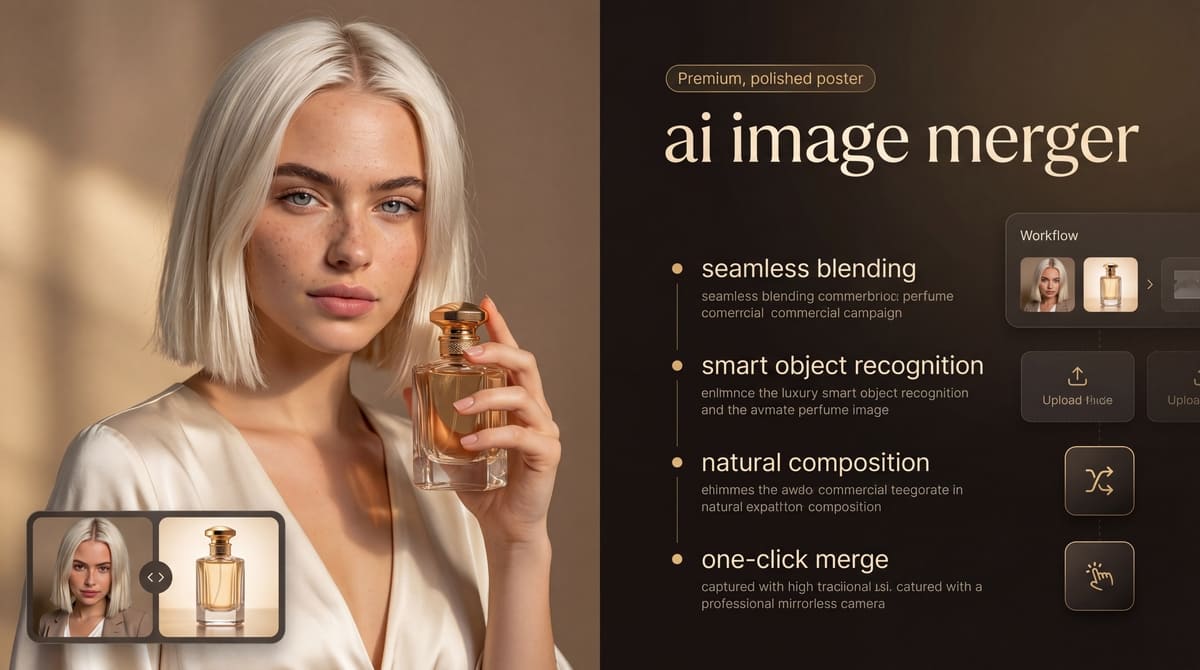

Não é necessário cartão de crédito

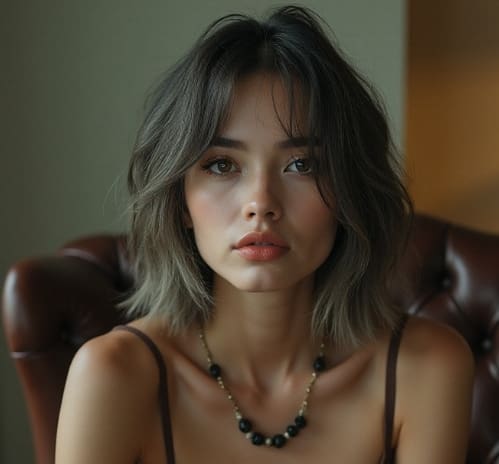
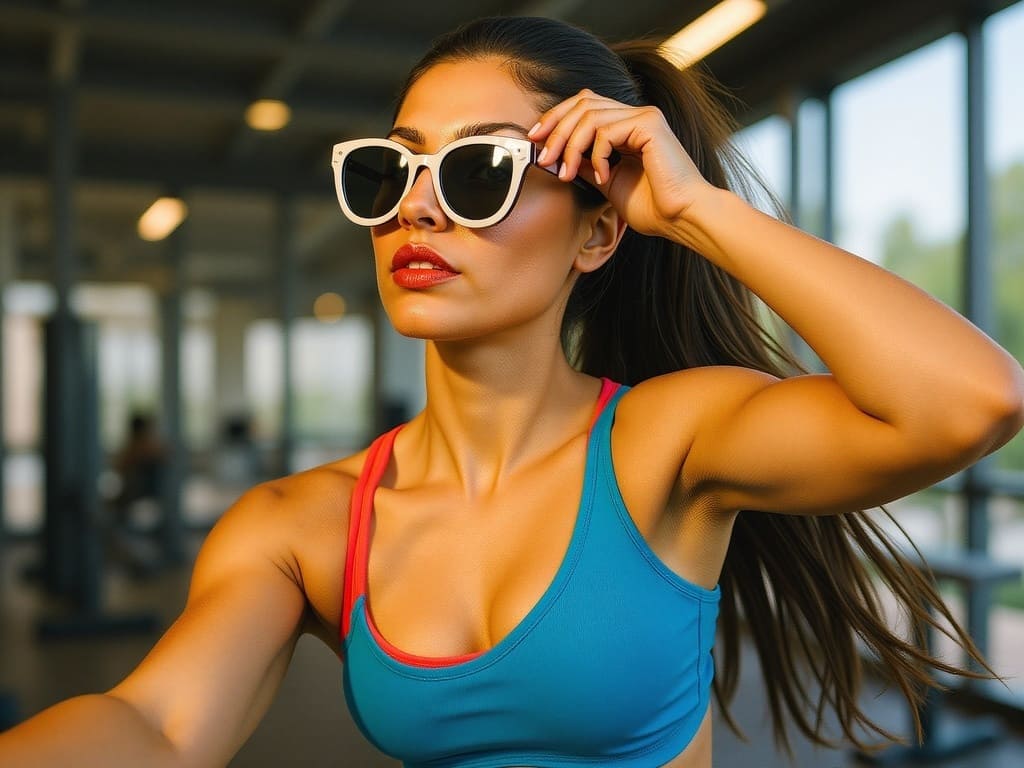
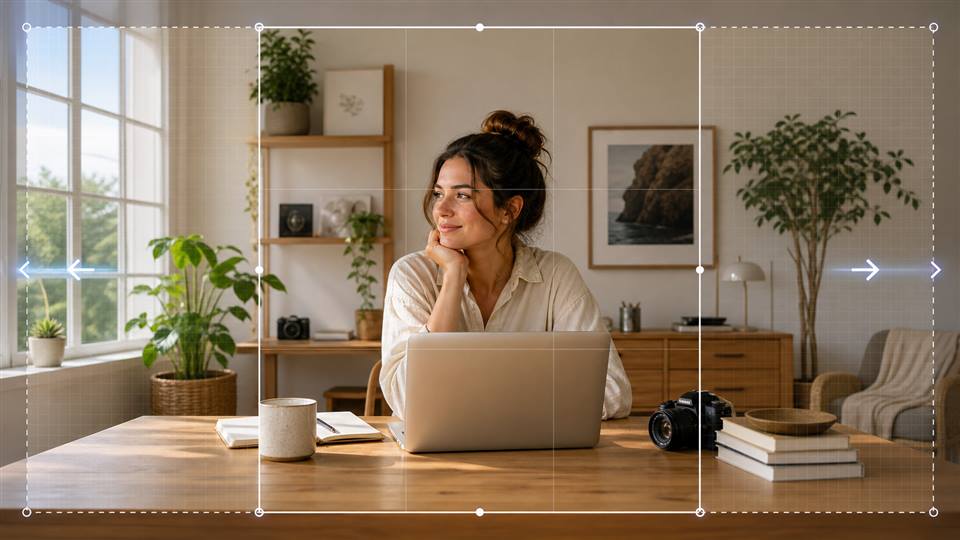
Answers about retouching, background swaps, object removal, enhancement, formats, and privacy.
1. O que é um editor de fotos com IA?
Um editor de fotos com IA usa inteligência artificial para editar, melhorar ou transformar imagens automaticamente. Com a APOB AI, você edita fotos com prompts simples, troca fundos, refina retratos, melhora fotos de produto e cria visuais prontos para redes sociais sem Photoshop.
2. A APOB AI é um editor de fotos com IA grátis?
Sim. A APOB AI oferece créditos diários grátis para você testar a edição de fotos com IA antes de fazer upgrade. É uma boa opção para quem busca editor de fotos com IA grátis online.
3. O que posso editar com o editor de fotos com IA da APOB AI?
Você pode editar retratos, fotos de produto, imagens de influenciadores com IA, visuais sociais, fundos, iluminação, roupas e detalhes da imagem. Também pode descrever mudanças específicas com prompts.
4. Posso usar a APOB AI como editor de fotos com IA online?
Sim. A APOB AI funciona no navegador: envie uma imagem, escreva um prompt de edição, gere resultados e baixe visuais polidos sem instalar software.
5. Serve para fotos de influenciadores com IA?
Sim. A APOB AI é muito útil para criadores de influenciadores com IA, pois ajuda a refinar retratos, mudar cenas, testar novos looks e manter uma persona digital consistente.
6. A APOB AI edita fotos de produto?
Sim. A APOB AI pode limpar fundos, melhorar iluminação, refinar detalhes e criar visuais de produto prontos para Shopify, Amazon, TikTok Shop e Meta Ads.
7. Posso remover fundos com a APOB AI?
Sim. A APOB AI oferece edição e remoção de fundo para criar retratos, fotos de produto, imagens de perfil e gráficos sociais mais limpos.
8. Posso trocar um fundo com IA?
Sim. Você pode substituir fundos simples ou bagunçados por cenas mais limpas, profissionais ou criativas que combinem com sua marca ou campanha.
9. Posso editar rosto ou retrato?
Sim. A APOB AI ajuda a refinar retratos, melhorar qualidade visual, ajustar estilo e criar fotos mais polidas para criadores ou influenciadores com IA.
10. A APOB AI é mais fácil que Photoshop?
Para muitos criadores, sim. A APOB AI foi feita para edição rápida por prompts, sem camadas, máscaras, pincéis ou habilidades avançadas de retoque.
11. Qual é o melhor editor de fotos com IA para criadores?
O melhor editor deve ser rápido, simples e útil para conteúdo social. A APOB AI é forte para imagens de influenciadores com IA, visuais UGC, anúncios de produto e fluxos de imagem para vídeo.
12. Posso editar fotos com prompts?
Sim. Descreva a edição em linguagem natural: melhorar iluminação, remover distrações, trocar fundo ou deixar a foto mais realista.
13. Que tipo de prompt funciona melhor?
Um bom prompt diz o que mudar, o que manter e o estilo final. Exemplo: “Remova o fundo bagunçado, mantenha o sujeito natural, melhore a luz e deixe a imagem limpa e profissional.”
14. Posso enviar uma imagem de referência?
Sim. A APOB AI permite adicionar uma imagem de referência para orientar estilo, rosto, pose, fundo ou direção visual.
15. Posso criar imagens para redes sociais?
Sim. A APOB AI serve para posts do Instagram, miniaturas do TikTok, capas do YouTube Shorts, visuais para X/Twitter, perfis e gráficos de campanha.
16. A APOB AI cria criativos de anúncio?
Sim. Profissionais de marketing podem criar visuais de anúncio, imagens de produto, gráficos estilo UGC, conteúdo tipo influenciador e variações prontas para campanha.
17. Posso transformar fotos editadas em vídeos?
Sim. A APOB AI também oferece fluxos de imagem para vídeo, vídeo falado, vídeo de influenciador com IA e vídeo de anúncio de produto.
18. É útil para vendedores de e-commerce?
Sim. Vendedores podem melhorar fotos de produto, criar cenas lifestyle, testar fundos diferentes e preparar imagens para anúncios e lojas online.
19. Preciso de experiência em design?
Não. A APOB AI foi criada para criadores, profissionais de marketing e negócios que querem resultados rápidos sem experiência profissional em edição.
20. Por que escolher o editor de fotos com IA da APOB AI?
Escolha a APOB AI se quiser um editor de fotos com IA que vai além do retoque básico: retratos, produtos, influenciadores com IA, anúncios e visuais sociais em um só fluxo criativo.


